


The Invincible
Download The Invincible
Run the downloaded image and drag the application to the Applications folder shortcut.
Once copying is complete, the application can be launched via Launchpad.
Previous Versions
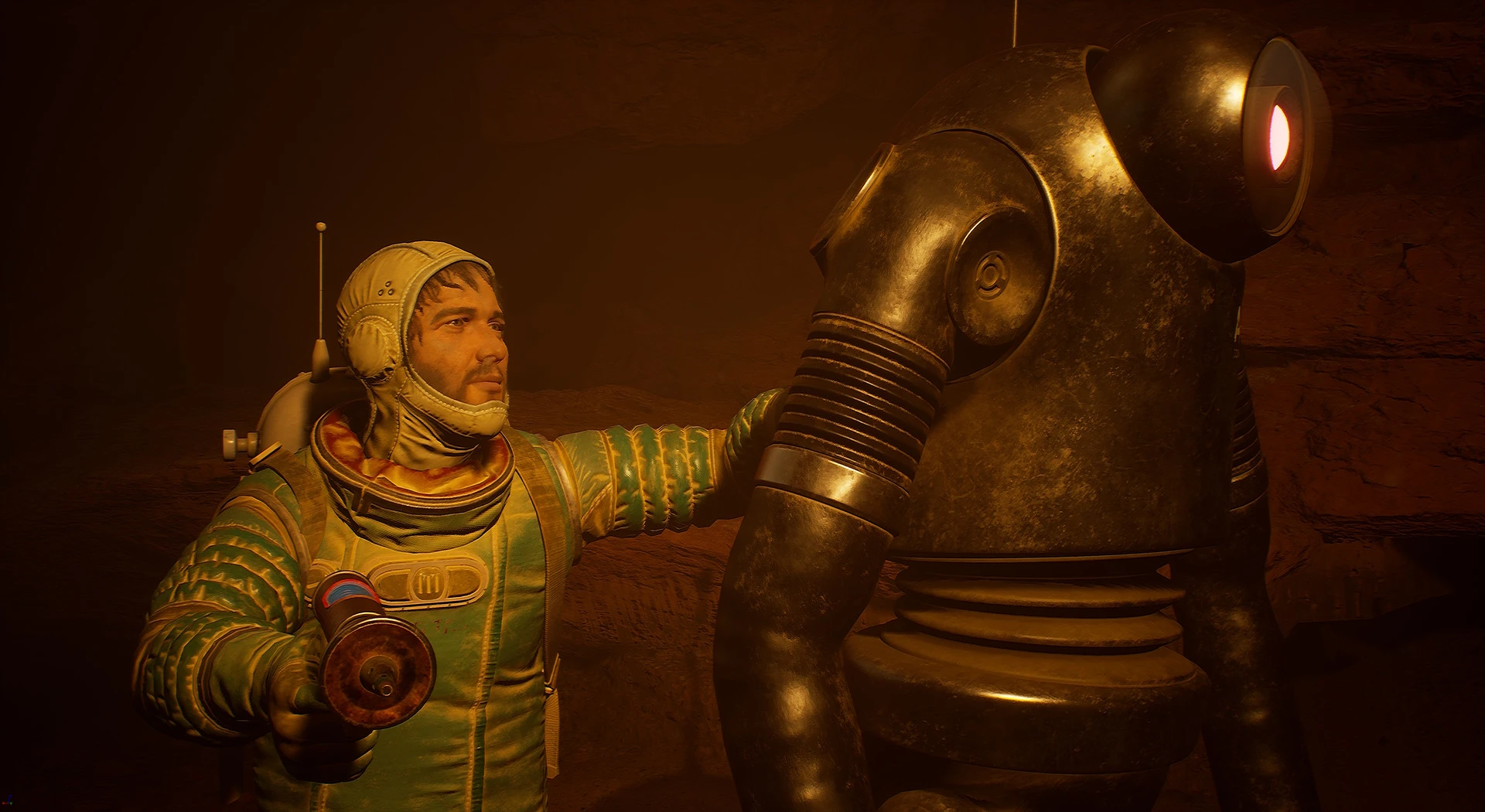
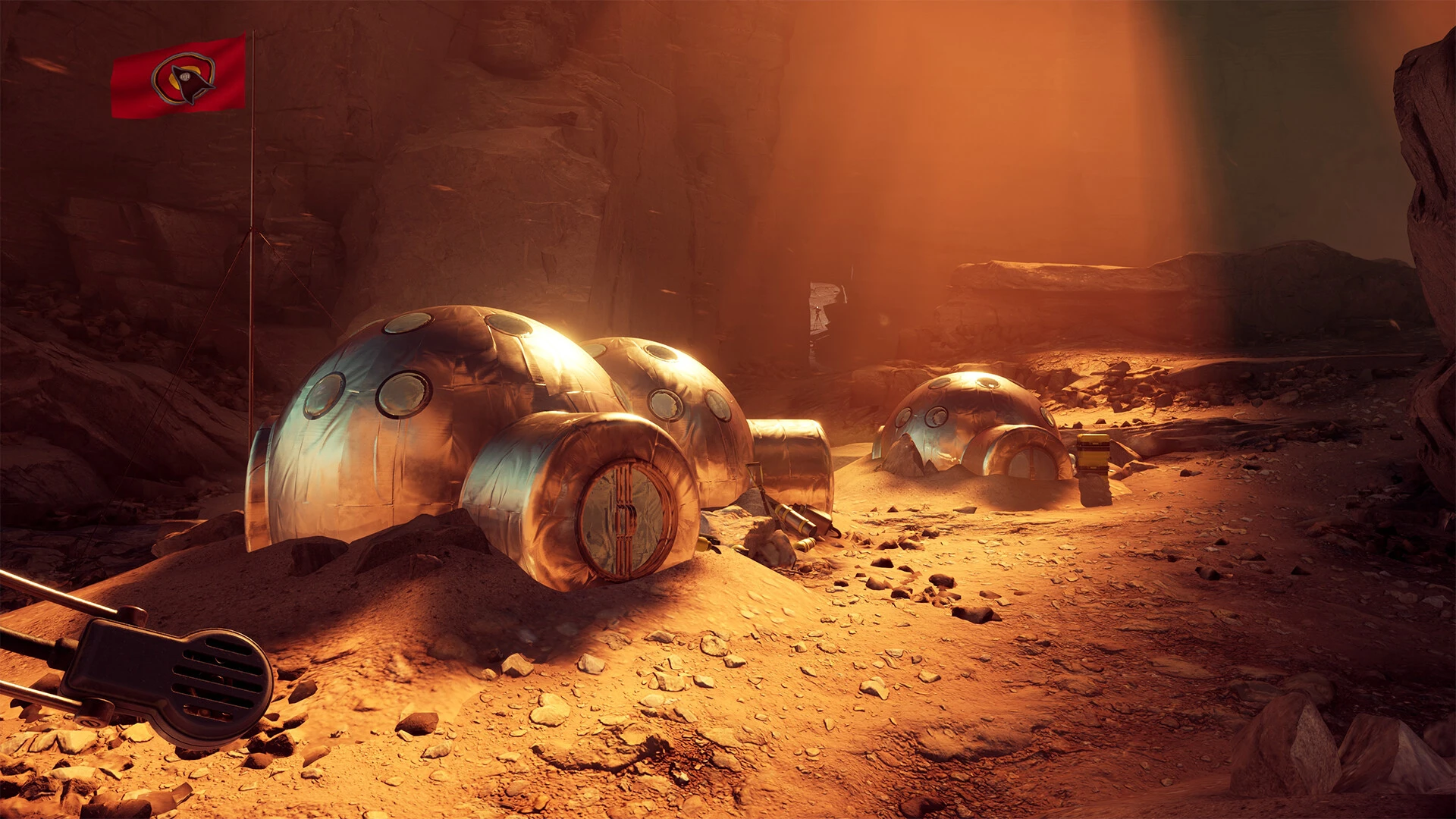
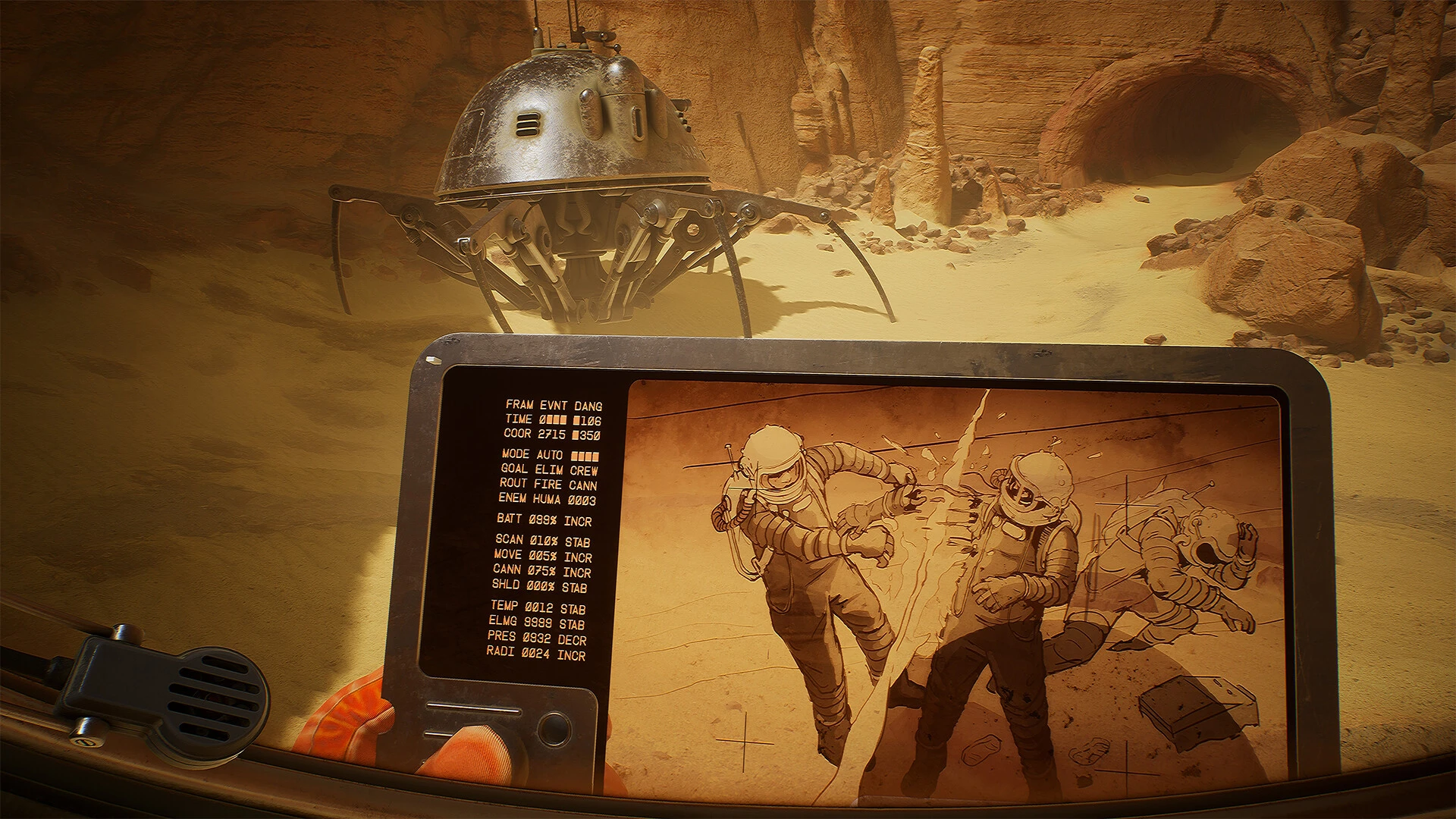

The Invincible is a thought-provoking experience that challenges traditional ideas of power, survival, and control. Rather than focusing solely on physical dominance or unstoppable force, it explores what it truly means to be “invincible” in a world that is vast, uncertain, and often indifferent. The story stands out for its philosophical depth, placing human curiosity and vulnerability at the center of its narrative.
At its core, The Invincible presents a setting where technology and intellect appear to grant humanity an upper hand. Advanced tools, scientific confidence, and a belief in progress create the illusion that nothing is beyond control. However, as the journey unfolds, this illusion slowly fades. The environment itself becomes a silent character, vast and unyielding, reminding us that strength does not always guarantee understanding. This contrast between human ambition and the unknown creates a constant sense of tension and reflection.
One of the most compelling aspects of The Invincible is its approach to conflict. Instead of relying on constant action or direct confrontation, it builds unease through discovery and observation. Small details, abandoned traces, and unanswered questions gradually form a larger picture that feels unsettling yet fascinating. This slower pace encourages deeper engagement, allowing the audience to think rather than react. It is a reminder that some of the most powerful moments come from silence and uncertainty.
The theme of isolation plays a significant role throughout the experience. Being separated from familiarity forces the protagonist to confront not only external dangers but also internal doubts. Solitude amplifies every decision, making even simple choices feel heavy with consequence. This emotional weight adds realism to the narrative, as it reflects how individuals often respond when removed from support and routine. The Invincible captures this psychological struggle with subtlety, making it both relatable and immersive.
Another strength of The Invincible lies in its moral ambiguity. There are no clear heroes or villains, only perspectives shaped by belief and intention. The story raises questions about exploration, responsibility, and the consequences of unchecked curiosity. Is knowledge always worth the cost? Can progress justify disruption? These questions linger long after the experience ends, encouraging thoughtful discussion rather than simple conclusions.
Visually and atmospherically, The Invincible reinforces its themes with careful design. Environments feel expansive yet lonely, beautiful yet unsettling. This balance enhances the narrative without overpowering it, ensuring that the focus remains on emotion and meaning rather than spectacle. Every element works together to support the story’s reflective tone.
In conclusion, The Invincible is not about being unstoppable in the traditional sense. It is about recognizing limits, questioning assumptions, and understanding that true strength often lies in awareness rather than force. By blending introspection with exploration, it offers a unique and memorable journey that resonates with anyone who has ever questioned humanity’s place in the greater unknown.
▎Apple Silicon (ARM)- macOS Tahoe 26.1-26.2 and later. - Apple Silicon processors (M1-M5, M Pro/Max/Ultra).- ±16 GB of shared memory.- ±43 GB of free disk space.▎There is support for the Dualsense gamepad
Run the downloaded image and drag the application to the Applications folder shortcut.
Once copying is complete, the application can be launched via Launchpad.
Frequently Asked Questions
Mount the image and run Open Gatekeeper friendly.
Press Enter to bypass Gatekeeper in the Terminal window.
Drag the application to the Applications folder.
The application is ready for use.
ATTENTION! SIP must be disabled. Learn more >
Restart your Mac and hold down Command + R to enter Recovery Mode.
Open Terminal from the Utilities menu.
Enter the command: csrutil disable
Restart your Mac.
This is a common Gatekeeper issue. Follow these steps:
1. Open Terminal
2. Enter: sudo xattr -rd com.apple.quarantine /Applications/AppName.app
3. Replace "AppName" with the actual application name
4. Press Enter and enter your password
Yes, all our downloads are thoroughly checked for viruses and malware.
We use multiple antivirus engines to scan every file.
Our team tests each application before publishing.
We never bundle adware or unwanted software.
Yes, we regularly update our applications to the latest versions.
You can check our website for updates or subscribe to our newsletter.
We strive to provide the most recent versions within 24-48 hours of release.
If a download link is not working, please:
1. Try a different browser
2. Clear your browser cache and cookies
3. Try the alternative download links provided
4. Contact our support team if the issue persists