The Last Starship

Published:
828 MB18 downloads

The Last Starship is a science-fiction strategy game that places players in command of humanity’s final hope beyond Earth. Rather than focusing on flashy action, the game emphasizes careful planning, survival, and long-term decision-making. Set in the vast emptiness of space, it challenges players to design, manage, and protect a starship that carries the last remnants of human civilization.

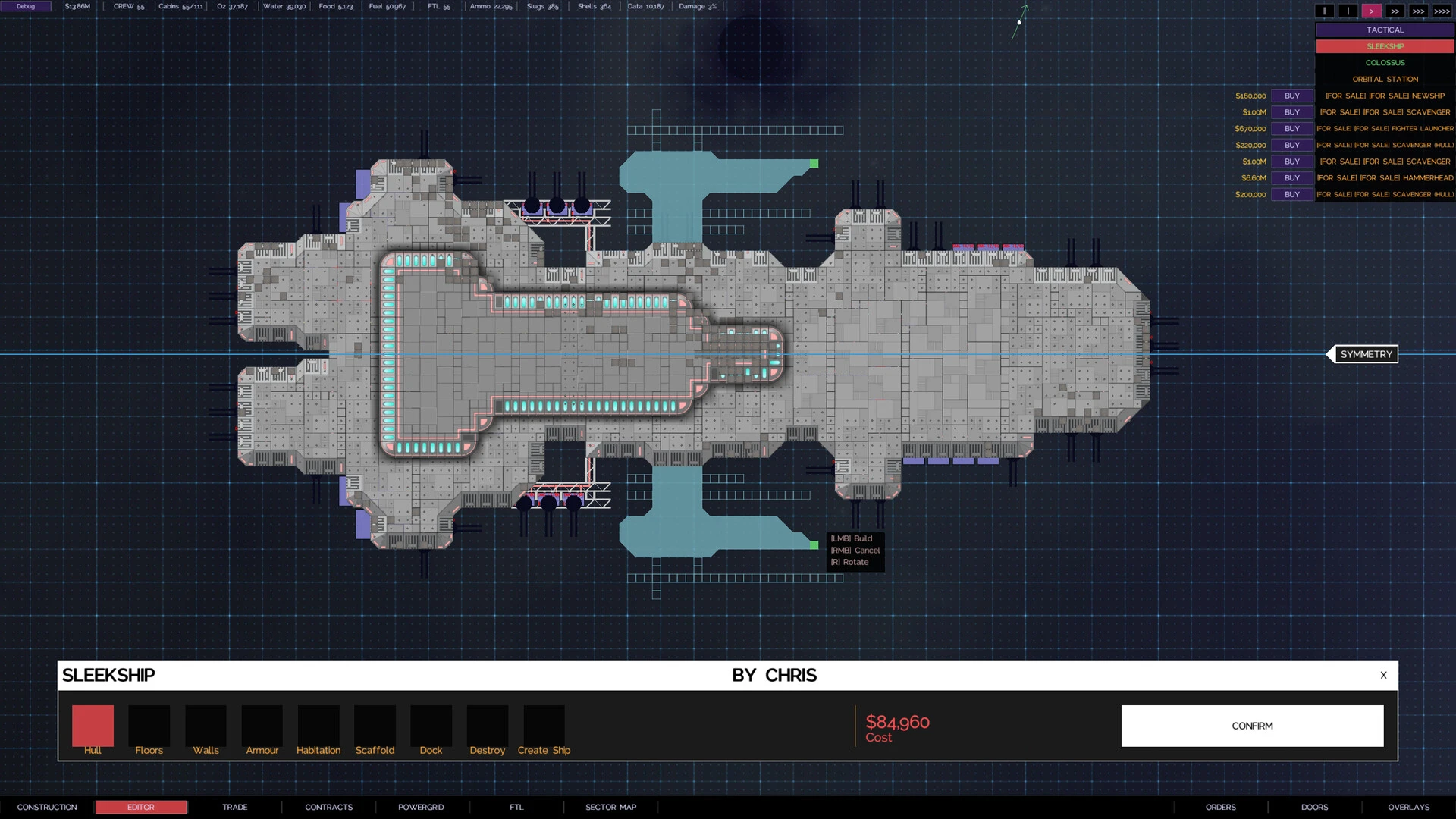
At the center of the experience is ship construction. Players begin with limited resources and must design a functional vessel capable of supporting life. Every decision matters, from the placement of engines and power systems to crew quarters and life-support modules. A poorly planned layout can lead to power shortages, crew unrest, or complete system failure. This makes the design process feel meaningful, encouraging players to think logically and creatively at the same time.

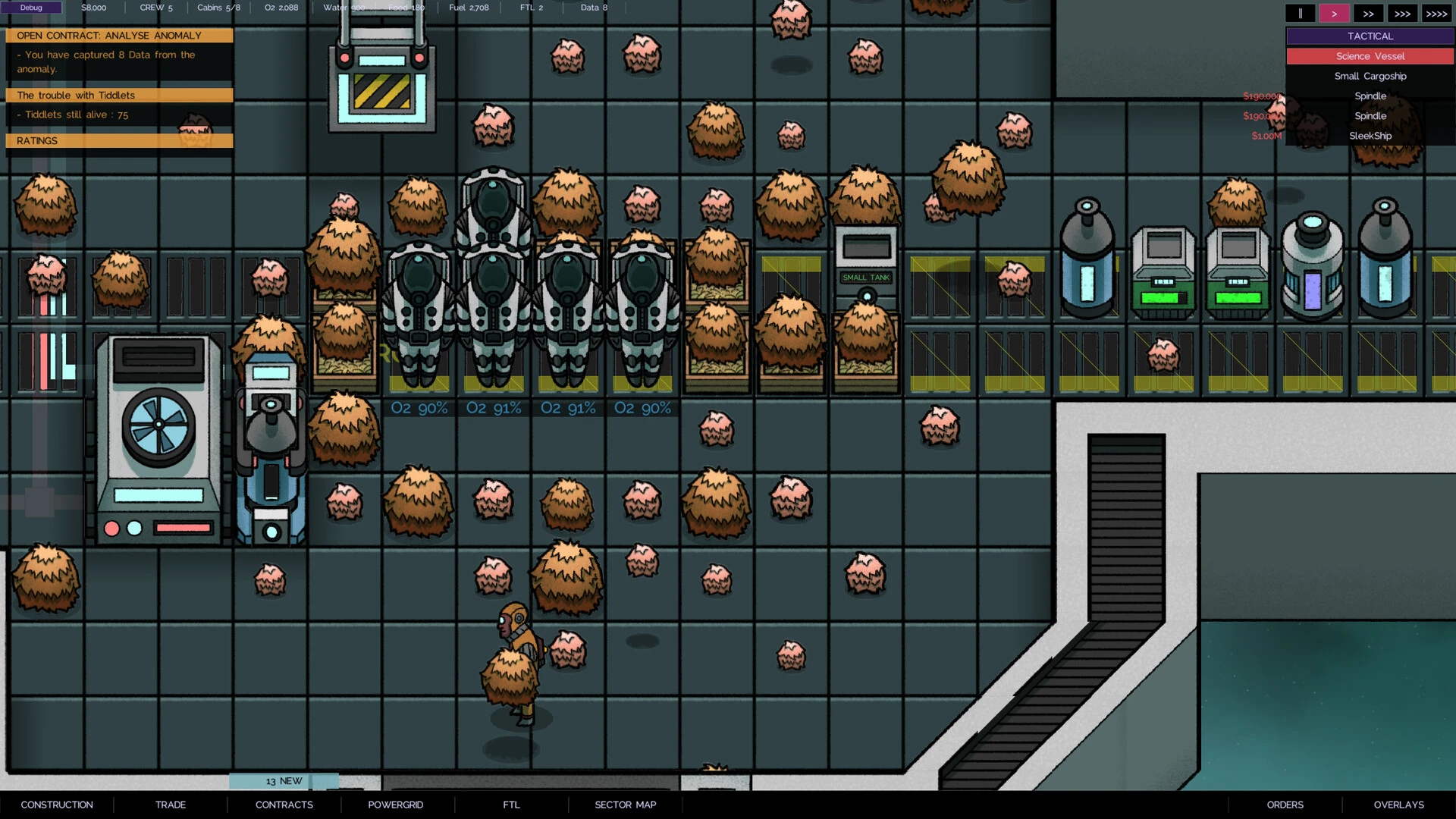
Survival is a constant concern in The Last Starship. Space is not forgiving, and even small mistakes can have serious consequences. Crew members require food, oxygen, and safety, while systems need energy and maintenance. Unexpected events such as system malfunctions or resource shortages force players to adapt quickly. The game rewards patience and foresight, teaching players that long-term planning is often more important than short-term success.

One of the most compelling aspects of the game is its focus on human management. The crew is not just a statistic; each member has needs and roles that affect the ship’s performance. Keeping morale high is just as important as keeping systems running. If the crew becomes stressed or unhappy, productivity drops, and mistakes become more likely. This adds an emotional layer to the gameplay, reminding players that survival depends on people as much as technology.

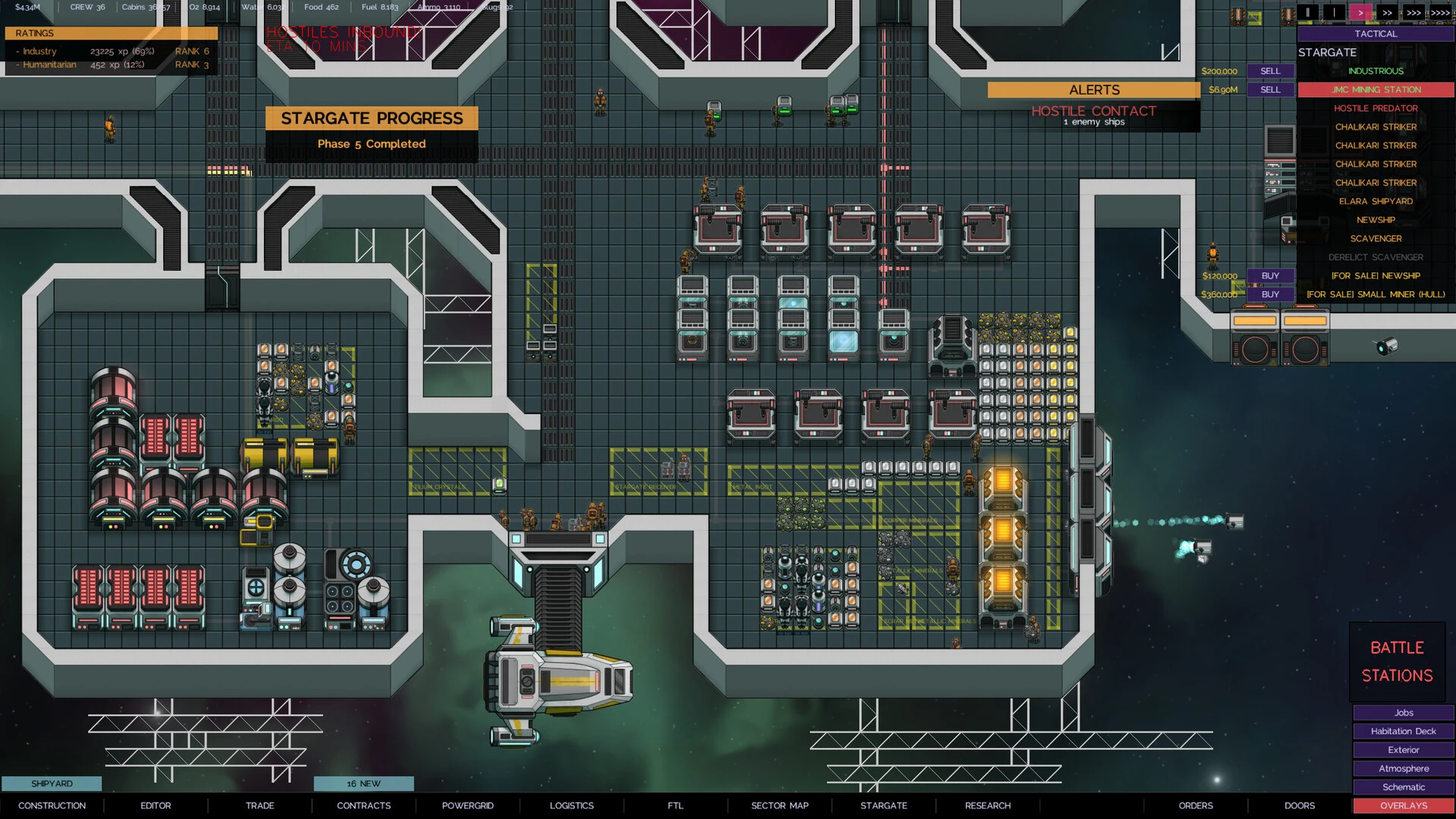
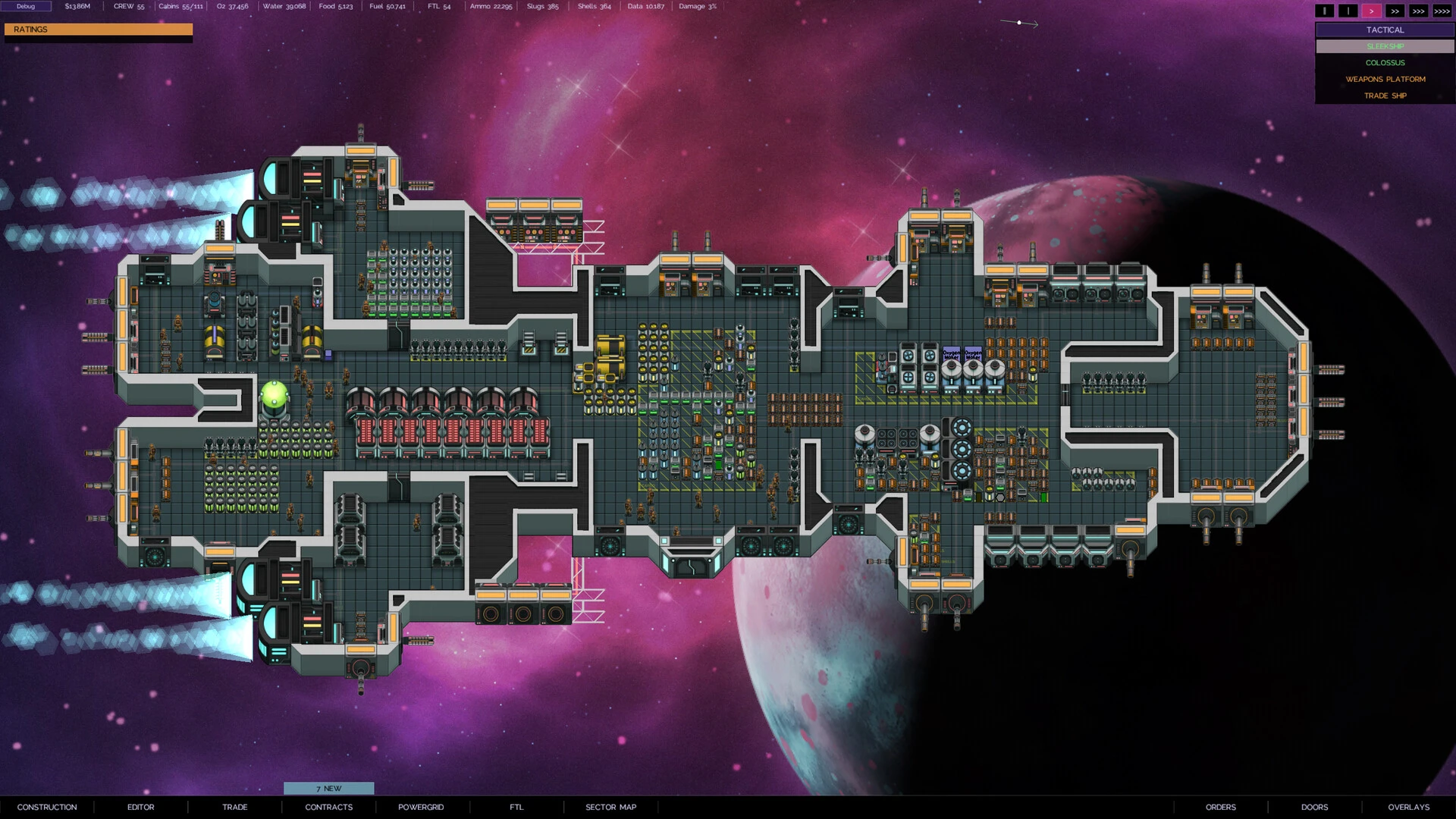
Visually, The Last Starship uses a clean and functional art style that fits its theme. The ship’s interior is easy to read, allowing players to understand complex systems at a glance. Instead of overwhelming graphics, the game focuses on clarity and usability. This design choice supports the strategic nature of the game, making it accessible while still offering depth.

The game also stands out for its sense of scale. Space feels vast and isolating, reinforcing the idea that this ship truly is humanity’s last chance. The quiet atmosphere and slow pace create tension without relying on constant threats. Every successful decision feels earned, and every failure feels like a lesson learned.

In conclusion, The Last Starship is a thoughtful and challenging strategy game that prioritizes survival, planning, and responsibility. By combining ship design, resource management, and human care, it creates an experience that feels both technical and deeply human. Rather than rushing players forward, the game encourages careful thinking and reflection. For those who enjoy strategy games with meaningful consequences, The Last Starship offers a powerful journey into the responsibility of carrying humanity’s future among the stars.

OS: 10.14 or later
Processor: Intel or Apple Mx

Run the downloaded package and follow the standard installation procedure.

The installation is completed by choosing a location to place the game.

It is recommended to specify the Applications folder.

Frequently Asked Questions

Mount the image and run Open Gatekeeper friendly.

Press Enter to bypass Gatekeeper in the Terminal window.

Drag the application to the Applications folder.

The application is ready for use.

ATTENTION! SIP must be disabled. Learn more >

Restart your Mac and hold down Command + R to enter Recovery Mode.

Open Terminal from the Utilities menu.

Enter the command: csrutil disable

Restart your Mac.

This is a common Gatekeeper issue. Follow these steps:

1. Open Terminal

2. Enter: sudo xattr -rd com.apple.quarantine /Applications/AppName.app

3. Replace "AppName" with the actual application name

4. Press Enter and enter your password

Yes, all our downloads are thoroughly checked for viruses and malware.

We use multiple antivirus engines to scan every file.

Our team tests each application before publishing.

We never bundle adware or unwanted software.

Yes, we regularly update our applications to the latest versions.

You can check our website for updates or subscribe to our newsletter.

We strive to provide the most recent versions within 24-48 hours of release.

If a download link is not working, please:

1. Try a different browser

2. Clear your browser cache and cookies

3. Try the alternative download links provided

4. Contact our support team if the issue persists