


The Signal From Tölva
Download The Signal From Tölva
Run the downloaded image and drag the application to the Applications folder shortcut.
Once copying is complete, the application can be launched via Launchpad.
Previous Versions
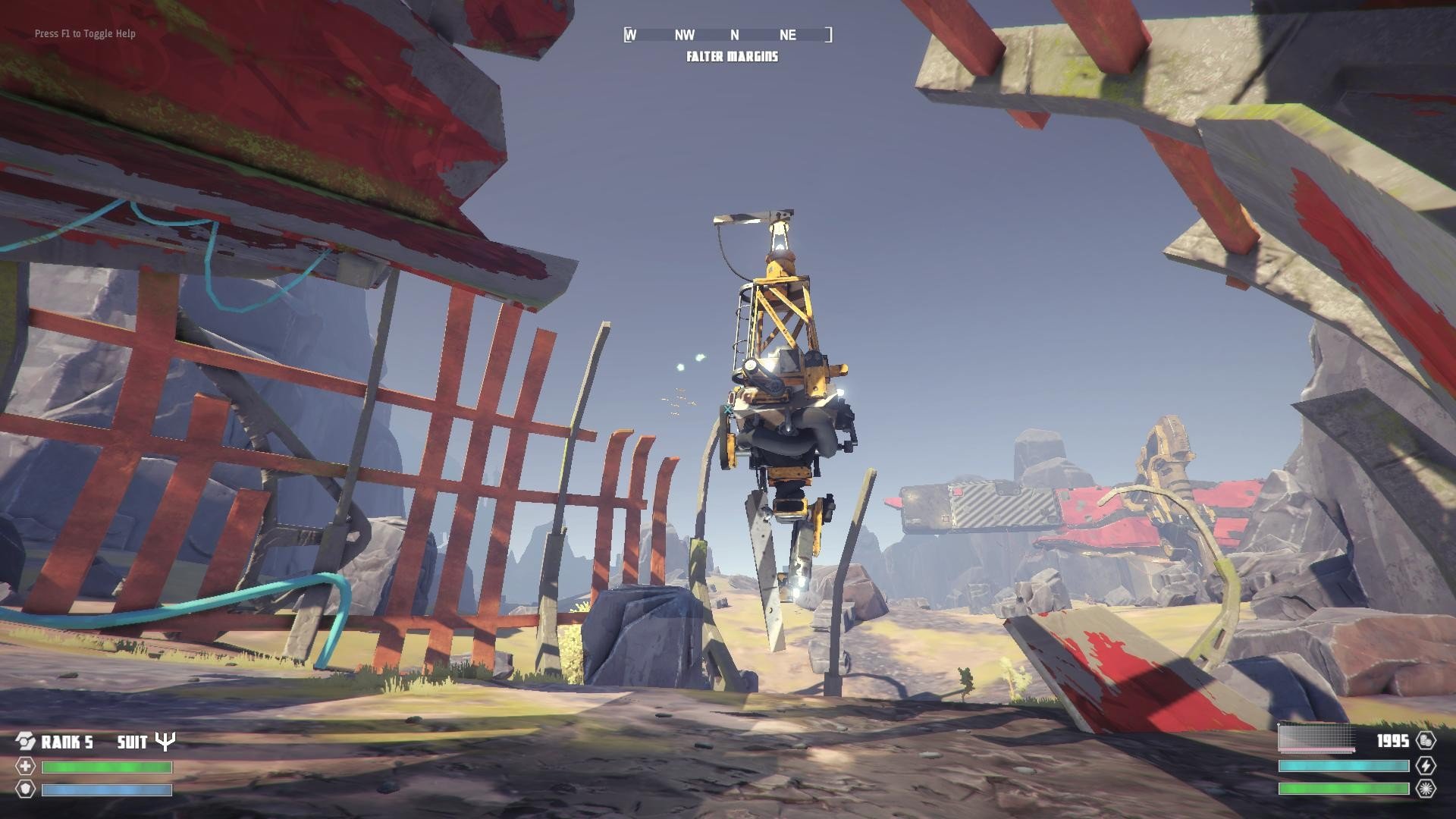
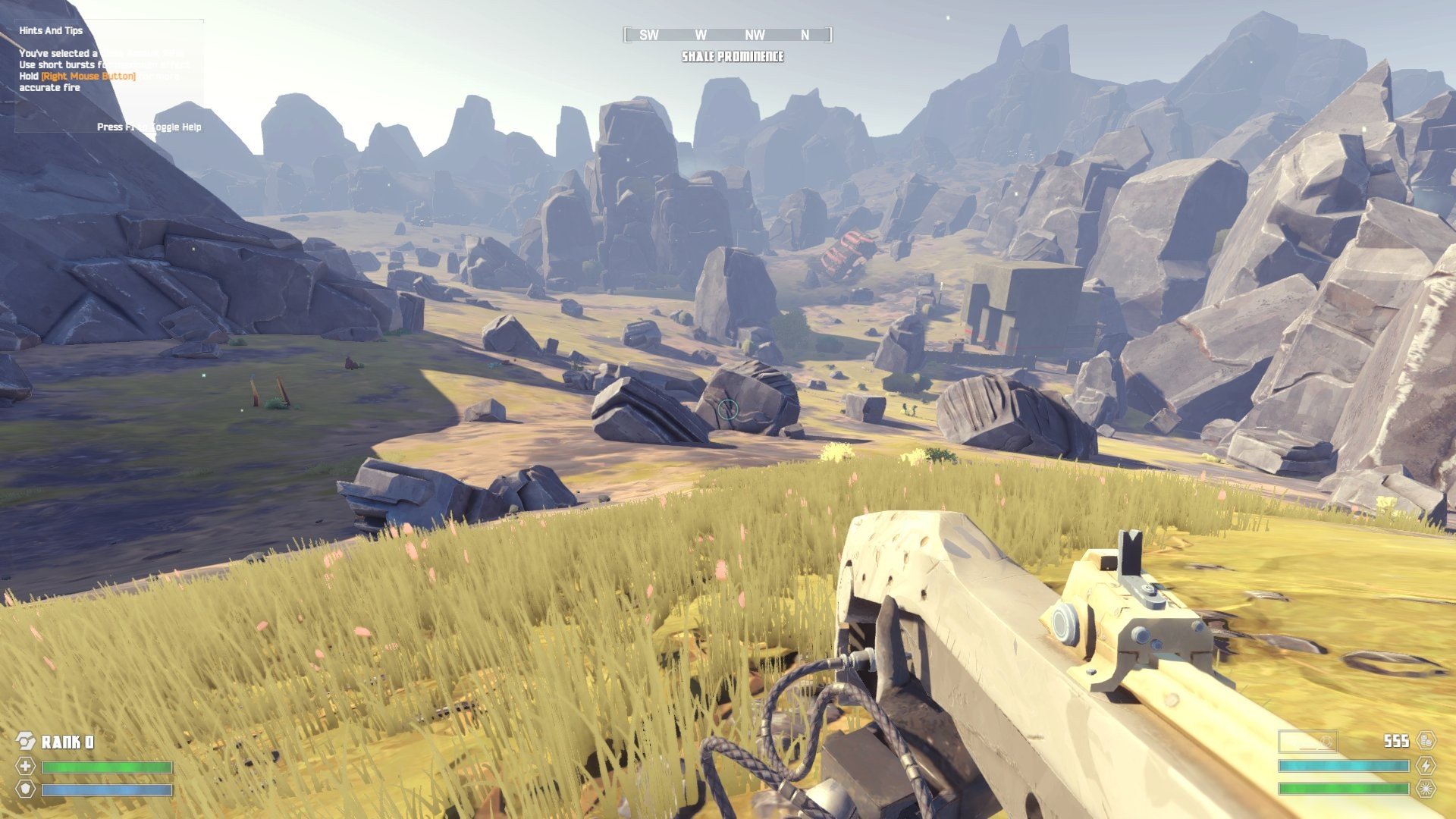
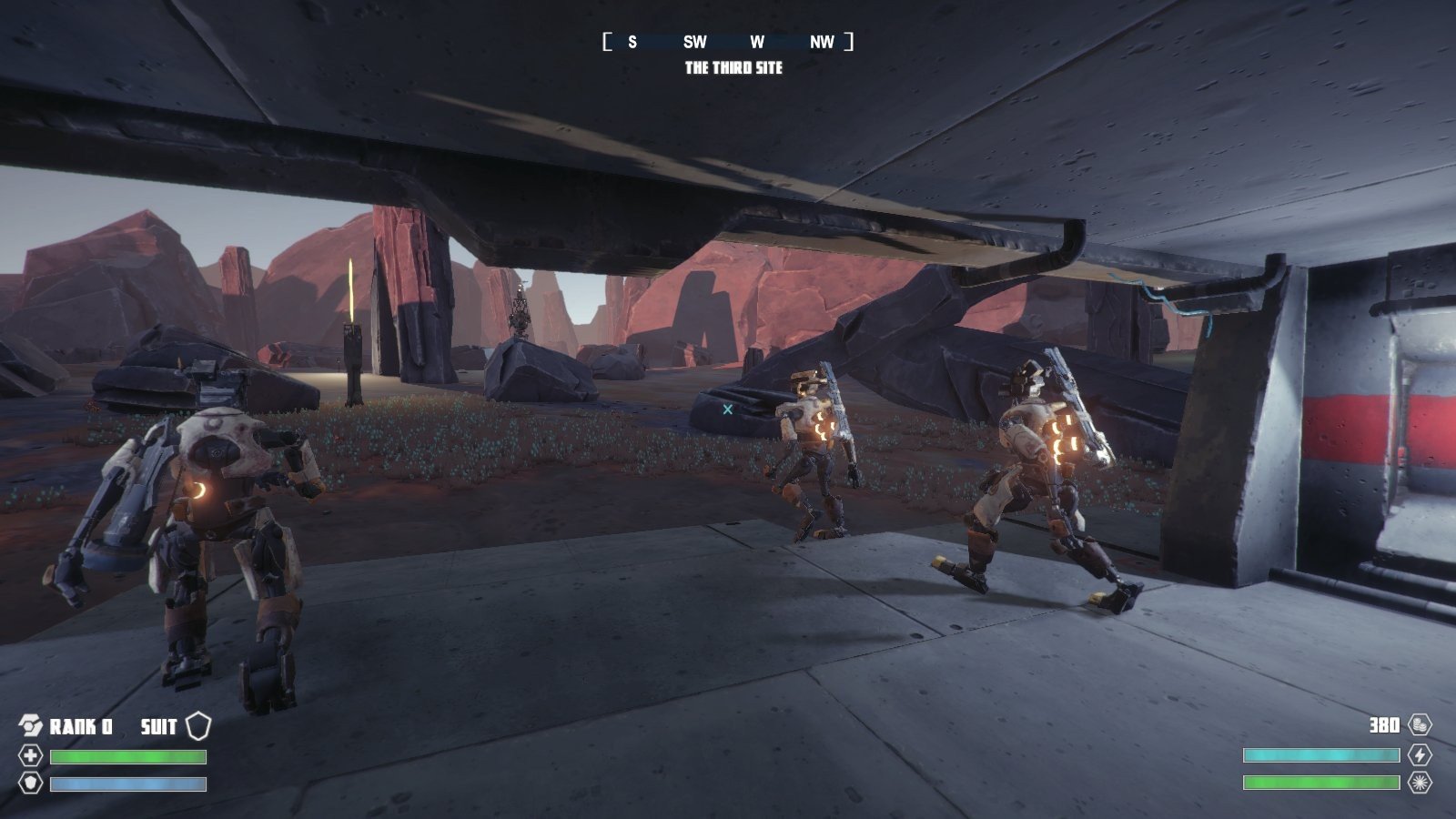
In the world of first-person exploration games, The Signal From Tölva stands out as a visually striking and thought-provoking experience. Developed by Big Robot, this indie game combines open-world exploration, tactical combat, and atmospheric storytelling to create an immersive journey across a mysterious alien landscape. Its emphasis on discovery, strategic gameplay, and environmental storytelling makes it a unique entry in the realm of sci-fi games.
Set on the barren and enigmatic planet of Tölva, the game places players in the role of a remote-controlled drone, tasked with exploring the planet’s vast terrain. The world is inhabited by rival factions of robots, abandoned installations, and cryptic signals that hint at a deeper mystery. Players must navigate these hostile environments, decipher the signals, and gain control over territory while avoiding or confronting aggressive forces.
One of the most compelling features of The Signal From Tölva is its open-world design. The planet is expansive, with diverse landscapes ranging from rocky cliffs and desolate plains to abandoned research facilities and towering structures. Exploration is rewarded, as players can discover hidden lore, tactical advantages, and unique vantage points that aid in understanding the ongoing conflict. The game encourages players to move carefully, plan their approach, and observe their surroundings, fostering a sense of immersion and curiosity.
Combat and strategy play a central role in the gameplay. Players can engage hostile robots using a variety of weapons, turrets, and gadgets, or opt for a stealthy approach to avoid detection. Controlling multiple turrets and drones allows players to take command of the battlefield, creating dynamic encounters that require both quick thinking and strategic planning. Unlike fast-paced shooters, The Signal From Tölva emphasizes tactical decision-making, where positioning, timing, and resource management are crucial to success.
The game’s visual and audio design enhances the sense of alien isolation. Minimalistic and moody, the graphics capture Tölva’s harsh landscapes and eerie structures with striking geometric shapes and muted color palettes. Accompanied by an atmospheric soundtrack and environmental sounds, the game creates a sense of tension and wonder, drawing players deeper into its world. The artistic design emphasizes mystery and desolation, reflecting the game’s themes of discovery and exploration.
Beyond mechanics, The Signal From Tölva excels in environmental storytelling. Rather than relying on dialogue-heavy exposition, the game reveals its narrative through exploration, observation, and interaction with the world. Players piece together the history of Tölva, the motives of its robotic inhabitants, and the meaning behind the mysterious signals, creating a sense of personal discovery and engagement.
In conclusion, The Signal From Tölva is an innovative blend of exploration, strategy, and atmospheric storytelling. Its expansive alien world, tactical combat, and environmental narrative provide a unique experience that rewards curiosity, patience, and strategic thinking. For players seeking a thoughtful, immersive sci-fi adventure, The Signal From Tölva offers a journey through a mysterious and captivating planet that challenges the mind while captivating the senses.
OS: OS X 10.10 YosemiteProcessor: i5RAM: 8 GBVideo card: 2 Gb+ Graphics
Run the downloaded image and drag the application to the Applications folder shortcut.
Once copying is complete, the application can be launched via Launchpad.
Frequently Asked Questions
Mount the image and run Open Gatekeeper friendly.
Press Enter to bypass Gatekeeper in the Terminal window.
Drag the application to the Applications folder.
The application is ready for use.
ATTENTION! SIP must be disabled. Learn more >
Restart your Mac and hold down Command + R to enter Recovery Mode.
Open Terminal from the Utilities menu.
Enter the command: csrutil disable
Restart your Mac.
This is a common Gatekeeper issue. Follow these steps:
1. Open Terminal
2. Enter: sudo xattr -rd com.apple.quarantine /Applications/AppName.app
3. Replace "AppName" with the actual application name
4. Press Enter and enter your password
Yes, all our downloads are thoroughly checked for viruses and malware.
We use multiple antivirus engines to scan every file.
Our team tests each application before publishing.
We never bundle adware or unwanted software.
Yes, we regularly update our applications to the latest versions.
You can check our website for updates or subscribe to our newsletter.
We strive to provide the most recent versions within 24-48 hours of release.
If a download link is not working, please:
1. Try a different browser
2. Clear your browser cache and cookies
3. Try the alternative download links provided
4. Contact our support team if the issue persists