


The Textorcist: The Story of Ray Bibbia
Download The Textorcist: The Story of Ray Bibbia
Unzip the archive and follow the standard installation procedure.
The installation is completed by choosing a location to place the game.
It is recommended to specify the Applications folder.
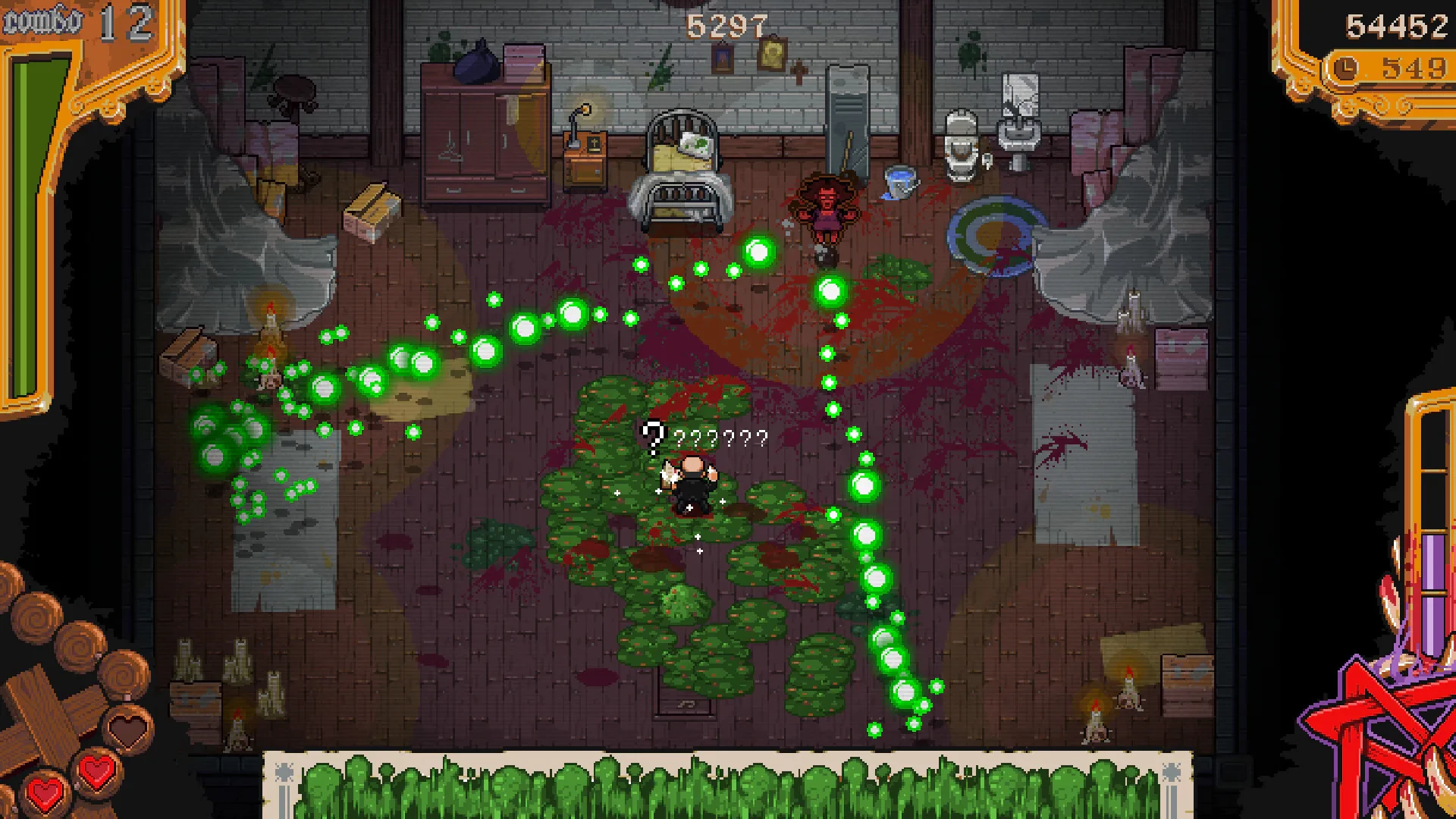
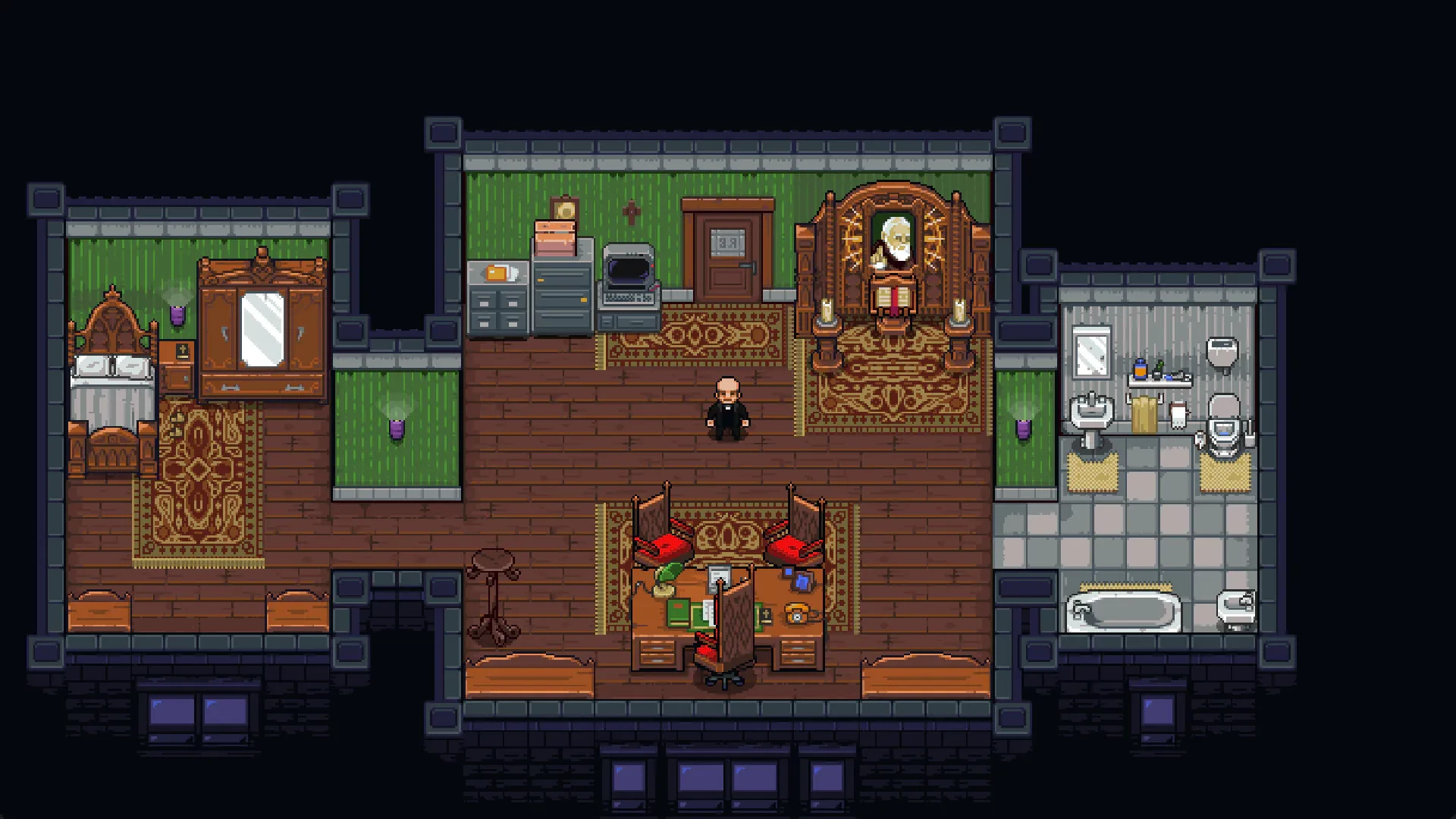
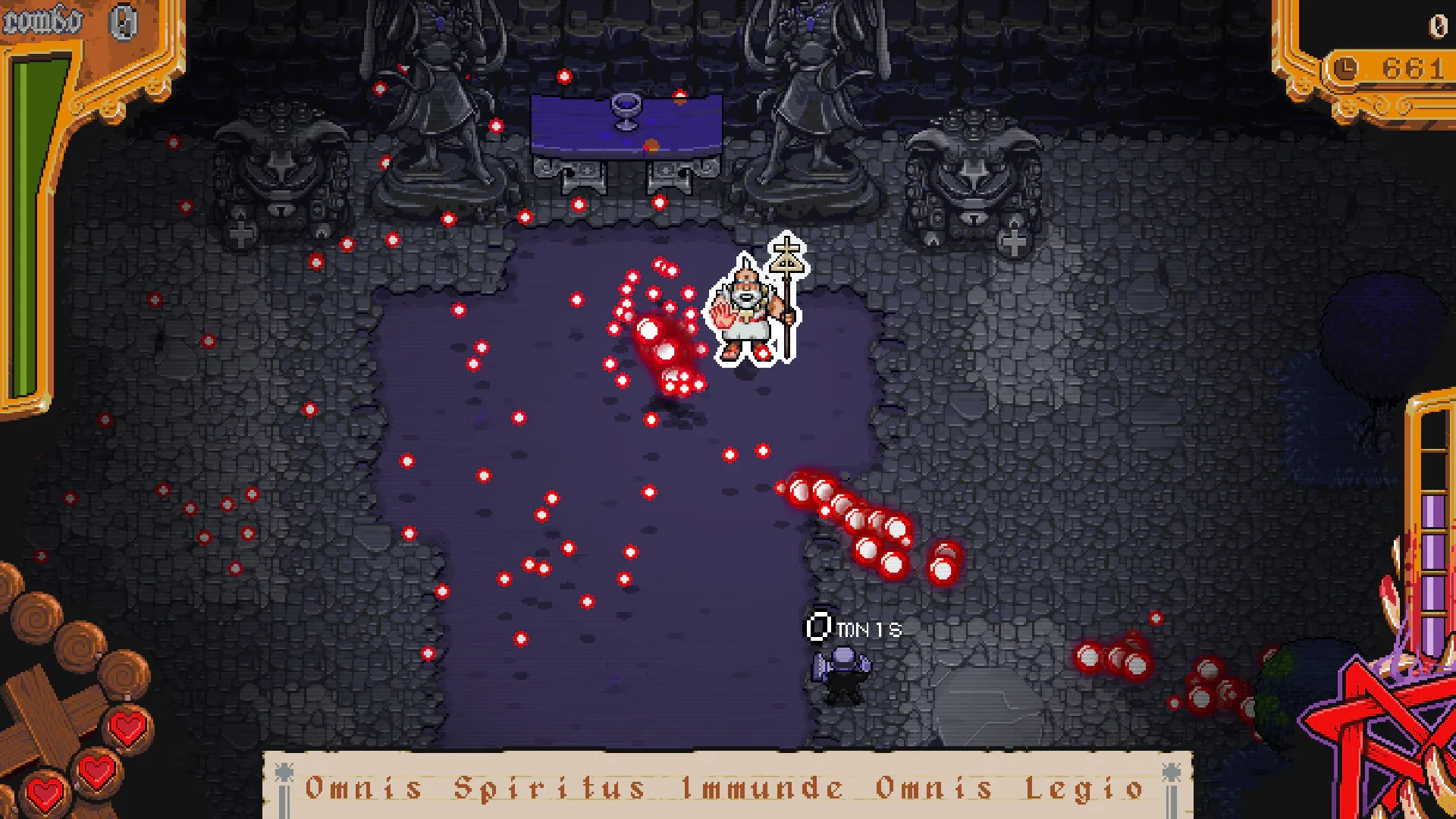
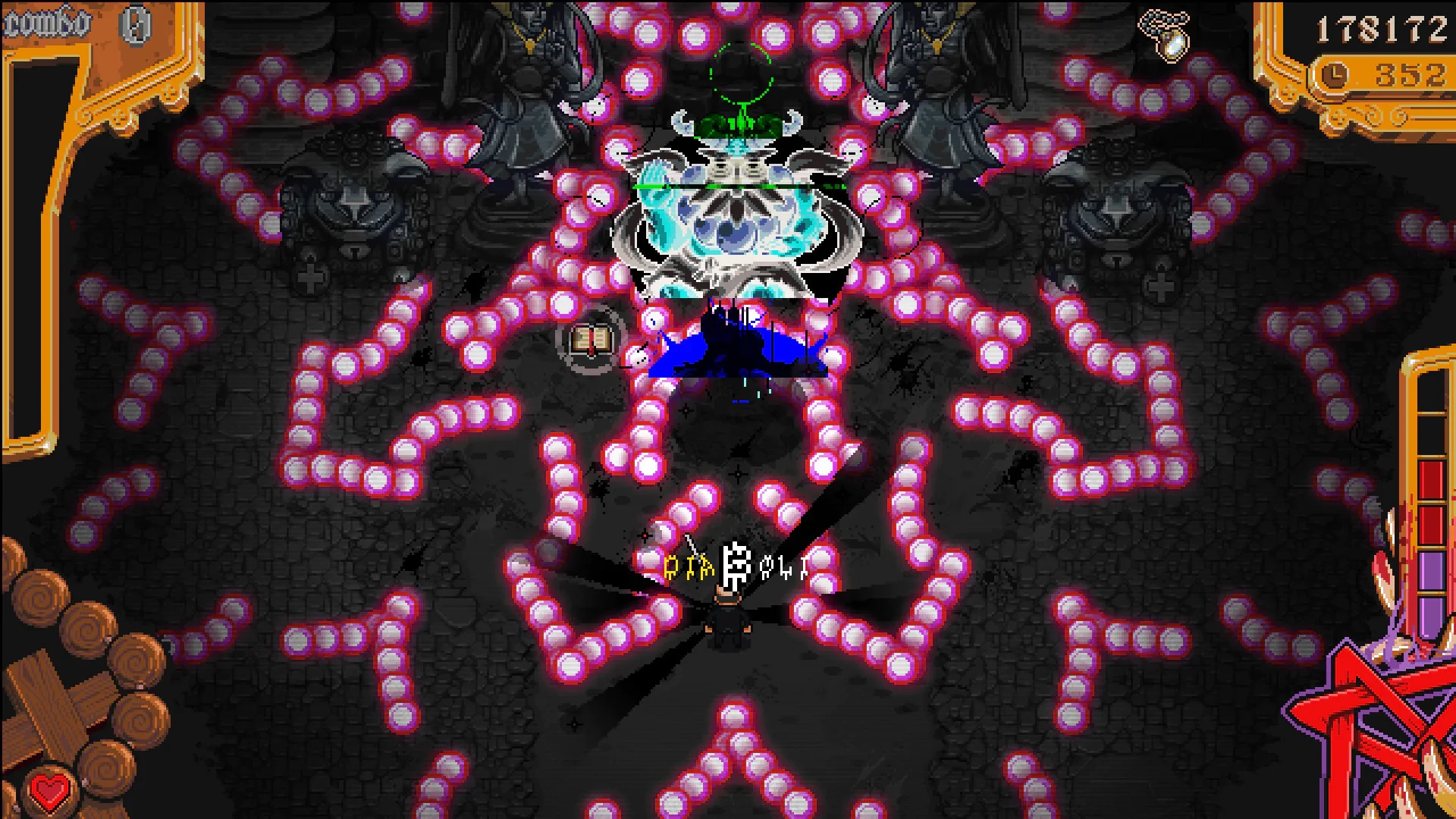
The Textorcist: The Story of Ray Bibbia is a one-of-a-kind action game that blends fast-paced bullet-hell mechanics with typing challenges, delivering a gameplay experience unlike any other. Developed by Morbidware, this indie title stands out for its originality, combining intense combat, dark humor, and an intriguing narrative to create a truly memorable adventure. Players are invited into the chaotic life of Ray Bibbia, an exorcist whose battles against demons require both sharp reflexes and impeccable typing skills.
The story of The Textorcist is as unique as its gameplay. Players step into the shoes of Ray Bibbia, a down-on-his-luck exorcist in a city plagued by supernatural occurrences. The narrative is darkly humorous, filled with witty dialogue, absurd situations, and satirical takes on religious and bureaucratic themes. While the plot provides motivation and context, it’s the inventive gameplay that keeps players engaged. The fusion of typing and action adds a layer of tension and skill rarely seen in traditional games, forcing players to multitask under pressure in both mental and physical ways.
Gameplay is the heart of The Textorcist. Each encounter requires players to dodge a barrage of bullets in real time while simultaneously typing out exorcism commands displayed on the screen. The faster and more accurately the commands are typed, the more effective the exorcisms become. This combination of mechanics demands focus, coordination, and adaptability, making each battle a thrilling test of skill. Unlike standard typing games, the bullet-hell elements ensure that players are constantly challenged, with mistakes leading to immediate consequences. This high-stakes design keeps adrenaline levels high and rewards precision and speed.
Visually, The Textorcist embraces a gritty, comic-book-inspired art style. The hand-drawn pixel art is both detailed and expressive, giving each demon and character personality while enhancing the overall atmosphere of the game. The dark urban environments, from dilapidated apartments to sinister churches, create a sense of tension and immersion. Coupled with an energetic and often eerie soundtrack, the audio-visual presentation reinforces the game’s intense and sometimes absurd tone.
What truly sets The Textorcist apart is its clever integration of two seemingly disparate genres. By merging typing challenges with bullet-hell action, the game creates a fresh and dynamic experience that tests both cognitive and reflexive skills. The learning curve is well-balanced, gradually introducing more complex commands and faster bullet patterns, ensuring that players are continually engaged without feeling overwhelmed. Optional side missions and hidden secrets add replayability, offering opportunities to refine skills and uncover additional story elements.
Ultimately, The Textorcist: The Story of Ray Bibbia is a bold experiment in game design that succeeds on nearly every front. Its inventive mechanics, dark humor, and striking art style combine to deliver an experience that is challenging, entertaining, and utterly unique. For players seeking a game that breaks conventions and rewards both mental agility and quick reflexes, The Textorcist offers a memorable journey into a world where words and bullets collide.
OS: Mac OS 10.7+Processor: Intel i3RAM: 2 GBVideo card: Intel Iris ProDisk space: 250 MB
Unzip the archive and follow the standard installation procedure.
The installation is completed by choosing a location to place the game.
It is recommended to specify the Applications folder.
Frequently Asked Questions
Mount the image and run Open Gatekeeper friendly.
Press Enter to bypass Gatekeeper in the Terminal window.
Drag the application to the Applications folder.
The application is ready for use.
ATTENTION! SIP must be disabled. Learn more >
Restart your Mac and hold down Command + R to enter Recovery Mode.
Open Terminal from the Utilities menu.
Enter the command: csrutil disable
Restart your Mac.
This is a common Gatekeeper issue. Follow these steps:
1. Open Terminal
2. Enter: sudo xattr -rd com.apple.quarantine /Applications/AppName.app
3. Replace "AppName" with the actual application name
4. Press Enter and enter your password
Yes, all our downloads are thoroughly checked for viruses and malware.
We use multiple antivirus engines to scan every file.
Our team tests each application before publishing.
We never bundle adware or unwanted software.
Yes, we regularly update our applications to the latest versions.
You can check our website for updates or subscribe to our newsletter.
We strive to provide the most recent versions within 24-48 hours of release.
If a download link is not working, please:
1. Try a different browser
2. Clear your browser cache and cookies
3. Try the alternative download links provided
4. Contact our support team if the issue persists