


Thief Simulator
Download Thief Simulator
Run the downloaded image and drag the application to the Applications folder shortcut.
Previous Versions
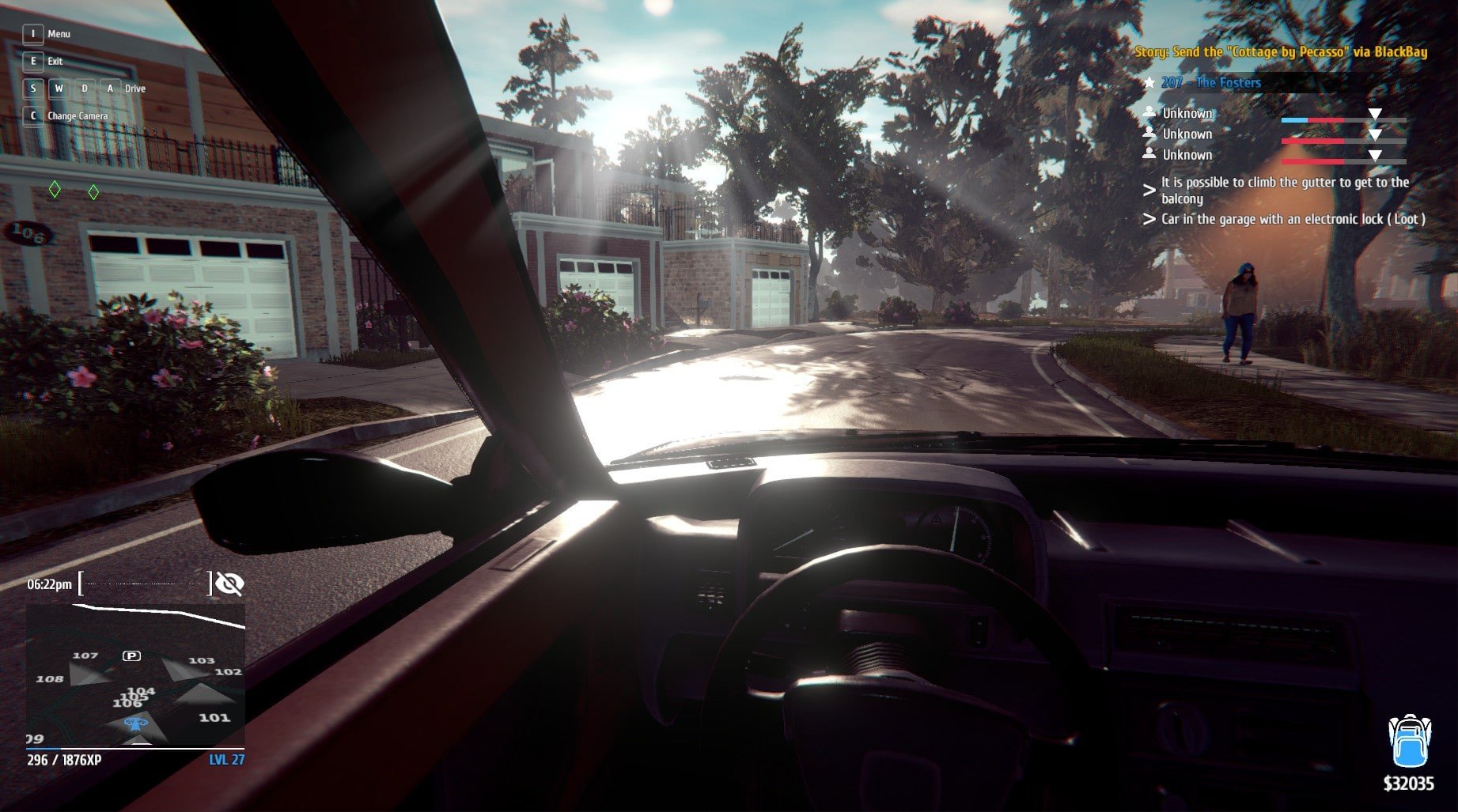

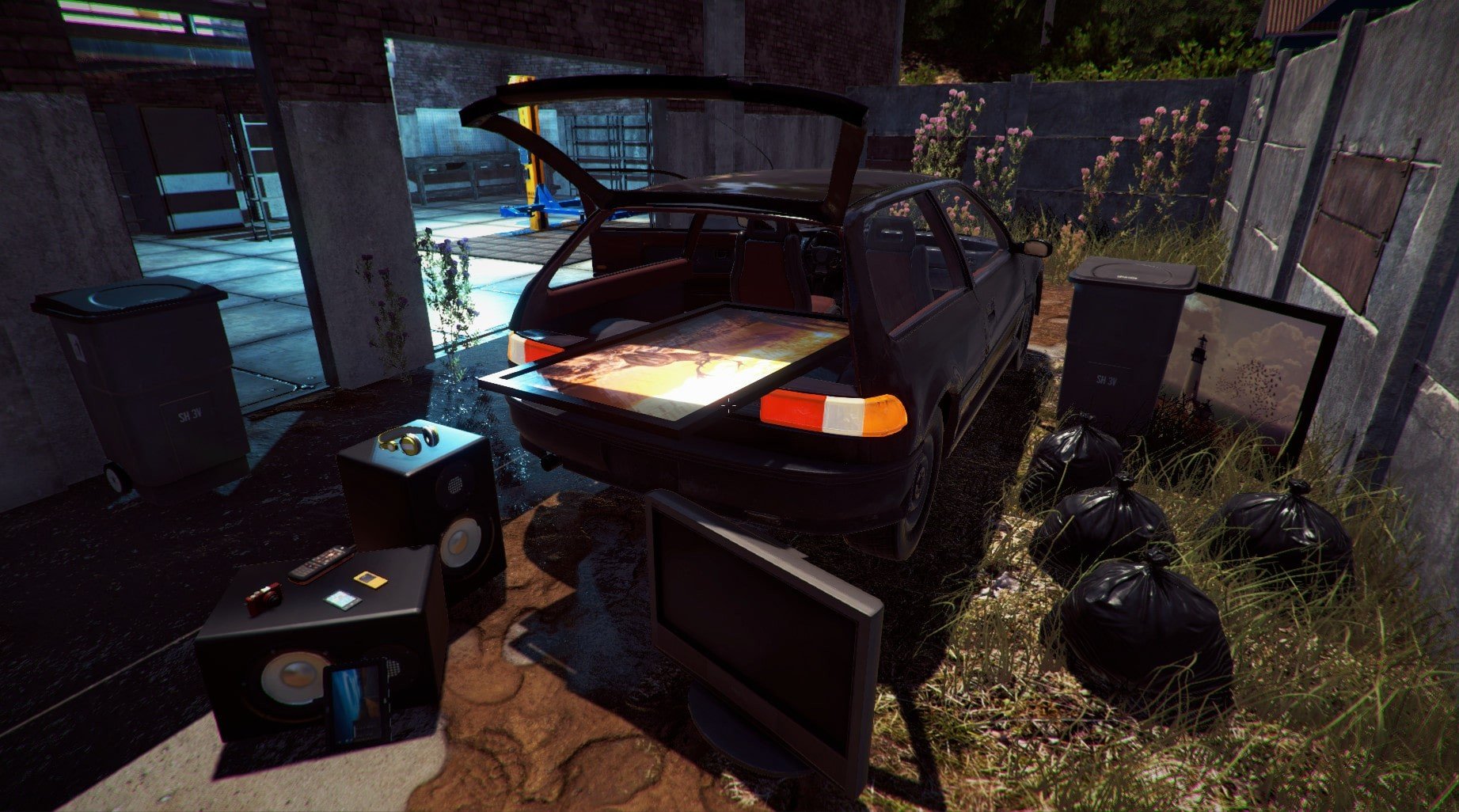
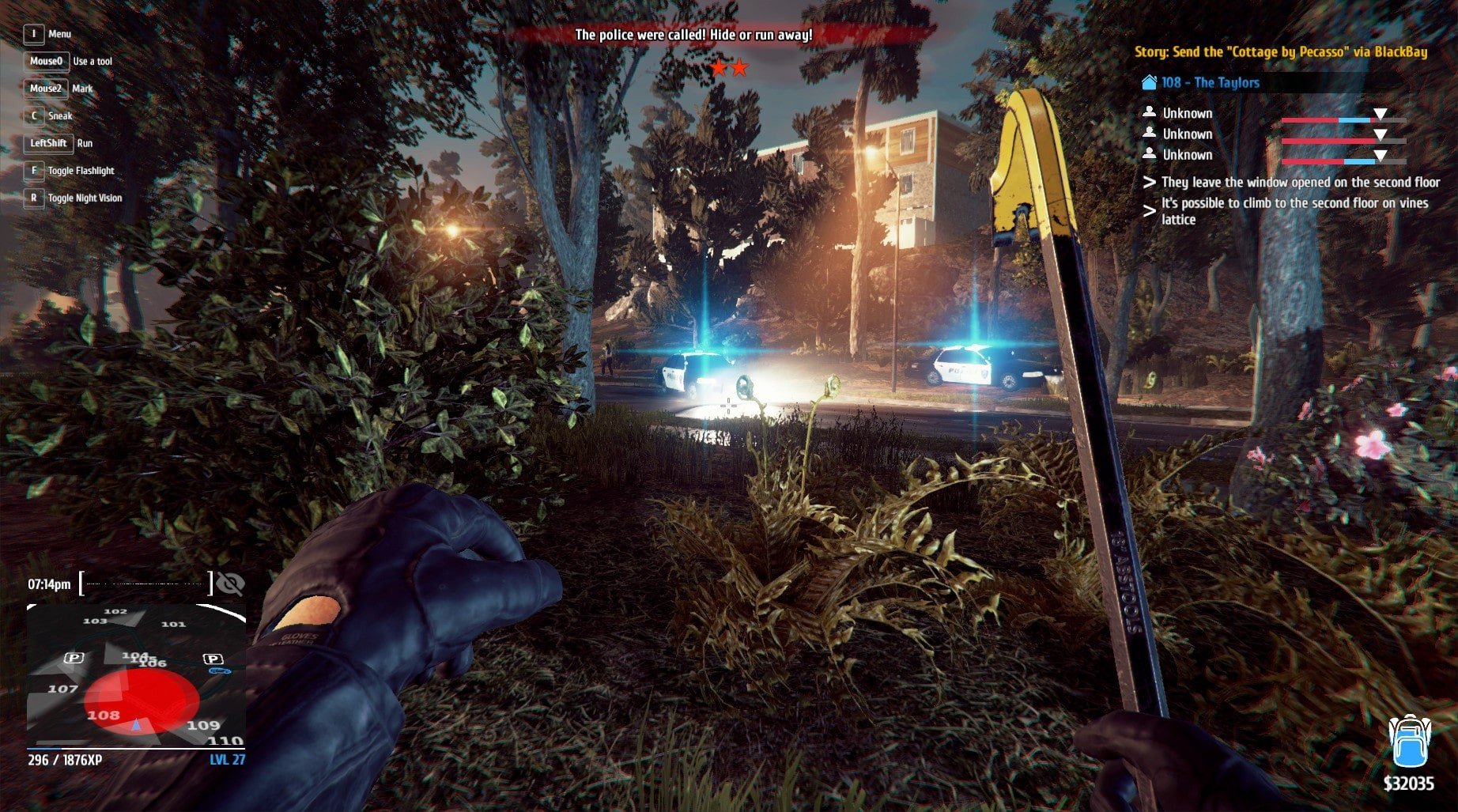
In a world filled with action-packed shooters and open-world adventures, Thief Simulator carves out a unique niche by offering players the chance to live life on the other side of the law. Developed by Noble Muffins, this immersive simulation game allows players to step into the shoes of a professional thief, navigating urban environments, planning heists, and testing their wits against law enforcement and security systems. Unlike traditional stealth games that focus heavily on story, Thief Simulator prioritizes strategy, experimentation, and the thrill of high-risk, high-reward gameplay.
The premise of the game is deceptively simple: players take on various burglary jobs, ranging from breaking into residential homes to more complex operations, while avoiding detection. Each mission requires careful planning, observation, and adaptability. Players must scout locations, gather information about security systems, and identify points of entry and escape routes. The game encourages experimentation; there’s rarely a single “correct” way to approach a job. Success depends on timing, creativity, and an understanding of both the environment and the behaviors of residents and guards.
Gameplay in Thief Simulator combines stealth mechanics with realistic simulation elements. Players must manage tools like lockpicks, crowbars, and hacking devices, each with specific uses and limitations. Moving carefully, observing routines, and reacting to unexpected situations are critical. The game’s AI creates dynamic challenges: homeowners might wake unexpectedly, patrol patterns vary, and surveillance cameras monitor key areas. This unpredictability ensures that every mission is engaging and forces players to think on their feet. The combination of stealth and simulation gives players a sense of tension and accomplishment when a well-executed heist succeeds.
Visually, Thief Simulator adopts a realistic urban aesthetic that enhances immersion. Residential neighborhoods, commercial buildings, and isolated properties are detailed and varied, providing players with diverse environments that require different strategies. Lighting and shadow play a crucial role, as players must use darkness to their advantage while navigating safely. The realistic design helps players feel like they are truly part of the game’s world, adding weight to each decision and increasing the stakes of every operation.
Sound design also contributes significantly to the immersive experience. Footsteps, alarms, and environmental noises serve as both cues and challenges. Players must listen carefully to detect approaching threats, creaking doors, or the faint hum of security systems. The audio design enhances tension and encourages careful observation, reinforcing the need for patience and precision in every mission.
Beyond its core mechanics, Thief Simulator offers a compelling sense of progression. Successfully completing jobs earns money, which can be reinvested in better tools, equipment, and vehicles, allowing for more ambitious operations. This reward system motivates players to refine their skills, plan more complex heists, and explore creative solutions to increasingly difficult challenges.
In conclusion, Thief Simulator is a masterful blend of stealth, strategy, and realistic simulation. Its immersive gameplay, dynamic AI, and carefully crafted environments create a thrilling experience for players seeking to test their wits in the world of high-stakes burglary. With every calculated step, hidden passage, and successful heist, the game delivers a satisfying blend of tension, creativity, and accomplishment, making it a standout title for fans of stealth and simulation games alike.
A 64-bit processor and operating system are required.OS: macOS 10.13.6 or laterProcessor: Intel Core i5RAM: 8 GBVideo card: NVidia GeForce GTX 750Disk space: 5 GB
Run the downloaded image and drag the application to the Applications folder shortcut.
Frequently Asked Questions
Mount the image and run Open Gatekeeper friendly.
Press Enter to bypass Gatekeeper in the Terminal window.
Drag the application to the Applications folder.
The application is ready for use.
ATTENTION! SIP must be disabled. Learn more >
Restart your Mac and hold down Command + R to enter Recovery Mode.
Open Terminal from the Utilities menu.
Enter the command: csrutil disable
Restart your Mac.
This is a common Gatekeeper issue. Follow these steps:
1. Open Terminal
2. Enter: sudo xattr -rd com.apple.quarantine /Applications/AppName.app
3. Replace "AppName" with the actual application name
4. Press Enter and enter your password
Yes, all our downloads are thoroughly checked for viruses and malware.
We use multiple antivirus engines to scan every file.
Our team tests each application before publishing.
We never bundle adware or unwanted software.
Yes, we regularly update our applications to the latest versions.
You can check our website for updates or subscribe to our newsletter.
We strive to provide the most recent versions within 24-48 hours of release.
If a download link is not working, please:
1. Try a different browser
2. Clear your browser cache and cookies
3. Try the alternative download links provided
4. Contact our support team if the issue persists