


Tricky Towers
Download Tricky Towers
Run the downloaded image and drag the game to the Applications folder shortcut.
Once the copying is complete, the game can be launched via Launchpad.
Previous Versions
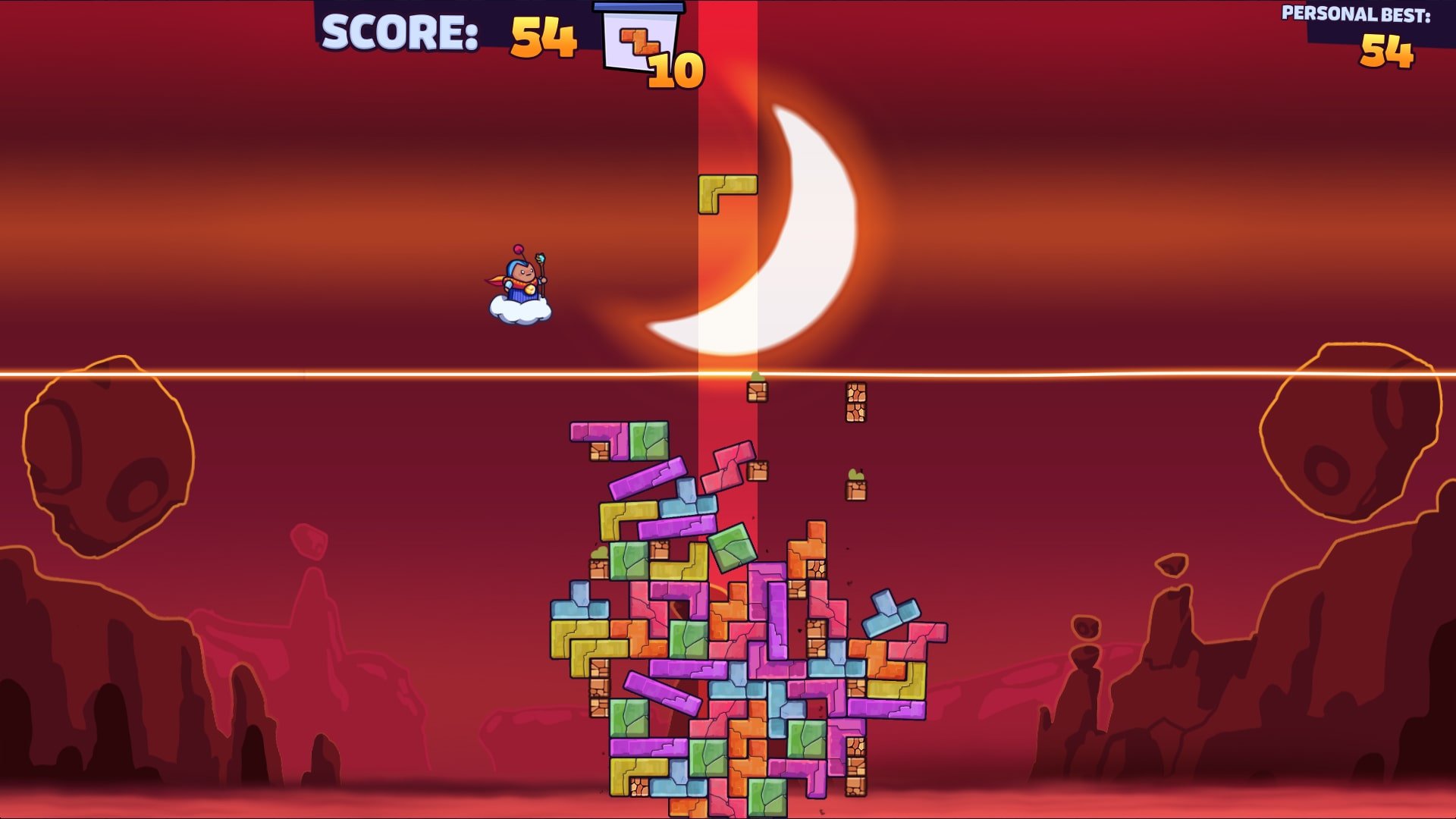
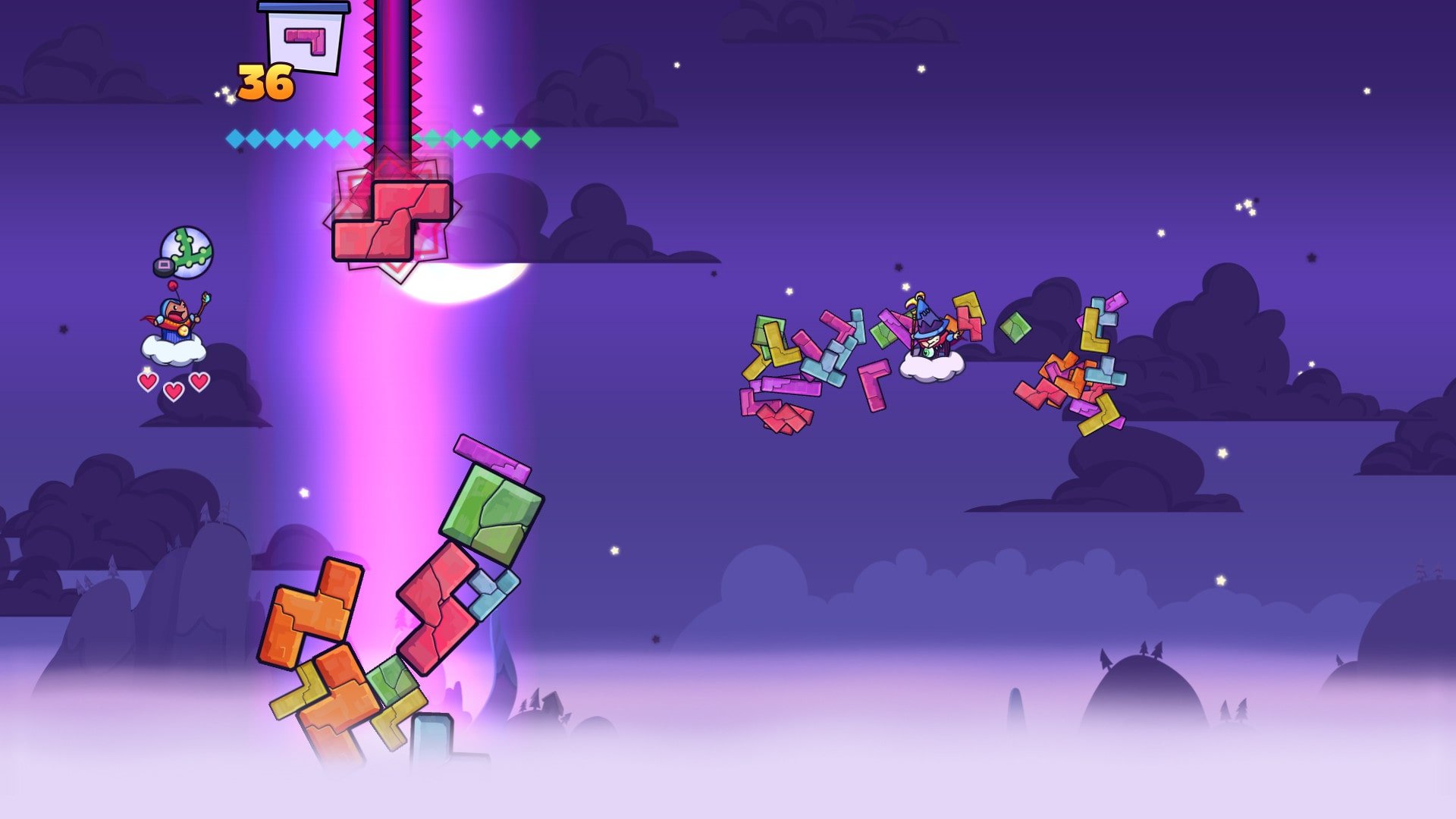
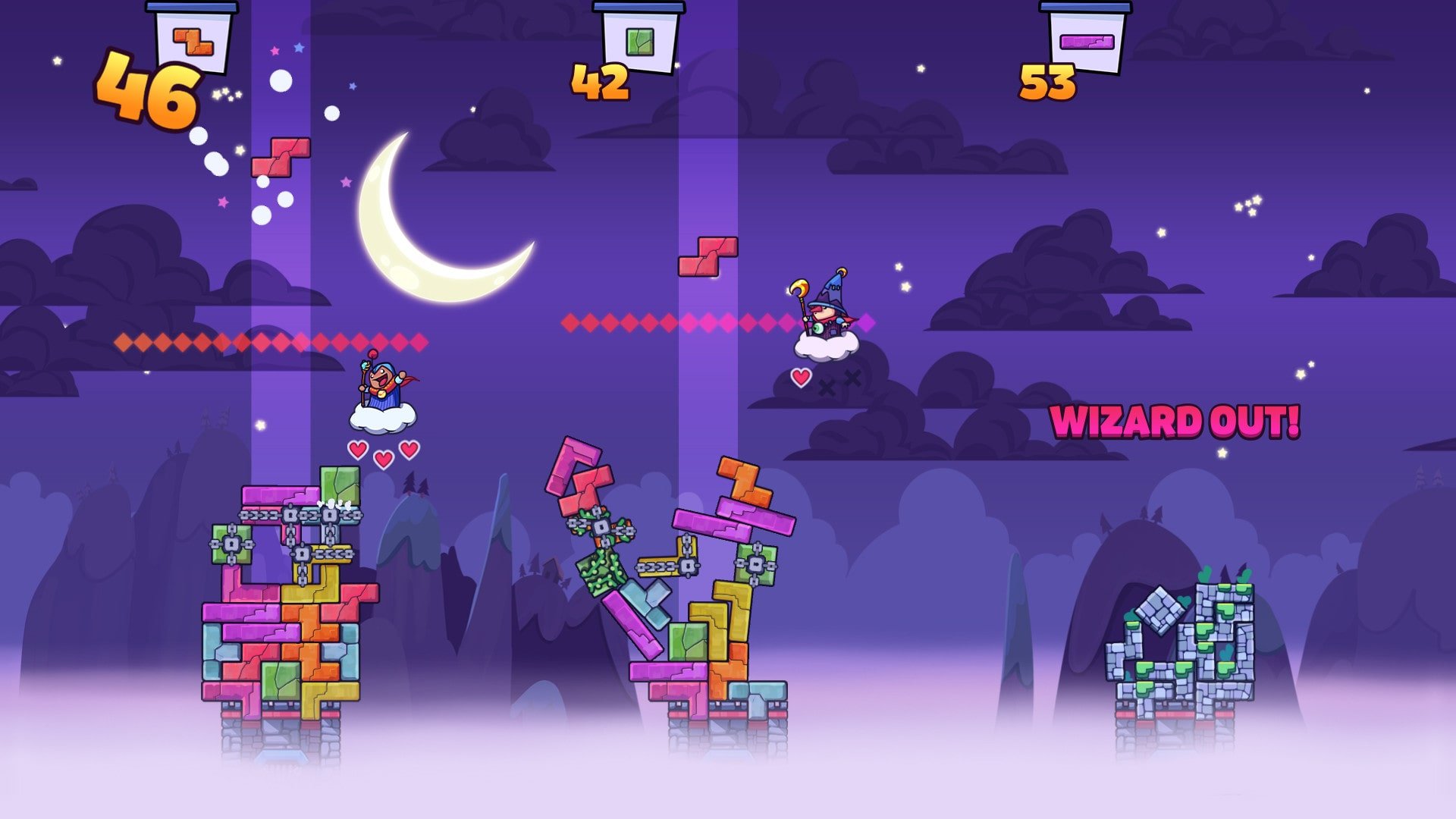
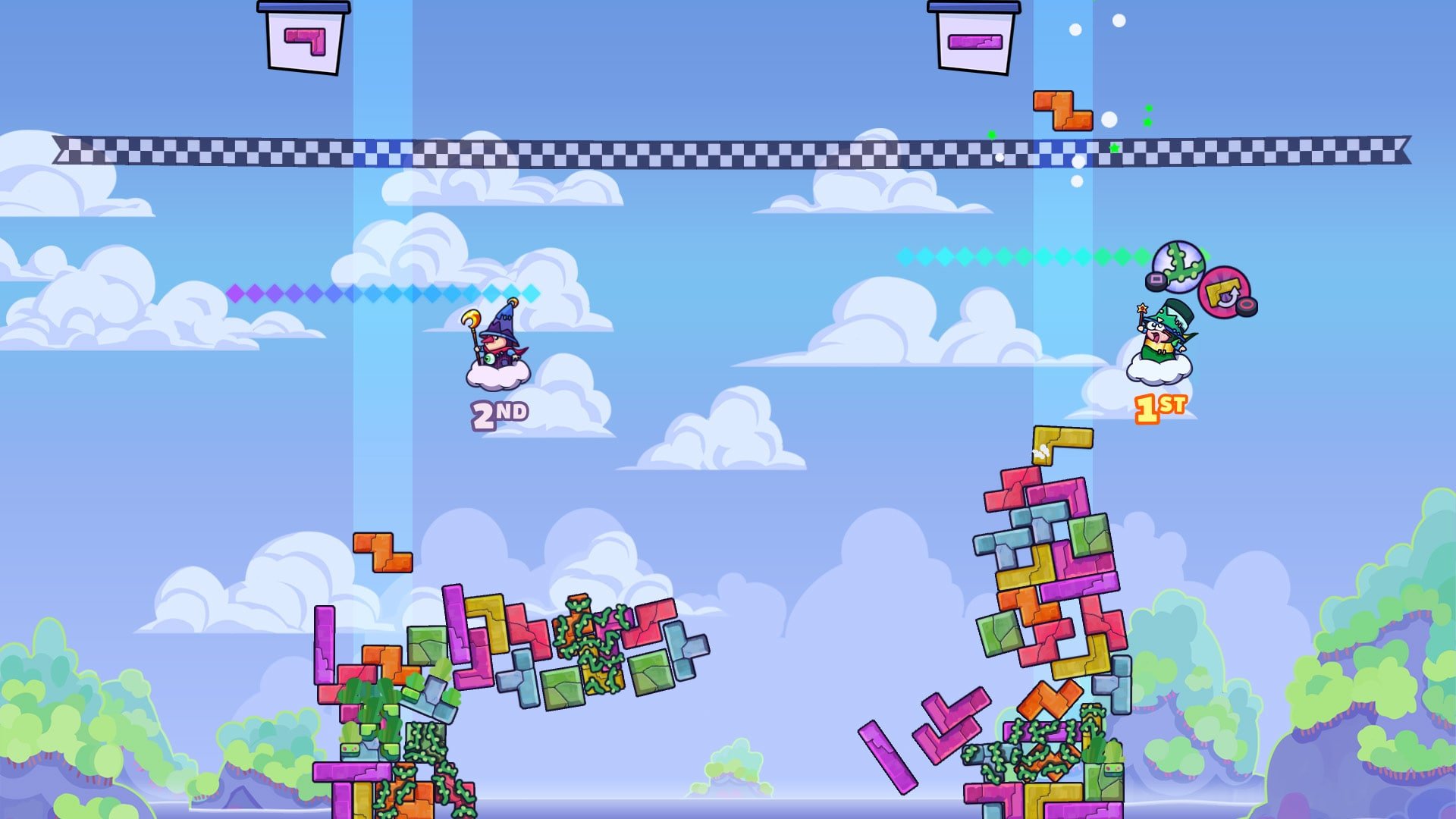
Tricky Towers is a vibrant and engaging puzzle game that takes the familiar concept of block-stacking and injects it with chaos, strategy, and a multiplayer twist. Developed by WeirdBeard Games, the title has become a favorite among players who enjoy a combination of skill, strategy, and unpredictability. Unlike traditional puzzle games that rely solely on precision and timing, Tricky Towers adds magical spells, physics-based challenges, and competitive modes that make every match unique.
At its core, Tricky Towers revolves around stacking Tetris-like blocks to build a tower as high and stable as possible. Players must carefully manage the balance of their tower while navigating increasingly tricky pieces. Unlike Tetris, the emphasis is not on clearing lines but on creating a structure that can withstand the laws of physics. The game’s physics engine plays a central role, making each block placement feel dynamic and unpredictable. Even a small misalignment can send the entire tower toppling, creating both tension and hilarity.
One of the most appealing aspects of Tricky Towers is its multiplayer component. Up to four players can compete locally or online, adding a layer of competition that transforms the game from a simple puzzle experience into a chaotic battle of wits. Players can use spells to hinder opponents, such as slowing down their blocks, freezing pieces in place, or even causing structures to collapse. This blend of strategic planning and playful sabotage ensures that no two matches ever feel the same, making the game highly replayable.
In addition to competitive multiplayer, Tricky Towers also offers a single-player campaign with a variety of challenges. Players can test their skills in different modes, including race-based challenges where the tallest stable tower wins and survival modes that test endurance and precision. The campaign introduces increasing difficulty levels and creative objectives, ensuring that players are consistently challenged as they refine their strategies.
The game’s visual design and soundtrack contribute significantly to its charm. Bright, colorful graphics and whimsical character animations create a playful atmosphere that contrasts with the intense strategic demands of the gameplay. The cheerful soundtrack and sound effects complement the action perfectly, making victories feel triumphant and collapses hilariously catastrophic. The combination of visual appeal and dynamic gameplay makes Tricky Towers accessible for players of all ages while still offering depth for those who enjoy mastering complex strategies.
Another strength of Tricky Towers is its balance between skill and unpredictability. While players can develop strategies to build stable towers efficiently, the physics-based mechanics and magical spells introduce an element of surprise that keeps players on their toes. This balance ensures that the game remains exciting and fair, rewarding both quick thinking and careful planning.
In conclusion, Tricky Towers is a standout puzzle game that blends strategy, chaos, and charm into a unique and highly enjoyable experience. Whether playing solo or competing with friends, the combination of physics-based challenges, magical spells, and multiplayer fun makes it a title that is hard to put down. For anyone looking for a fresh twist on block-stacking games, Tricky Towers delivers endless fun and laughter, proving that sometimes the trickiest challenges bring the greatest rewards.
OS: OSX 10.8Processor: Dual core or higherRAM: 2 GBNetwork: Broadband Internet connectionDisk space: 400 MBAdditional: Controllers needed for local multiplayer
Run the downloaded image and drag the game to the Applications folder shortcut.
Once the copying is complete, the game can be launched via Launchpad.
Frequently Asked Questions
Mount the image and run Open Gatekeeper friendly.
Press Enter to bypass Gatekeeper in the Terminal window.
Drag the application to the Applications folder.
The application is ready for use.
ATTENTION! SIP must be disabled. Learn more >
Restart your Mac and hold down Command + R to enter Recovery Mode.
Open Terminal from the Utilities menu.
Enter the command: csrutil disable
Restart your Mac.
This is a common Gatekeeper issue. Follow these steps:
1. Open Terminal
2. Enter: sudo xattr -rd com.apple.quarantine /Applications/AppName.app
3. Replace "AppName" with the actual application name
4. Press Enter and enter your password
Yes, all our downloads are thoroughly checked for viruses and malware.
We use multiple antivirus engines to scan every file.
Our team tests each application before publishing.
We never bundle adware or unwanted software.
Yes, we regularly update our applications to the latest versions.
You can check our website for updates or subscribe to our newsletter.
We strive to provide the most recent versions within 24-48 hours of release.
If a download link is not working, please:
1. Try a different browser
2. Clear your browser cache and cookies
3. Try the alternative download links provided
4. Contact our support team if the issue persists