Typhon: Bot vs. Bot

Published:
2 GB6 downloads

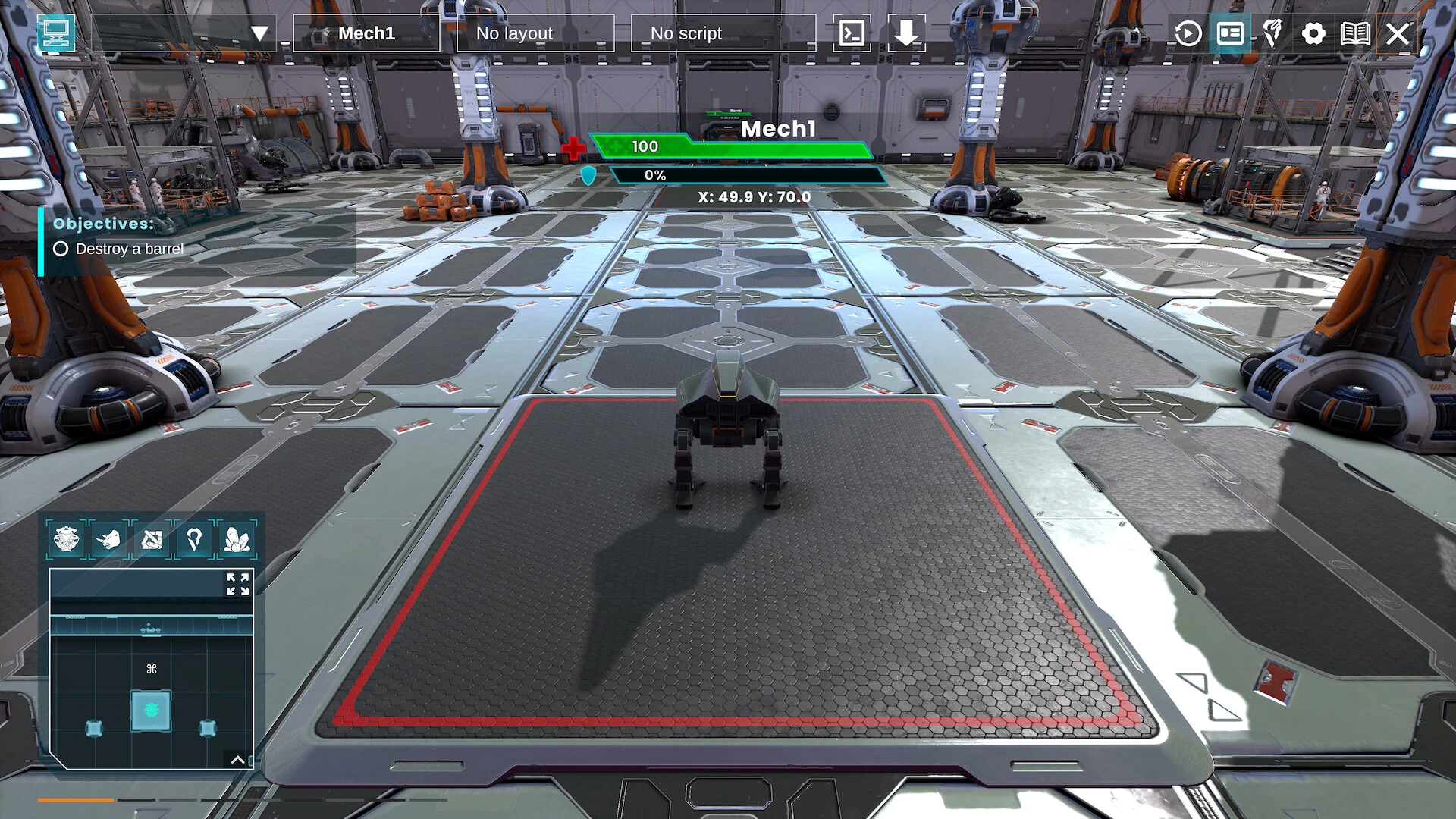
Typhon: Bot vs. Bot is an intense, fast-paced battle arena game that blends strategic thinking with mechanical precision. Unlike traditional combat games that rely purely on reflexes or raw power, Typhon challenges players to think like an engineer and a tactician. Each battle is a carefully orchestrated dance of movement, weaponry, and timing, where the smallest mistake can lead to defeat.

At the heart of the game is its unique focus on robot combat. Players are not just controlling characters—they are commanding machines with distinct abilities, weapons, and movement styles. Each bot has strengths and weaknesses, forcing players to adapt their strategy according to both their own machine and the opponent they face. This layer of depth ensures that every fight feels dynamic and demanding, rewarding careful planning as much as skillful execution.

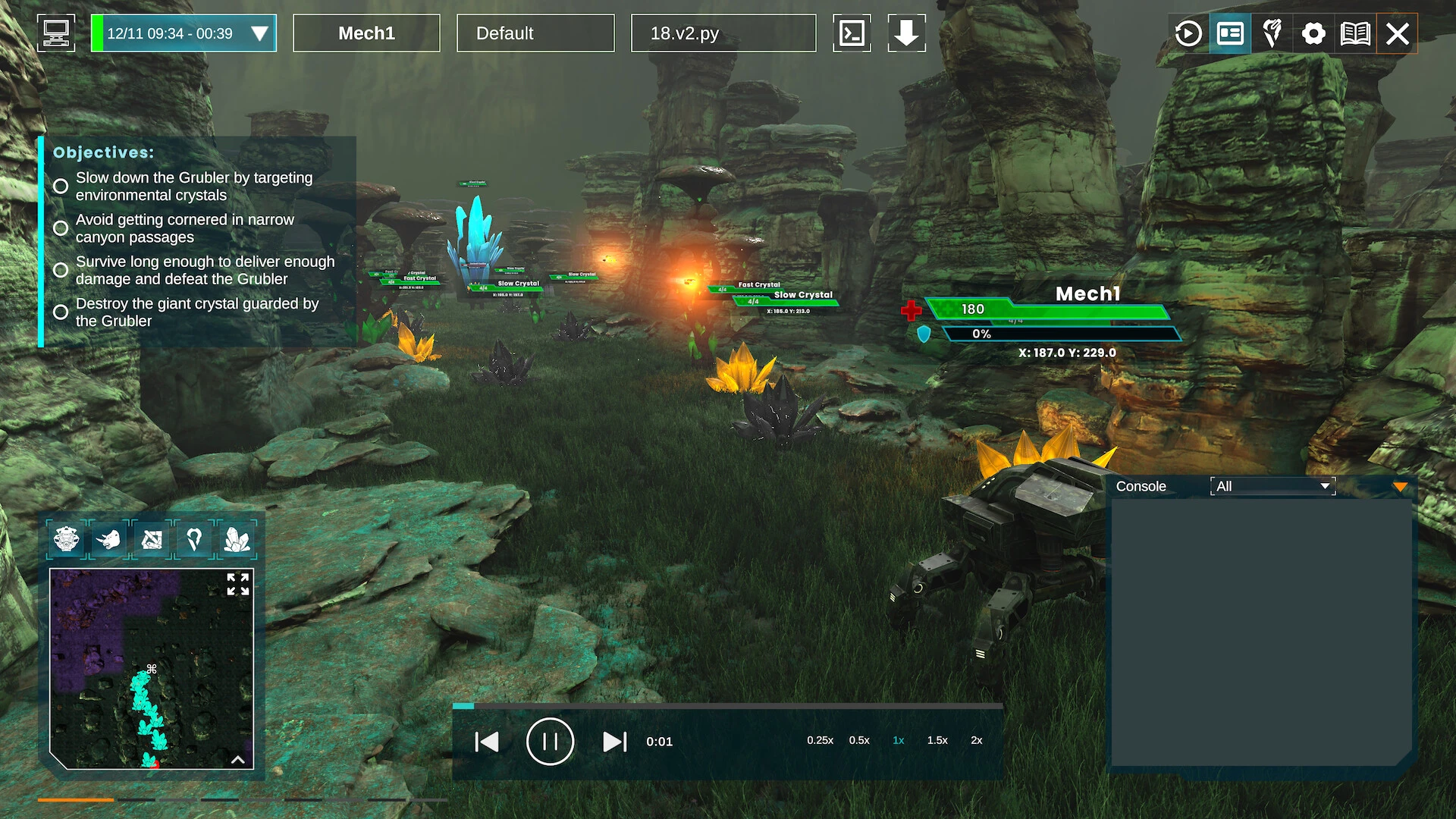
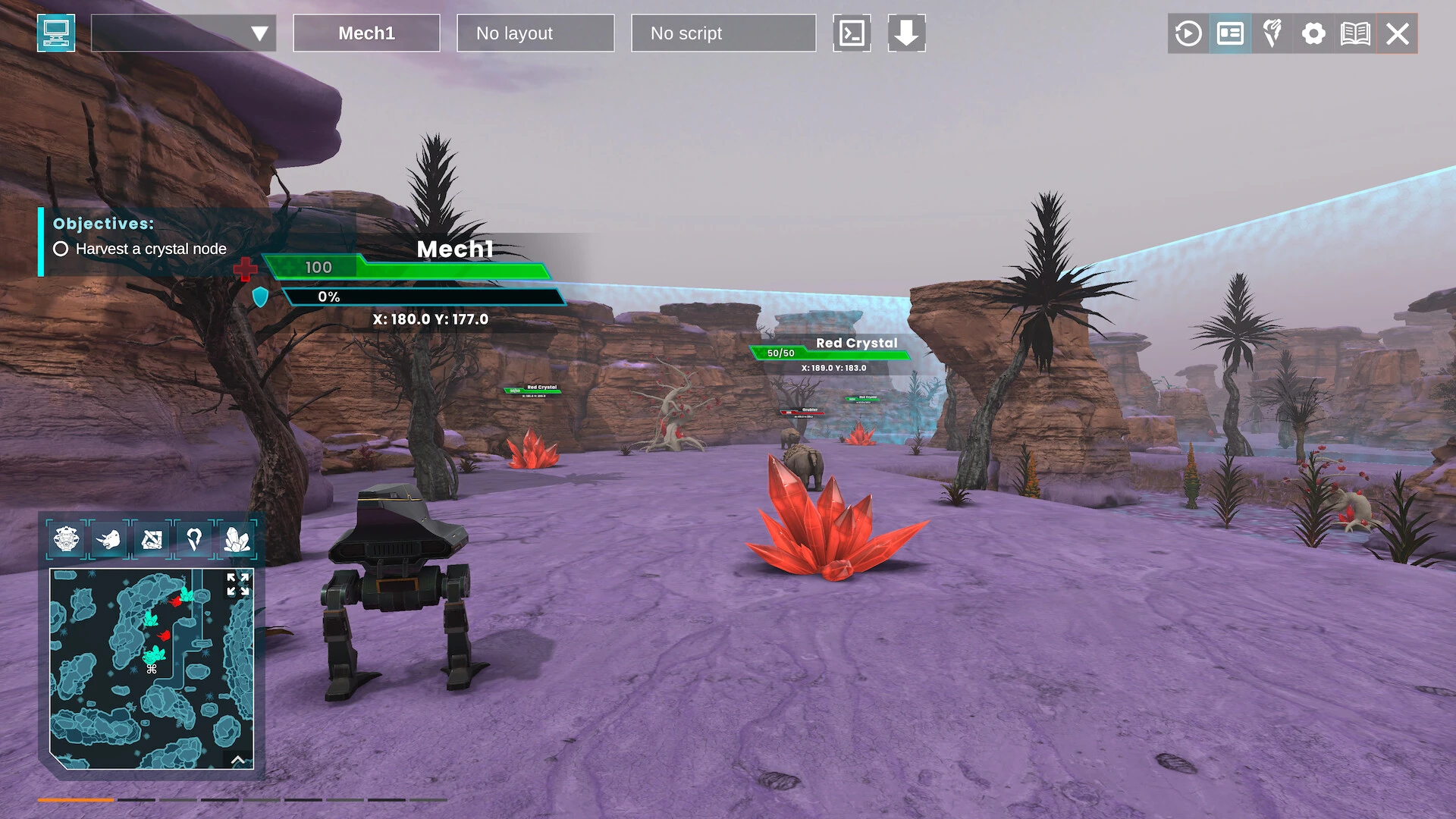
Arena design in Typhon is a standout feature. Battlefields are compact but filled with environmental elements that can be used to an advantage. Moving platforms, obstacles, and hazards create opportunities for ambushes, tactical retreats, or creative combos. Players must stay aware of their surroundings at all times, as even a brief lapse in attention can allow an opponent to gain the upper hand. The arenas also encourage variety, ensuring that no single strategy dominates for long.

Combat mechanics are precise and intuitive, yet offer room for mastery. Weapons are diverse, ranging from energy cannons and melee extensions to specialized gadgets that can alter the flow of battle. Timing and positioning are crucial: attacks must be executed with foresight, dodges must anticipate enemy movement, and special abilities require careful conservation. The result is combat that feels intense but fair, where skillful players are consistently rewarded.

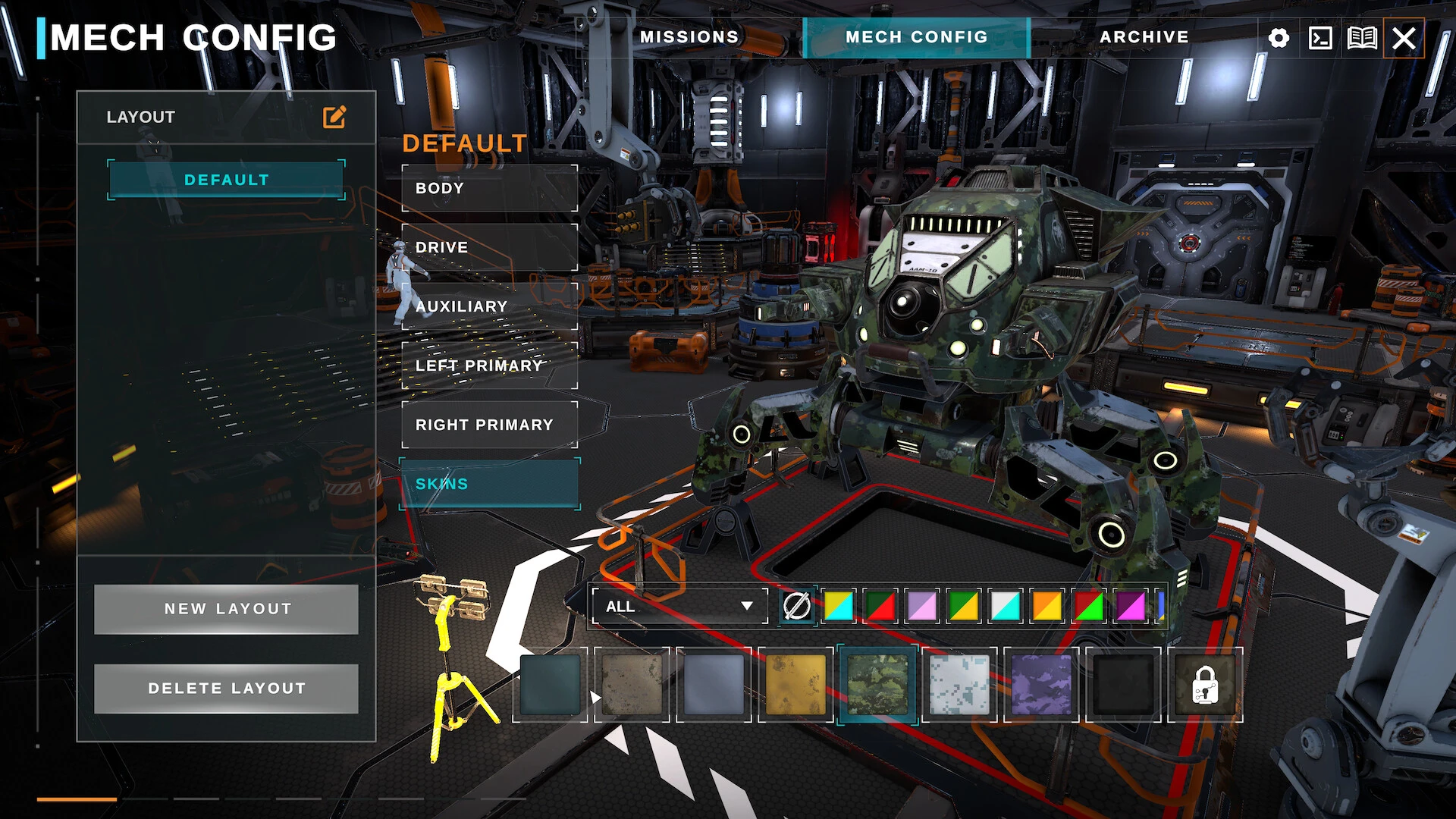
Another strength of Typhon: Bot vs. Bot is its progression system. Players can upgrade their bots with new weapons, armor, and enhancements, tailoring machines to their preferred playstyle. Customization is not merely cosmetic; strategic choices in upgrades can drastically change how a bot performs in combat. This encourages experimentation and adaptation, keeping gameplay fresh and engaging over the long term.

The game also emphasizes competitive play. Whether in solo matches, ranked modes, or team battles, every encounter challenges players to think critically about both offense and defense. The AI opponents are responsive and increasingly sophisticated, learning from player behavior to provide a consistent challenge. This makes the game rewarding for both casual players and hardcore strategists.

Visually and aurally, Typhon delivers a futuristic and immersive experience. Sleek metallic arenas, dynamic lighting, and high-tech effects complement fast-paced gameplay, while sound cues—weapon fire, mechanical movements, and environmental interactions—enhance situational awareness and excitement. The presentation reinforces the game’s high-energy, competitive atmosphere.

In conclusion, Typhon: Bot vs. Bot is more than just a robot fighting game—it is a test of strategy, timing, and adaptability. With deep customization, intelligent AI, challenging arenas, and precision combat mechanics, it delivers a gameplay experience that is both tactical and thrilling. For players seeking fast-paced battles where every decision counts, Typhon offers a futuristic arena where only the most cunning and skilled survive.

OS: macOS 12
Processor: Intel Core i5 or Apple M1
Memory: 8 GB RAM Storage
: 10 GB

Run the downloaded image and drag the application to the Applications folder shortcut.
Once copying is complete, the application can be launched via Launchpad.

Frequently Asked Questions

Mount the image and run Open Gatekeeper friendly.

Press Enter to bypass Gatekeeper in the Terminal window.

Drag the application to the Applications folder.

The application is ready for use.

ATTENTION! SIP must be disabled. Learn more >

Restart your Mac and hold down Command + R to enter Recovery Mode.

Open Terminal from the Utilities menu.

Enter the command: csrutil disable

Restart your Mac.

This is a common Gatekeeper issue. Follow these steps:

1. Open Terminal

2. Enter: sudo xattr -rd com.apple.quarantine /Applications/AppName.app

3. Replace "AppName" with the actual application name

4. Press Enter and enter your password

Yes, all our downloads are thoroughly checked for viruses and malware.

We use multiple antivirus engines to scan every file.

Our team tests each application before publishing.

We never bundle adware or unwanted software.

Yes, we regularly update our applications to the latest versions.

You can check our website for updates or subscribe to our newsletter.

We strive to provide the most recent versions within 24-48 hours of release.

If a download link is not working, please:

1. Try a different browser

2. Clear your browser cache and cookies

3. Try the alternative download links provided

4. Contact our support team if the issue persists