


Vaporum: Lockdown
Download Vaporum: Lockdown
Mount the downloaded image and follow the standard installation procedure.
The installation is completed by choosing a location to place the game.
It is recommended to specify the Applications folder.
Previous Versions
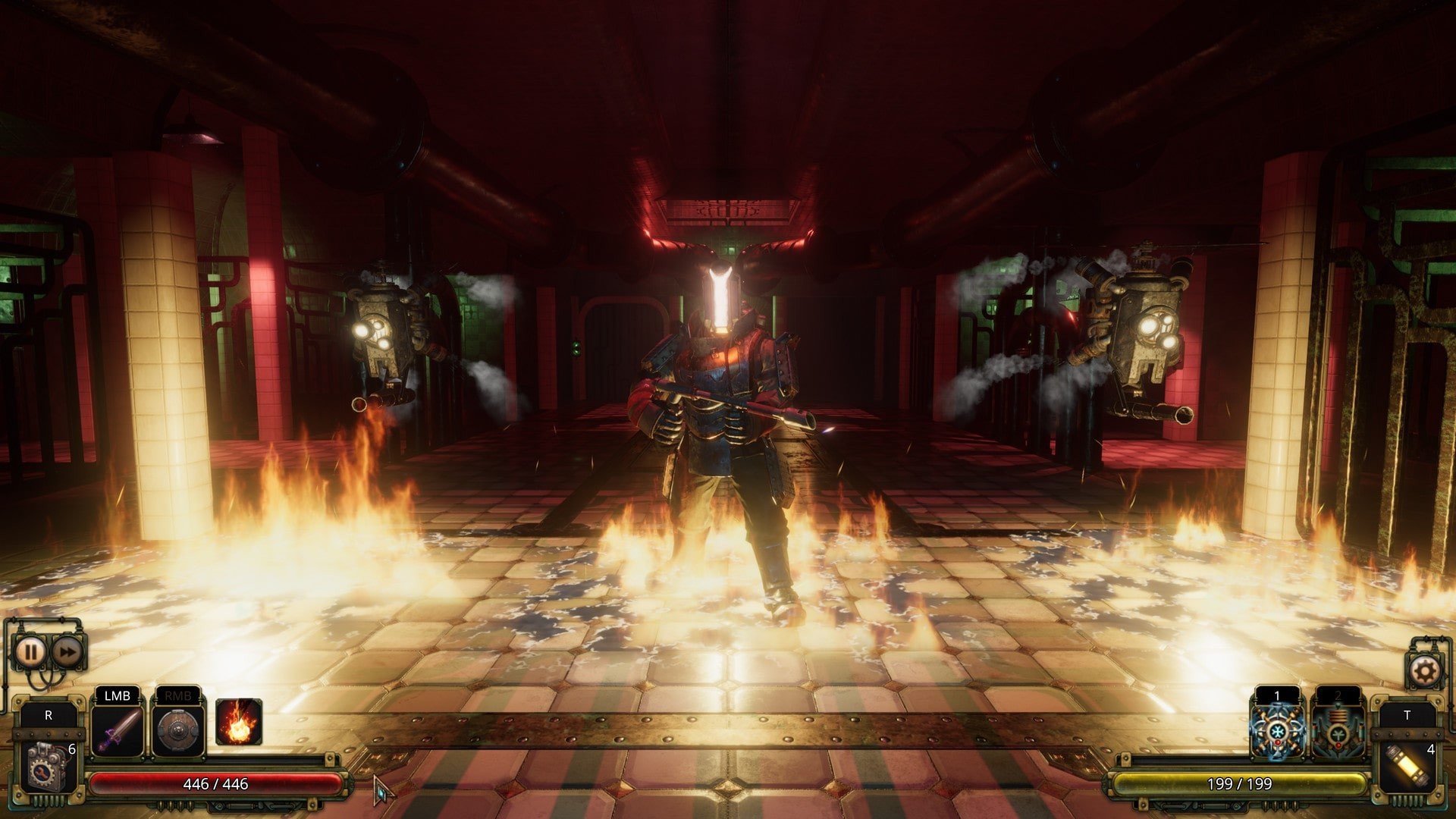
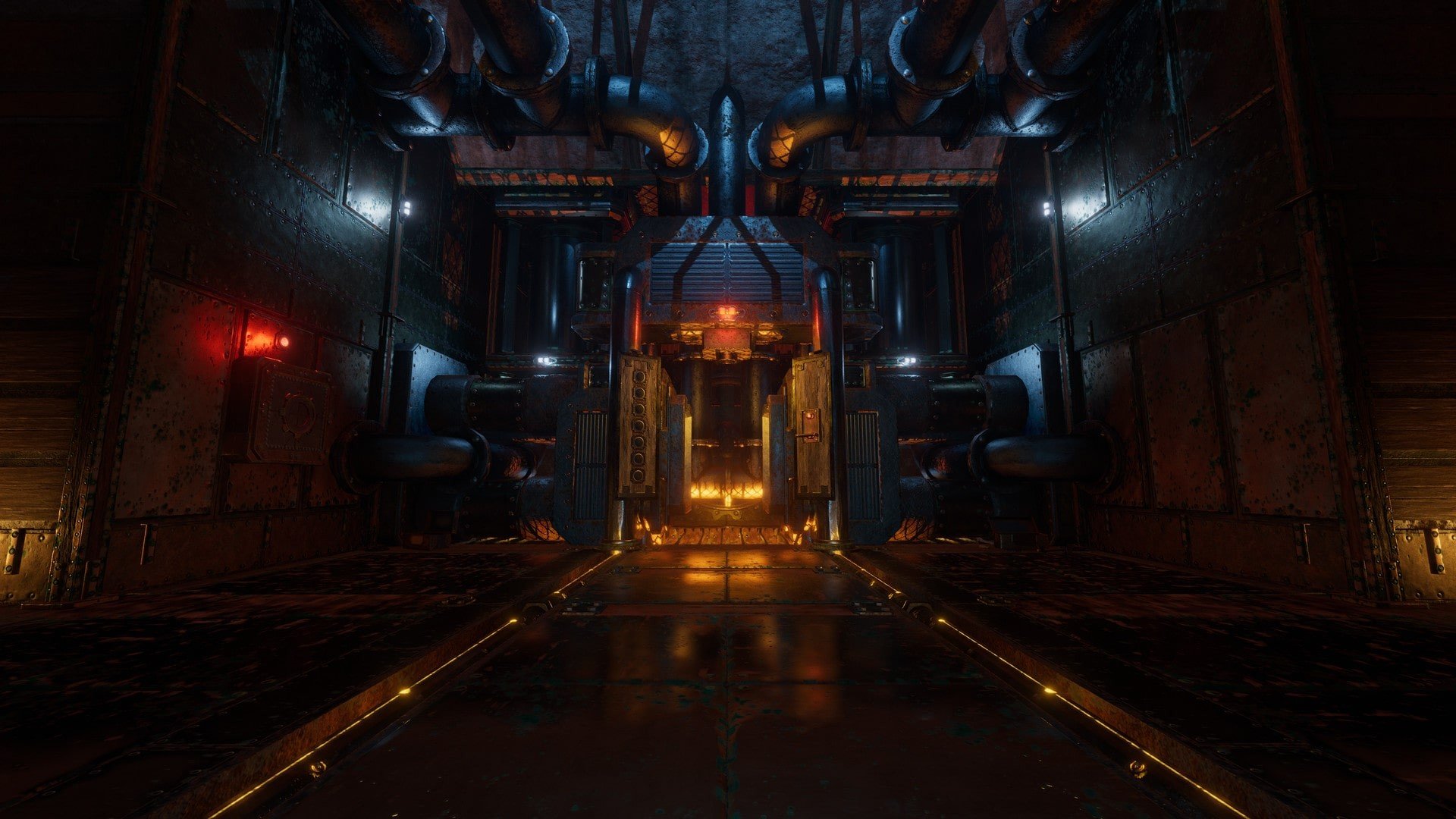
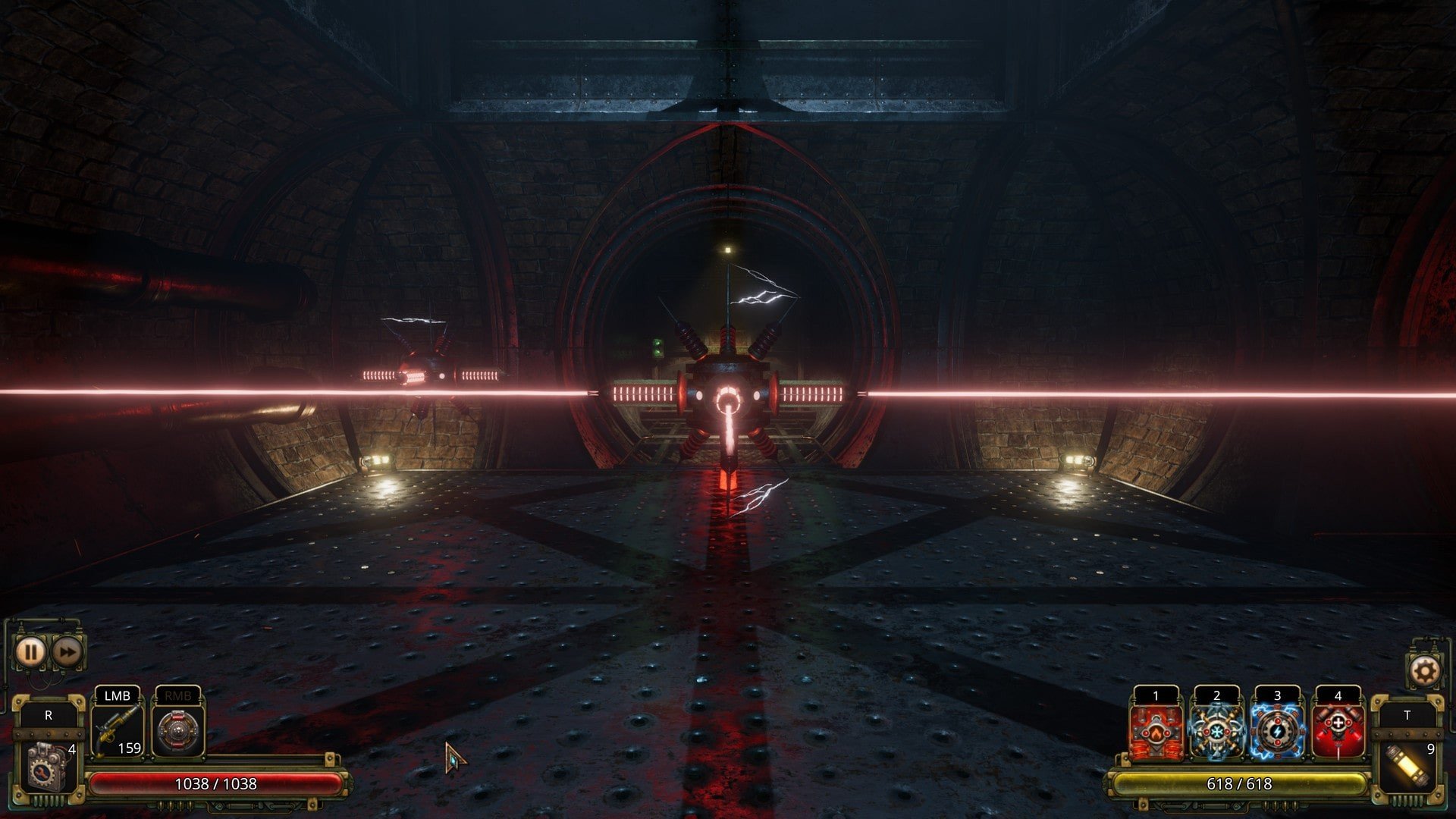
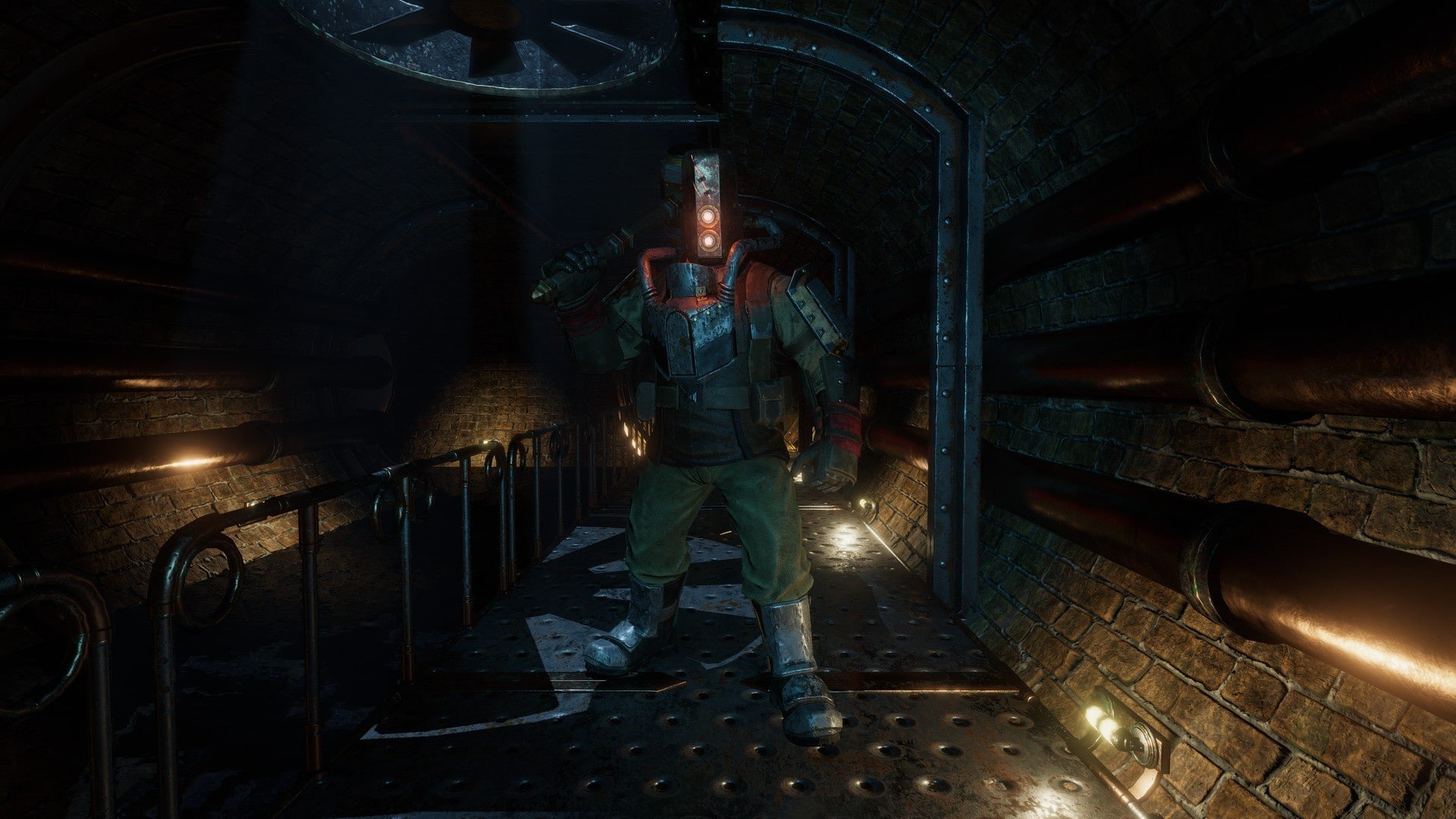
Vaporum: Lockdown is a dungeon crawler that blends classic grid-based exploration with a heavy dose of steampunk atmosphere and psychological tension. Developed by Fatbot Games, it acts as both a standalone experience and a narrative companion to the original Vaporum. Rather than simply repeating familiar ideas, Lockdown reshapes the formula by tightening its focus on story, challenge, and experimentation.
The game takes place inside the Arx Vaporum, a massive mechanical complex built to test human endurance and intellect. Players step into the role of Ellie Teller, an engineer trapped inside the facility after a catastrophic lockdown. Unlike the silent protagonist of the first game, Ellie brings a personal perspective to the unfolding events. Her thoughts, doubts, and determination add emotional weight to the journey, making the story feel grounded rather than abstract.
Gameplay follows the traditional tile-based movement system, where each step forward must be carefully considered. Combat is tactical and unforgiving, requiring players to manage cooldowns, positioning, and enemy behavior. Rushing into battle is rarely rewarded. Instead, success comes from preparation and smart use of abilities. The enemies feel deliberately designed to punish carelessness, turning every encounter into a test of patience and planning.
Customization plays a major role in Vaporum: Lockdown. Players collect mechanical cores, weapons, and upgrades that can be rearranged to suit different playstyles. This system encourages experimentation, as no single build works for every situation. Some challenges favor defensive setups, while others reward aggressive tactics or clever use of environmental hazards. The freedom to reconfigure equipment keeps the gameplay fresh throughout the campaign.
Puzzles are deeply woven into the experience, often appearing alongside combat rather than in isolated rooms. These challenges rely on logic, observation, and timing, reinforcing the feeling that the Arx Vaporum is a hostile machine designed to outthink its inhabitants. Solving a complex puzzle under pressure adds to the sense of danger and accomplishment.
Visually, the game embraces a gritty steampunk aesthetic. Rusted metal walls, glowing mechanisms, and humming machinery create an oppressive environment that constantly reminds players they are trapped. The sound design enhances this mood, with mechanical clanks and distant echoes building tension even during quiet moments.
What truly sets Vaporum: Lockdown apart is its commitment to atmosphere and narrative integration. The story unfolds through environmental details, recorded logs, and Ellie’s internal dialogue. This approach allows players to piece together the truth behind the facility at their own pace, making discovery feel earned rather than forced.
Vaporum: Lockdown is not a casual adventure. It demands attention, strategic thinking, and resilience. For players who appreciate challenging dungeon crawlers with strong identity and depth, it delivers a tightly crafted experience that feels both punishing and rewarding. It stands as a confident evolution of the Vaporum concept, proving that thoughtful design can make even the darkest corridors feel meaningful.
macOS 10.13Processor: 1.8 GHz Intel Core i5Memory: 8 GB RAMGraphics: Intel HD Graphics 6000 or betterDisk space: 5500 MB available spaceOther: Requires a 64-bit processor and operating system
Mount the downloaded image and follow the standard installation procedure.
The installation is completed by choosing a location to place the game.
It is recommended to specify the Applications folder.
Frequently Asked Questions
Mount the image and run Open Gatekeeper friendly.
Press Enter to bypass Gatekeeper in the Terminal window.
Drag the application to the Applications folder.
The application is ready for use.
ATTENTION! SIP must be disabled. Learn more >
Restart your Mac and hold down Command + R to enter Recovery Mode.
Open Terminal from the Utilities menu.
Enter the command: csrutil disable
Restart your Mac.
This is a common Gatekeeper issue. Follow these steps:
1. Open Terminal
2. Enter: sudo xattr -rd com.apple.quarantine /Applications/AppName.app
3. Replace "AppName" with the actual application name
4. Press Enter and enter your password
Yes, all our downloads are thoroughly checked for viruses and malware.
We use multiple antivirus engines to scan every file.
Our team tests each application before publishing.
We never bundle adware or unwanted software.
Yes, we regularly update our applications to the latest versions.
You can check our website for updates or subscribe to our newsletter.
We strive to provide the most recent versions within 24-48 hours of release.
If a download link is not working, please:
1. Try a different browser
2. Clear your browser cache and cookies
3. Try the alternative download links provided
4. Contact our support team if the issue persists