


Warhammer 40000: Shootas
Download Warhammer 40000: Shootas
Unzip the archive and follow the standard installation procedure.
The installation is completed by choosing a location to place the game.
It is recommended to specify the Applications folder.
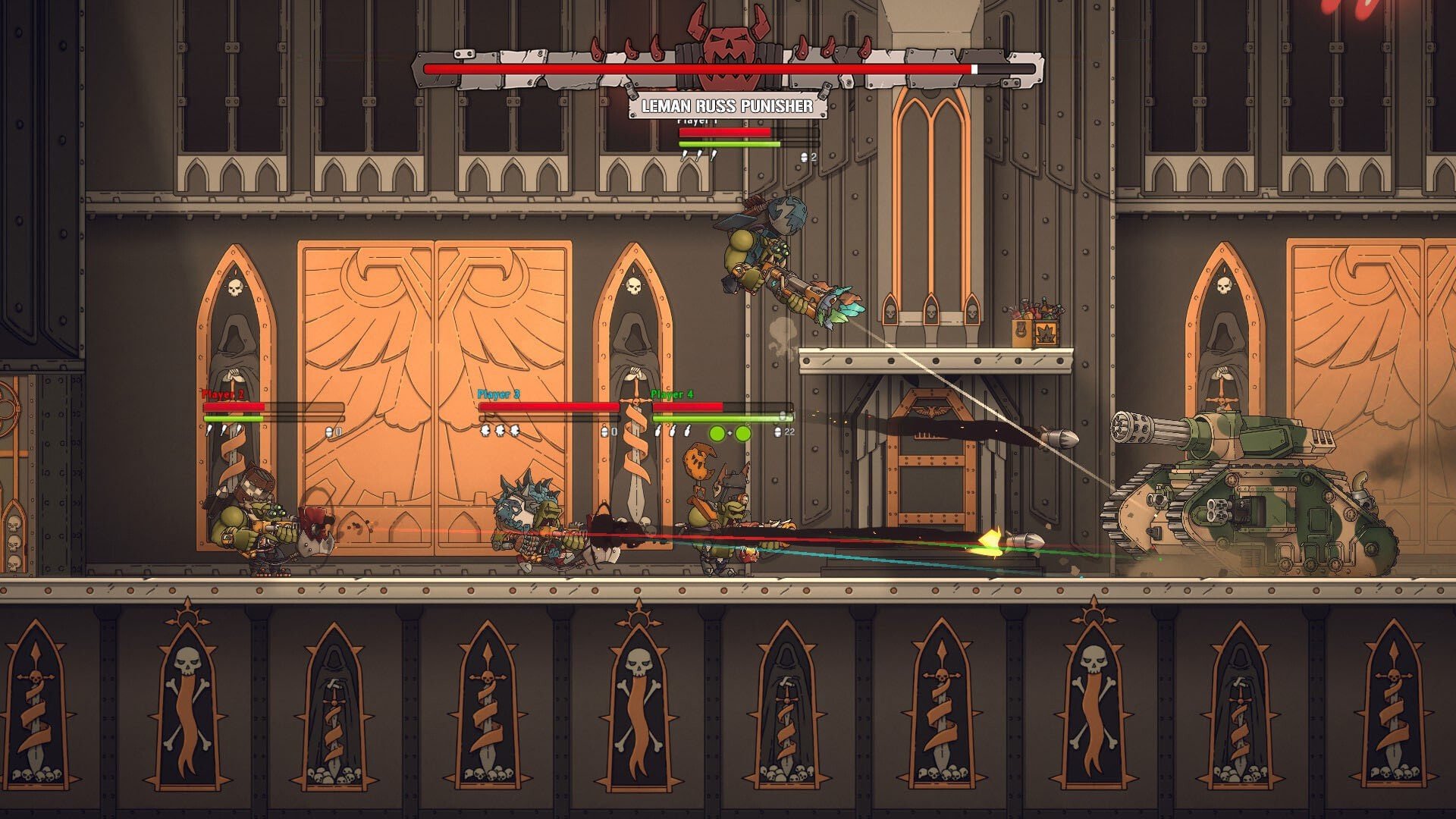
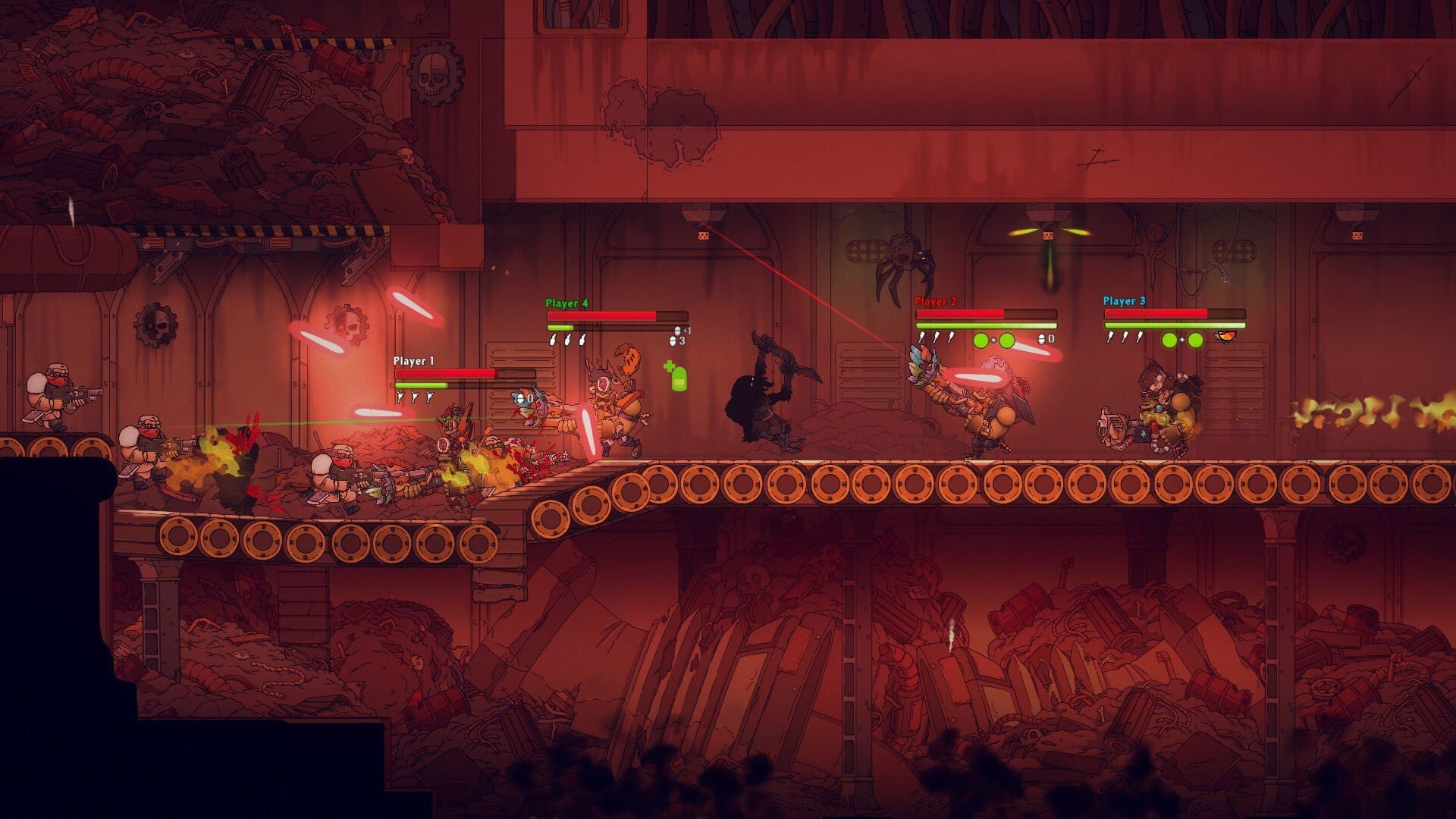
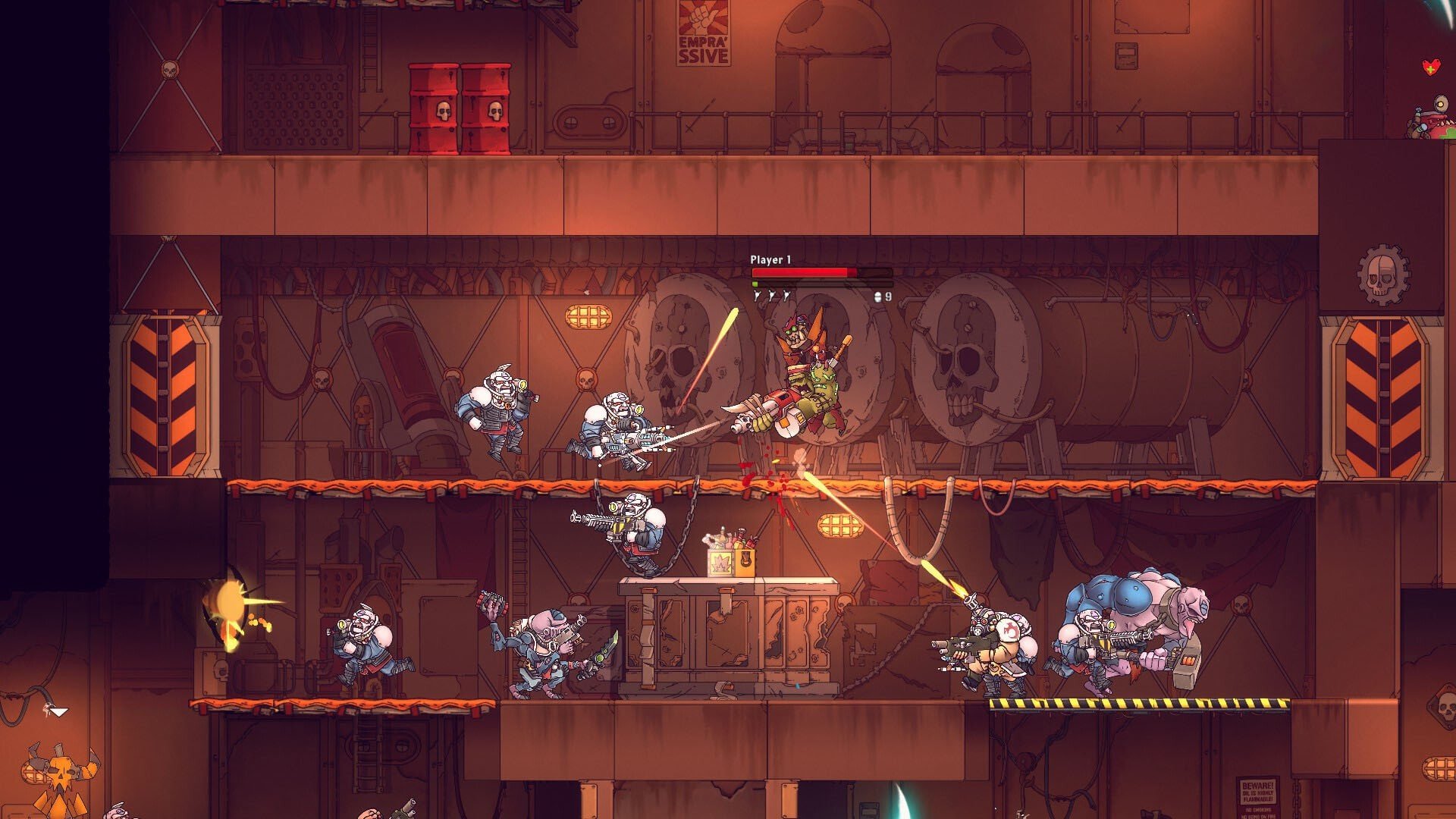
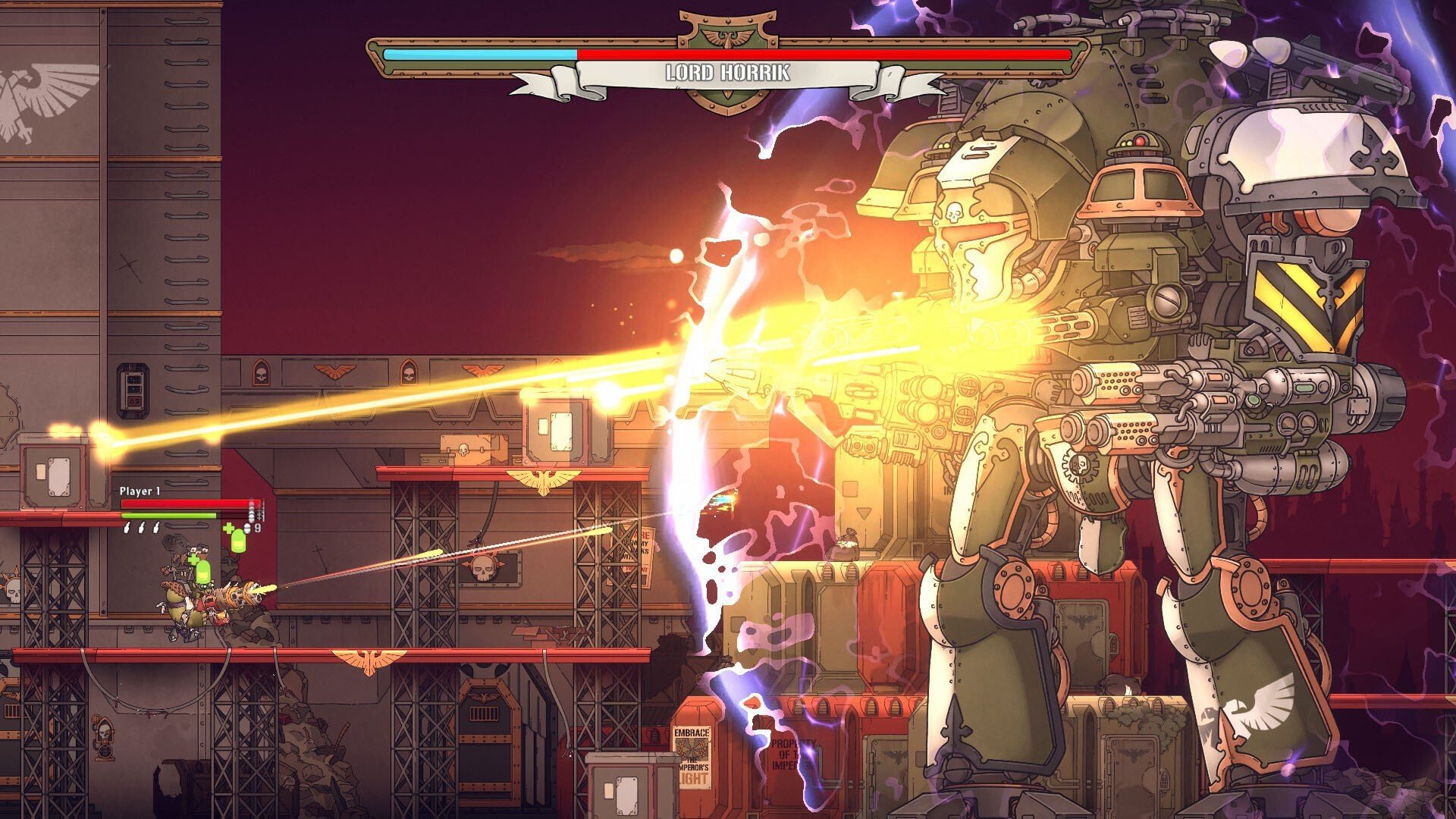
Warhammer 40,000: Shootas throws players straight into the loud, reckless, and wildly entertaining mindset of the Orks. Instead of grand strategy or deep role-playing systems, this game focuses on fast action, constant movement, and overwhelming firepower. It captures the raw energy of the Warhammer 40,000 universe while delivering a simple yet addictive shooter experience that never takes itself too seriously.
The core idea behind Shootas is refreshingly direct. Players control an Ork warrior battling through waves of enemies using an absurd variety of guns. The emphasis is on nonstop combat, where survival depends on quick reactions and aggressive play. There is little room for hesitation; the battlefield is always crowded, and danger comes from every direction. This constant pressure keeps the action intense and engaging from start to finish.
What makes Shootas stand out is how well it embraces Ork culture. Weapons are oversized, noisy, and often hilariously impractical, perfectly matching the Orks’ love for destruction. Shooting feels powerful and chaotic, with explosions and enemy knockdowns happening frequently. The game doesn’t aim for realism—instead, it leans into exaggerated action that feels satisfying and energetic.
Level design supports this fast-paced approach. Arenas are compact but filled with movement paths, obstacles, and enemy spawn points that encourage players to stay mobile. Standing still is rarely an option, as enemies swarm quickly and attacks stack up fast. This design pushes players into a constant rhythm of dodging, firing, and repositioning, creating a flow that feels natural once mastered.
Progression in Warhammer 40,000: Shootas is straightforward but rewarding. As players advance, new weapons and upgrades become available, allowing different combat styles to emerge. Some guns favor rapid fire, while others deal massive damage in slower bursts. Choosing the right weapon for each situation adds a layer of strategy beneath the surface chaos, especially as enemy variety increases.
Visually, the game uses bold colors and exaggerated character designs that align perfectly with the Ork aesthetic. Environments feel gritty and industrial, reinforcing the brutal nature of the Warhammer 40,000 setting. Despite the heavy action on screen, visuals remain clear, ensuring players can track enemies and threats without confusion.
Sound design plays a major role in selling the experience. Gunfire is loud and impactful, explosions feel heavy, and Ork voice lines inject humor into the chaos. The audio never fades into the background—it constantly reminds players that they are in the middle of a violent, joyful brawl where louder is always better.
At its heart, Warhammer 40,000: Shootas is about embracing excess. It doesn’t try to be complex or subtle, and that’s exactly where its strength lies. The game understands its audience and delivers a focused experience built around action, humor, and raw power.
In the end, Warhammer 40,000: Shootas succeeds by staying true to the spirit of the Orks. It offers fast gameplay, explosive combat, and a playful take on a grim universe. For players looking for an intense shooter that prioritizes fun over finesse, Shootas delivers a satisfying blast of pure Warhammer chaos.
A 64-bit processor and operating system are required.OS: macOS 11.0+Processor: Dual Core 2.4GHzRAM: 8 GBVideo card: Intel HD 5000Disk space: 4 GB
Unzip the archive and follow the standard installation procedure.
The installation is completed by choosing a location to place the game.
It is recommended to specify the Applications folder.
Frequently Asked Questions
Mount the image and run Open Gatekeeper friendly.
Press Enter to bypass Gatekeeper in the Terminal window.
Drag the application to the Applications folder.
The application is ready for use.
ATTENTION! SIP must be disabled. Learn more >
Restart your Mac and hold down Command + R to enter Recovery Mode.
Open Terminal from the Utilities menu.
Enter the command: csrutil disable
Restart your Mac.
This is a common Gatekeeper issue. Follow these steps:
1. Open Terminal
2. Enter: sudo xattr -rd com.apple.quarantine /Applications/AppName.app
3. Replace "AppName" with the actual application name
4. Press Enter and enter your password
Yes, all our downloads are thoroughly checked for viruses and malware.
We use multiple antivirus engines to scan every file.
Our team tests each application before publishing.
We never bundle adware or unwanted software.
Yes, we regularly update our applications to the latest versions.
You can check our website for updates or subscribe to our newsletter.
We strive to provide the most recent versions within 24-48 hours of release.
If a download link is not working, please:
1. Try a different browser
2. Clear your browser cache and cookies
3. Try the alternative download links provided
4. Contact our support team if the issue persists