


while True: learn()
Download while True: learn()
Run the downloaded image and drag the application to the Applications folder shortcut.
Once the copy is complete, you can launch the application from Launchpad.
Previous Versions
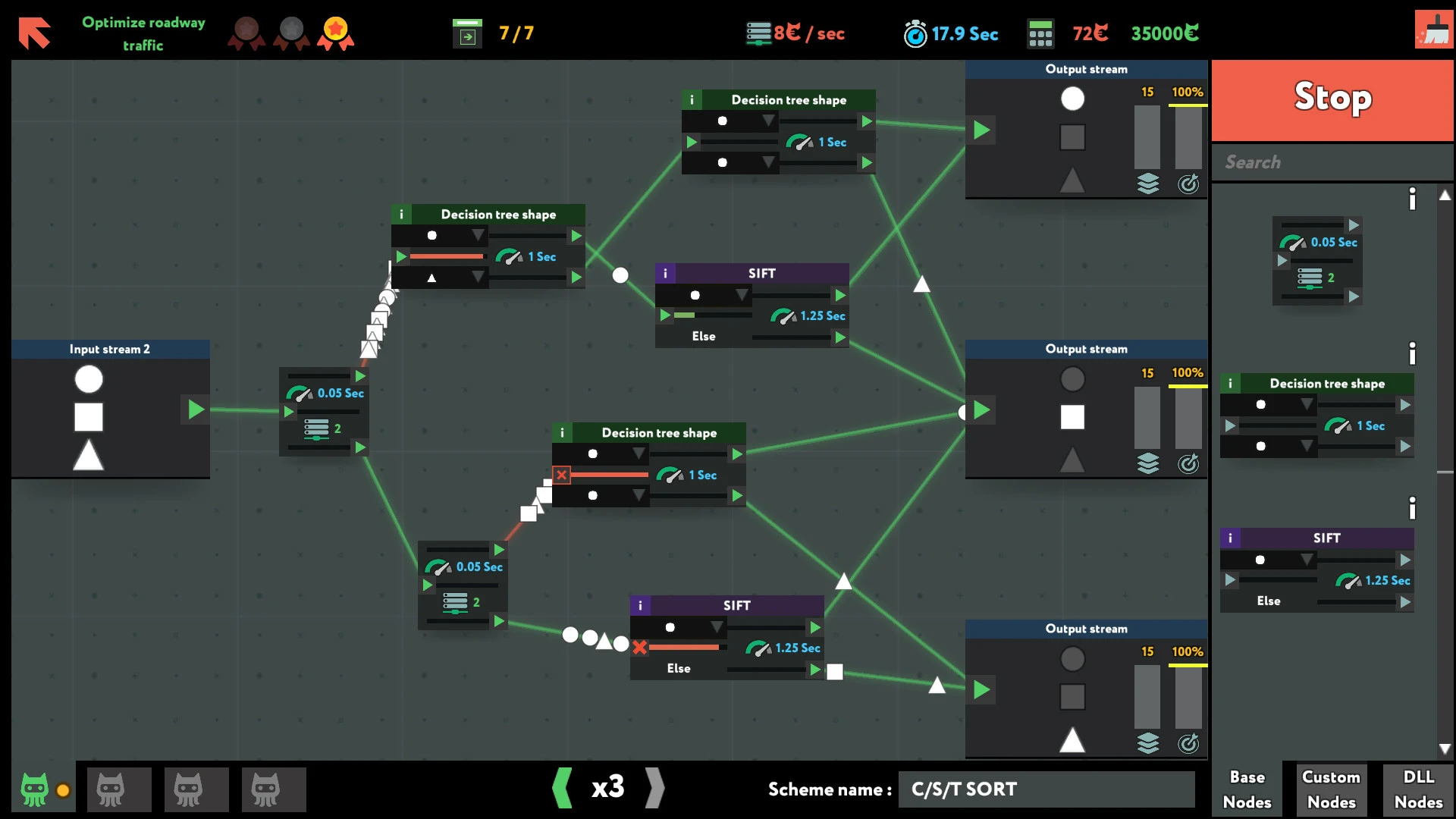
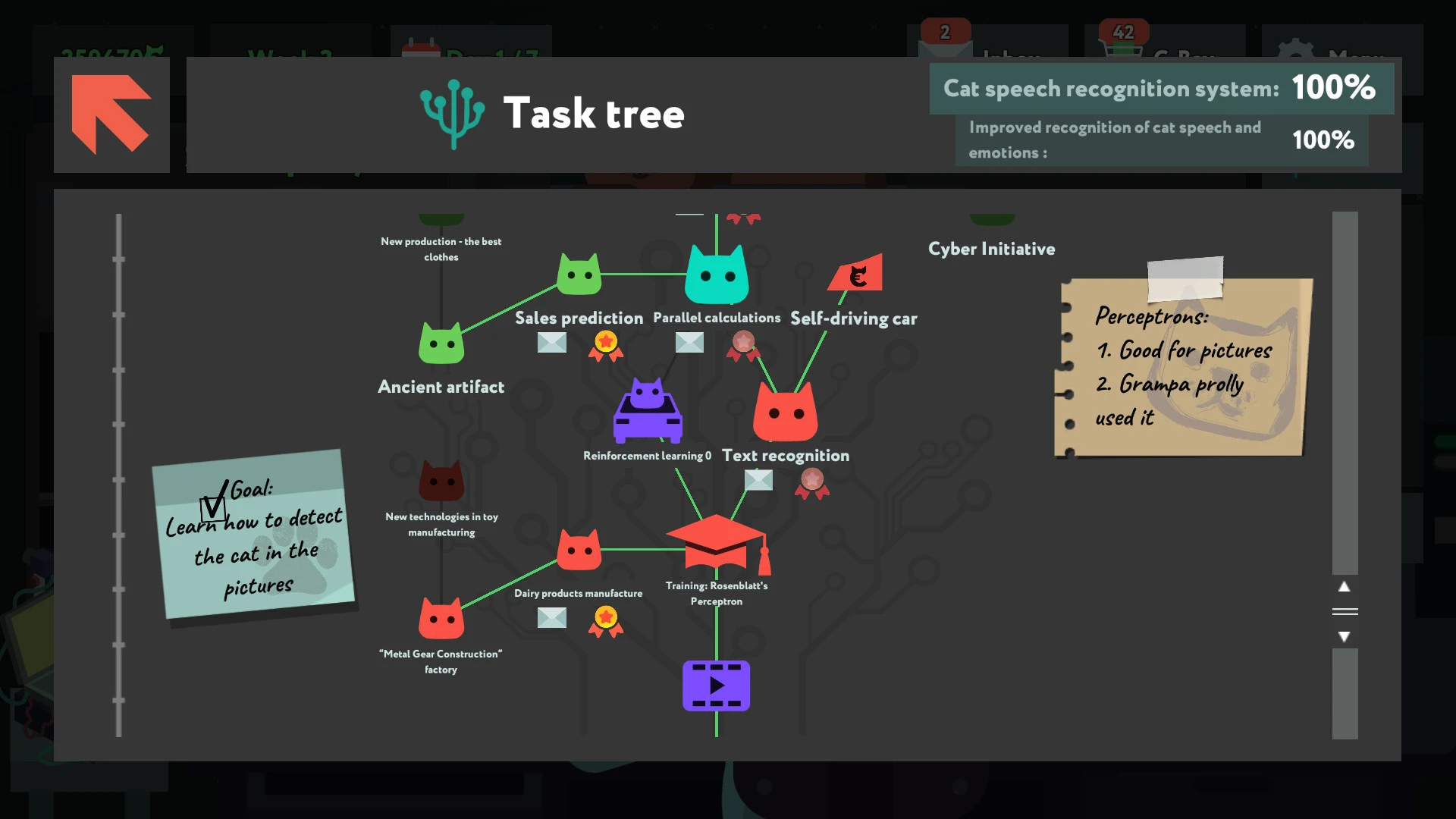

while True: learn() is a clever and engaging simulation game that transforms complex ideas about artificial intelligence and machine learning into an accessible, enjoyable experience. Developed by Luden.io, the game invites players to step into the role of a programmer attempting to teach a computer how to understand the world. Rather than overwhelming players with technical jargon, it presents abstract concepts through intuitive puzzles and problem-solving challenges, making learning feel natural and rewarding.
The game’s premise revolves around creating systems that interpret data and make decisions. Players are tasked with building logical pipelines that allow a computer to recognize patterns, sort information, and produce useful outcomes. Each level introduces a new concept, gradually increasing in complexity while reinforcing previously learned mechanics. This progression mirrors real-world learning, where understanding builds step by step, encouraging players to experiment, fail, and improve without pressure.
What makes while True: learn() stand out is how it balances education and entertainment. Although inspired by real machine learning principles, the game avoids strict realism in favor of clarity and fun. Abstract symbols and colorful visuals represent data, algorithms, and processes, helping players grasp ideas without requiring prior knowledge of programming. The puzzles feel satisfying to solve, offering that “aha” moment when a system finally works as intended.
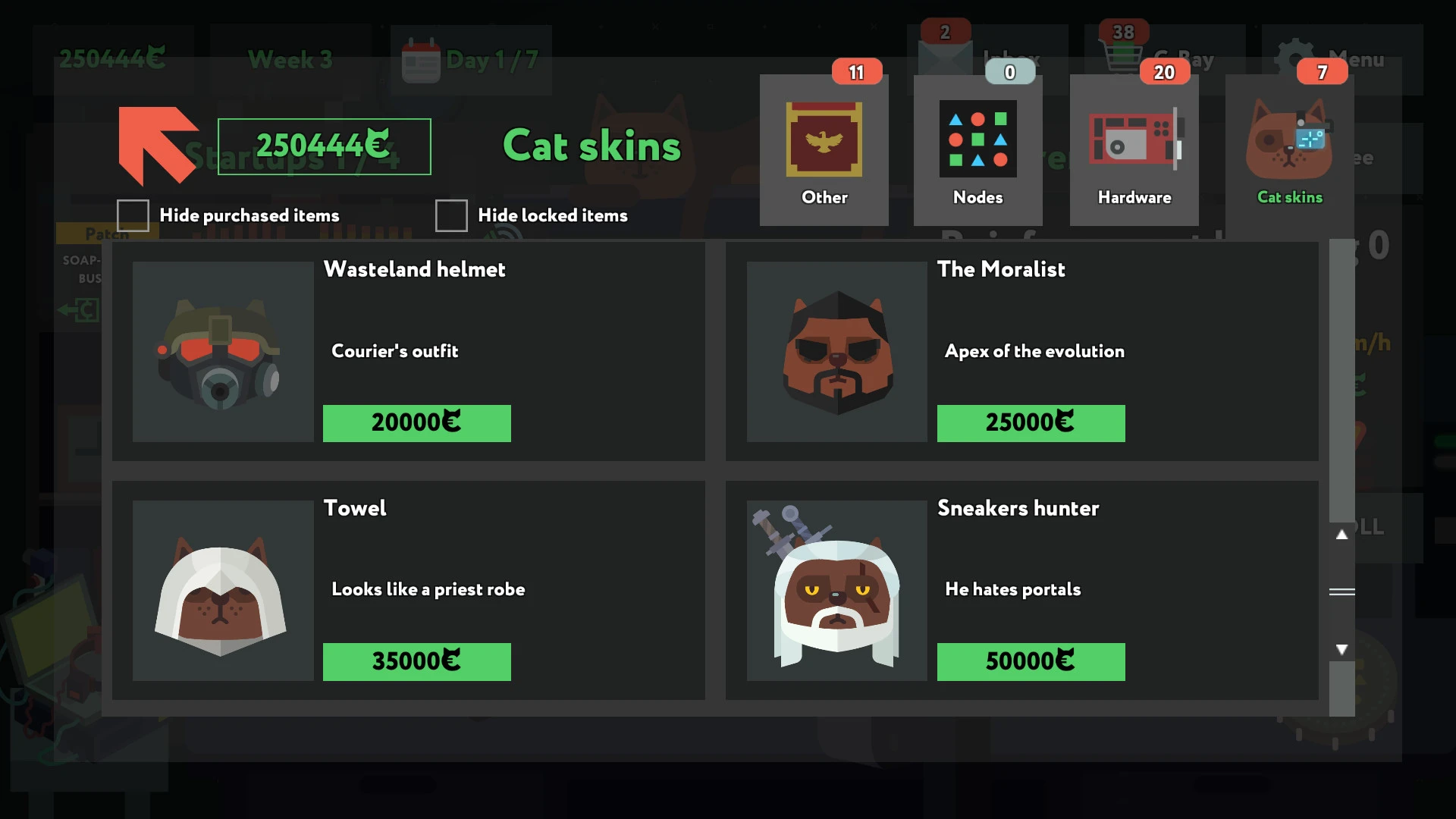
Beyond its puzzle mechanics, the game also incorporates light management elements. Players earn in-game currency by completing tasks and must decide how to invest their resources, whether by upgrading tools or unlocking new challenges. This adds a layer of strategic decision-making, encouraging thoughtful planning and reinforcing the idea that learning and progress require investment. The presence of these systems keeps gameplay varied and engaging, preventing repetition while maintaining a steady sense of advancement.
The visual design of while True: learn() plays a significant role in its appeal. The minimalist art style is clean and approachable, using bright colors and simple animations to convey complex ideas clearly. This clarity ensures that players can focus on problem-solving rather than deciphering confusing visuals. The sound design complements the experience with subtle audio cues that provide feedback without distraction, creating a relaxed and focused atmosphere.
Another strength of the game lies in its tone. while True: learn() approaches its subject matter with warmth and humor, making the learning process feel welcoming rather than intimidating. Small narrative touches, such as character interactions and playful descriptions, add charm and personality to the experience. This approach encourages curiosity and persistence, reminding players that learning is an ongoing journey rather than a destination.
In conclusion, while True: learn() is a thoughtful and inventive game that demystifies artificial intelligence through interactive play. By blending puzzle-solving, strategy, and accessible design, it offers a meaningful introduction to complex concepts without sacrificing enjoyment. Whether players are curious about how machines learn or simply enjoy clever, brain-teasing games, while True: learn() provides an engaging experience that proves education and entertainment can coexist seamlessly.
OS: macOS 10.13+Processor: Apple Silicon is supported / Intel 2.0 GHzRAM: 2 GB RAMVideo card: Intel HD Graphics 3000Disk space: 500 MB
Run the downloaded image and drag the application to the Applications folder shortcut.
Once the copy is complete, you can launch the application from Launchpad.
Frequently Asked Questions
Mount the image and run Open Gatekeeper friendly.
Press Enter to bypass Gatekeeper in the Terminal window.
Drag the application to the Applications folder.
The application is ready for use.
ATTENTION! SIP must be disabled. Learn more >
Restart your Mac and hold down Command + R to enter Recovery Mode.
Open Terminal from the Utilities menu.
Enter the command: csrutil disable
Restart your Mac.
This is a common Gatekeeper issue. Follow these steps:
1. Open Terminal
2. Enter: sudo xattr -rd com.apple.quarantine /Applications/AppName.app
3. Replace "AppName" with the actual application name
4. Press Enter and enter your password
Yes, all our downloads are thoroughly checked for viruses and malware.
We use multiple antivirus engines to scan every file.
Our team tests each application before publishing.
We never bundle adware or unwanted software.
Yes, we regularly update our applications to the latest versions.
You can check our website for updates or subscribe to our newsletter.
We strive to provide the most recent versions within 24-48 hours of release.
If a download link is not working, please:
1. Try a different browser
2. Clear your browser cache and cookies
3. Try the alternative download links provided
4. Contact our support team if the issue persists