


Wingspan
Download Wingspan
Mount the downloaded image and follow the standard installation procedure.
The installation is completed by choosing a location to place the game.
It is recommended to specify the Applications folder.
Previous Versions
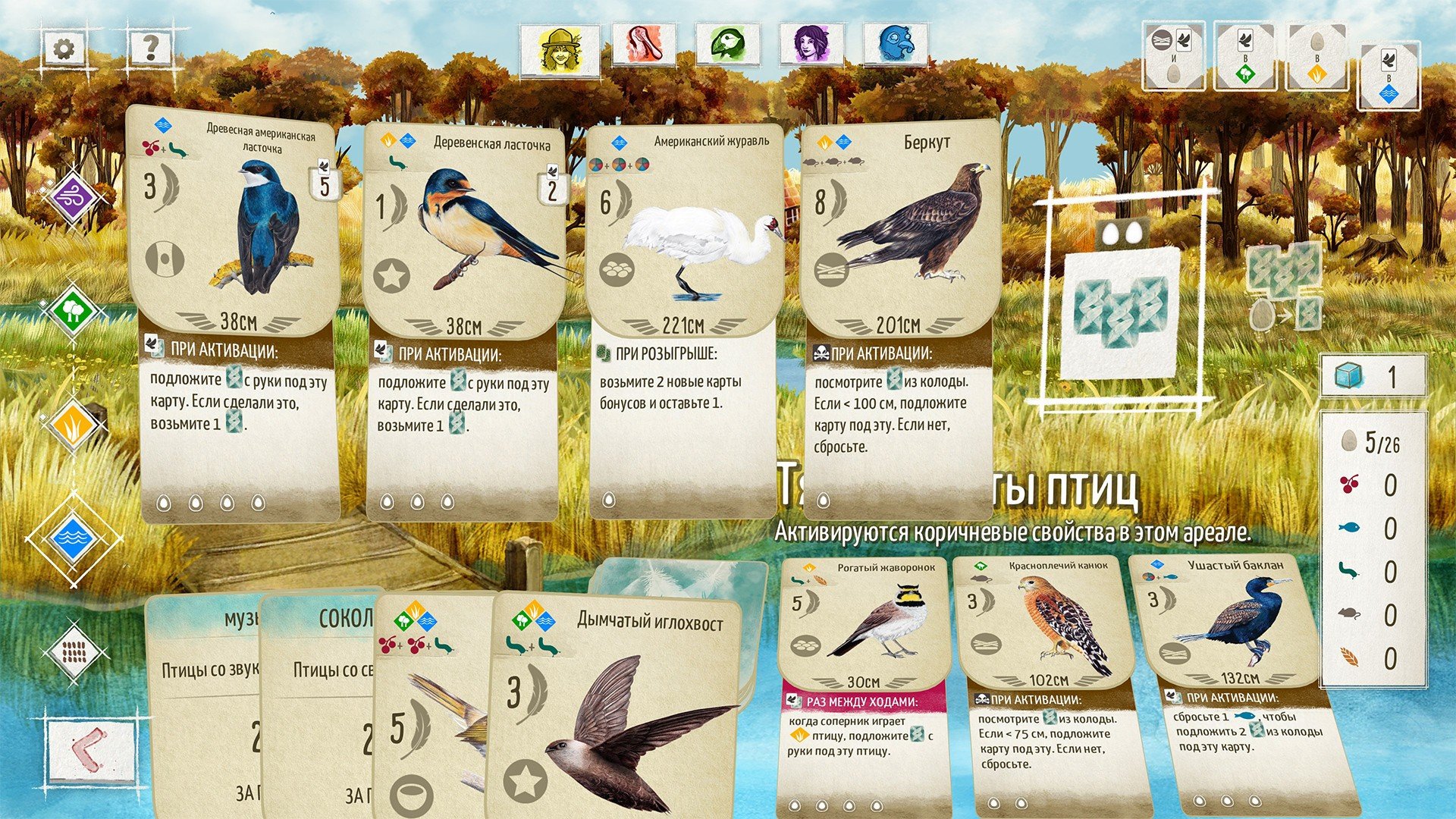
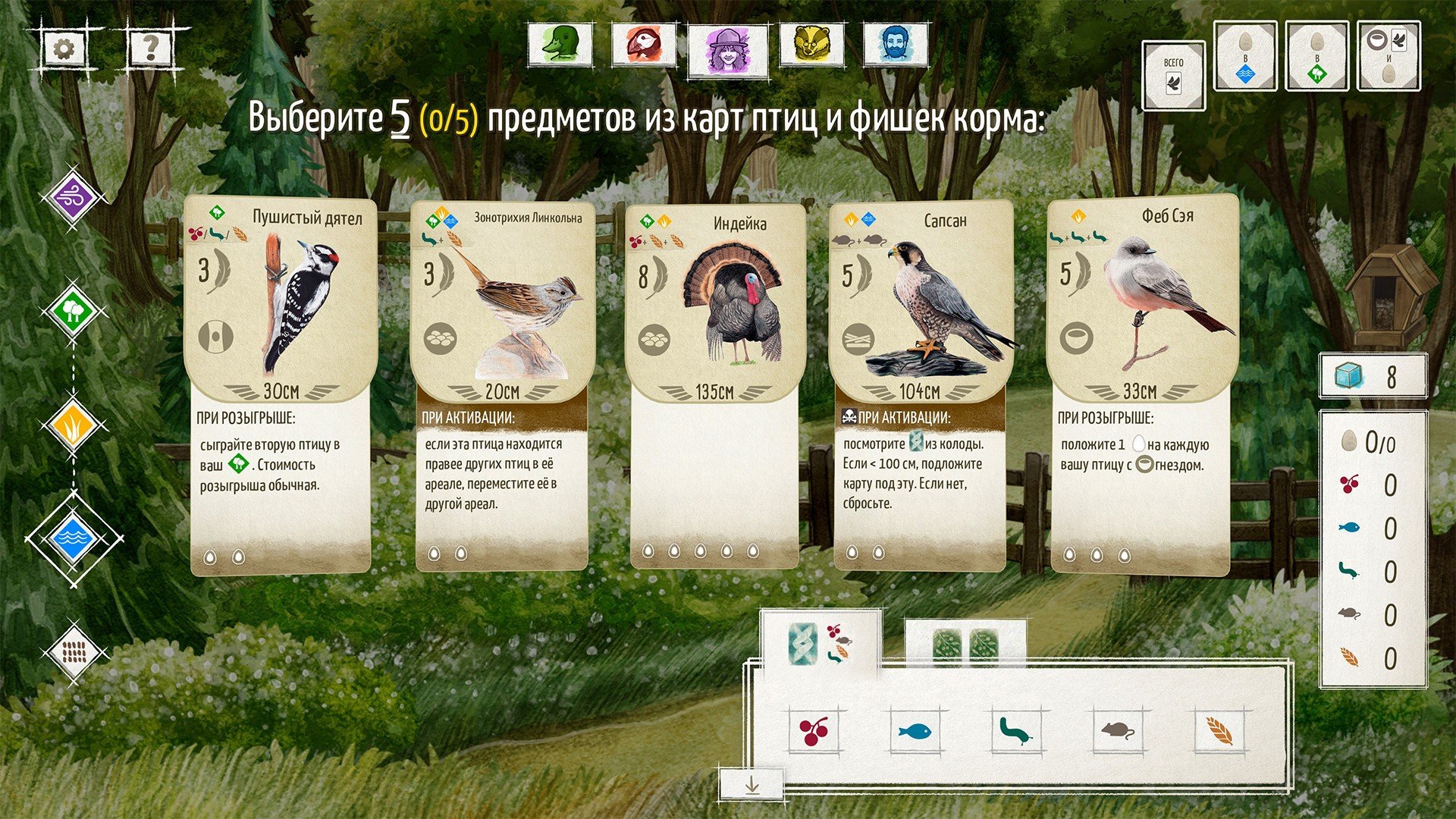
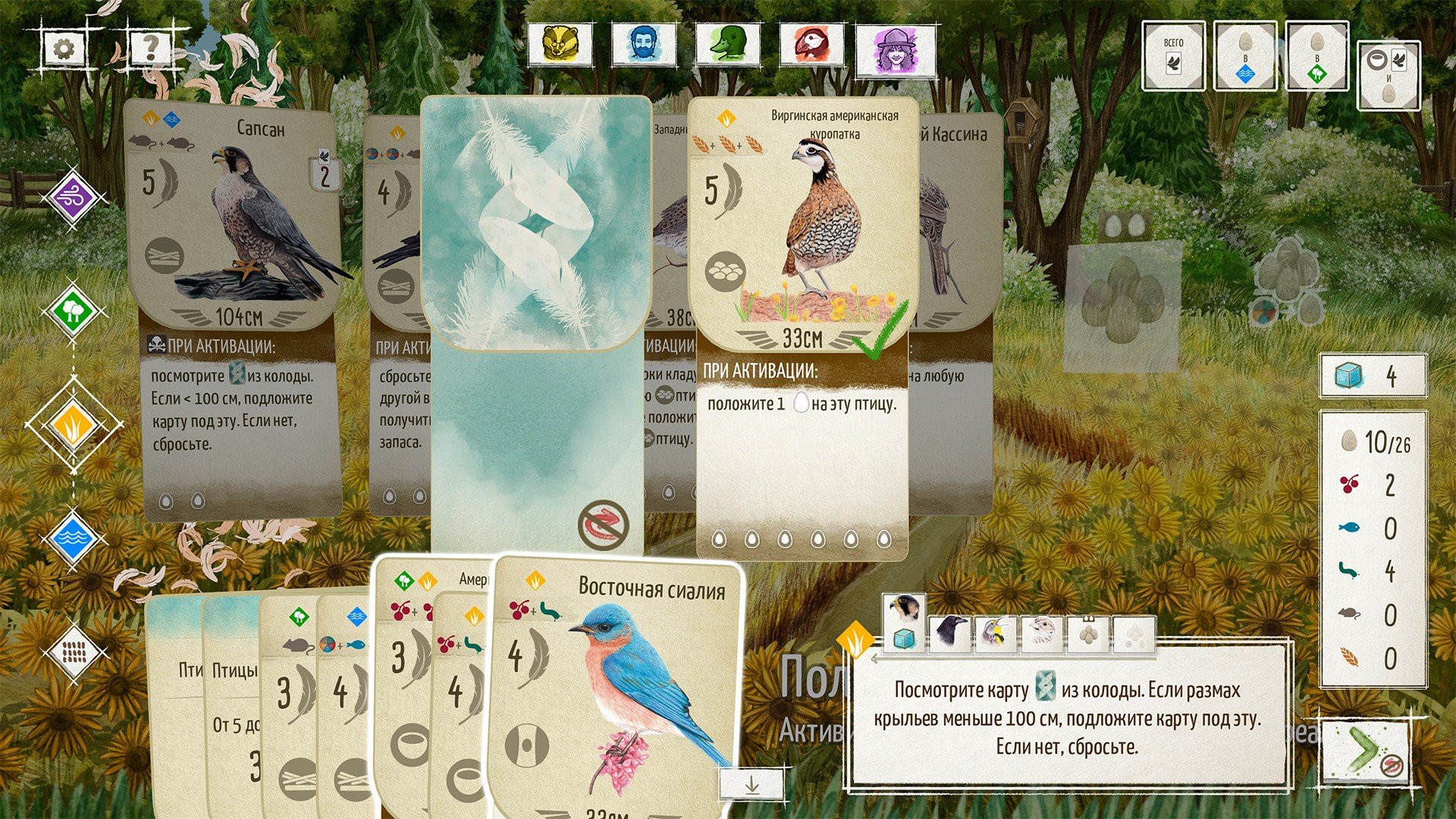
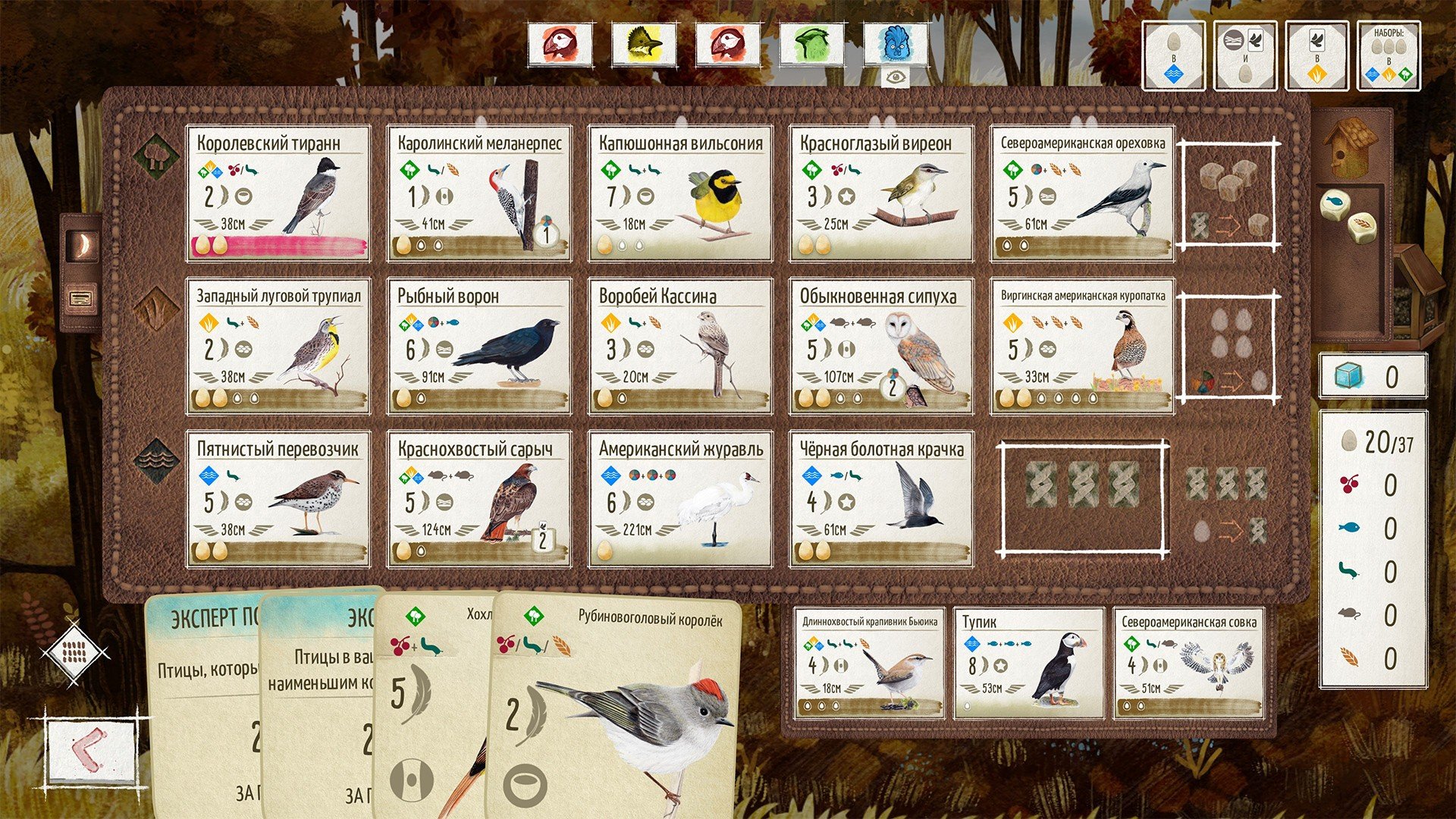
In recent years, board games have evolved beyond simple roll-and-move mechanics, embracing intricate strategies, immersive themes, and visually stunning designs. Among these innovations, Wingspan stands out as a game that seamlessly combines the beauty of nature with deep strategic gameplay, appealing to both casual players and hardcore board gamers.
At its core, Wingspan is a card-driven engine-building game centered around birds. Each player takes on the role of a wildlife enthusiast, aiming to attract the most impressive collection of birds to their personal wildlife preserve. The game features over 170 uniquely illustrated bird cards, each representing real-life species with fascinating traits, habitats, and behaviors. The attention to detail is remarkable: from the bird’s diet to its wingspan and nesting habits, every element is educational, making the game both fun and informative.
The gameplay of Wingspan is elegant yet strategically rich. Players take turns performing one of four actions: gaining food from the birdfeeder, laying eggs, drawing bird cards, or playing a bird into their habitat. Each habitat—forest, grassland, and wetland—offers different benefits and strategic opportunities. Forests help gather food, grasslands produce eggs, and wetlands allow players to draw more cards. The challenge lies in balancing immediate needs with long-term engine-building strategies, as every decision impacts the player’s future options.
One of the most impressive aspects of Wingspan is how it balances luck and skill. While the bird cards and food dice introduce variability, the strategic choices available each turn give players control over their progress. Successful players think several turns ahead, planning how to maximize their habitats, trigger bird powers, and optimize point-scoring opportunities. The interplay between randomness and strategy keeps the game exciting and ensures that no two sessions are ever the same.
Beyond mechanics, Wingspan excels in presentation. The artwork is stunning, with realistic illustrations that make the birds come alive on the table. The components are high-quality, from the colorful eggs to the custom dice and beautifully designed player mats. The game also includes a companion app with bird facts and sounds, enhancing the thematic immersion and making it an excellent tool for education and exploration of ornithology.
The game also emphasizes accessibility, making it suitable for players of all ages. While the strategy depth appeals to seasoned board gamers, the intuitive rules and natural theme make it approachable for families and newcomers. Its solo mode further extends its appeal, allowing players to enjoy a personal challenge without requiring a group.
In conclusion, Wingspan is more than just a board game—it is a celebration of nature, strategy, and creativity. By combining detailed bird information with thoughtful gameplay, it offers a unique experience that educates and entertains simultaneously. Whether you are a bird enthusiast, a strategy game lover, or simply someone looking for a visually captivating and engaging board game, Wingspan promises hours of thoughtful play and the joy of watching your wildlife preserve flourish.
OS: macOS 10.11Processor: i5RAM: 4 GBVideo card: Intel HD Graphics 6000Disk space: 2 GB
Mount the downloaded image and follow the standard installation procedure.
The installation is completed by choosing a location to place the game.
It is recommended to specify the Applications folder.
Frequently Asked Questions
Mount the image and run Open Gatekeeper friendly.
Press Enter to bypass Gatekeeper in the Terminal window.
Drag the application to the Applications folder.
The application is ready for use.
ATTENTION! SIP must be disabled. Learn more >
Restart your Mac and hold down Command + R to enter Recovery Mode.
Open Terminal from the Utilities menu.
Enter the command: csrutil disable
Restart your Mac.
This is a common Gatekeeper issue. Follow these steps:
1. Open Terminal
2. Enter: sudo xattr -rd com.apple.quarantine /Applications/AppName.app
3. Replace "AppName" with the actual application name
4. Press Enter and enter your password
Yes, all our downloads are thoroughly checked for viruses and malware.
We use multiple antivirus engines to scan every file.
Our team tests each application before publishing.
We never bundle adware or unwanted software.
Yes, we regularly update our applications to the latest versions.
You can check our website for updates or subscribe to our newsletter.
We strive to provide the most recent versions within 24-48 hours of release.
If a download link is not working, please:
1. Try a different browser
2. Clear your browser cache and cookies
3. Try the alternative download links provided
4. Contact our support team if the issue persists