


Worms Armageddon
Download Worms Armageddon
Run the downloaded image and drag the application to the Applications folder shortcut.
Once copying is complete, the application can be launched via Launchpad.
Previous Versions

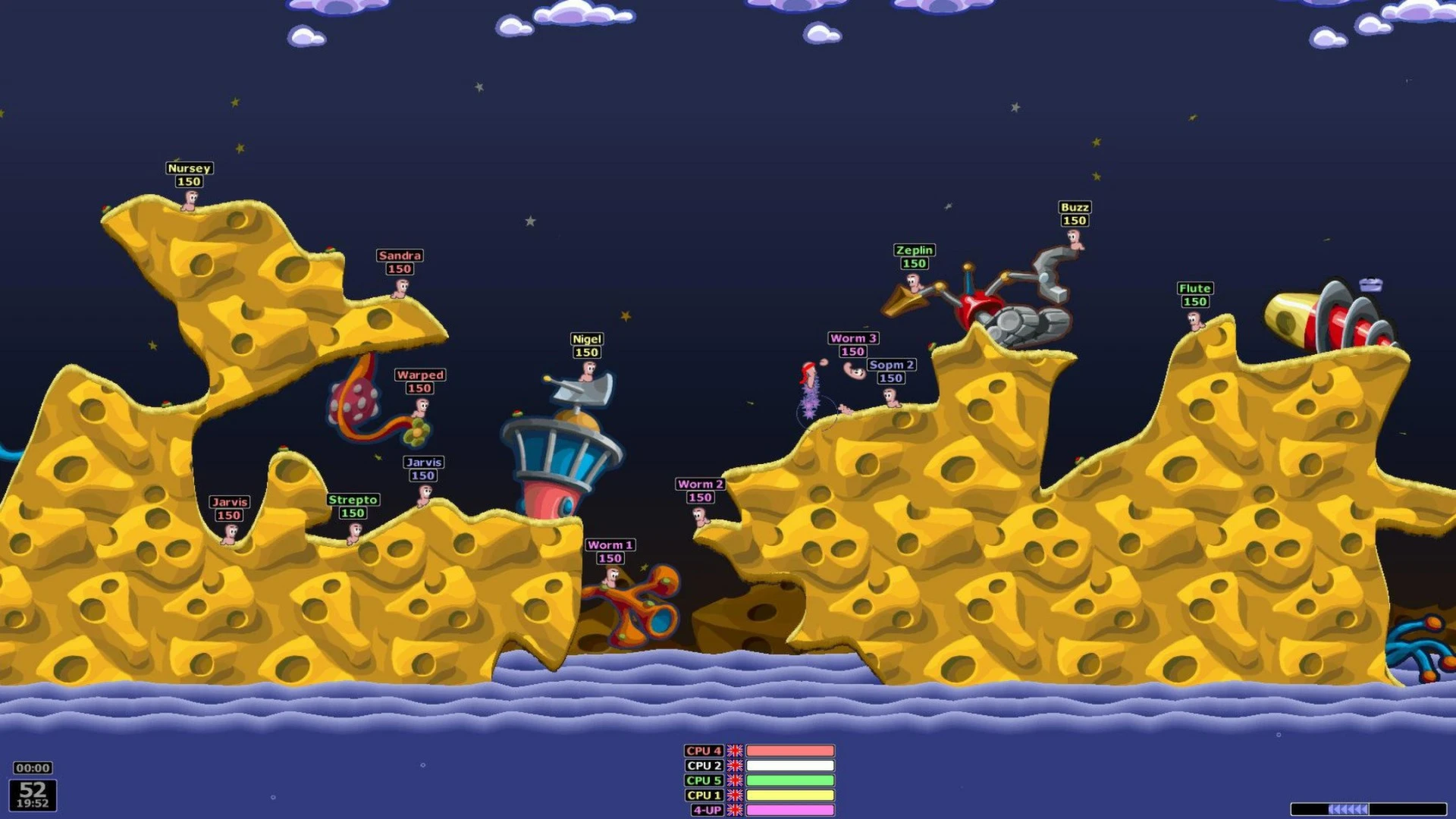
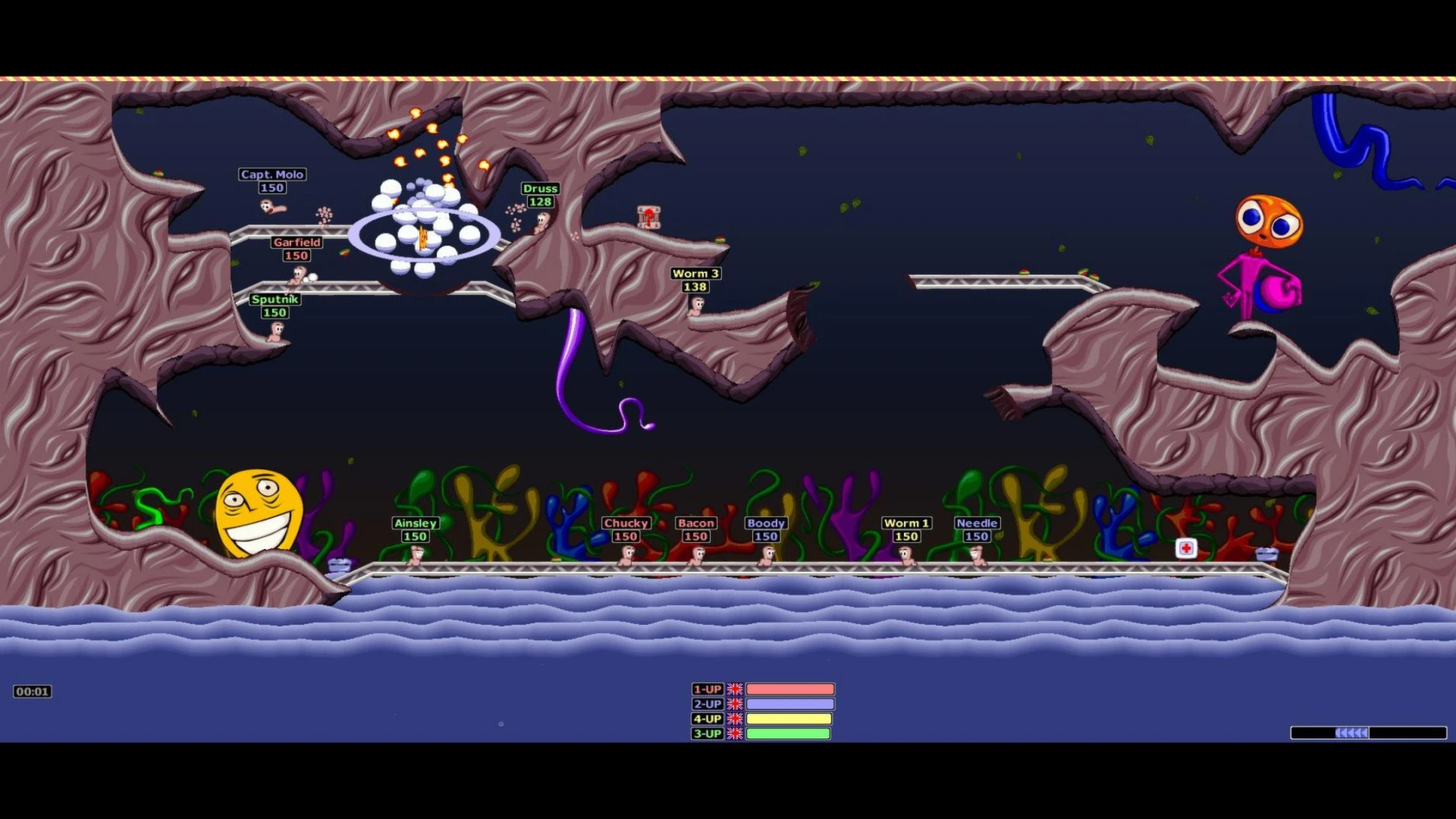
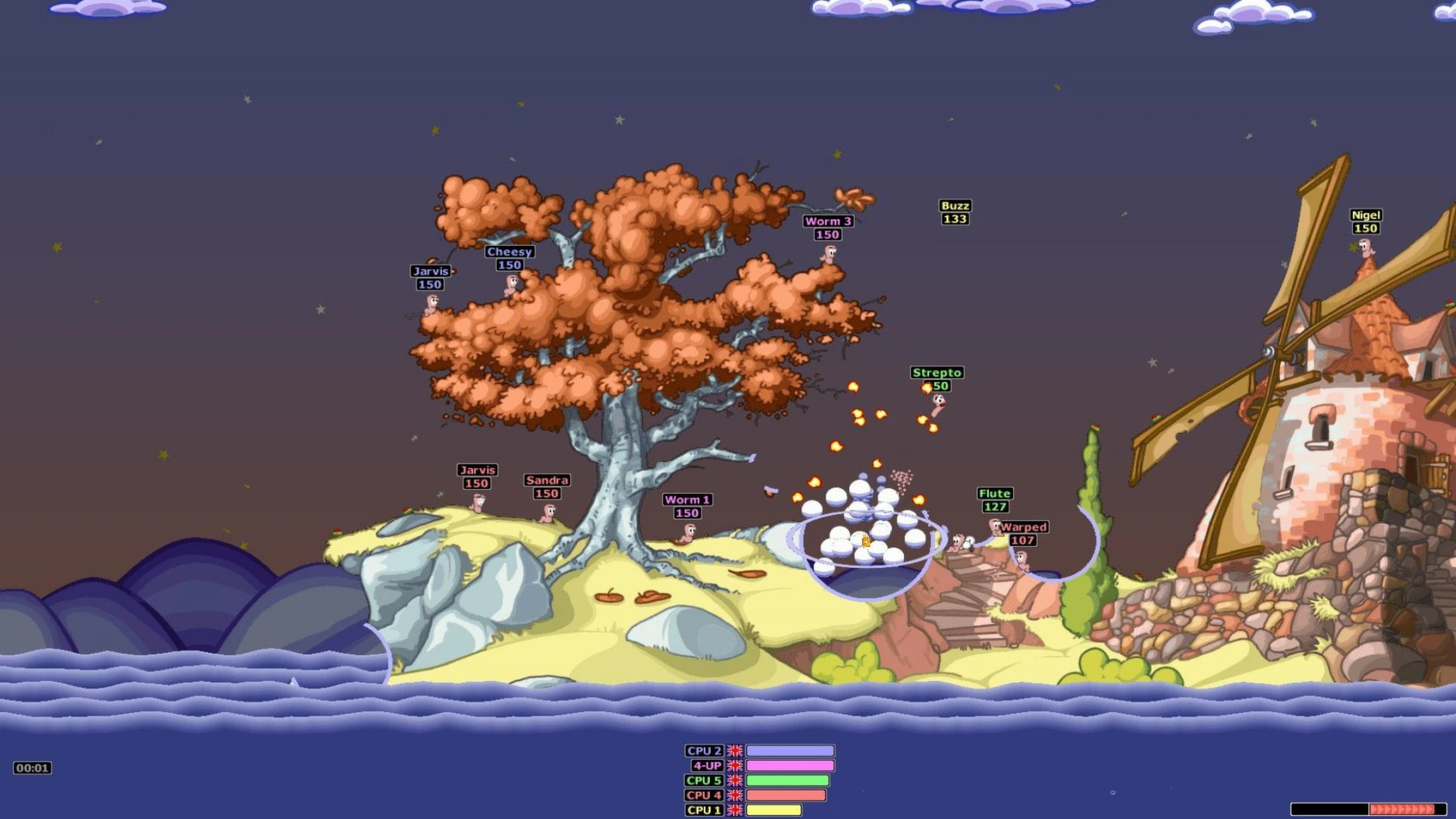
Worms Armageddon stands as one of the most memorable entries in the long-running Worms series, earning its reputation through a unique blend of turn-based strategy, slapstick humor, and unpredictable destruction. Released as an evolution of earlier Worms titles, the game refined what players already loved while adding depth that has allowed it to remain relevant decades later.
At its heart, Worms Armageddon is about tactical thinking in a deceptively light-hearted package. Players control a small team of cartoon worms, each armed with an outrageous arsenal ranging from bazookas and grenades to sheep, holy hand grenades, and even concrete donkeys. Every match unfolds on a destructible 2D landscape, where terrain damage plays a crucial role. A poorly aimed shot can reshape the battlefield, opening new paths or accidentally dropping a worm into the water below.
What truly separates Worms Armageddon from many strategy games is its emphasis on creativity rather than raw skill. Wind direction affects projectiles, timing influences explosions, and environmental hazards can change the course of a match in seconds. Victory often comes not from perfect planning but from clever improvisation. This unpredictability keeps each match fresh, even for long-time players.
The game offers a wide range of modes that cater to different play styles. Single-player missions and training levels help newcomers learn the mechanics, while campaign challenges push experienced players to master advanced techniques. Multiplayer is where Worms Armageddon truly shines. Whether played locally with friends or online against opponents from around the world, the game creates moments of laughter, tension, and surprise that few competitive titles can replicate.
Customization is another key reason for the game’s lasting appeal. Players can adjust team names, worm voices, victory messages, and even rule sets. This level of personalization gives every match a distinct personality. Over time, communities have also contributed custom maps and settings, extending the game’s lifespan far beyond its original release.
Despite its humorous presentation, Worms Armageddon rewards strategic depth. Skilled players learn how to control weapon physics, manage limited resources, and position worms defensively. Matches can be slow and methodical or fast and chaotic, depending entirely on player choices. This flexibility makes the game accessible to casual players while still offering complexity for competitive enthusiasts.
Years after its debut, Worms Armageddon continues to attract new players and loyal fans alike. Its simple visuals age gracefully, and its gameplay remains engaging without relying on modern trends or flashy graphics. The game proves that strong mechanics and thoughtful design can stand the test of time.
In conclusion, Worms Armageddon is more than just a nostalgic classic. It is a finely balanced strategy game that blends humor, creativity, and tactical depth in a way few titles manage. Whether discovered for the first time or revisited after years, it delivers an experience that is as entertaining today as it was at launch.
▎Apple Silicon (ARM)- macOS Tahoe 26.1 and later. - Apple Silicon (M1-M5, M Pro/Max/Ultra).- ±8 GB of shared memory.- ±3 GB free space.▎Gamepad support is not provided
Run the downloaded image and drag the application to the Applications folder shortcut.
Once copying is complete, the application can be launched via Launchpad.
Frequently Asked Questions
Mount the image and run Open Gatekeeper friendly.
Press Enter to bypass Gatekeeper in the Terminal window.
Drag the application to the Applications folder.
The application is ready for use.
ATTENTION! SIP must be disabled. Learn more >
Restart your Mac and hold down Command + R to enter Recovery Mode.
Open Terminal from the Utilities menu.
Enter the command: csrutil disable
Restart your Mac.
This is a common Gatekeeper issue. Follow these steps:
1. Open Terminal
2. Enter: sudo xattr -rd com.apple.quarantine /Applications/AppName.app
3. Replace "AppName" with the actual application name
4. Press Enter and enter your password
Yes, all our downloads are thoroughly checked for viruses and malware.
We use multiple antivirus engines to scan every file.
Our team tests each application before publishing.
We never bundle adware or unwanted software.
Yes, we regularly update our applications to the latest versions.
You can check our website for updates or subscribe to our newsletter.
We strive to provide the most recent versions within 24-48 hours of release.
If a download link is not working, please:
1. Try a different browser
2. Clear your browser cache and cookies
3. Try the alternative download links provided
4. Contact our support team if the issue persists