


The Witness
Download The Witness
Run the downloaded image and follow the standard installation procedure.
The installation is completed by choosing a location to place the game.
It is recommended to specify the Applications folder.
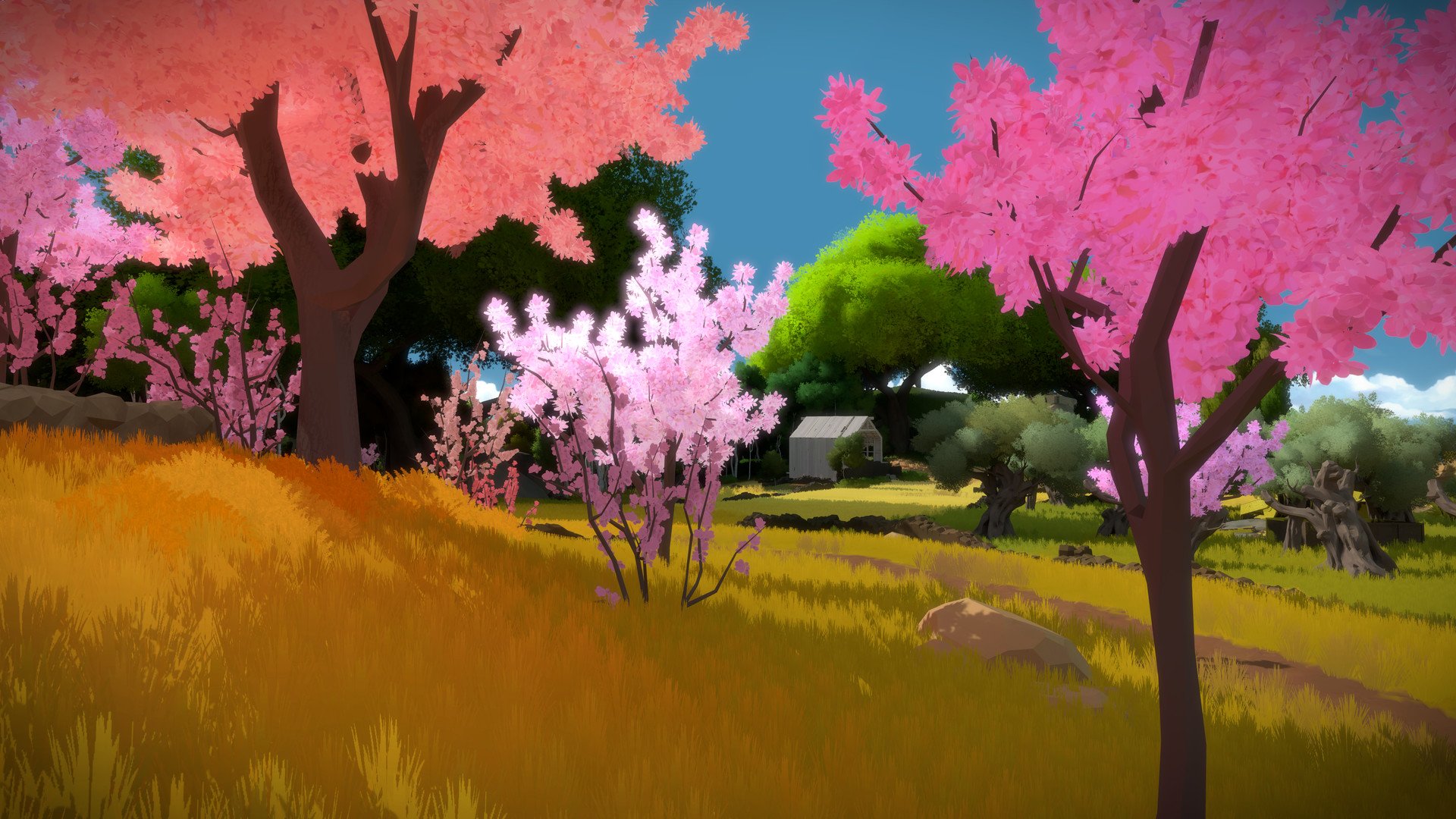
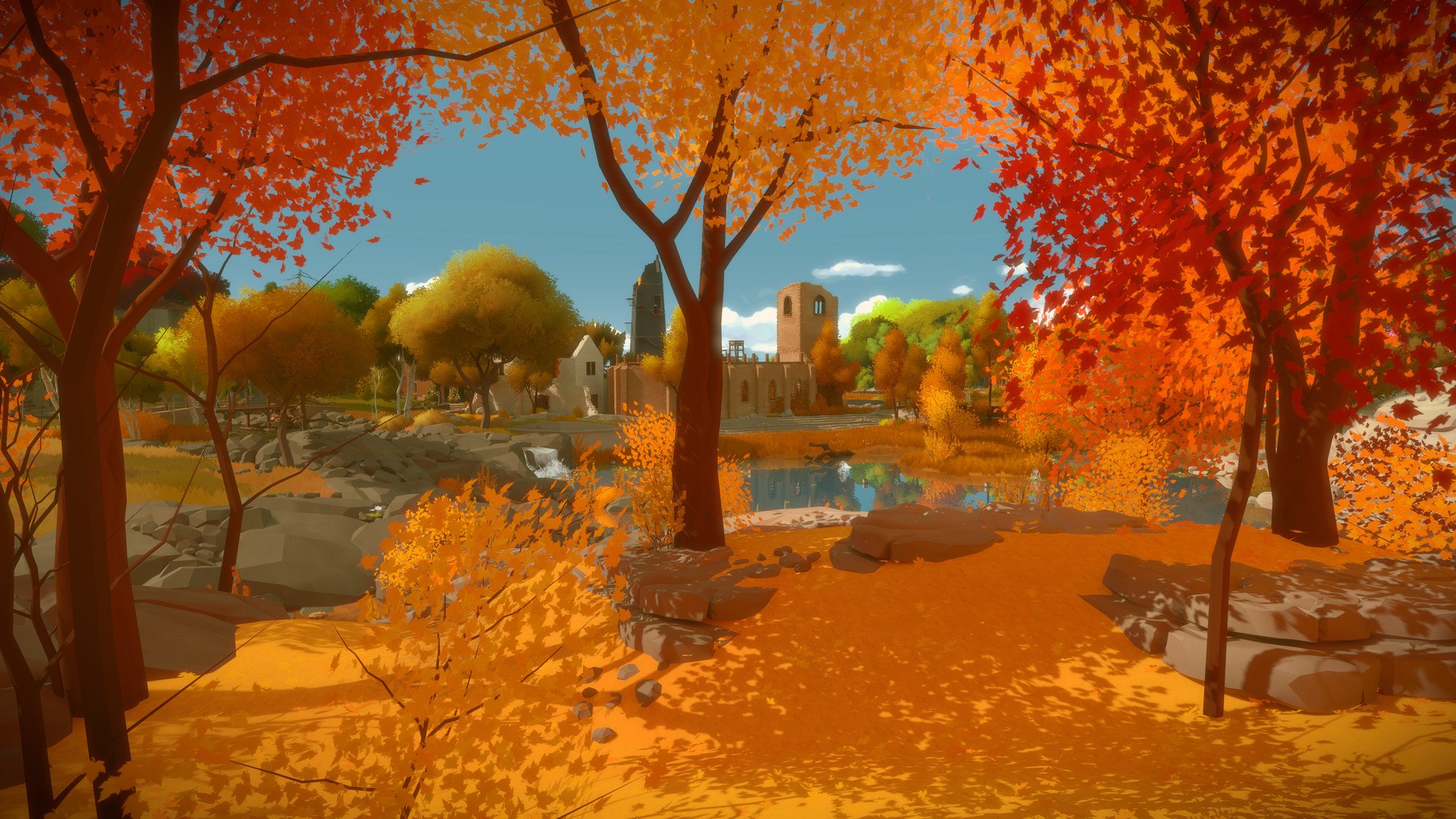
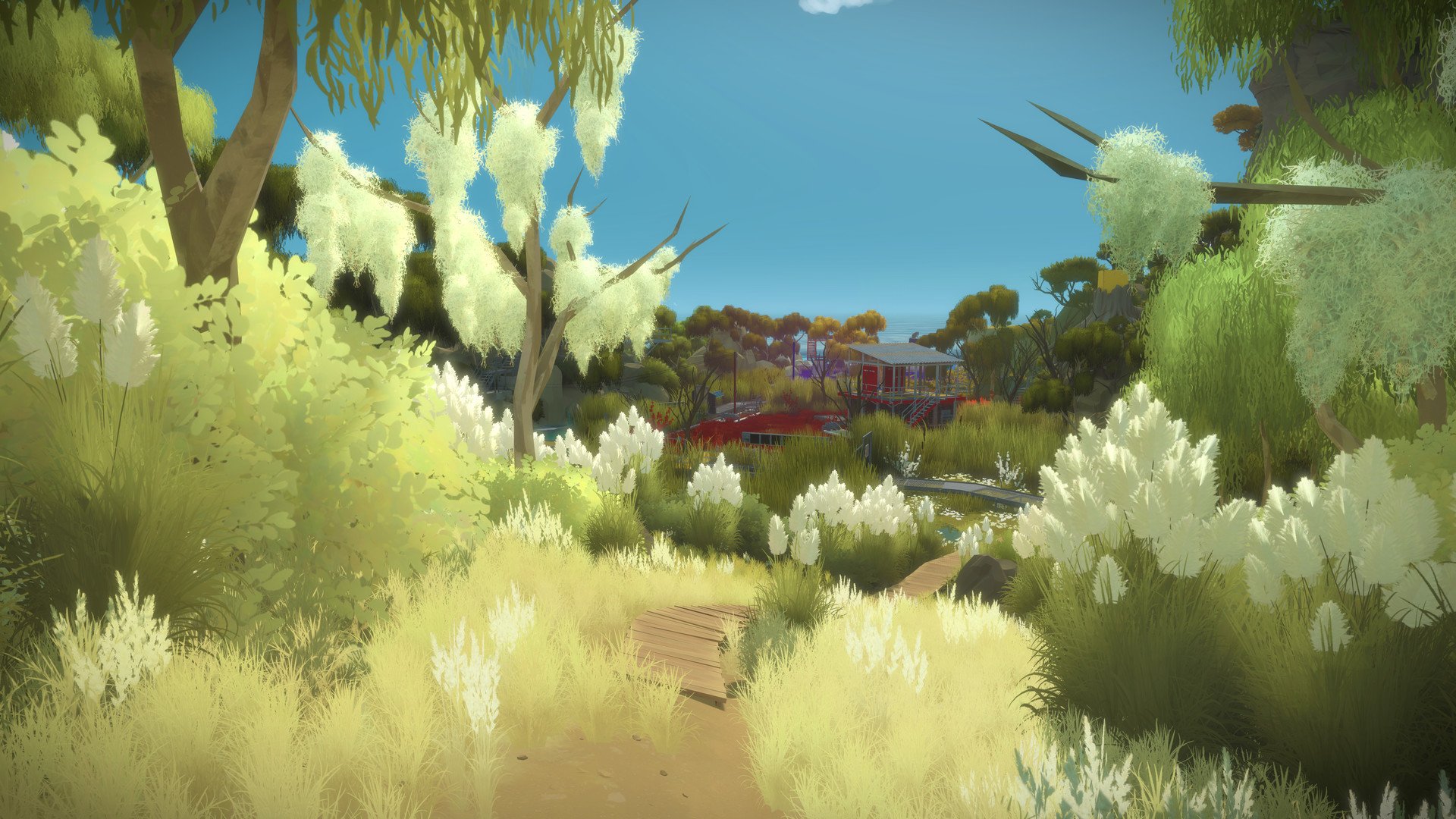
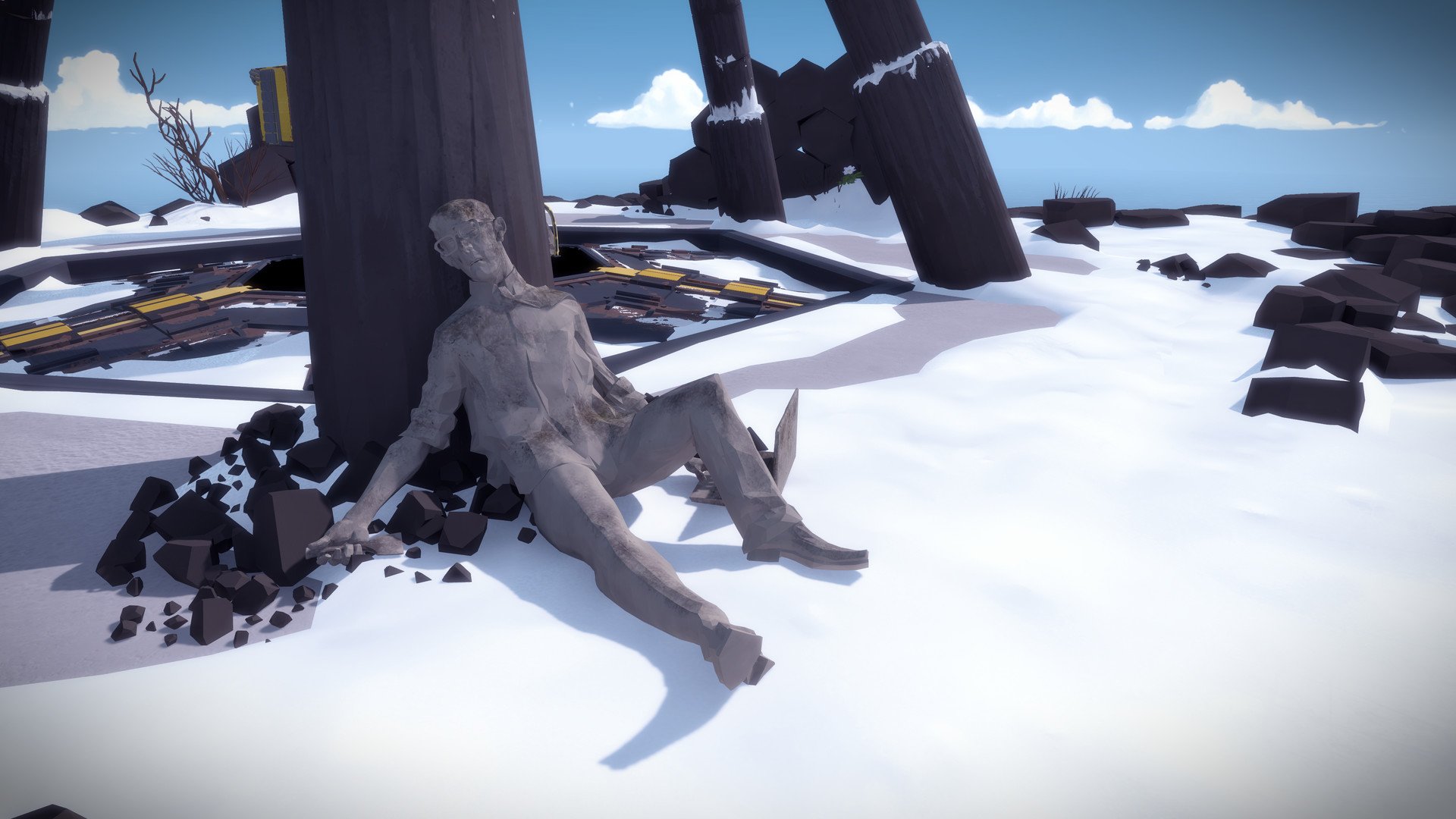
The Witness, developed by Jonathan Blow and his team at Thekla, Inc., is a strikingly original puzzle game that challenges players to engage with logic, observation, and perception in a beautifully crafted world. Unlike conventional games that rely on combat or narrative-driven quests, The Witness focuses entirely on exploration and intellectual engagement, creating a meditative experience that rewards curiosity, patience, and critical thinking.
Set on a mysterious, sun-drenched island, The Witness presents players with an open-world environment brimming with puzzles, each seamlessly integrated into the landscape. The island is meticulously designed, with natural and architectural elements guiding players toward discovery. At first glance, it appears serene and inviting, but as players progress, the complexity of the puzzles grows, revealing the depth and ingenuity of the game’s design. The island itself becomes both a playground and a teacher, offering subtle visual cues and patterns that encourage careful observation.
The core gameplay revolves around solving line-based puzzles that evolve in complexity over time. While early puzzles introduce basic mechanics, later challenges require players to notice patterns, understand spatial relationships, and apply abstract reasoning. What sets The Witness apart is its minimalist instruction: the game provides no explicit guidance or tutorials, instead encouraging experimentation and self-directed learning. Each solved puzzle imparts knowledge that is immediately applicable to subsequent challenges, creating a sense of discovery and accomplishment that is both satisfying and intellectually stimulating.
One of the most remarkable aspects of The Witness is its emphasis on environmental storytelling. The island is dotted with hidden audio logs and visual messages that hint at philosophical and reflective themes, touching on knowledge, perception, and the nature of understanding. These elements do not dictate a linear narrative but rather provide a contemplative backdrop to the gameplay, enriching the player’s experience with subtle depth and meaning. The Witness encourages players to think about not just how to solve a puzzle, but why they approach problems in certain ways, turning gameplay into a reflective exercise.
Visually, The Witness is stunning. The island’s vibrant landscapes, ranging from lush forests to barren cliffs and serene beaches, are rendered with striking clarity and a sense of tranquility. The art design reinforces the game’s meditative tone, allowing players to immerse themselves fully in the environment as they explore and solve puzzles. Complementing this visual beauty is a subtle sound design that enhances focus and contributes to the atmosphere without overwhelming the senses.
The Witness is also a game that respects the player’s autonomy. With no time limits, lives, or failures in the traditional sense, it allows exploration and problem-solving at one’s own pace. This freedom, combined with its open-ended design, ensures that every player’s journey through the island is unique, providing a deeply personal and rewarding experience.
In conclusion, The Witness is more than a puzzle game; it is an exploration of the mind and perception set within a meticulously designed world. Its elegant design, challenging puzzles, and contemplative atmosphere make it a landmark in modern gaming, appealing to those who seek intellectual engagement and aesthetic beauty. By blending strategy, observation, and environmental storytelling, The Witness offers a profound journey that lingers in the mind long after the final puzzle is solved.
Operating system: macOSX 10.11.6 or laterProcessor: 1.8 GHzMemory: 4 GB RAMGraphics: Intel HD 4000 series
Run the downloaded image and follow the standard installation procedure.
The installation is completed by choosing a location to place the game.
It is recommended to specify the Applications folder.
Frequently Asked Questions
Mount the image and run Open Gatekeeper friendly.
Press Enter to bypass Gatekeeper in the Terminal window.
Drag the application to the Applications folder.
The application is ready for use.
ATTENTION! SIP must be disabled. Learn more >
Restart your Mac and hold down Command + R to enter Recovery Mode.
Open Terminal from the Utilities menu.
Enter the command: csrutil disable
Restart your Mac.
This is a common Gatekeeper issue. Follow these steps:
1. Open Terminal
2. Enter: sudo xattr -rd com.apple.quarantine /Applications/AppName.app
3. Replace "AppName" with the actual application name
4. Press Enter and enter your password
Yes, all our downloads are thoroughly checked for viruses and malware.
We use multiple antivirus engines to scan every file.
Our team tests each application before publishing.
We never bundle adware or unwanted software.
Yes, we regularly update our applications to the latest versions.
You can check our website for updates or subscribe to our newsletter.
We strive to provide the most recent versions within 24-48 hours of release.
If a download link is not working, please:
1. Try a different browser
2. Clear your browser cache and cookies
3. Try the alternative download links provided
4. Contact our support team if the issue persists