Zniw Adventure

Published:
1.4 GB

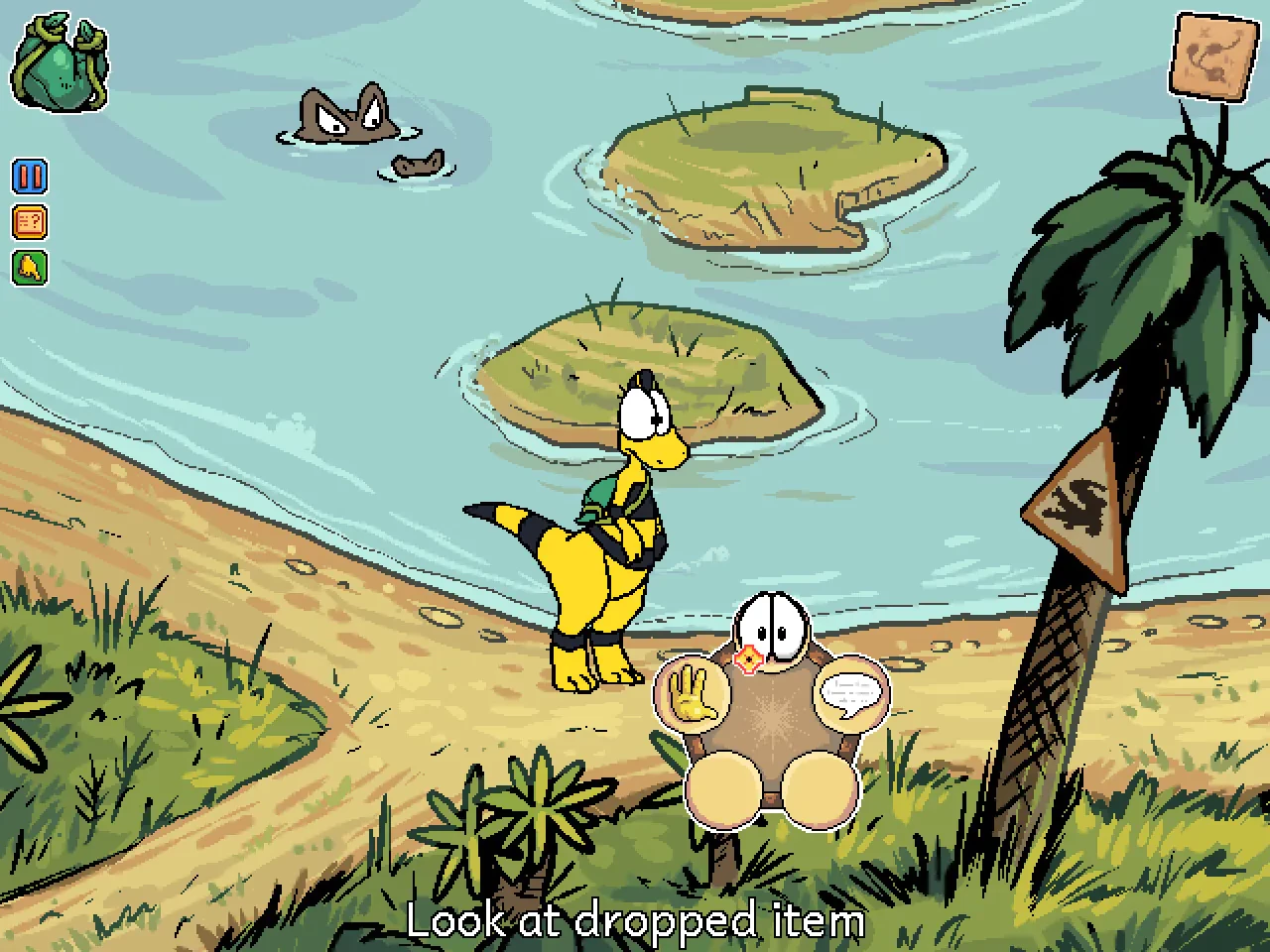
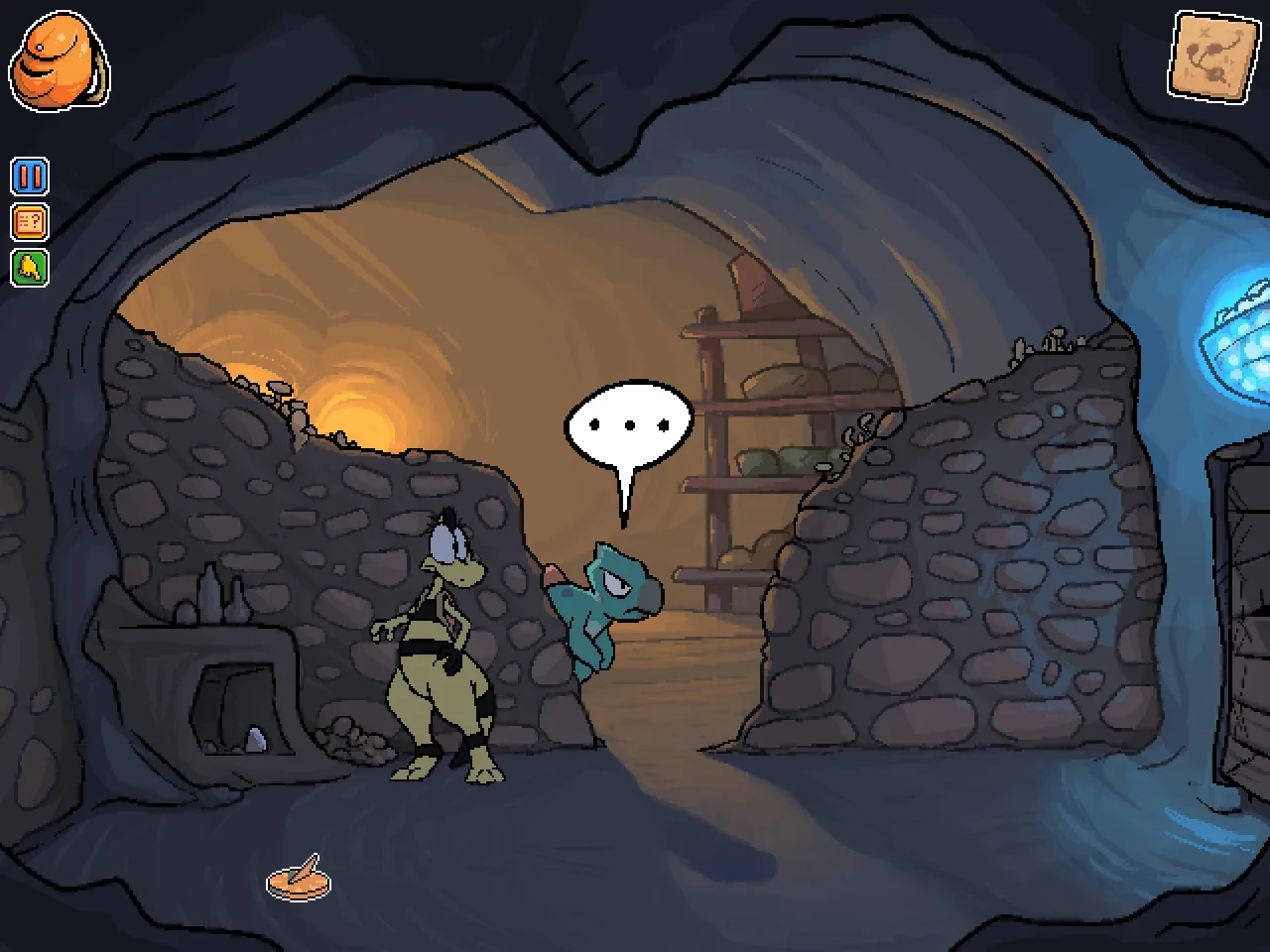
Zniw Adventure is a charming exploration game that blends simplicity, emotion, and discovery into a memorable experience. Developed by Snake Tower, the game tells a quiet story set in a colorful yet fragile world facing gradual extinction. Rather than relying on combat or high-stakes action, Zniw Adventure invites players to slow down, observe their surroundings, and appreciate the small moments that make the journey meaningful.

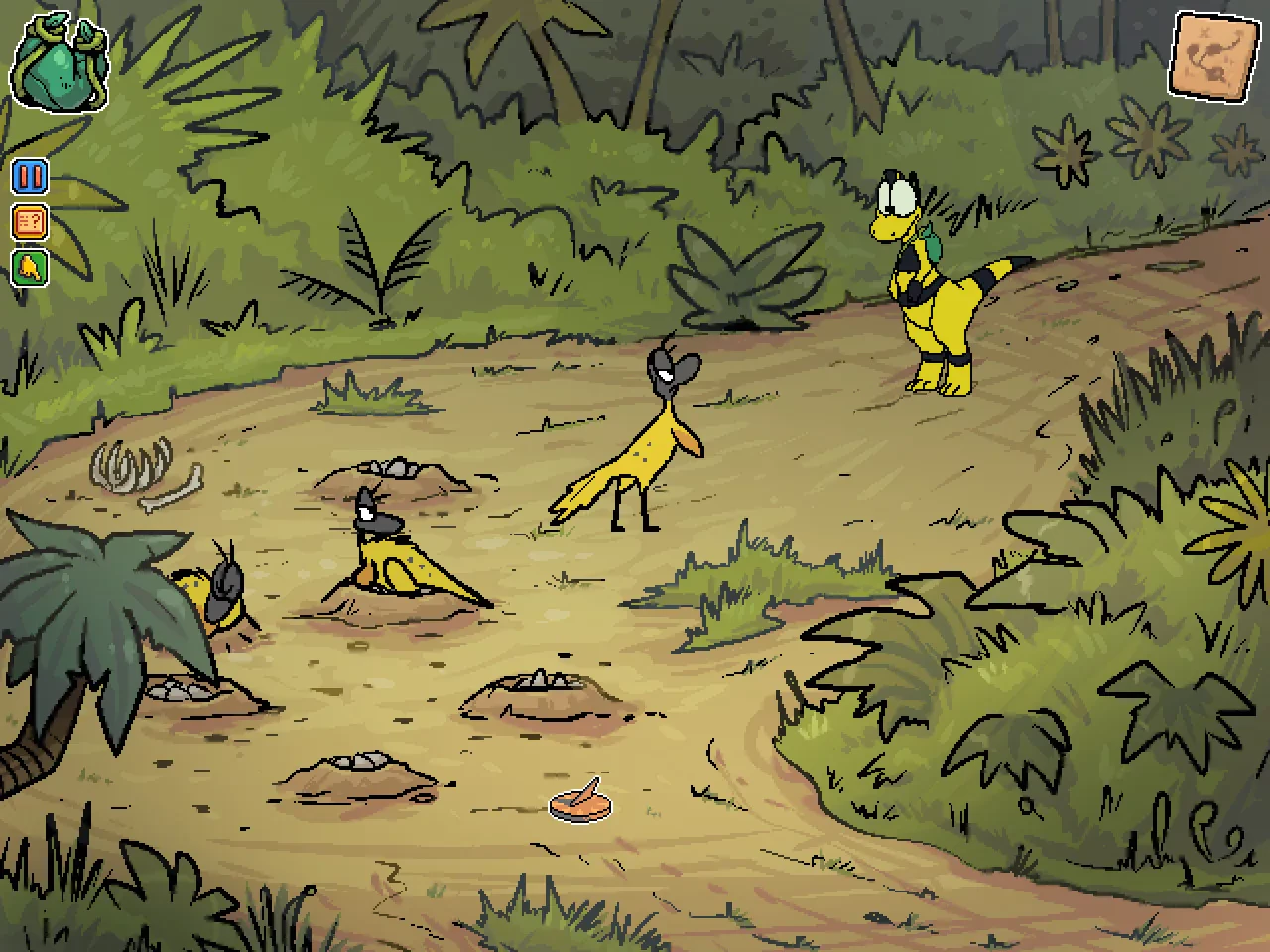
Players step into the role of Zniw, a curious creature embarking on a quest to explore a series of islands connected by bridges and pathways. The objective is straightforward: find your way across the land while uncovering secrets hidden within the environment. Along the way, players encounter remnants of past civilizations, abandoned structures, and traces of life that hint at a world once full of activity. This environmental storytelling is subtle but powerful, encouraging players to piece together the history of the islands through exploration alone.

The gameplay of Zniw Adventure centers on movement and discovery. Players guide Zniw across floating islands, activate mechanisms, and solve light puzzles to progress. These challenges are intentionally gentle, designed to promote relaxation rather than frustration. The controls are smooth and responsive, allowing players to focus on the experience rather than mechanics. Each new area introduces small variations, keeping exploration fresh without overwhelming the player.

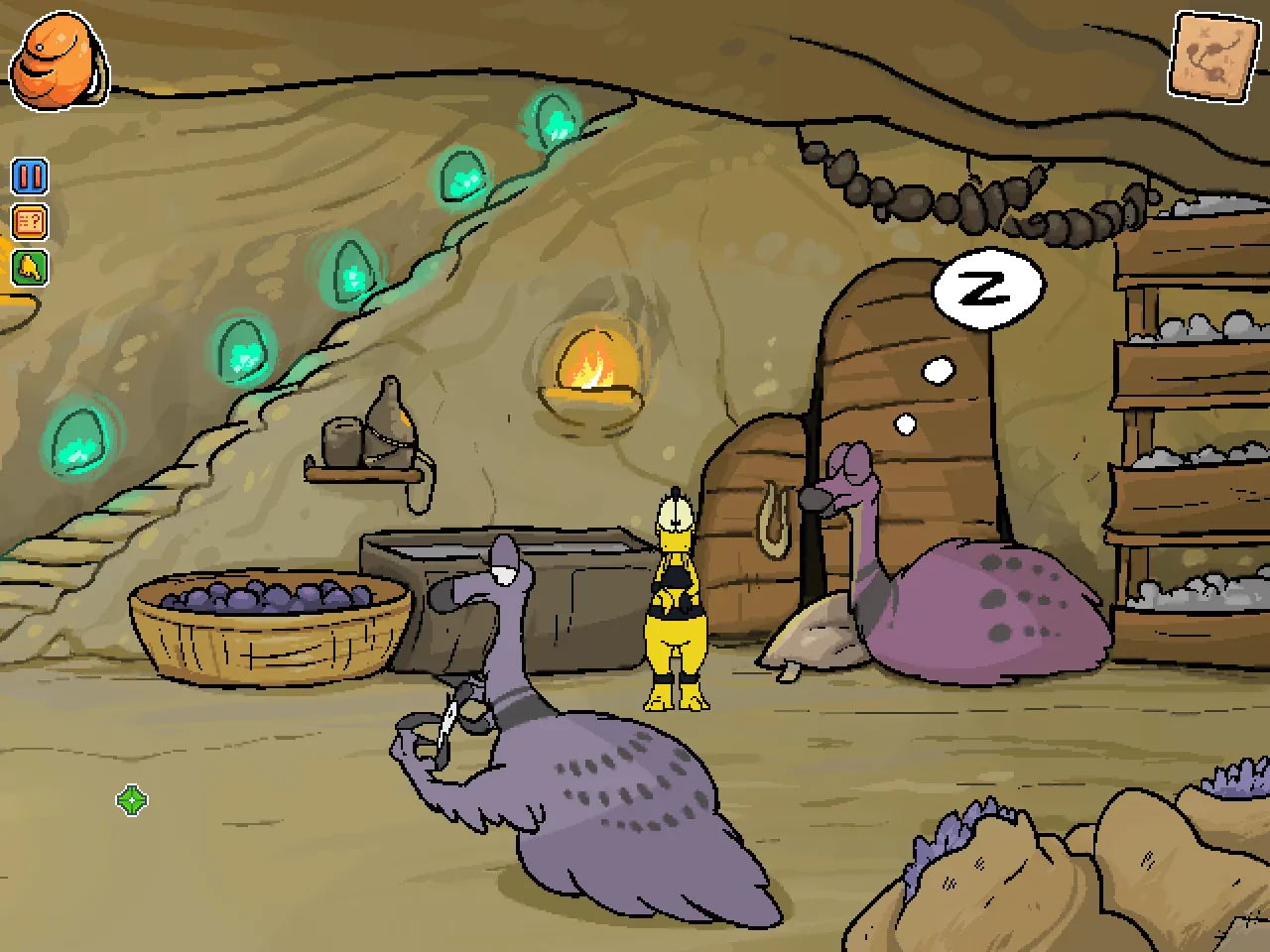
One of the game’s strongest elements is its atmosphere. Zniw Adventure uses a soft color palette and simple geometric designs to create a visually soothing world. The environments feel open and inviting, yet there is an underlying sense of melancholy as players realize the land is slowly fading away. The soundtrack complements this tone perfectly, with calm, ambient melodies that enhance the emotional weight of the journey without demanding attention.

Narratively, Zniw Adventure communicates its themes without dialogue or exposition. The story unfolds through visual cues and environmental changes, allowing players to interpret events in their own way. Themes of impermanence, curiosity, and acceptance run quietly beneath the surface, giving the game emotional depth despite its minimalistic approach. This storytelling style respects the player’s imagination, making the experience feel personal and reflective.

Another notable aspect of Zniw Adventure is how it encourages mindfulness. The absence of enemies or time pressure allows players to explore at their own pace. There is no penalty for wandering off the main path or pausing to take in the scenery. This design choice reinforces the game’s message about appreciating moments before they pass, aligning gameplay with its emotional core.

In conclusion, Zniw Adventure is a gentle and heartfelt exploration game that leaves a lasting impression through simplicity and atmosphere. Its relaxed gameplay, beautiful visuals, and quiet storytelling create a reflective journey that resonates long after it ends. For players seeking a calm, thoughtful experience that values discovery over challenge, Zniw Adventure offers a uniquely peaceful adventure through a world worth remembering.

OS: 64-bit MacOS system
Processor: i3 or better
RAM: 2 GB
Video card: Integrated Intel graphics or better, with at least 512 MB of VRAM
Disk space: 900 MB

Unzip the archive and follow the standard installation procedure.
The installation is completed by choosing a location to place the game.
It is recommended to specify the Applications folder.
Frequently Asked Questions

Mount the image and run Open Gatekeeper friendly.

Press Enter to bypass Gatekeeper in the Terminal window.

Drag the application to the Applications folder.

The application is ready for use.

ATTENTION! SIP must be disabled. Learn more >

Restart your Mac and hold down Command + R to enter Recovery Mode.

Open Terminal from the Utilities menu.

Enter the command: csrutil disable

Restart your Mac.

This is a common Gatekeeper issue. Follow these steps:

1. Open Terminal

2. Enter: sudo xattr -rd com.apple.quarantine /Applications/AppName.app

3. Replace "AppName" with the actual application name

4. Press Enter and enter your password

Yes, all our downloads are thoroughly checked for viruses and malware.

We use multiple antivirus engines to scan every file.

Our team tests each application before publishing.

We never bundle adware or unwanted software.

Yes, we regularly update our applications to the latest versions.

You can check our website for updates or subscribe to our newsletter.

We strive to provide the most recent versions within 24-48 hours of release.

If a download link is not working, please:

1. Try a different browser

2. Clear your browser cache and cookies

3. Try the alternative download links provided

4. Contact our support team if the issue persists