


Beholder 2
Download Beholder 2
Run the downloaded package and follow the standard installation procedure.
The installation is completed by choosing a location to place the game.
It is recommended to specify the Applications folder.
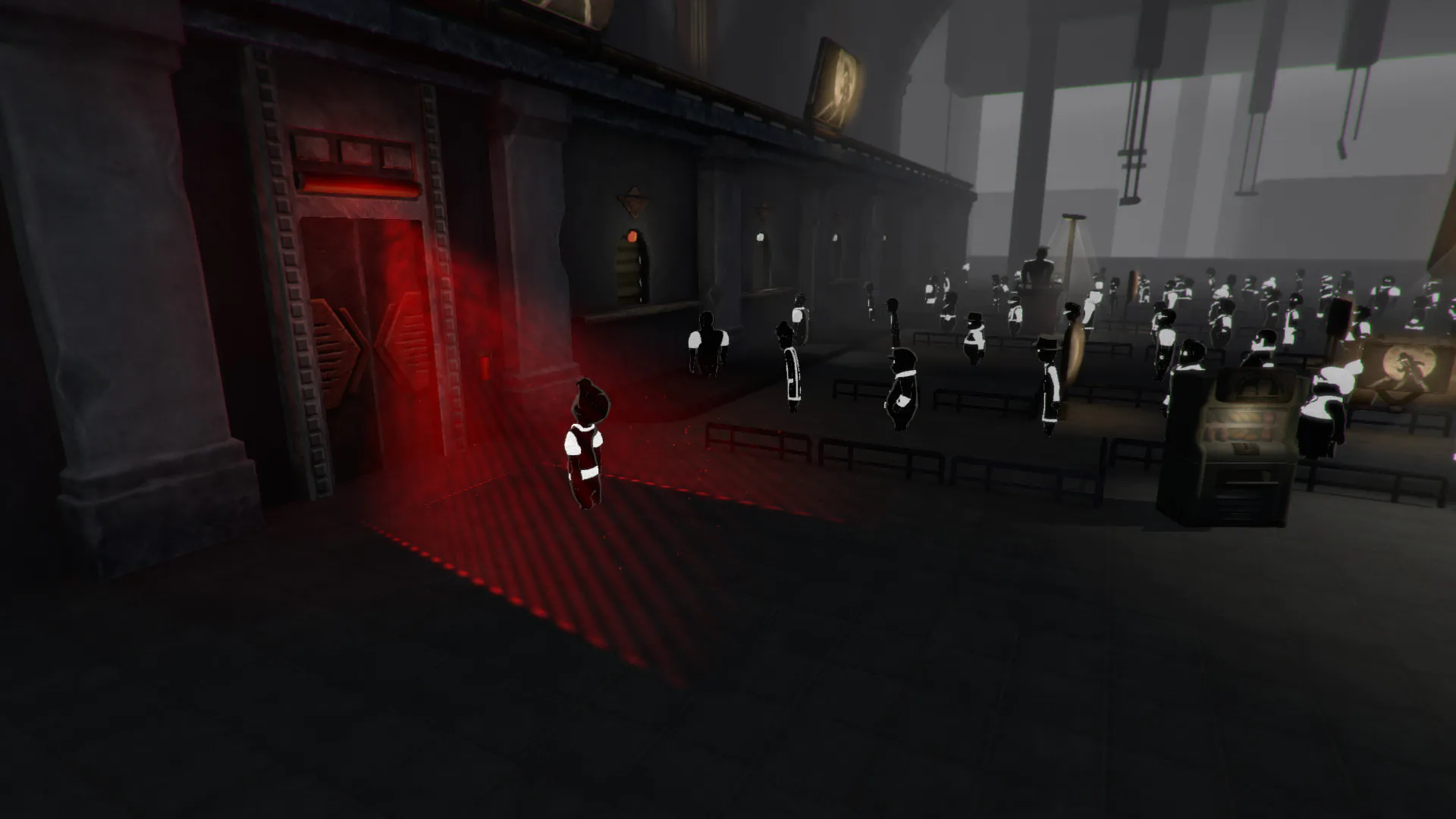
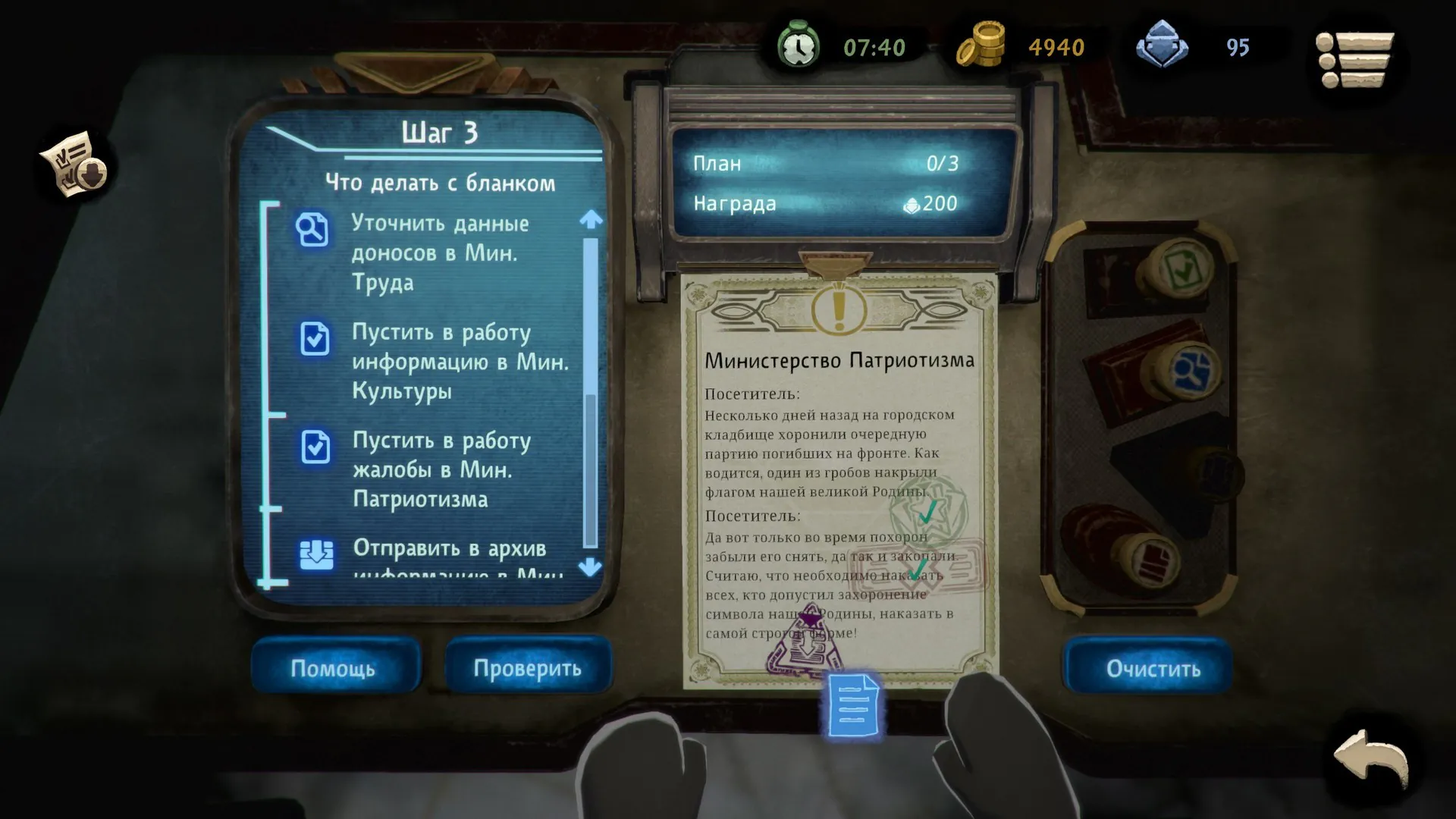
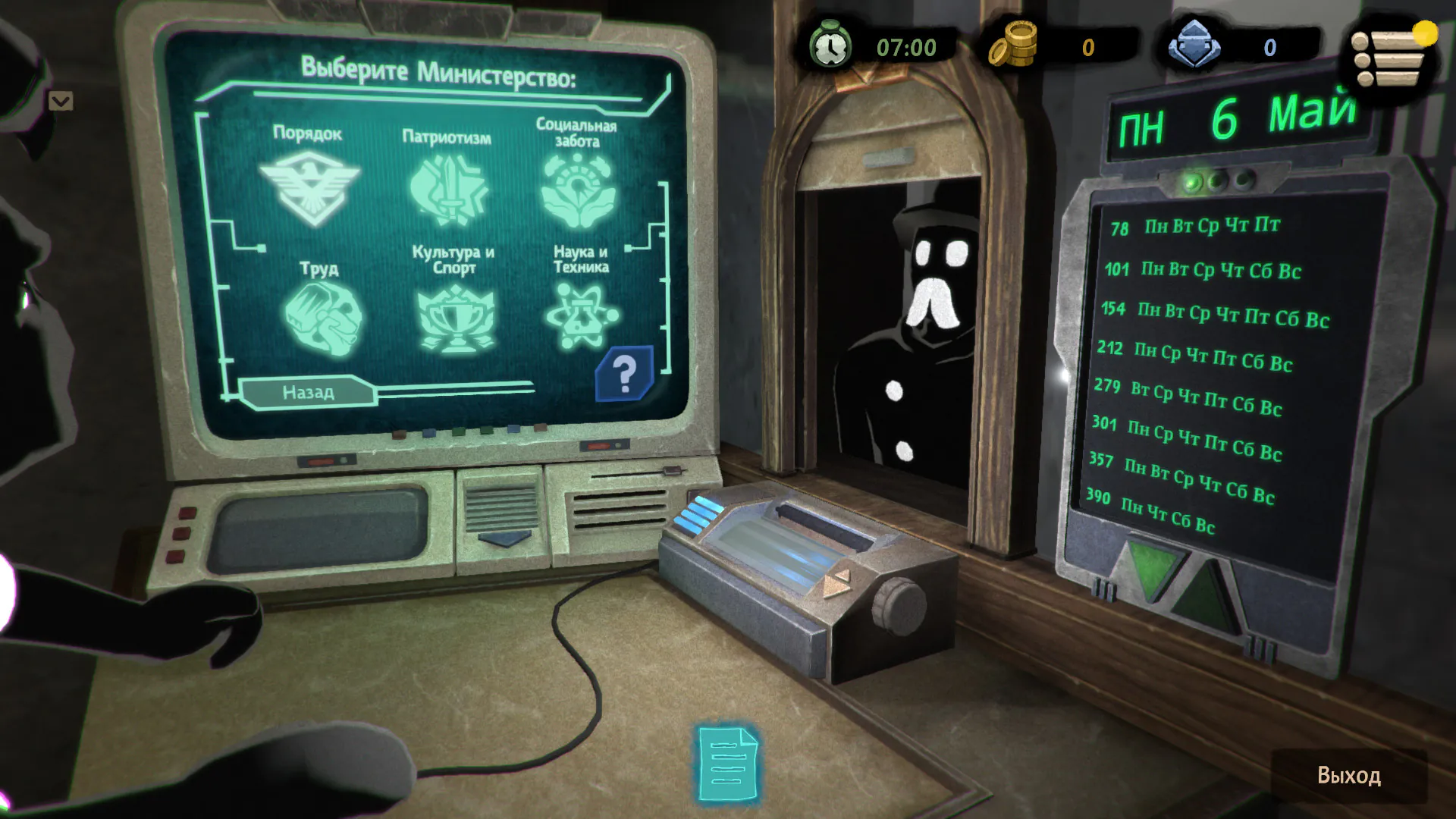
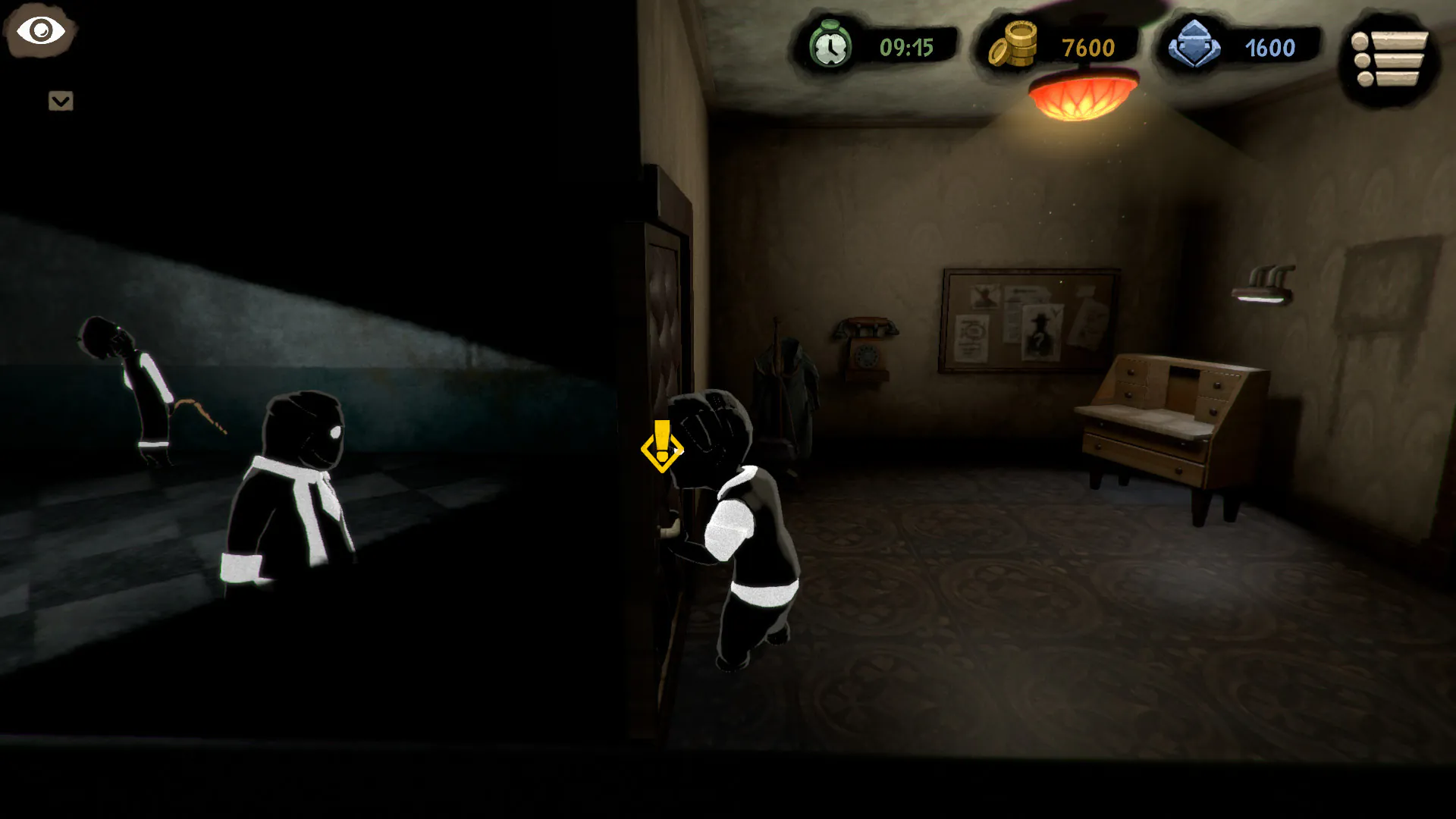
Beholder 2 is a gripping dystopian simulation game developed by Warm Lamp Games that plunges players into a world of surveillance, secrecy, and moral complexity. As a sequel to the acclaimed Beholder, this title expands on the original’s themes while introducing new gameplay mechanics, deeper storytelling, and a more immersive political environment. It challenges players not just to survive, but to navigate the shadowy corridors of power with cunning, strategy, and sometimes morally ambiguous decisions.
Set in a totalitarian state where information is power, Beholder 2 casts players as a government-installed official tasked with rooting out dissent, uncovering secrets, and managing complex relationships with both the public and powerful superiors. Unlike many simulation games that focus purely on mechanics, Beholder 2 weaves a compelling narrative into its gameplay. Every choice—from interrogating citizens to deciding which documents to manipulate—affects the unfolding story. This creates a tense, highly reactive environment where no decision is without consequence.
One of the standout features of Beholder 2 is its deep character interaction system. The game introduces new NPCs with distinct personalities, motivations, and hidden agendas. Players must carefully assess whom to trust, how to negotiate, and when to take risks. Unlike its predecessor, which often relied on surveillance alone, this sequel emphasizes dialogue, persuasion, and decision-making. Each conversation can open doors, trigger complications, or alter the balance of power within the state. The game’s writing is sharp and thoughtful, presenting complex moral dilemmas that make the player question their own sense of right and wrong.
The gameplay mechanics of Beholder 2 are both strategic and immersive. Managing information is central: players must collect intelligence, surveil suspects, and decide how to act on the evidence. The addition of bureaucracy and political scheming adds layers of depth, requiring careful planning and prioritization. Choices are rarely clear-cut, and the game’s multiple endings reflect the weight of your decisions. Success depends on balancing personal ambition with ethical considerations, often forcing players to confront uncomfortable trade-offs.
Visually, Beholder 2 maintains a minimalist yet atmospheric style. The environments are stark and moody, reinforcing the oppressive nature of the dystopian state. Every office, corridor, and residential space feels meticulously designed to convey tension and unease. The soundtrack complements the visual tone perfectly, with haunting melodies that underscore the game’s sense of paranoia and suspense.
Ultimately, Beholder 2 is more than a simulation game—it is an exploration of morality, power, and human behavior under extreme conditions. Its engaging mechanics, rich storytelling, and emphasis on choice make it a standout title in the indie gaming world. Players are not merely passive observers; they are active participants in a morally complex society where every action shapes the future. For fans of strategy, narrative-driven games, and dystopian settings, Beholder 2 offers a memorable and thought-provoking experience.
OS: MacOSX 10.10 or higherProcessor: 2nd generation Intel Core i5, 2.6 GHzRAM: 4 GBVideo card: Nvidia GeForce GT 630/AMD Radeon HD 6750 (512 MB) or equivalentDisk space: 4 GBAdditional System Requirements: Loyalty to the System! Willingness to serve the State! Faith in the infallibility of the Wise Leader! Knowledge of the basics of bureaucracy.
Run the downloaded package and follow the standard installation procedure.
The installation is completed by choosing a location to place the game.
It is recommended to specify the Applications folder.
Frequently Asked Questions
Mount the image and run Open Gatekeeper friendly.
Press Enter to bypass Gatekeeper in the Terminal window.
Drag the application to the Applications folder.
The application is ready for use.
ATTENTION! SIP must be disabled. Learn more >
Restart your Mac and hold down Command + R to enter Recovery Mode.
Open Terminal from the Utilities menu.
Enter the command: csrutil disable
Restart your Mac.
This is a common Gatekeeper issue. Follow these steps:
1. Open Terminal
2. Enter: sudo xattr -rd com.apple.quarantine /Applications/AppName.app
3. Replace "AppName" with the actual application name
4. Press Enter and enter your password
Yes, all our downloads are thoroughly checked for viruses and malware.
We use multiple antivirus engines to scan every file.
Our team tests each application before publishing.
We never bundle adware or unwanted software.
Yes, we regularly update our applications to the latest versions.
You can check our website for updates or subscribe to our newsletter.
We strive to provide the most recent versions within 24-48 hours of release.
If a download link is not working, please:
1. Try a different browser
2. Clear your browser cache and cookies
3. Try the alternative download links provided
4. Contact our support team if the issue persists