


Brutal Legend
Download Brutal Legend
Follow the standard installation procedure.
Installation concludes with selecting a location for the game.
It is recommended to select the Applications folder.

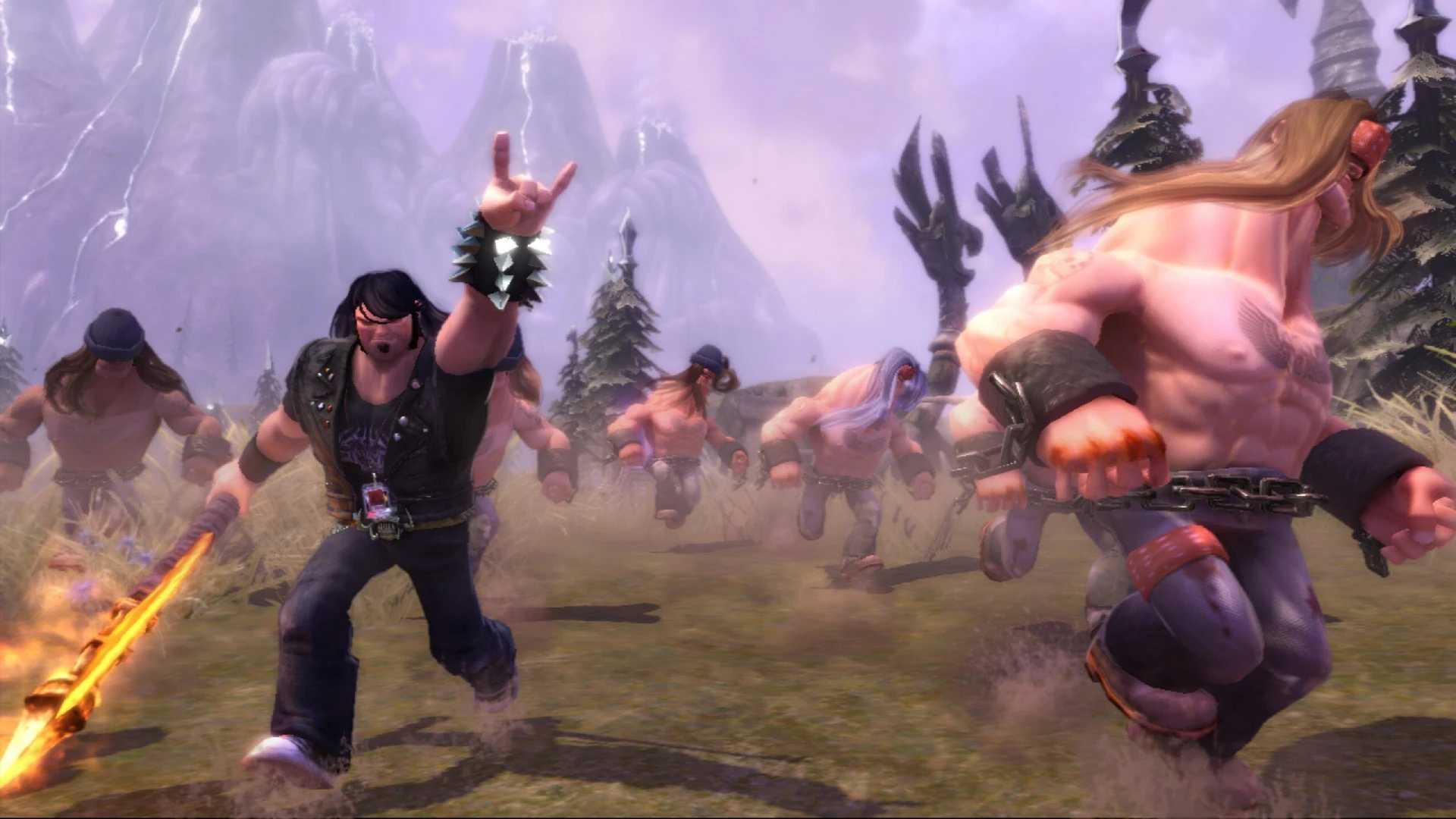
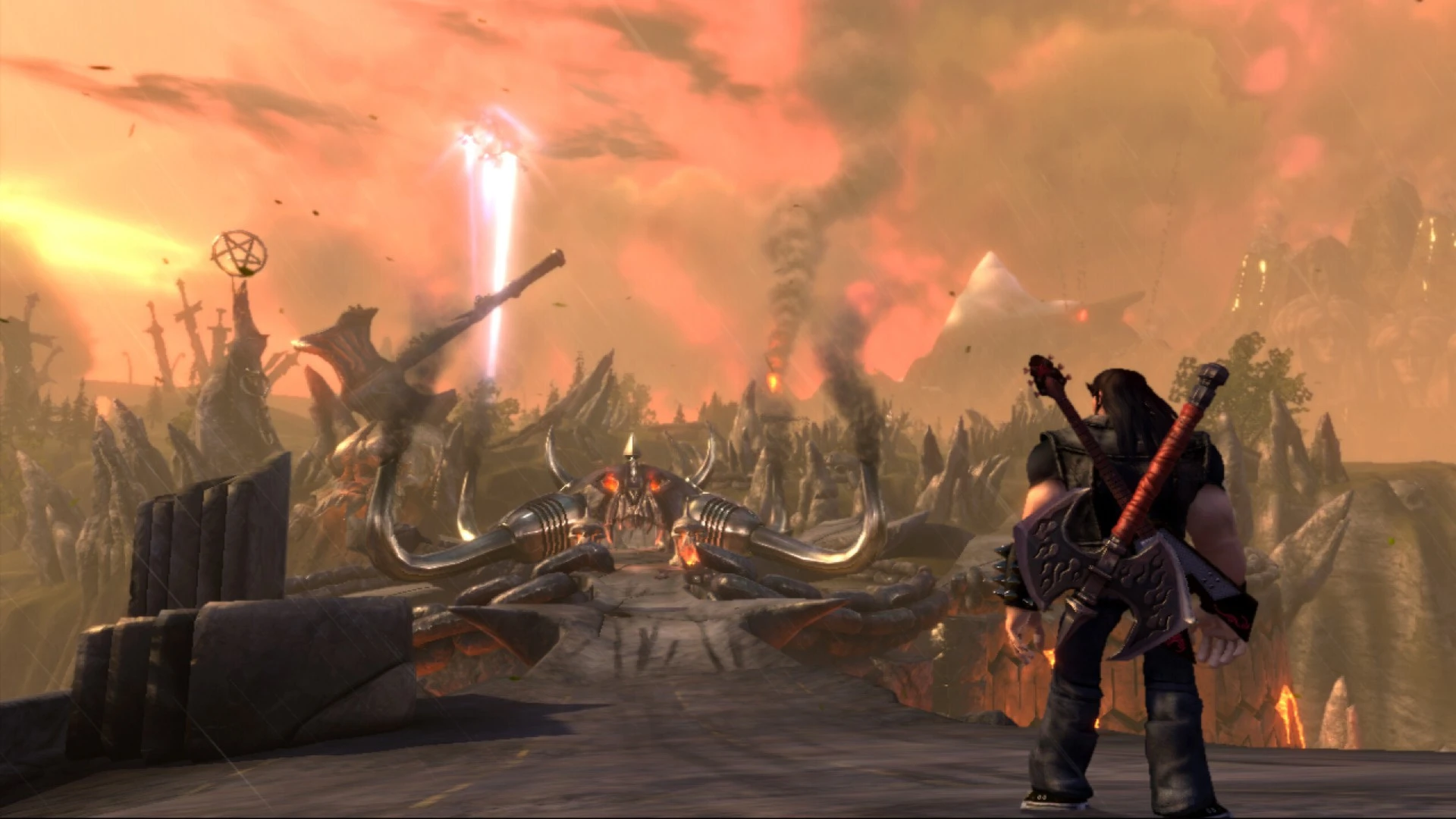
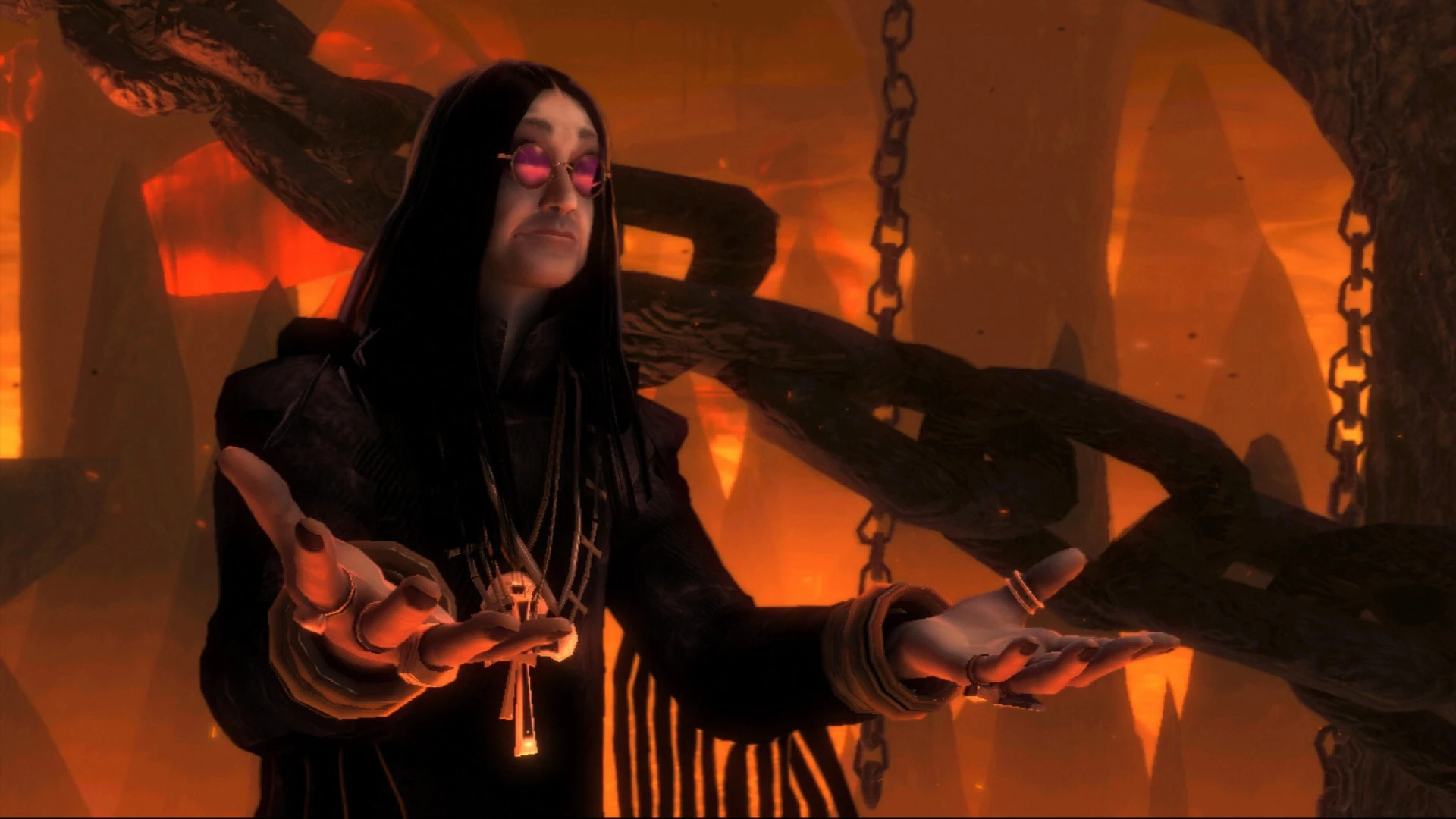
Brutal Legend is an action-adventure game that blends epic storytelling, real-time strategy, and open-world exploration, all set in a fantastical universe inspired by heavy metal music. Developed by Double Fine Productions and led by creative visionary Tim Schafer, the game offers a unique fusion of over-the-top action, humor, and immersive world-building, making it a one-of-a-kind experience for gamers and metal enthusiasts alike.
Players step into the boots of Eddie Riggs, a roadie transported to a bizarre, metal-fueled fantasy world. Eddie is armed with his trusty guitar, battle-axe, and an arsenal of over-the-top weaponry, tasked with fighting against the oppressive forces of the tyrannical Doviculus and his minions. The narrative is infused with heavy metal culture, from its lore and aesthetics to the soundtrack, which features legendary bands that set the tone for the epic battles and exploration. Eddie’s journey is both humorous and heroic, filled with exaggerated characters, memorable dialogue, and a satirical homage to metal culture.
Combat in Brutal Legend is dynamic, combining real-time melee action with strategy elements. Players engage enemies directly using a mix of axe swings, guitar-powered attacks, and ranged weapons. In addition to personal combat, Eddie can command armies of followers during large-scale battles. This real-time strategy aspect requires players to manage units, position forces, and exploit enemy weaknesses, adding depth and variety to the gameplay. The seamless integration of action and strategy ensures that battles are exciting, tactical, and never repetitive.
The open-world design is another highlight. Players explore diverse regions, from towering mountains and desolate wastelands to elaborate stage-like environments inspired by metal album art. Each area is filled with side quests, hidden collectibles, and unique characters, encouraging exploration and interaction. Vehicles such as the iconic “Deuce” car allow fast travel and high-octane combat on the road, further enhancing the sense of freedom and scale. The world feels alive, chaotic, and perfectly in tune with the game’s over-the-top metal theme.
Visually, Brutal Legend excels with its bold, exaggerated art style. Characters, landscapes, and enemies are designed to match the game’s heavy metal inspiration, combining surreal imagery with detailed animations. Lighting, particle effects, and epic battle sequences contribute to a cinematic feel, while the soundtrack, packed with classic metal tracks, amplifies the intensity and atmosphere of the game. Music isn’t just background—it drives the narrative and enhances the player’s connection to Eddie’s world.
Humor and cultural references are woven throughout Brutal Legend, providing a lighthearted balance to its epic battles. The game’s dialogue, character interactions, and quest designs all showcase Double Fine’s signature wit, making the experience both entertaining and memorable. This blend of humor, action, and music creates an experience that is truly unique in gaming.
In conclusion, Brutal Legend is a masterful fusion of heavy metal culture, action, and strategy. Its engaging combat, richly designed world, and humorous, music-infused narrative make it an unforgettable adventure. For players seeking an experience that combines epic battles, strategic depth, and a headbanging homage to metal, Brutal Legend delivers an unforgettable journey into a fantastical world where music and battle reign supreme.
OS: : Snow Leopard 10.6.8, or laterProcessor: Intel Core Duo ProcessorMemory: 2 GB of RAMGraphics: ATI HD 2600 / NVIDIA 8800GT / Intel HD3000 or better card with at least 512 MB VRAMHard Drive: 9 GB HD space
Follow the standard installation procedure.
Installation concludes with selecting a location for the game.
It is recommended to select the Applications folder.
Frequently Asked Questions
Mount the image and run Open Gatekeeper friendly.
Press Enter to bypass Gatekeeper in the Terminal window.
Drag the application to the Applications folder.
The application is ready for use.
ATTENTION! SIP must be disabled. Learn more >
Restart your Mac and hold down Command + R to enter Recovery Mode.
Open Terminal from the Utilities menu.
Enter the command: csrutil disable
Restart your Mac.
This is a common Gatekeeper issue. Follow these steps:
1. Open Terminal
2. Enter: sudo xattr -rd com.apple.quarantine /Applications/AppName.app
3. Replace "AppName" with the actual application name
4. Press Enter and enter your password
Yes, all our downloads are thoroughly checked for viruses and malware.
We use multiple antivirus engines to scan every file.
Our team tests each application before publishing.
We never bundle adware or unwanted software.
Yes, we regularly update our applications to the latest versions.
You can check our website for updates or subscribe to our newsletter.
We strive to provide the most recent versions within 24-48 hours of release.
If a download link is not working, please:
1. Try a different browser
2. Clear your browser cache and cookies
3. Try the alternative download links provided
4. Contact our support team if the issue persists