


Chilla’s Art Inunaki Tunnel
Download Chilla’s Art Inunaki Tunnel
Run the downloaded image and drag the application to the Applications folder shortcut.
Once copying is complete, the application can be launched via Launchpad.
Previous Versions
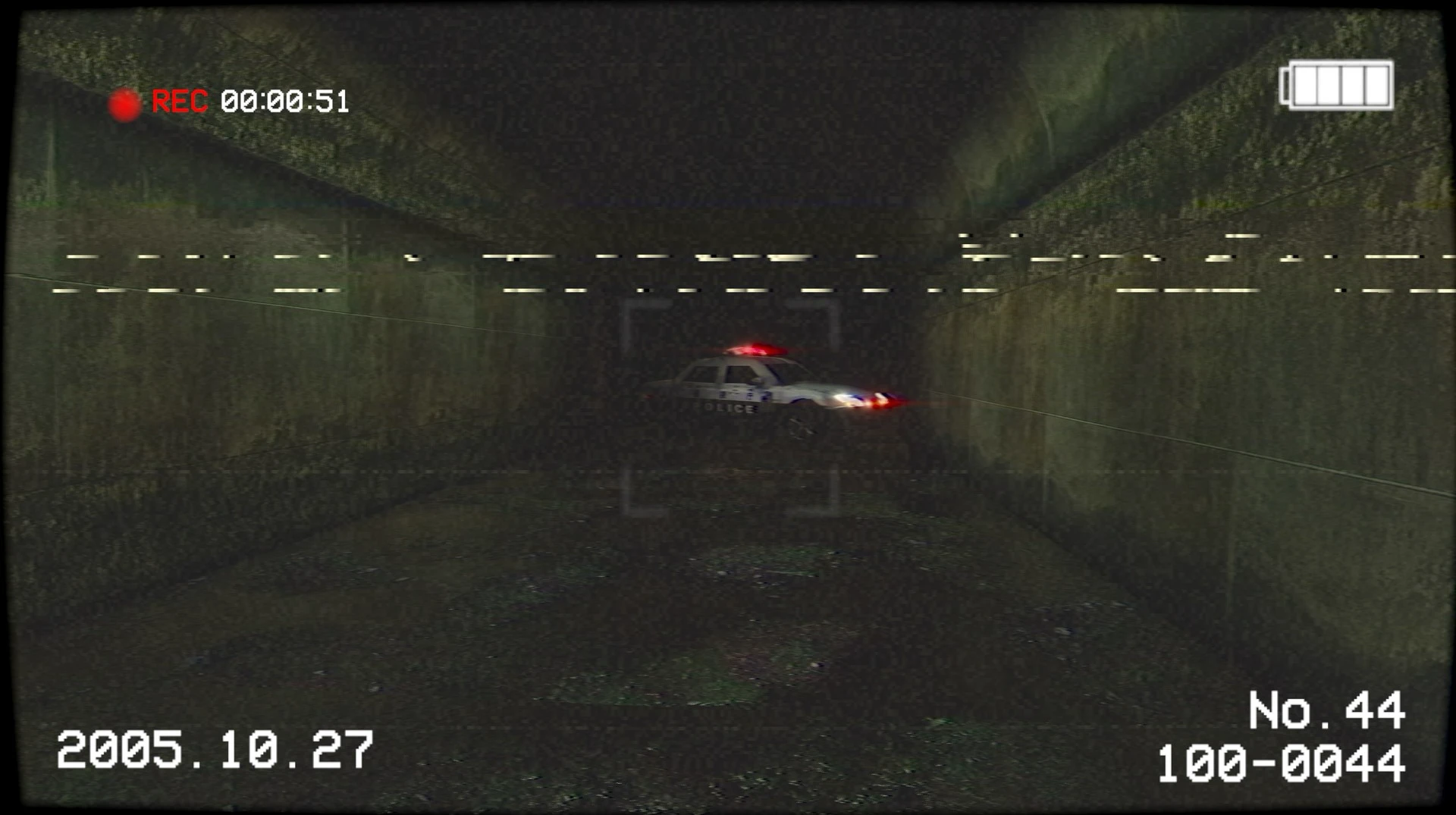
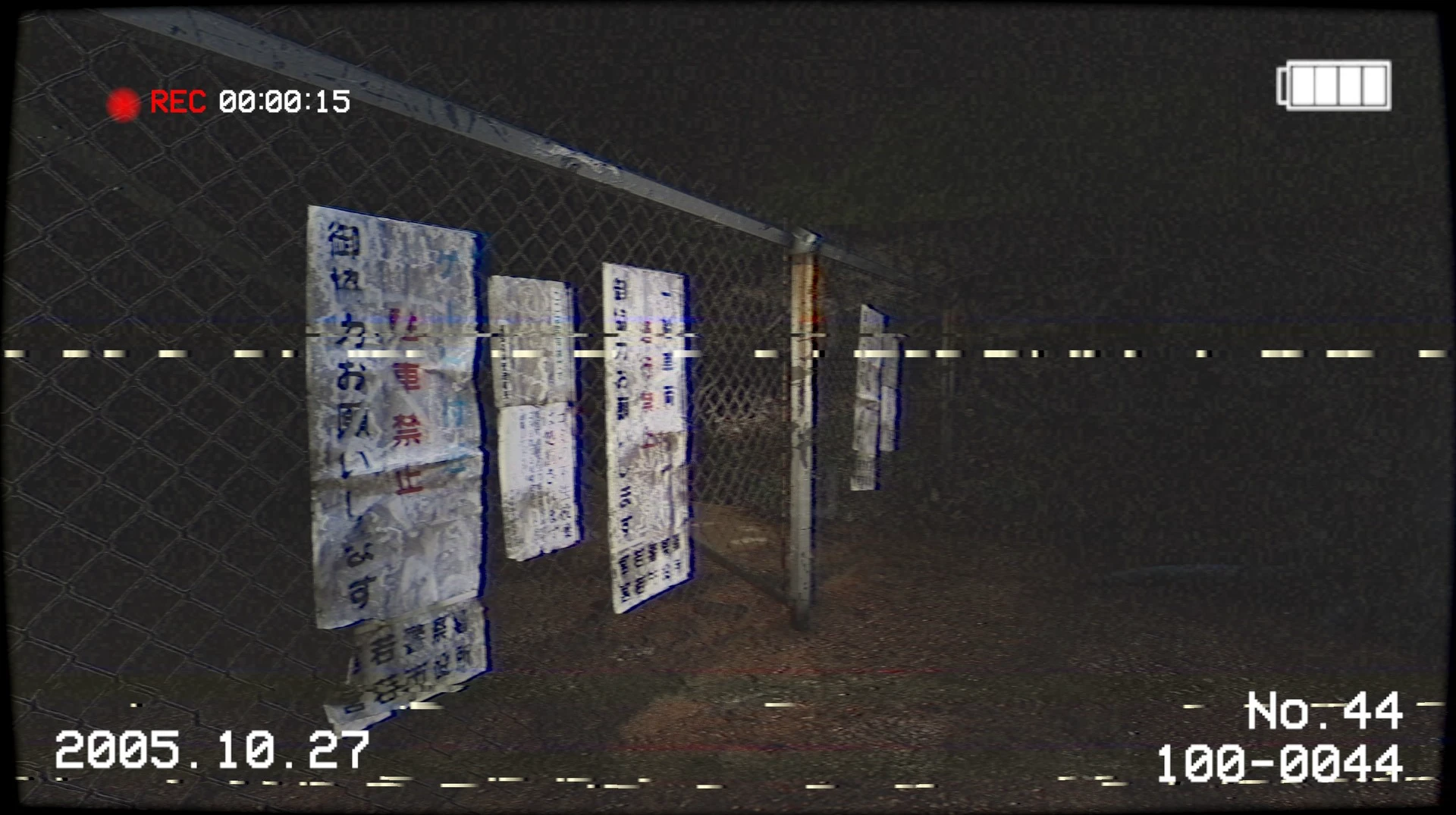
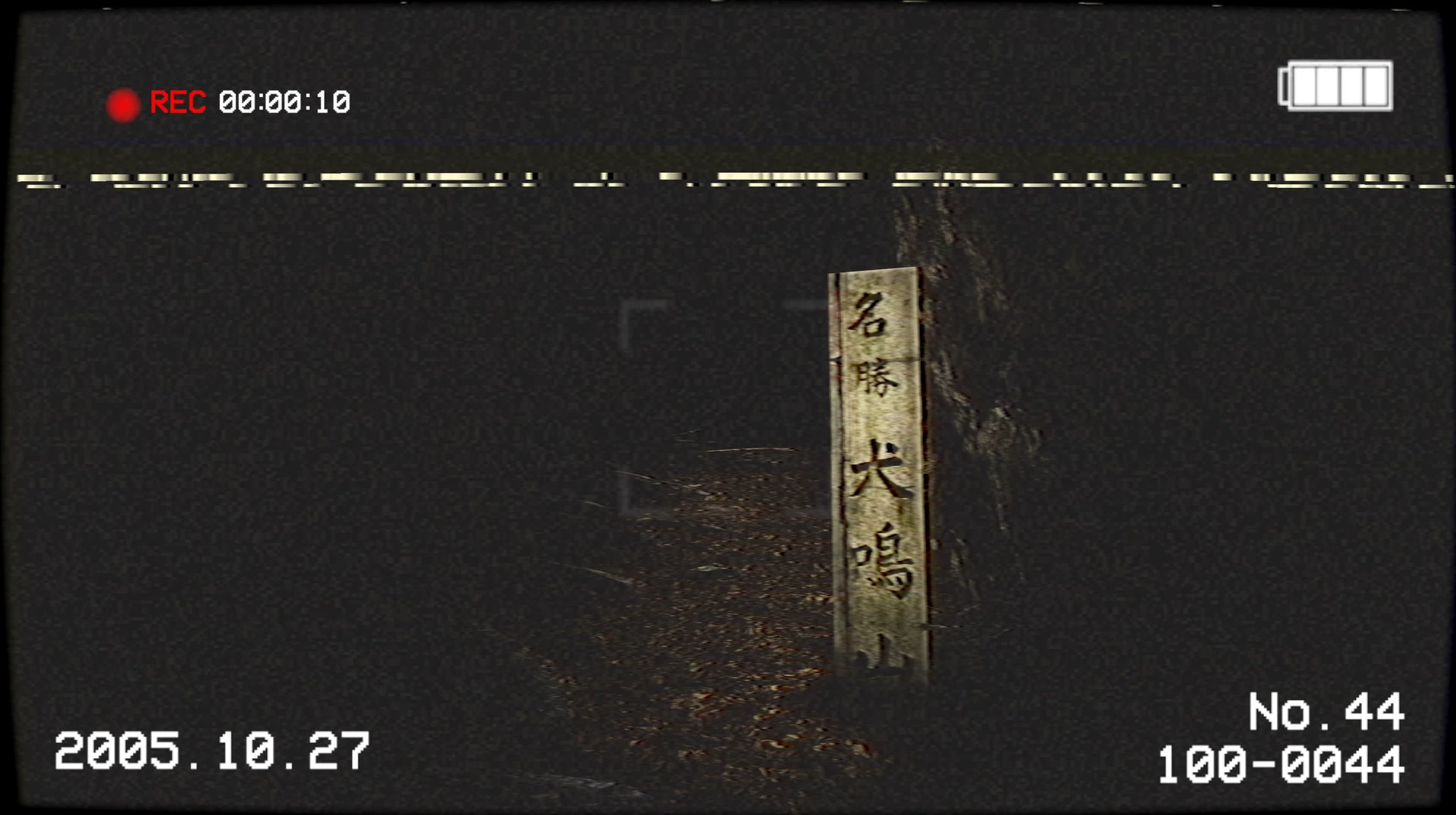
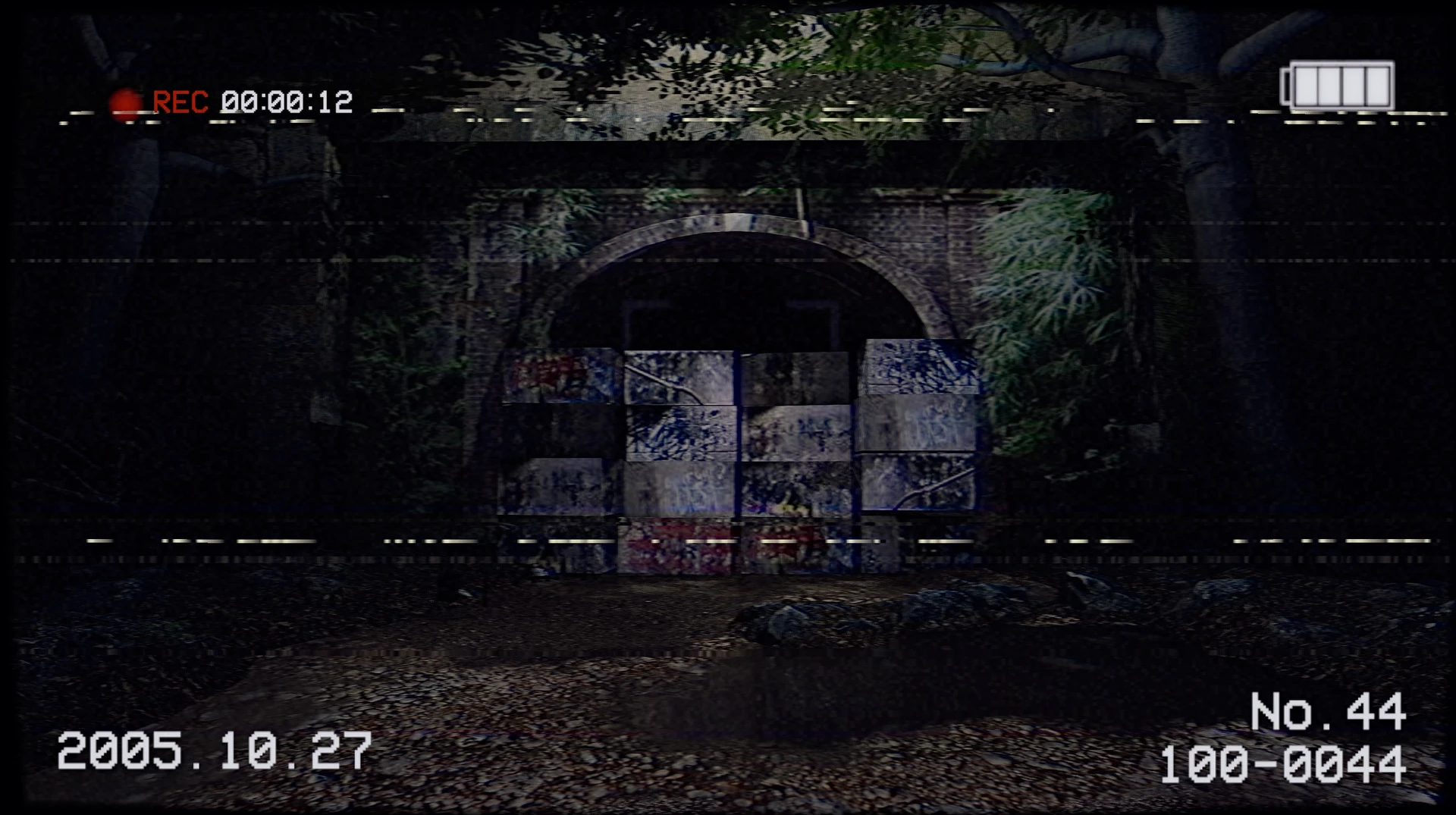
Japanese indie horror games have gained worldwide acclaim for their ability to generate fear through atmosphere, realism, and psychological tension. A standout title in this genre is Inunaki Tunnel, developed by Chilla’s Art. Inspired by the famous Japanese urban legend surrounding the real-life Inunaki Tunnel, the game delivers a chilling first-person horror experience filled with mystery, suspense, and an emotionally charged narrative.
Unlike traditional horror games that focus primarily on action or constant jump scares, Inunaki Tunnel creates fear through silence, unsettling environments, and psychological discomfort. The result is a disturbing experience that lingers with players long after they finish the game.
The Legend Behind Inunaki Tunnel
The game draws inspiration from one of Japan’s most unsettling urban legends. According to local lore, the Inunaki Tunnel is a cursed place associated with disappearances, paranormal activity, and violent crimes. This real-world folklore adds a layer of realism that makes the game even more terrifying.
Players take on the role of a character investigating the abandoned tunnel and its surroundings. What begins as simple exploration slowly transforms into a nightmare filled with supernatural events and disturbing discoveries.
The game gradually reveals its horror rather than overwhelming players immediately, which helps to build tension naturally.
Psychological horror at its finest
One of Inunaki Tunnel's greatest strengths is its atmosphere. Chilla's Art specializes in creating realistic horror experiences based on everyday locations, and this game is a perfect example.
The abandoned roads, dark forests, and narrow tunnel passages feel incredibly believable. Players experience constant anxiety because danger is never predictable.
Key Game Features:
First-person exploration
Story-driven horror progression
Puzzle-solving elements
Psychological tension and suspense
Multiple endings based on player choices
The game encourages players to pay close attention to the details of the environment. Small clues hidden throughout the world gradually reveal the truth behind the tunnel's dark history.
Realistic Visual Presentation
Visually, Inunaki Tunnel uses a VHS-inspired aesthetic, giving the game a grainy, retro look. This style evokes the experience of old Japanese horror films and found footage recordings.
Lighting plays a crucial role in creating fear. Flashlights barely illuminate the environment, leaving players uncertain about what might be lurking in the darkness.
Combined with realistic textures and careful environmental design, the visual presentation creates a constant sense of isolation and vulnerability.
Sound Design That Generates Fear
Sound is one of the most important elements of psychological horror, and Inunaki Tunnel uses it brilliantly. Instead of jarring background music, the game relies on silence, distant noises, footsteps, whispers, and ambient sounds.
This minimalist sound design keeps players on edge throughout the entire experience. Even the simplest noises become terrifying because players never know what might happen next.
The combination of visual realism and unsettling audio creates a deeply immersive atmosphere of terror.
Why do horror fans love Inunaki Tunnel?
Fans of indie horror appreciate Inunaki Tunnel for its focus on narrative and psychological fear rather than excessive action. The game respects the player's imagination, allowing suspense and uncertainty to naturally generate terror.
Its connection to real Japanese folklore also makes the experience feel more authentic compared to fictional horror scenarios.
Conclusion
Inunaki Tunnel is one of the most memorable indie horror experiences created by Chilla’s Art. With its realistic setting, psychological tension, and immersive narrative, the game successfully captures the fear of urban legends and supernatural mystery.
▎Apple Silicon (ARM)- macOS Tahoe 26.1-26.3.1 and later. - Apple Silicon processors (M1-M5, M Pro/Max/Ultra).- ±8 GB of shared memory.- ±6 GB of free disk space.▎The gamepad is not working correctly
Run the downloaded image and drag the application to the Applications folder shortcut.
Once copying is complete, the application can be launched via Launchpad.
Frequently Asked Questions
Mount the image and run Open Gatekeeper friendly.
Press Enter to bypass Gatekeeper in the Terminal window.
Drag the application to the Applications folder.
The application is ready for use.
ATTENTION! SIP must be disabled. Learn more >
Restart your Mac and hold down Command + R to enter Recovery Mode.
Open Terminal from the Utilities menu.
Enter the command: csrutil disable
Restart your Mac.
This is a common Gatekeeper issue. Follow these steps:
1. Open Terminal
2. Enter: sudo xattr -rd com.apple.quarantine /Applications/AppName.app
3. Replace "AppName" with the actual application name
4. Press Enter and enter your password
Yes, all our downloads are thoroughly checked for viruses and malware.
We use multiple antivirus engines to scan every file.
Our team tests each application before publishing.
We never bundle adware or unwanted software.
Yes, we regularly update our applications to the latest versions.
You can check our website for updates or subscribe to our newsletter.
We strive to provide the most recent versions within 24-48 hours of release.
If a download link is not working, please:
1. Try a different browser
2. Clear your browser cache and cookies
3. Try the alternative download links provided
4. Contact our support team if the issue persists