


Deadrock Salvation
Download Deadrock Salvation
Run the downloaded image and drag the application to the Applications folder shortcut.
Once copying is complete, the application can be launched via Launchpad.
Previous Versions
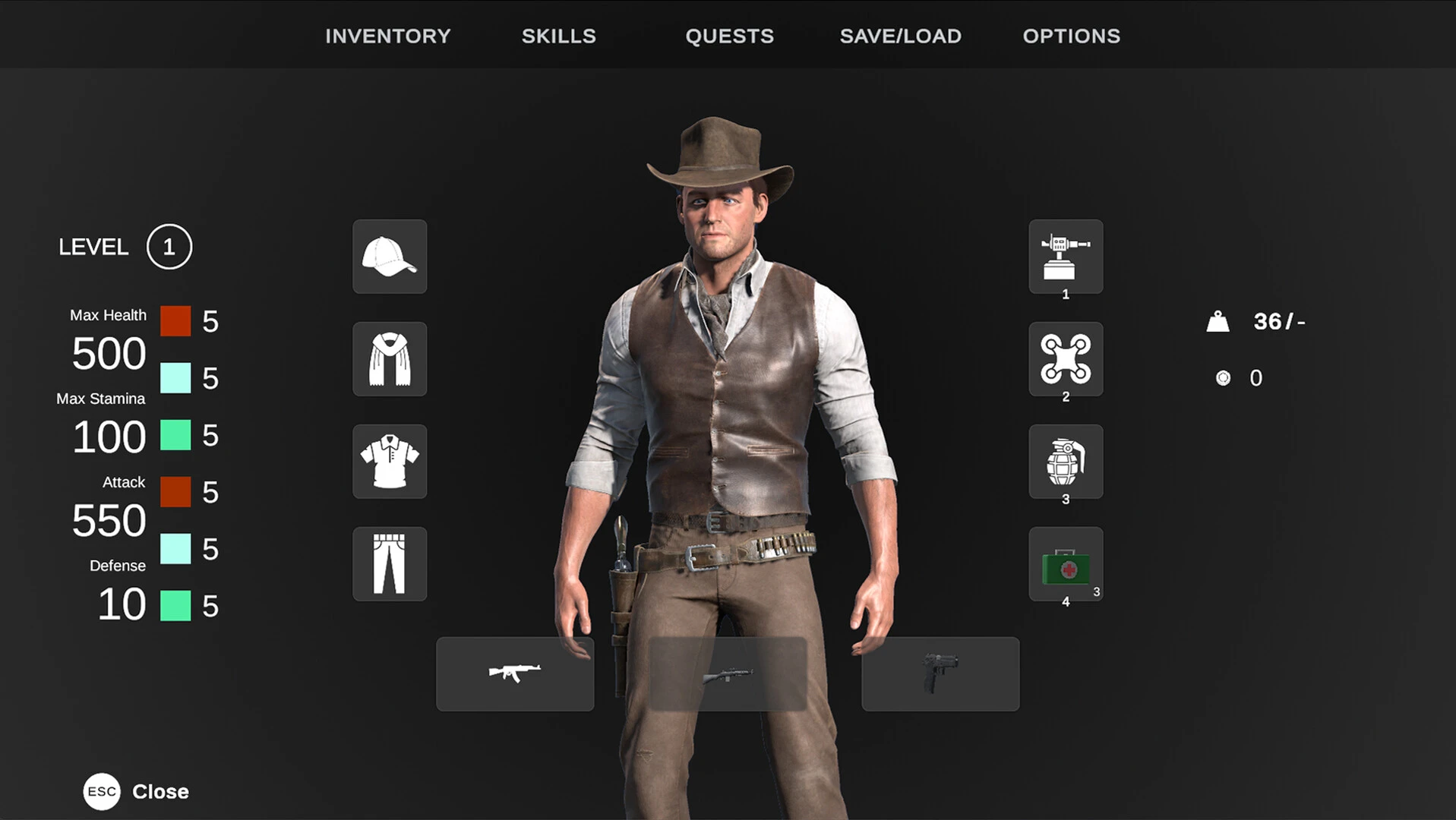
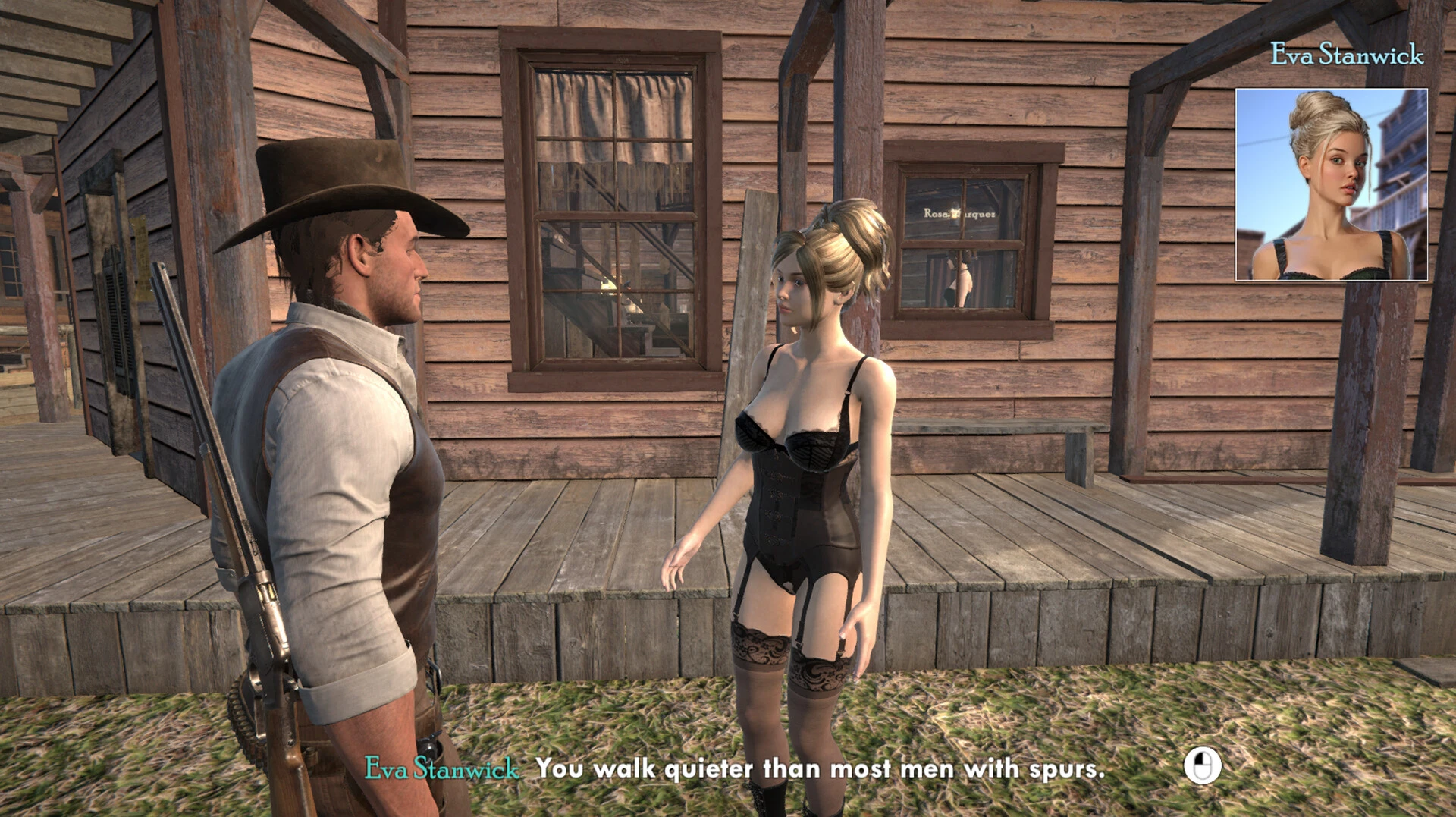
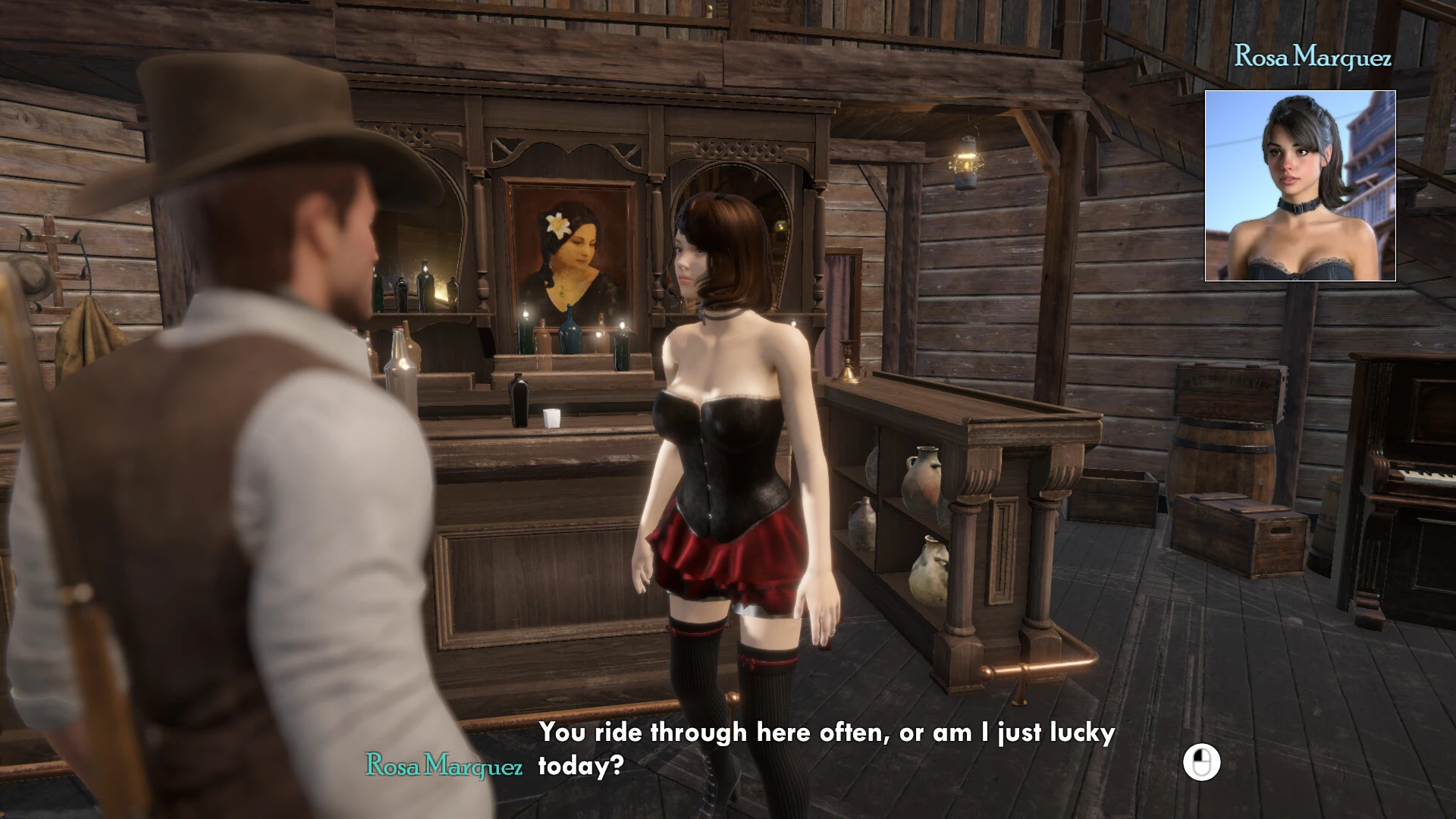
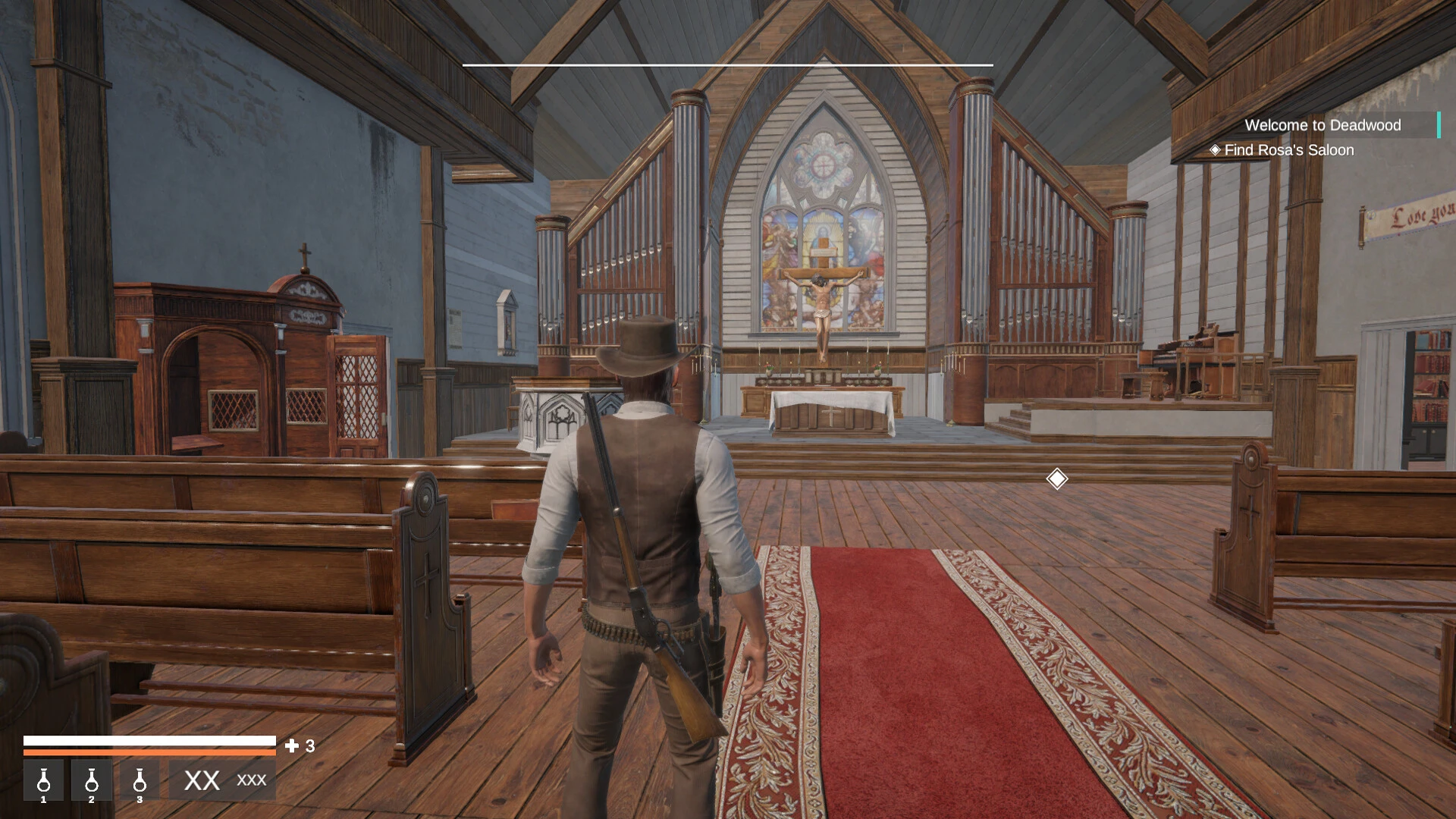
Deadrock Salvation is a dark and atmospheric game that places players in a world shaped by collapse and quiet desperation. Rather than relying on fast-paced action or constant spectacle, it focuses on mood, storytelling, and the emotional weight of survival. The experience feels personal, drawing players into a harsh environment where every decision carries meaning and consequences linger long after they are made.
The setting of Deadrock Salvation is bleak but carefully crafted. Crumbling structures, abandoned roads, and lifeless landscapes create a sense of isolation that never fades. The world feels as though it once held promise, now reduced to fragments of what used to be. This environmental storytelling plays a crucial role, allowing players to piece together the past through subtle details instead of direct exposition.
Gameplay emphasizes survival through limited resources and thoughtful exploration. Supplies are scarce, forcing players to weigh risk against necessity. Venturing into dangerous areas may provide valuable items, but it also increases the chance of injury or failure. This balance encourages slow, deliberate play rather than reckless movement, reinforcing the game’s grounded tone.
Combat, when it occurs, is tense and unforgiving. Deadrock Salvation avoids turning violence into a power fantasy. Instead, encounters feel dangerous and emotionally heavy. Every fight drains resources and tests the player’s composure. Often, avoiding conflict entirely is the smarter choice, making stealth and awareness essential skills.
One of the strongest aspects of Deadrock Salvation is its focus on internal struggle. The narrative explores themes of guilt, responsibility, and the search for meaning in a world that offers little hope. Characters are not heroes in the traditional sense. They are broken individuals trying to survive while carrying the weight of past mistakes. Dialogue and story moments are understated, allowing emotions to emerge naturally rather than through dramatic monologues.
Sound design and music further enhance the experience. Subtle ambient sounds, distant echoes, and minimalistic music build tension without overwhelming the senses. Silence is used effectively, often making exploration feel uneasy and unpredictable. These audio choices deepen immersion and strengthen the emotional impact of the world.
Progression in Deadrock Salvation is tied to understanding rather than power. Players grow not by becoming stronger, but by becoming wiser. Learning when to move forward, when to retreat, and when to accept loss becomes part of the journey. This approach sets the game apart from traditional survival titles that rely heavily on upgrades and statistics.
In conclusion, Deadrock Salvation offers a thoughtful and haunting experience built on atmosphere and emotional depth. It challenges players to reflect on survival as more than staying alive, presenting it as a test of conscience and resilience. Through its restrained storytelling, tense gameplay, and immersive world design, Deadrock Salvation delivers a powerful reminder that sometimes survival itself is the greatest burden—and the only path toward redemption.
OS: Mac OS X 10.0.4 or HigherProcessor: 1.8 Ghz equivalent or greater, Intel OnlyMemory: 16 GB RAMDisk Space: 9
Run the downloaded image and drag the application to the Applications folder shortcut.
Once copying is complete, the application can be launched via Launchpad.
Frequently Asked Questions
Mount the image and run Open Gatekeeper friendly.
Press Enter to bypass Gatekeeper in the Terminal window.
Drag the application to the Applications folder.
The application is ready for use.
ATTENTION! SIP must be disabled. Learn more >
Restart your Mac and hold down Command + R to enter Recovery Mode.
Open Terminal from the Utilities menu.
Enter the command: csrutil disable
Restart your Mac.
This is a common Gatekeeper issue. Follow these steps:
1. Open Terminal
2. Enter: sudo xattr -rd com.apple.quarantine /Applications/AppName.app
3. Replace "AppName" with the actual application name
4. Press Enter and enter your password
Yes, all our downloads are thoroughly checked for viruses and malware.
We use multiple antivirus engines to scan every file.
Our team tests each application before publishing.
We never bundle adware or unwanted software.
Yes, we regularly update our applications to the latest versions.
You can check our website for updates or subscribe to our newsletter.
We strive to provide the most recent versions within 24-48 hours of release.
If a download link is not working, please:
1. Try a different browser
2. Clear your browser cache and cookies
3. Try the alternative download links provided
4. Contact our support team if the issue persists