


Descent 2
Download Descent 2
Unzip the archive and follow the standard installation procedure.
The installation is completed by choosing a location to place the game.
It is recommended to specify the Applications folder.
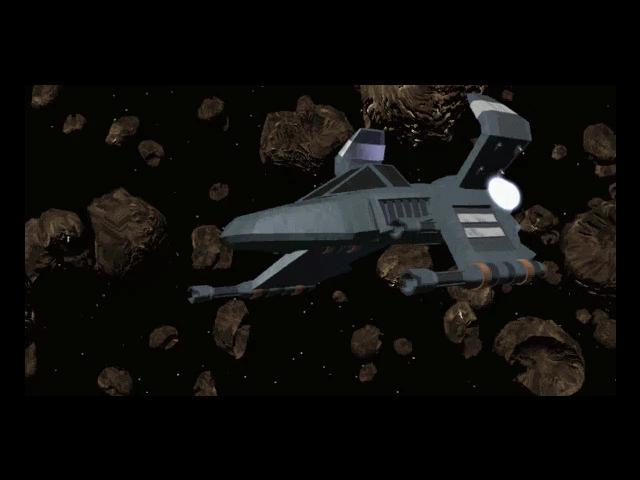
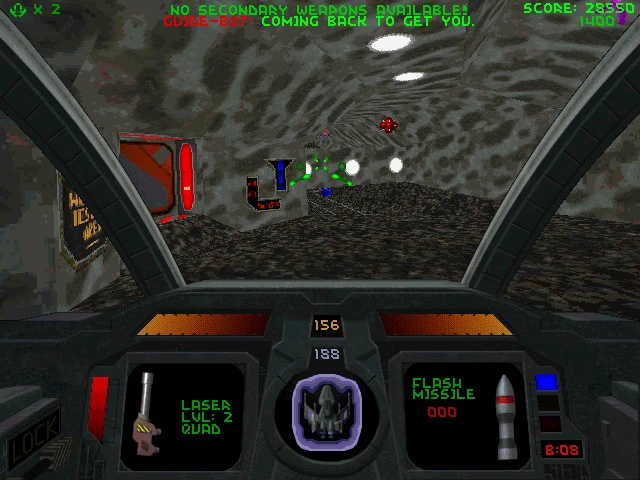
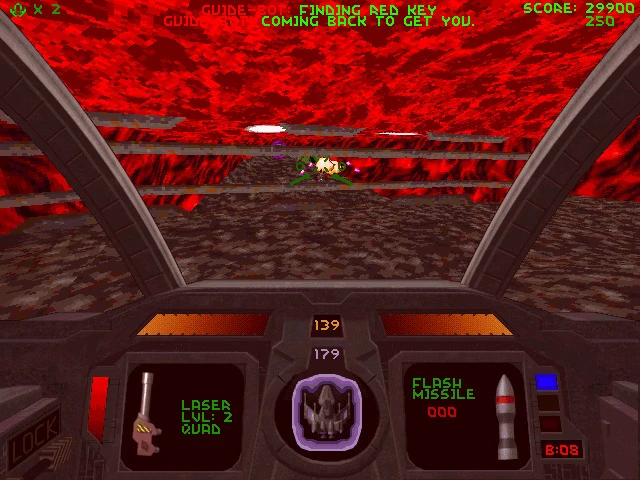
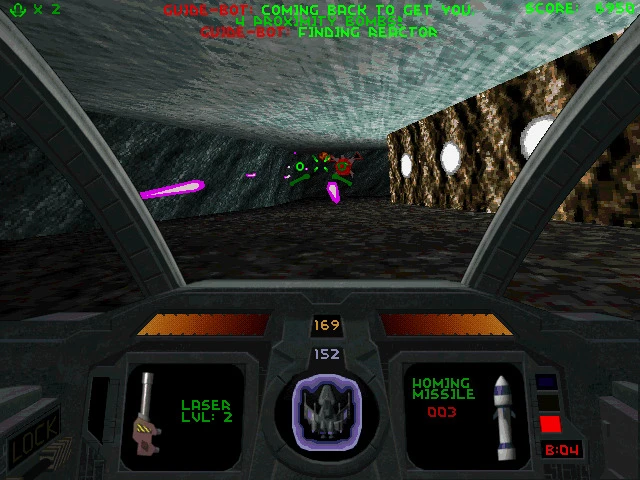
Descent 2, the sequel to the classic 3D space shooter Descent, is a game that redefines the boundaries of first-person exploration and combat. Released in the late 1990s, it quickly became a favorite among gamers for its innovative design, immersive atmosphere, and challenging gameplay. Unlike traditional shooters of its era, Descent 2 combines intricate level design, strategic thinking, and intense action, creating a unique experience that has stood the test of time.
The game is set in a labyrinthine network of mines and space stations overrun by hostile robots known as the Material Defenders. Players take control of a lone pilot tasked with navigating these treacherous environments, completing objectives, and eliminating threats. What sets Descent 2 apart from many first-person shooters is its six degrees of freedom movement system. Players are not limited to walking along floors or climbing ladders; they can move in any direction—up, down, sideways, and even upside-down. This freedom of movement transforms the game into a three-dimensional puzzle, where spatial awareness and strategy are just as crucial as reflexes and shooting skills.
One of the most impressive aspects of Descent 2 is its level design. The developers created sprawling environments filled with secret rooms, hidden items, and complex pathways. Each level challenges the player to explore, solve environmental puzzles, and manage limited resources. Power-ups, weapons, and shields are scattered throughout the mines, requiring players to think critically about when and how to use them. The game rewards careful planning and thorough exploration, making every level a balance between combat and strategy.
The arsenal in Descent 2 adds another layer of excitement. Players can choose from a variety of weapons, including laser cannons, homing missiles, and smart bombs, each with distinct advantages. Strategic weapon selection is vital, as some enemies are more vulnerable to certain attacks. Managing ammunition and energy levels adds tension and depth, ensuring that the game is never just about mindless shooting. Every encounter requires thought and precision, enhancing the sense of immersion and accomplishment.
Visually, Descent 2 embraces the limitations of its time while delivering an atmospheric and engaging world. Dark corridors, flickering lights, and eerie sound effects combine to create a tense and immersive environment. The game’s soundtrack further heightens the suspense, with pulsating music that drives the player forward while maintaining a sense of foreboding.
Descent 2 is not only a testament to technical innovation but also to the creativity of game design. Its combination of freedom of movement, strategic gameplay, and atmospheric storytelling set it apart from other shooters of its era. It challenges players to think, plan, and execute with precision, offering a rewarding experience that blends action and intellect. Even decades after its release, Descent 2 remains a beloved classic, a game that pushes players to navigate darkness both literally and metaphorically, proving that true gaming excitement comes from more than just the thrill of shooting—it comes from mastering the environment, understanding the enemies, and rising to every challenge the mines throw your way.
System: OS X 10.9+Processor: Intel Core Duo 2GHz+Memory: 1GB of RAMGraphics: 64MB of video memoryDisk space: 1GB available space
Unzip the archive and follow the standard installation procedure.
The installation is completed by choosing a location to place the game.
It is recommended to specify the Applications folder.
Frequently Asked Questions
Mount the image and run Open Gatekeeper friendly.
Press Enter to bypass Gatekeeper in the Terminal window.
Drag the application to the Applications folder.
The application is ready for use.
ATTENTION! SIP must be disabled. Learn more >
Restart your Mac and hold down Command + R to enter Recovery Mode.
Open Terminal from the Utilities menu.
Enter the command: csrutil disable
Restart your Mac.
This is a common Gatekeeper issue. Follow these steps:
1. Open Terminal
2. Enter: sudo xattr -rd com.apple.quarantine /Applications/AppName.app
3. Replace "AppName" with the actual application name
4. Press Enter and enter your password
Yes, all our downloads are thoroughly checked for viruses and malware.
We use multiple antivirus engines to scan every file.
Our team tests each application before publishing.
We never bundle adware or unwanted software.
Yes, we regularly update our applications to the latest versions.
You can check our website for updates or subscribe to our newsletter.
We strive to provide the most recent versions within 24-48 hours of release.
If a download link is not working, please:
1. Try a different browser
2. Clear your browser cache and cookies
3. Try the alternative download links provided
4. Contact our support team if the issue persists