


Dwarven Skykeep
Download Dwarven Skykeep
Unzip the archive and follow the standard installation procedure.
The installation is completed by choosing a location to place the game.
It is recommended to specify the Applications folder.
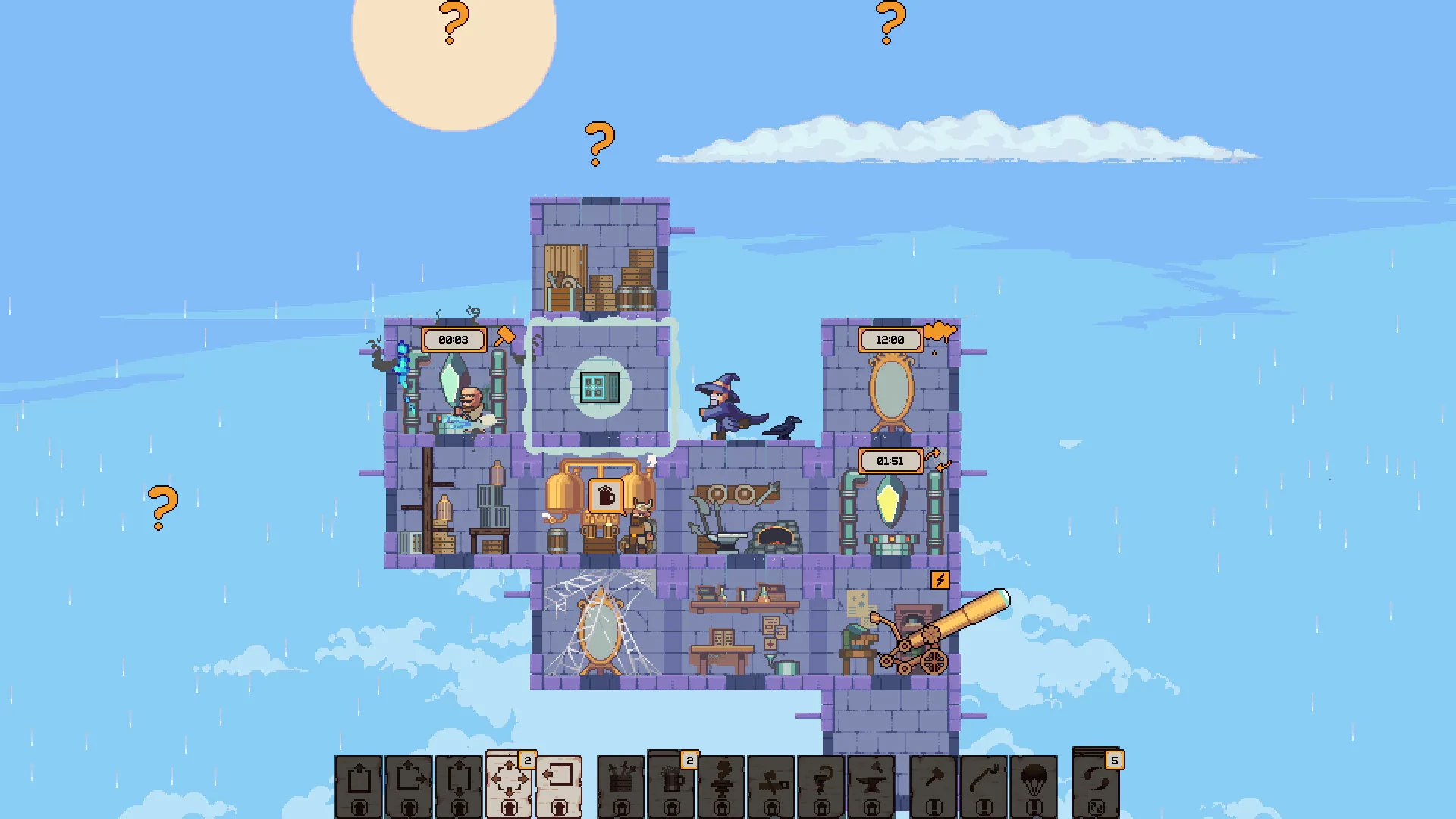
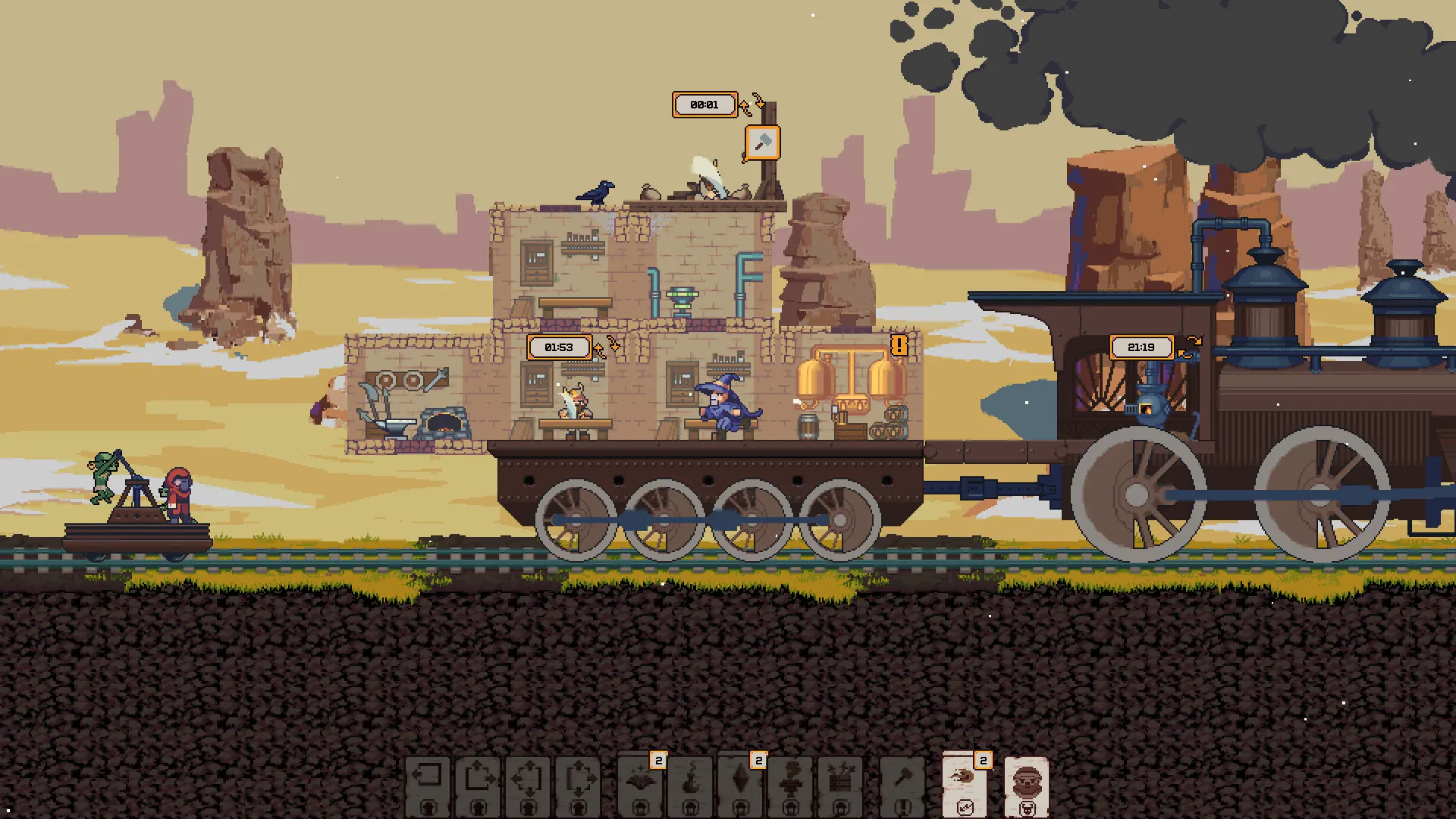
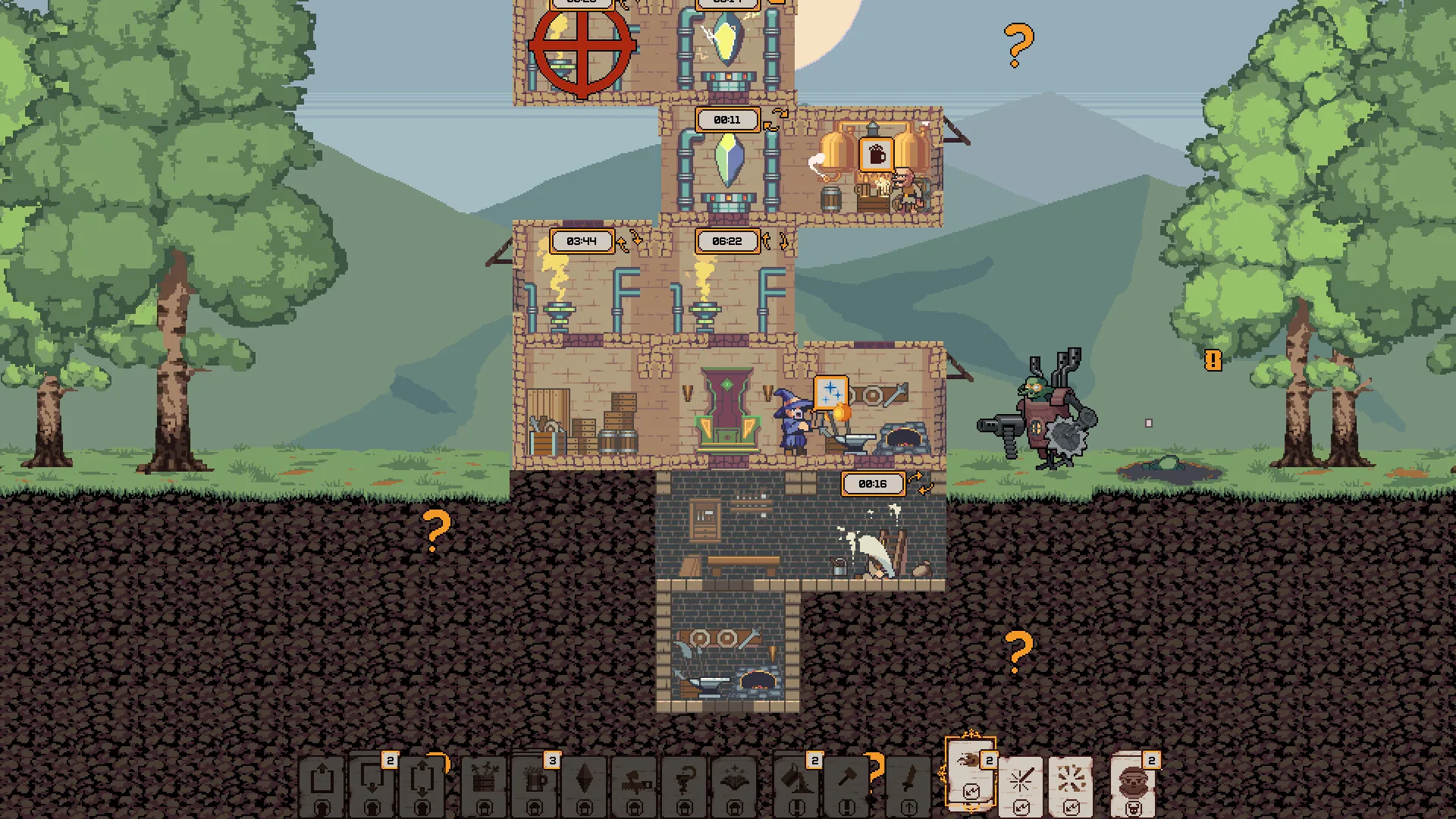
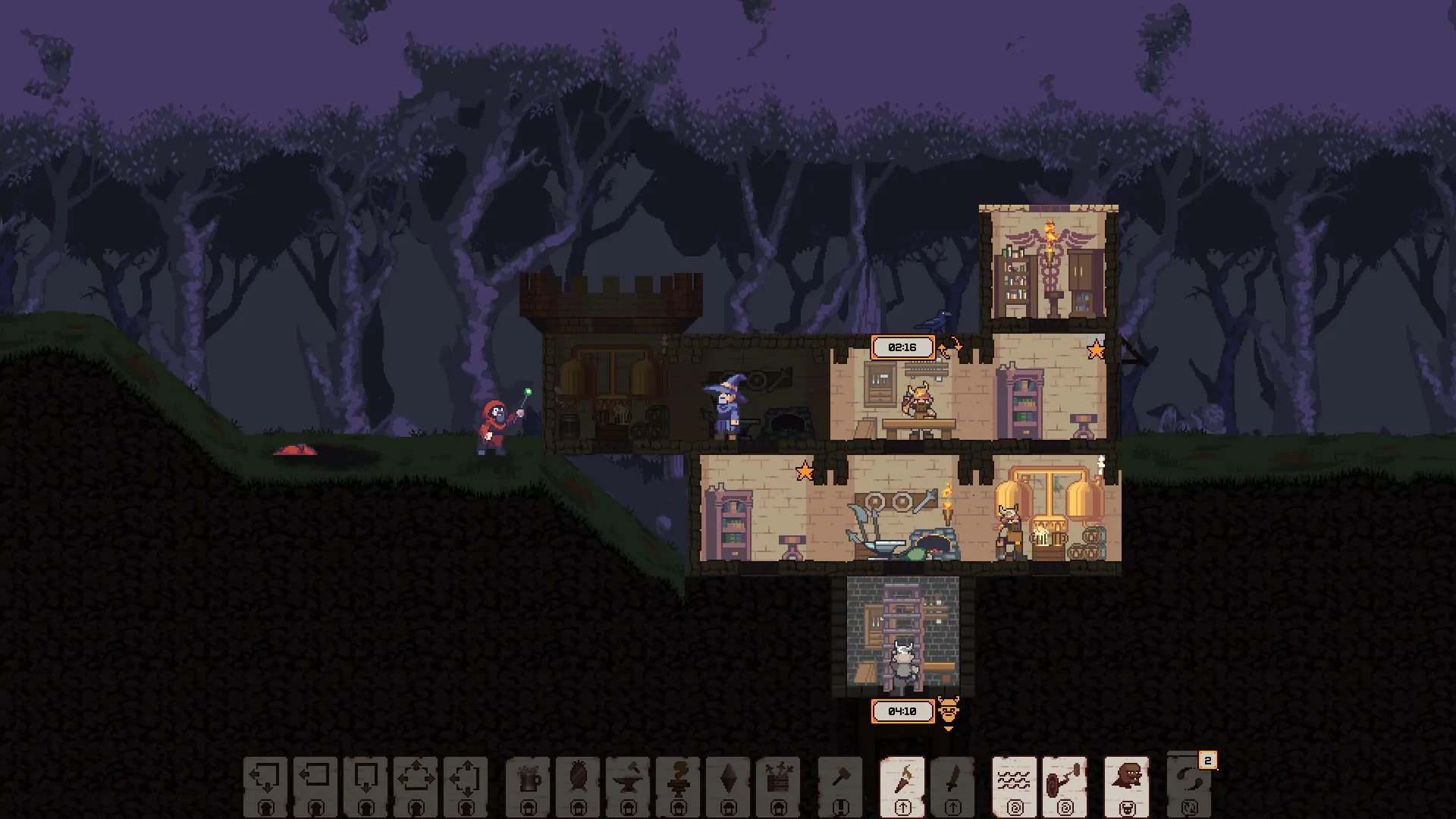
Dwarven Skykeep is an engaging strategy and simulation game that plunges players into a world where dwarves have taken to the skies to build and defend their floating stronghold. Developed by Pineleaf Studio, the game combines city-building, resource management, and tower defense elements to deliver a unique and immersive gameplay experience. With its charming art style, deep strategic mechanics, and rich lore, Dwarven Skykeep captures the imagination of strategy enthusiasts and casual gamers alike.
The premise of Dwarven Skykeep is both whimsical and captivating. Players assume the role of a skykeep overseer, responsible for constructing and maintaining a floating fortress inhabited by industrious dwarves. The game challenges players to carefully manage resources, expand their fortress, and ensure the survival and happiness of their airborne community. Unlike typical city-building games, the vertical and aerial nature of the stronghold introduces fresh strategic challenges, requiring players to think creatively about structure placement, resource flow, and defense.
One of the game’s standout features is its strategic depth. Players must gather and manage resources such as stone, metal, and food to construct new buildings, forge weapons, and sustain their dwarves. Each decision carries weight: mismanaging resources can slow growth or leave the keep vulnerable to attacks. As the skykeep expands, players must design intricate layouts that balance efficiency with defense, considering both the needs of their dwarves and the threats from aerial enemies. This combination of city-building and tactical planning ensures that every choice is meaningful and engaging.
Combat and defense play a central role in Dwarven Skykeep. The fortress faces constant threats from sky pirates, monstrous creatures, and rival dwarven factions. Players can construct defensive towers, deploy traps, and train warrior dwarves to protect their stronghold. Battles are not just about brute force; success requires strategy, timing, and resource allocation. Choosing which areas to fortify, which dwarves to assign to defense, and when to upgrade weapons becomes crucial as threats grow more intense. The game’s blend of action and strategy keeps players on their toes, making victories feel well-earned.
Visually, Dwarven Skykeep is a delight. The floating fortress is rendered in charming, colorful art that gives each building and dwarf a distinct personality. The skies themselves are dynamic, featuring drifting clouds, shifting weather, and breathtaking vistas that enhance immersion. Coupled with a lively and thematic soundtrack, the game’s audio-visual design perfectly complements the whimsical yet strategic tone of the gameplay.
Ultimately, Dwarven Skykeep offers a unique combination of city-building, resource management, and tactical defense that appeals to both strategic thinkers and casual gamers. Its inventive aerial setting, rich mechanics, and charming presentation make it a standout title in the indie strategy genre. For anyone seeking a game that challenges the mind while providing endless opportunities for creativity and exploration, Dwarven Skykeep promises hours of rewarding gameplay in a world where dwarves truly reach for the skies.
System: 10.12Processor: 2.4GHz dual-core Intel Core i5 processorMemory: 8 GB RAMGraphics: Intel Iris GraphicsDisk space: 300 MB available space
Unzip the archive and follow the standard installation procedure.
The installation is completed by choosing a location to place the game.
It is recommended to specify the Applications folder.
Frequently Asked Questions
Mount the image and run Open Gatekeeper friendly.
Press Enter to bypass Gatekeeper in the Terminal window.
Drag the application to the Applications folder.
The application is ready for use.
ATTENTION! SIP must be disabled. Learn more >
Restart your Mac and hold down Command + R to enter Recovery Mode.
Open Terminal from the Utilities menu.
Enter the command: csrutil disable
Restart your Mac.
This is a common Gatekeeper issue. Follow these steps:
1. Open Terminal
2. Enter: sudo xattr -rd com.apple.quarantine /Applications/AppName.app
3. Replace "AppName" with the actual application name
4. Press Enter and enter your password
Yes, all our downloads are thoroughly checked for viruses and malware.
We use multiple antivirus engines to scan every file.
Our team tests each application before publishing.
We never bundle adware or unwanted software.
Yes, we regularly update our applications to the latest versions.
You can check our website for updates or subscribe to our newsletter.
We strive to provide the most recent versions within 24-48 hours of release.
If a download link is not working, please:
1. Try a different browser
2. Clear your browser cache and cookies
3. Try the alternative download links provided
4. Contact our support team if the issue persists