


Isle of Arrows
Download Isle of Arrows
Run the downloaded image and drag the application to the Applications folder shortcut.
Once the copy is complete, you can launch the application from Launchpad.
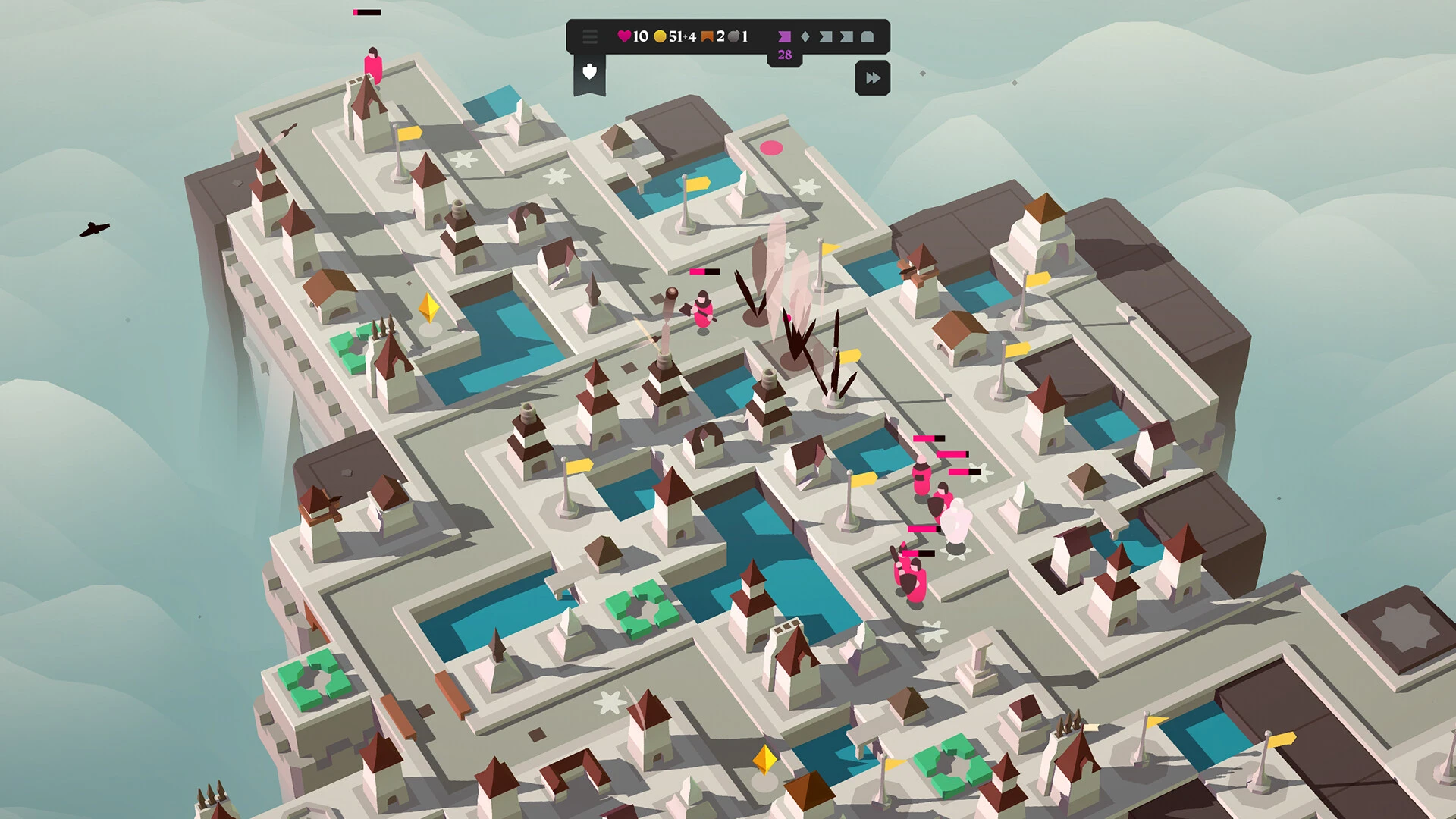
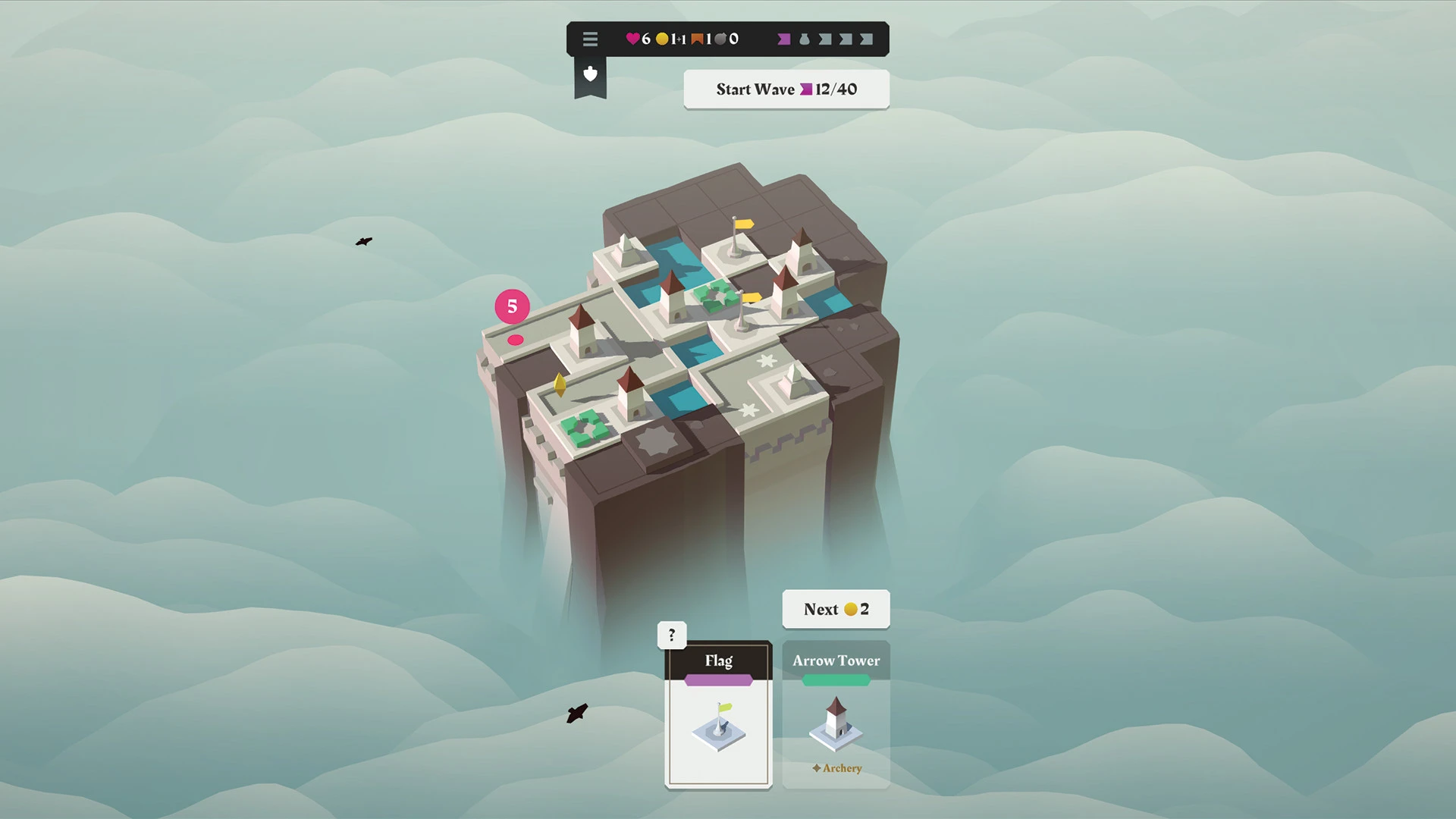
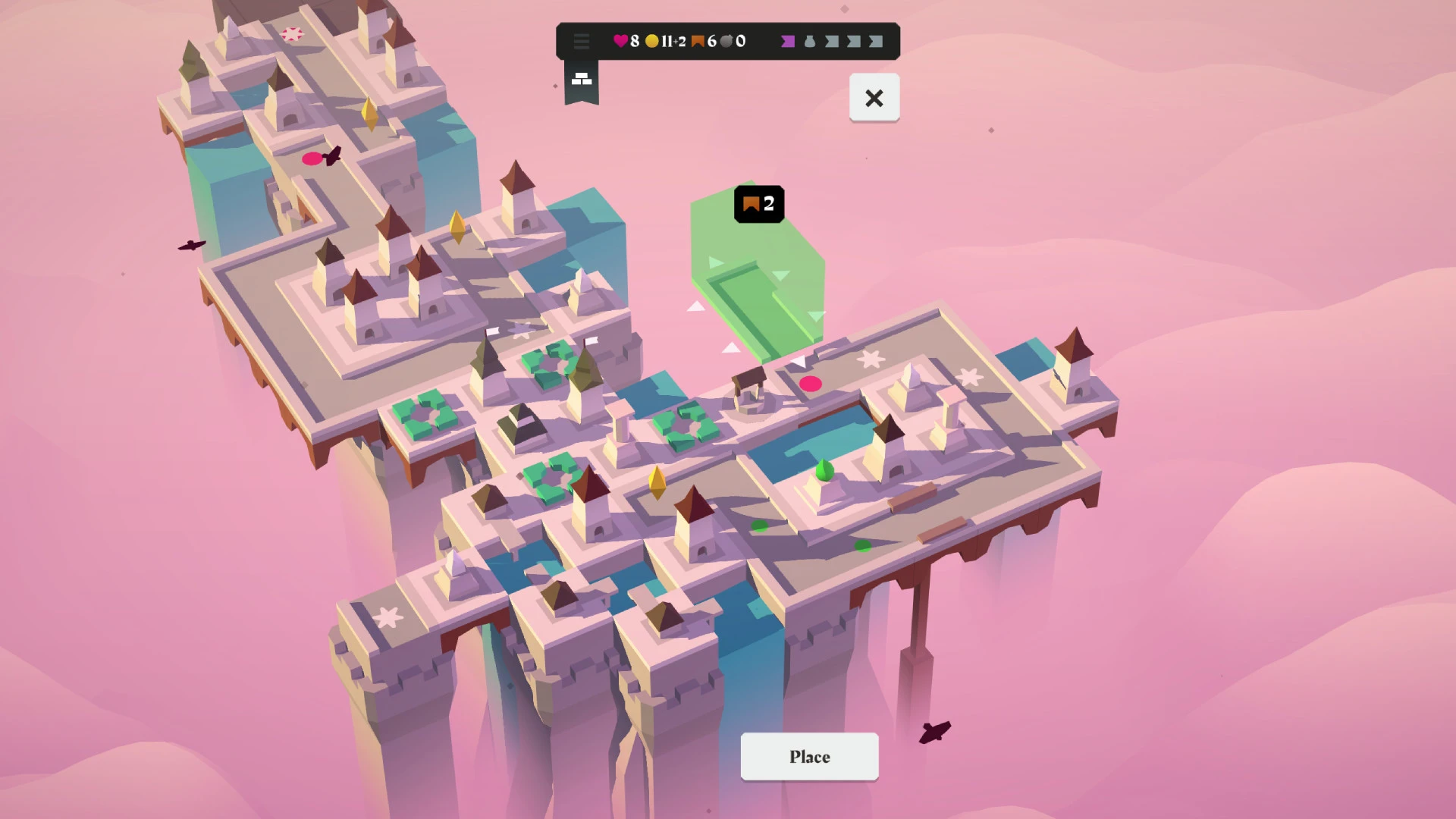
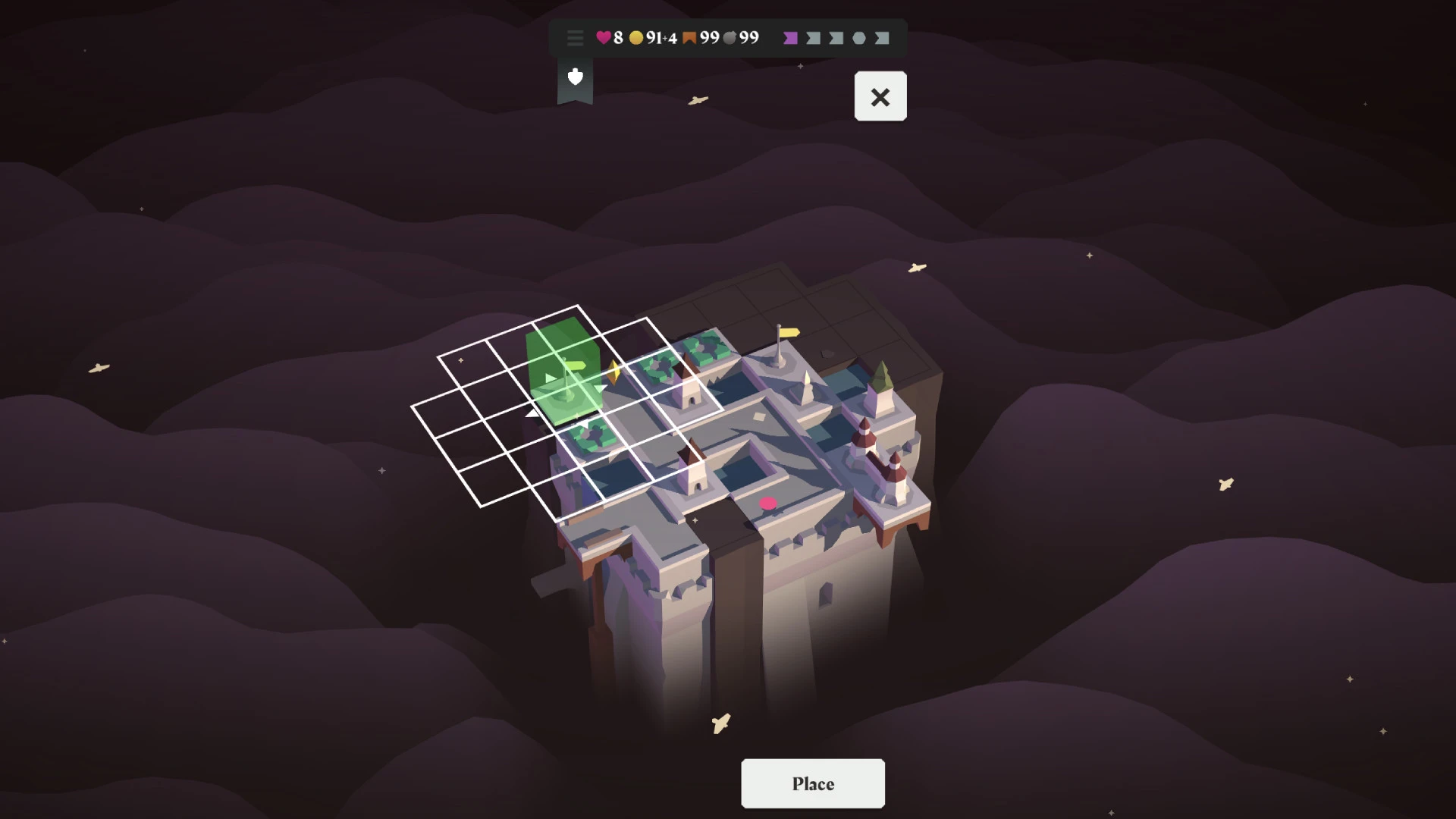
Isle of Arrows is a thoughtful tower defense game that emphasizes strategy, planning, and creativity over frantic action. Developed by Gridpop, the game offers a refreshing interpretation of the genre by blending tile placement, roguelike elements, and minimalist design. Instead of overwhelming players with constant enemy waves and complex systems, Isle of Arrows invites them to slow down, think carefully, and build defenses piece by piece.
The game takes place on a small island grid where enemies follow winding paths toward a central objective. Rather than starting with a fixed layout, players construct the battlefield themselves using tiles drawn from a deck. These tiles include paths, towers, and special structures, and the order in which they appear is unpredictable. This randomness ensures that no two runs are the same and challenges players to adapt their strategies to the tools they are given.
One of the most engaging aspects of Isle of Arrows is its tile-based approach. Players must decide not only where to place towers but also how to shape the enemy’s path. By carefully positioning path tiles, it is possible to extend routes, create loops, and maximize the effectiveness of defensive structures. This level of control adds depth to the gameplay, turning each island into a strategic puzzle rather than a fixed challenge.
The pacing of the game is deliberately calm. Enemy waves advance at a manageable speed, allowing players time to assess the situation and make informed decisions. This measured rhythm creates a relaxing yet mentally stimulating experience. Success depends on foresight and efficient use of resources rather than quick reflexes, making the game accessible to a wide range of players while still offering meaningful strategic depth.
Visually, Isle of Arrows embraces simplicity. Clean lines, soft colors, and uncluttered interfaces ensure that the focus remains on gameplay. The minimalist art style enhances clarity, making it easy to understand tile interactions and enemy movement. Subtle sound effects and gentle background music complement the experience, reinforcing the game’s tranquil atmosphere without distracting from strategic planning.
Progression in Isle of Arrows is driven by experimentation and learning. As players complete runs, they unlock new tiles and modifiers that expand strategic possibilities. These additions introduce fresh challenges and encourage players to explore different approaches. The roguelike structure ensures replayability, as each attempt presents new combinations and situations that test adaptability and creativity.
What truly sets Isle of Arrows apart is its emphasis on intentional design and player agency. Every tile placement matters, and small decisions can have long-lasting effects on the outcome of a run. The game rewards thoughtful planning and encourages players to embrace experimentation, even when outcomes are uncertain.
In conclusion, Isle of Arrows is a smart and elegant tower defense game that prioritizes strategy, creativity, and calm decision-making. Its blend of tile-based mechanics, procedural variety, and minimalist presentation creates a unique experience within the genre. For players seeking a relaxed yet intellectually engaging challenge, Isle of Arrows offers a rewarding journey where careful planning and adaptability are the keys to success.
OS: High Sierra 10.13+Processor: Dual-core CPU @ 2GHzMemory: 2 GB RAMVideo Card: GeForce GT 630 / 640M or AMD Radeon HD 7450 equivalentDisk Space: 500 MB
Run the downloaded image and drag the application to the Applications folder shortcut.
Once the copy is complete, you can launch the application from Launchpad.
Frequently Asked Questions
Mount the image and run Open Gatekeeper friendly.
Press Enter to bypass Gatekeeper in the Terminal window.
Drag the application to the Applications folder.
The application is ready for use.
ATTENTION! SIP must be disabled. Learn more >
Restart your Mac and hold down Command + R to enter Recovery Mode.
Open Terminal from the Utilities menu.
Enter the command: csrutil disable
Restart your Mac.
This is a common Gatekeeper issue. Follow these steps:
1. Open Terminal
2. Enter: sudo xattr -rd com.apple.quarantine /Applications/AppName.app
3. Replace "AppName" with the actual application name
4. Press Enter and enter your password
Yes, all our downloads are thoroughly checked for viruses and malware.
We use multiple antivirus engines to scan every file.
Our team tests each application before publishing.
We never bundle adware or unwanted software.
Yes, we regularly update our applications to the latest versions.
You can check our website for updates or subscribe to our newsletter.
We strive to provide the most recent versions within 24-48 hours of release.
If a download link is not working, please:
1. Try a different browser
2. Clear your browser cache and cookies
3. Try the alternative download links provided
4. Contact our support team if the issue persists