


Lara Croft GO
Download Lara Croft GO
Mount the downloaded image and drag the game to the Applications folder.
Previous Versions
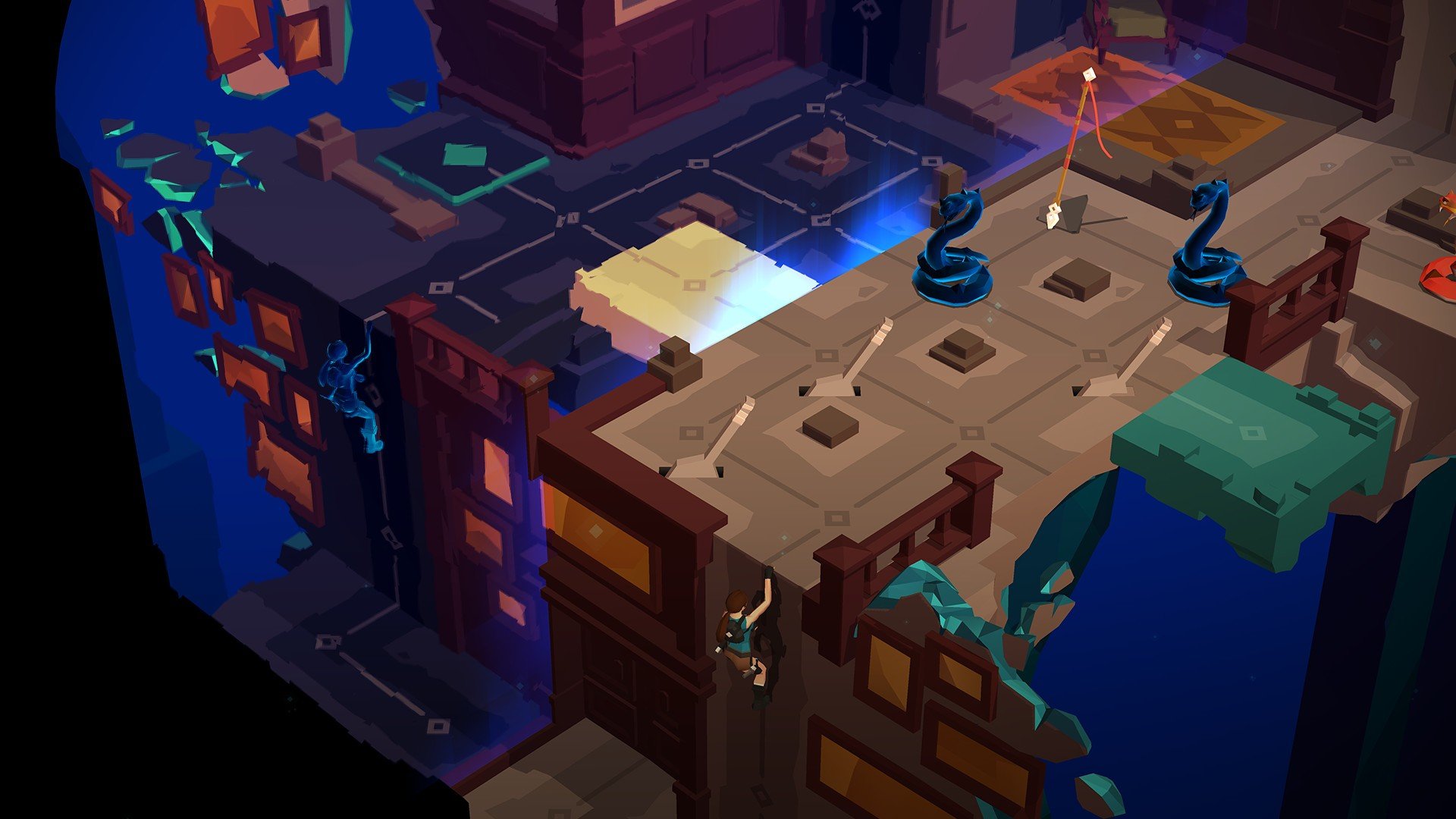
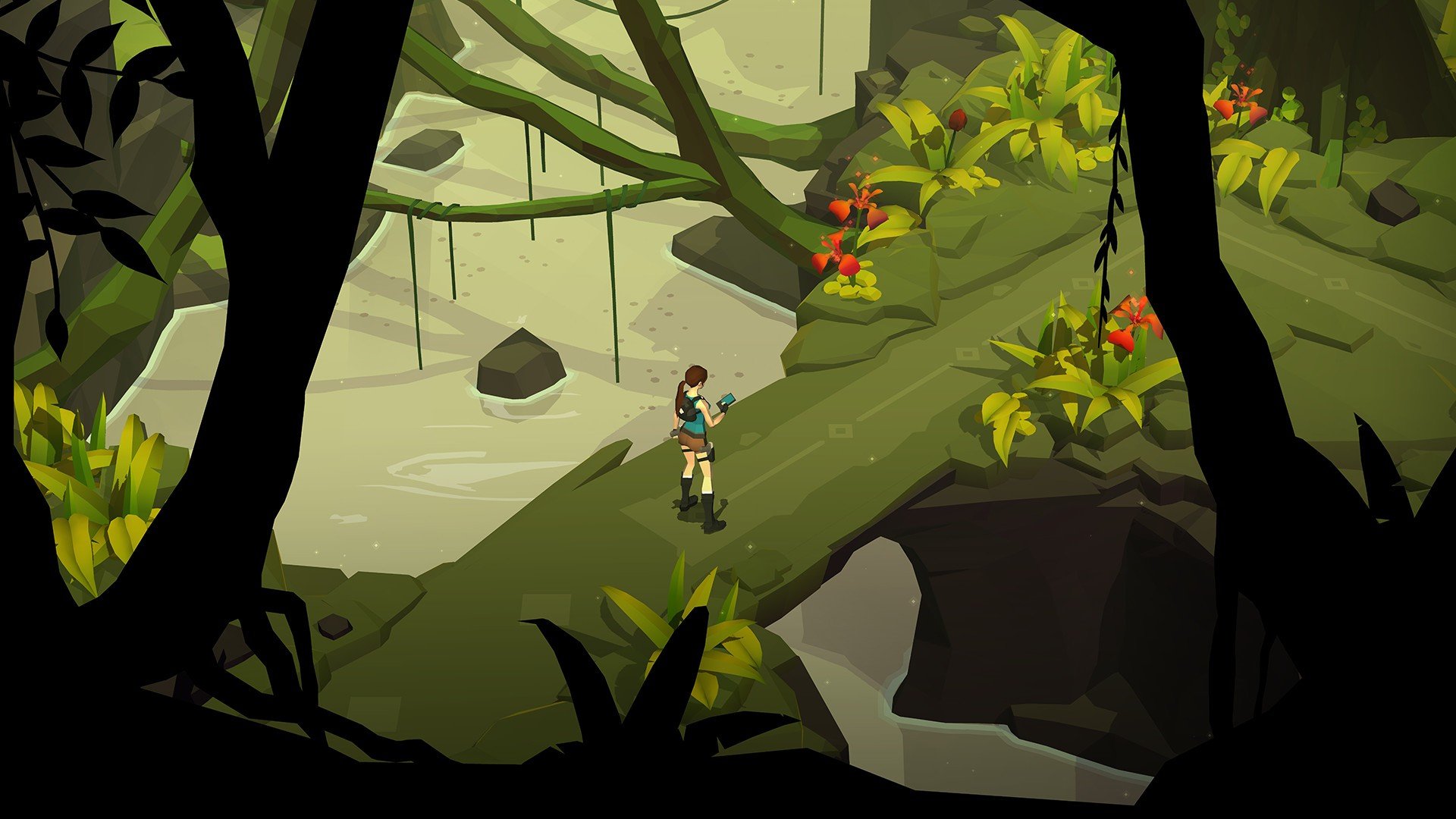
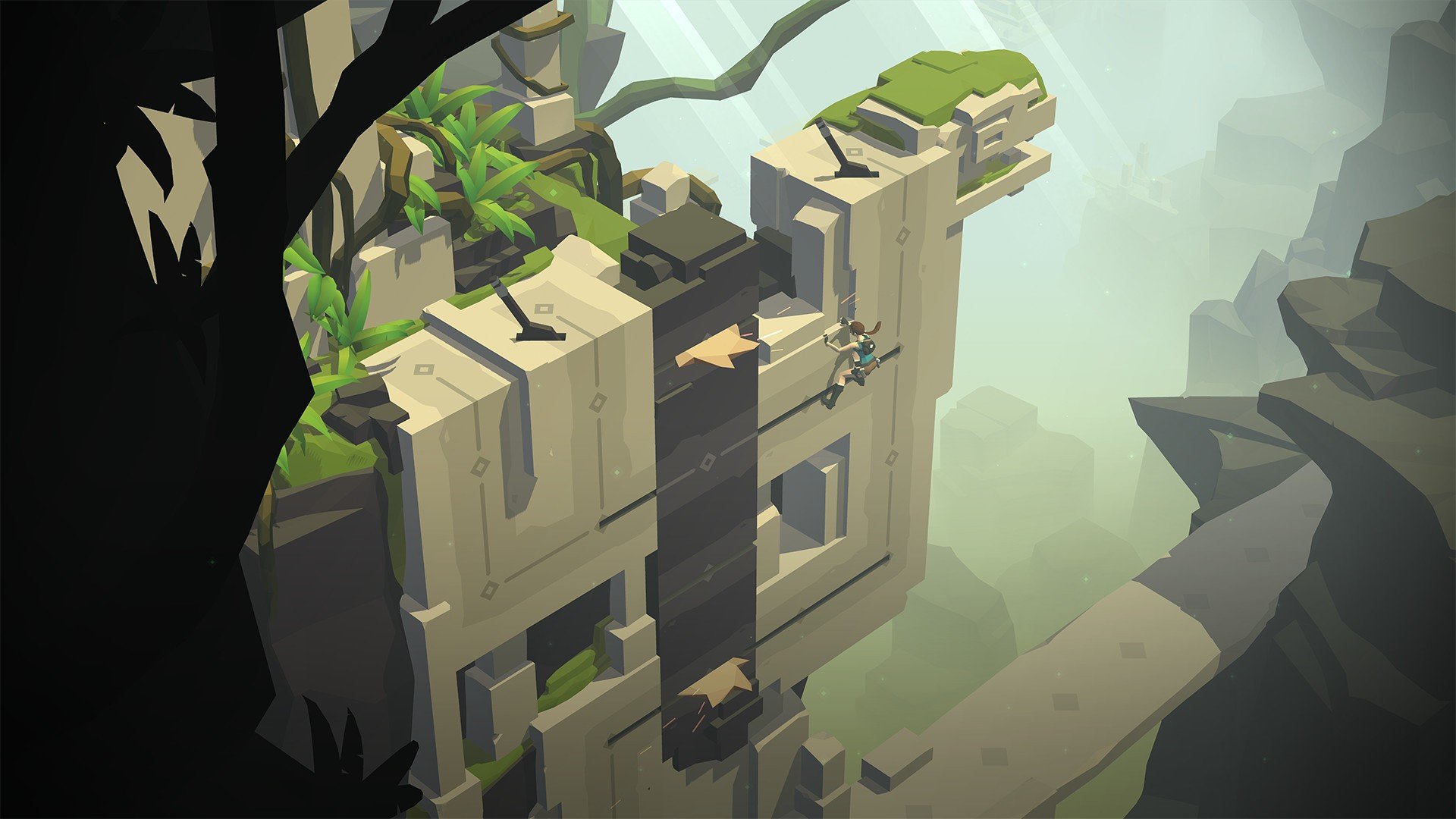
In the ever-evolving world of video games, few titles manage to combine nostalgia, challenge, and innovation in a seamless way. Lara Croft GO, developed by Square Enix Montréal, is one such game that successfully reimagines the legendary Tomb Raider series into a turn-based puzzle adventure. Unlike traditional Tomb Raider games, which focus on action, exploration, and combat, Lara Croft GO offers a slower, more thoughtful experience, inviting players to engage their minds as much as their reflexes.
At first glance, Lara Croft GO may seem deceptively simple. The game is presented in a beautifully stylized, minimalistic art style that strips away the complexity of 3D worlds and cinematic cutscenes. Each level consists of a grid-based map where players must carefully move Lara Croft, step by step, while navigating obstacles, avoiding enemies, and solving puzzles. This design encourages patience and strategic thinking, transforming what could have been a casual mobile game into an intellectually satisfying experience.
The core gameplay revolves around timing, planning, and observation. Players must anticipate enemy movements, discover hidden paths, and manipulate the environment to progress. Unlike traditional action-oriented Tomb Raider games, there is no running or jumping in real-time combat; every move matters, and every decision can lead to success or failure. This turn-based system not only challenges players’ logic and problem-solving skills but also delivers a sense of tension and accomplishment when complex puzzles are finally solved.
Beyond gameplay mechanics, Lara Croft GO stands out for its atmospheric storytelling. Without relying on dialogue or lengthy exposition, the game conveys a rich narrative through environmental cues, visual storytelling, and carefully crafted level design. Ancient ruins, forgotten temples, and mysterious artifacts tell a story of adventure, danger, and discovery that feels deeply connected to Lara Croft’s iconic legacy. Players experience the thrill of uncovering secrets while feeling immersed in a world that is both minimalist and captivating.
Another remarkable aspect of Lara Croft GO is its accessibility. By condensing the Tomb Raider experience into short, manageable levels, the game becomes suitable for mobile devices without losing the essence of exploration and challenge. Each stage can be completed in minutes, making it ideal for both casual gamers and those seeking more prolonged puzzle-solving satisfaction. The game also rewards experimentation, as discovering hidden treasures or finding alternative routes adds replay value and a sense of mastery.
Ultimately, Lara Croft GO is more than a mobile spin-off; it is a celebration of creativity, strategy, and the enduring appeal of Lara Croft herself. By blending puzzle-solving with iconic adventure themes, it introduces a fresh perspective on a classic franchise while retaining its adventurous spirit. The game demonstrates that innovation does not require abandoning tradition—instead, it is about reimagining possibilities and engaging players in ways that feel both new and familiar.
For fans of puzzles, strategy, or adventure, Lara Croft GO offers an unforgettable journey. It is a reminder that even legendary characters can thrive in unexpected formats, and that thoughtful design can turn simple gameplay into a compelling and memorable experience.
OS: OS X 10.9.5Processor: 2.4 Ghz Intel Core 2 DuoRAM: 4 GBVideo card: NVIDIA GeForce 320M 256 MBDisk space: 2 GB
Mount the downloaded image and drag the game to the Applications folder.
Frequently Asked Questions
Mount the image and run Open Gatekeeper friendly.
Press Enter to bypass Gatekeeper in the Terminal window.
Drag the application to the Applications folder.
The application is ready for use.
ATTENTION! SIP must be disabled. Learn more >
Restart your Mac and hold down Command + R to enter Recovery Mode.
Open Terminal from the Utilities menu.
Enter the command: csrutil disable
Restart your Mac.
This is a common Gatekeeper issue. Follow these steps:
1. Open Terminal
2. Enter: sudo xattr -rd com.apple.quarantine /Applications/AppName.app
3. Replace "AppName" with the actual application name
4. Press Enter and enter your password
Yes, all our downloads are thoroughly checked for viruses and malware.
We use multiple antivirus engines to scan every file.
Our team tests each application before publishing.
We never bundle adware or unwanted software.
Yes, we regularly update our applications to the latest versions.
You can check our website for updates or subscribe to our newsletter.
We strive to provide the most recent versions within 24-48 hours of release.
If a download link is not working, please:
1. Try a different browser
2. Clear your browser cache and cookies
3. Try the alternative download links provided
4. Contact our support team if the issue persists