


Little Inferno
Download Little Inferno
Run the downloaded image and drag the application to the Applications folder shortcut.
Once copying is complete, the application can be launched via Launchpad.
Previous Versions
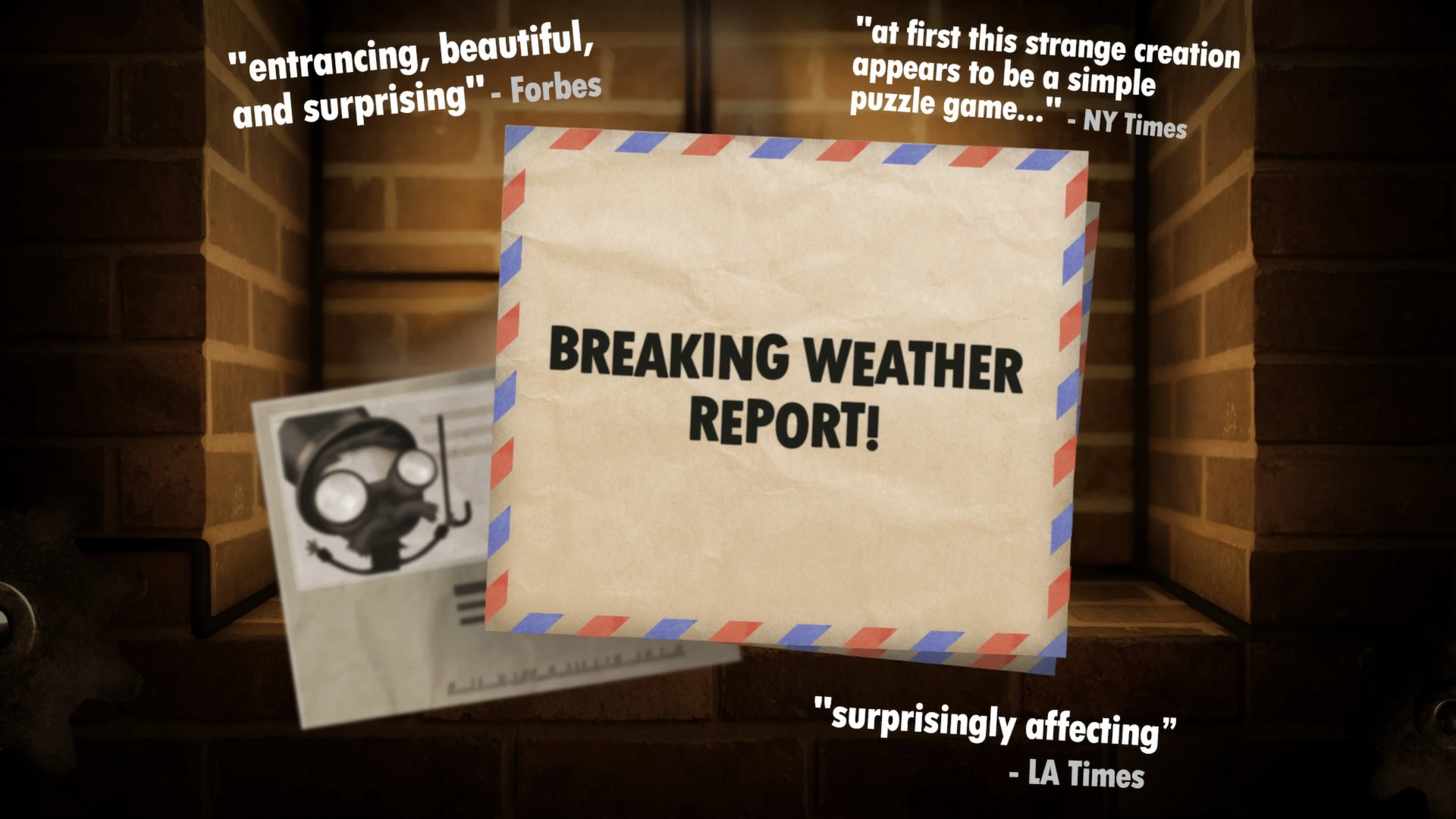
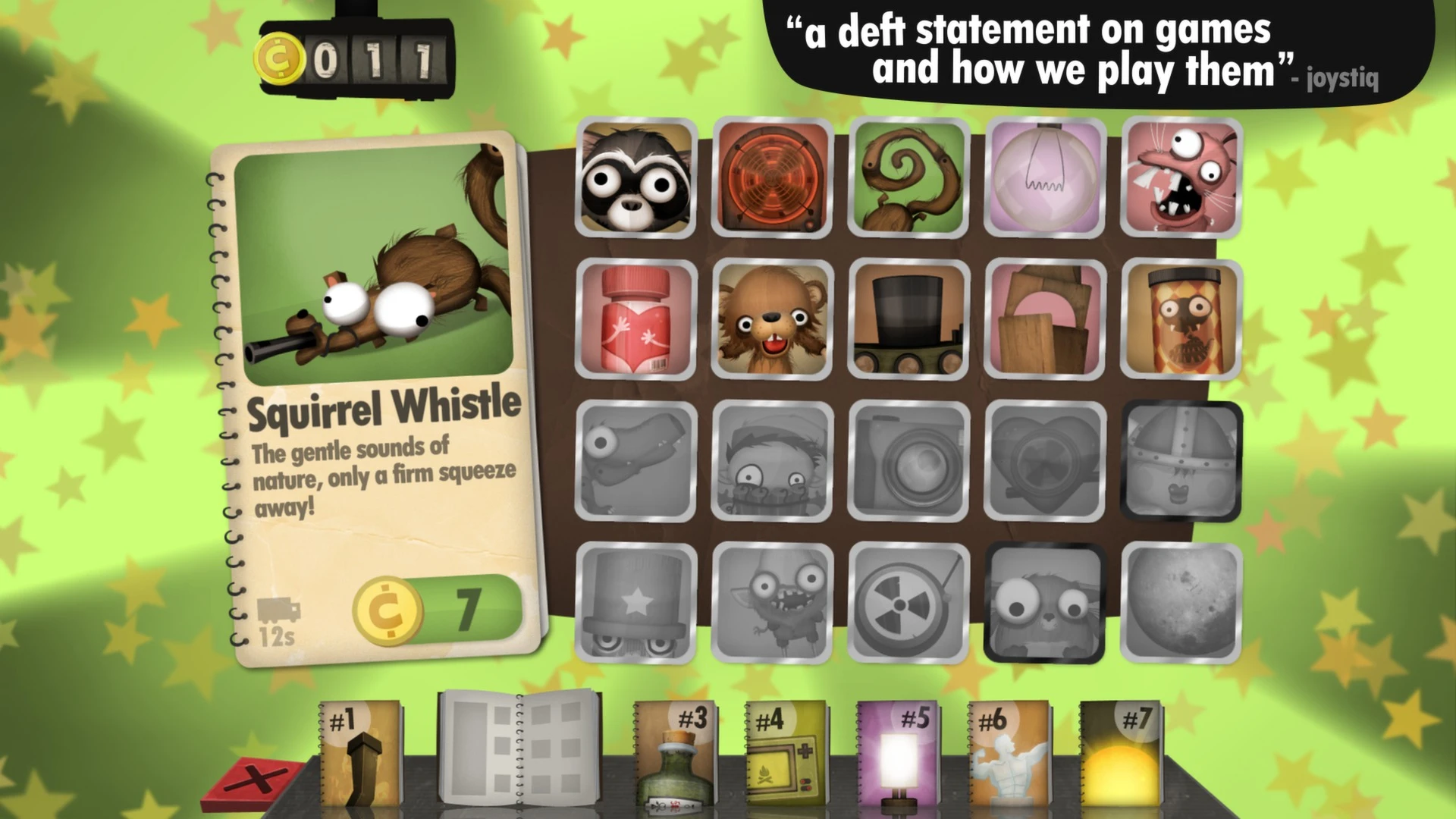
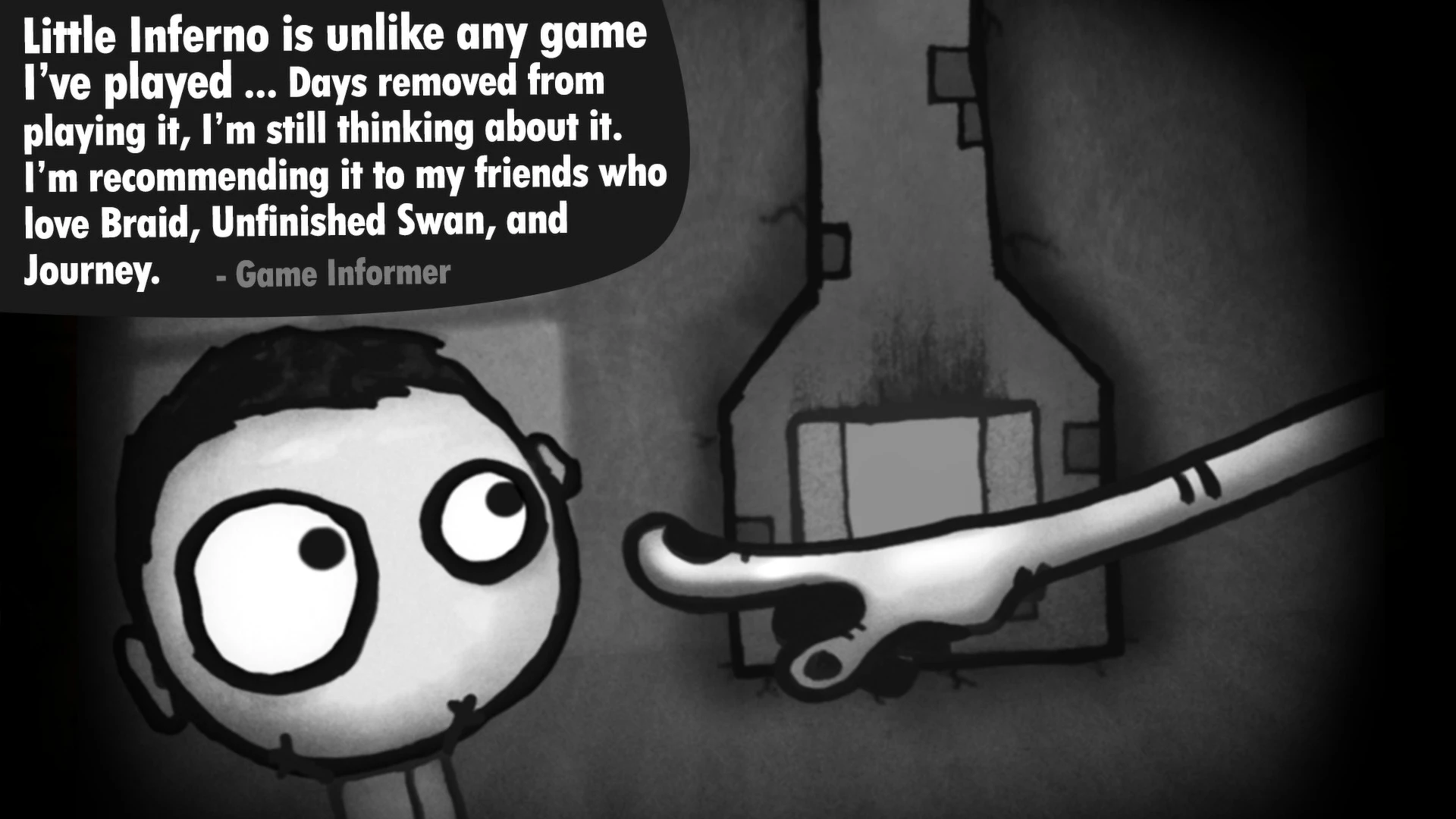
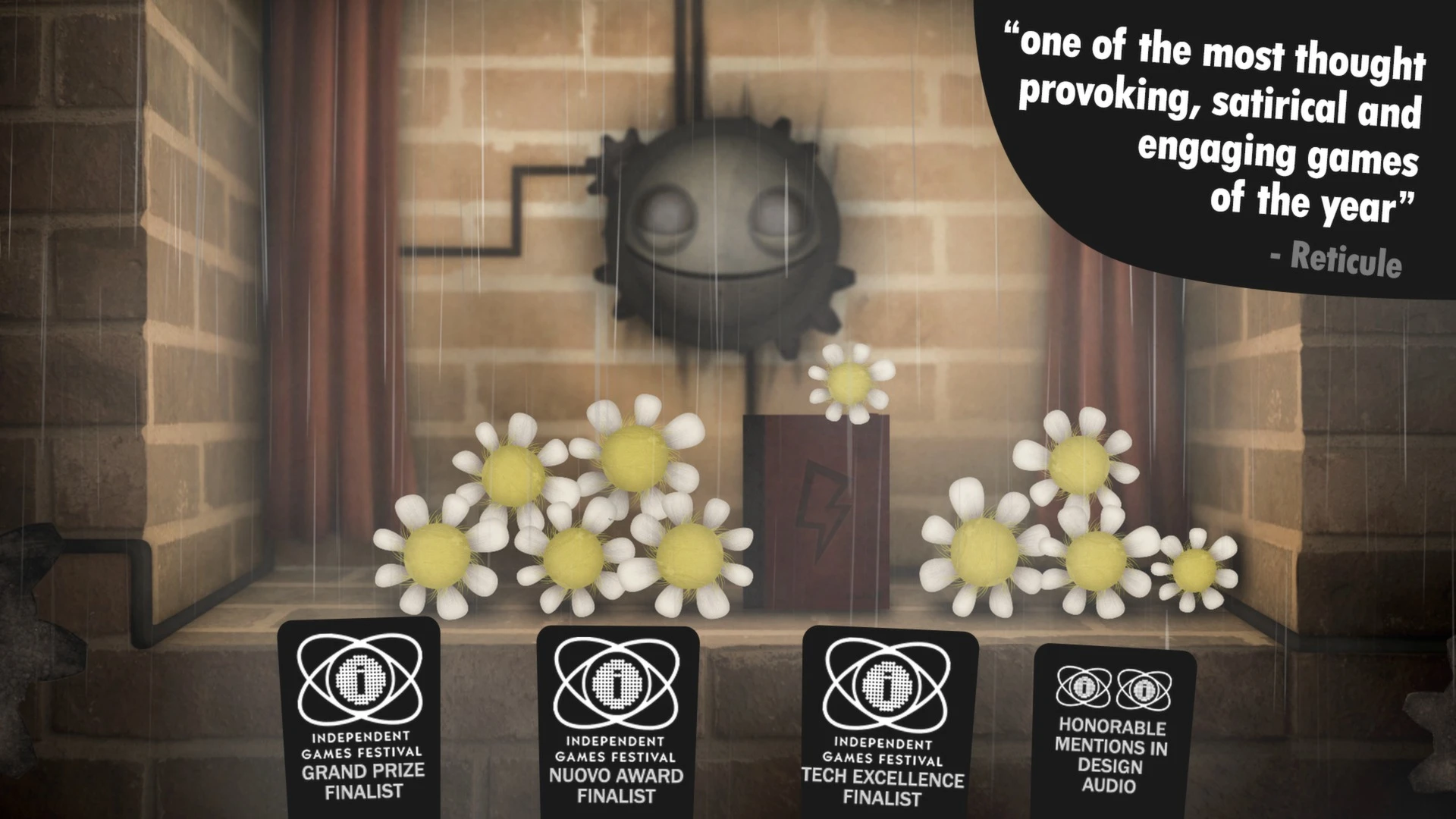
Indie games are known for pushing the boundaries of creativity, and Little Inferno is one of the most original examples of innovative game design. Developed by Tomorrow Corporation, the game combines puzzle-solving, dark humor, and social commentary into a surprisingly poignant experience centered around a simple concept: burning objects in a fireplace.
Released in 2012, Little Inferno quickly gained popularity thanks to its unusual gameplay mechanics and deeper, hidden meaning. While it may initially appear to be a casual open-world game, it gradually reveals themes of technology, consumerism, isolation, and entertainment addiction.
Even years after its release, Little Inferno remains one of the most memorable indie games ever created.
A Simple Concept with Unexpected Depth
At first glance, Little Inferno seems incredibly simple. Players sit in front of a virtual fireplace and burn various objects purchased from catalogs. Toys, electronics, food, robots, and random household items can be thrown into the fire to create surprising visual reactions.
The more objects players burn, the more money they earn to buy more.
Key Game Features:
Interactive Object Burning Mechanics
Creative Object Combinations
Puzzle-like Combo Challenges
Unlockable Catalogs and Upgrades
Story Advancement Through Letters and Dialogue
While the game seems relaxing and fun, a deeper narrative begins to unfold as players burn more objects.
Creative and Satisfying Gameplay
One of the reasons for Little Inferno's success is its satisfying physics system. Each object reacts differently when burned. Some explode, others melt, and still others interact with nearby objects in surprising ways.
Players are encouraged to experiment by combining objects to unlock special combos. These combos function like puzzles and reward curiosity and creativity.
Watching the chain reactions unfold within the fire becomes strangely addictive, perfectly reinforcing the game's underlying message about entertainment and distraction.
A Hidden Beneath the Humor
While Little Inferno begins as a playful open-world experience, it gradually introduces an emotional narrative through letters from neighbors, company advertisements, and mysterious characters.
The game subtly explores themes such as:
Consumer culture
Social isolation
Technology addiction
Emotional emptiness
Escapism and entertainment
The world outside the fireplace is cold and icy, encouraging people to stay home and continue consuming. This dark narrative gives the game an unexpected emotional depth and transforms it into something far more meaningful than a simple puzzle game.
Artistic Visual and Sound Design
Little Inferno uses a charming, cartoon-inspired art style that perfectly balances humor with melancholy. The colorful flames, animated objects, and exaggerated designs of the elements create a visually appealing experience.
The fireplace itself serves as the game world for most of the experience, but it never feels repetitive thanks to the wide variety of interactive elements.
The sound design also plays a crucial role. Crackling fire effects, explosions, soft music, and ambient sounds create a strangely cozy atmosphere despite the darker themes lurking beneath the surface.
Why is Little Inferno still relevant?
Many indie games strive for uniqueness, but Little Inferno succeeded by combining originality with a meaningful narrative. It transformed simple mechanics into a profound reflection on modern entertainment and digital distraction.
The game's creativity and emotional impact helped solidify its place as one of the most respected indie titles of its era.
Conclusions
Little Inferno is much more than just a game about burning objects. It is an intelligent, emotional, and deeply creative experience that uses simple gameplay mechanics to explore complex themes about modern life and entertainment.
OS: OSX 10.6 or later (works with macOS Catalina)Processor:1.5 GhzRAM: 1GBHard Drive: 200 MBVideo Card: You will need a graphics card that supports OpenGL 2.1 or greater.
Run the downloaded image and drag the application to the Applications folder shortcut.
Once copying is complete, the application can be launched via Launchpad.
Frequently Asked Questions
Mount the image and run Open Gatekeeper friendly.
Press Enter to bypass Gatekeeper in the Terminal window.
Drag the application to the Applications folder.
The application is ready for use.
ATTENTION! SIP must be disabled. Learn more >
Restart your Mac and hold down Command + R to enter Recovery Mode.
Open Terminal from the Utilities menu.
Enter the command: csrutil disable
Restart your Mac.
This is a common Gatekeeper issue. Follow these steps:
1. Open Terminal
2. Enter: sudo xattr -rd com.apple.quarantine /Applications/AppName.app
3. Replace "AppName" with the actual application name
4. Press Enter and enter your password
Yes, all our downloads are thoroughly checked for viruses and malware.
We use multiple antivirus engines to scan every file.
Our team tests each application before publishing.
We never bundle adware or unwanted software.
Yes, we regularly update our applications to the latest versions.
You can check our website for updates or subscribe to our newsletter.
We strive to provide the most recent versions within 24-48 hours of release.
If a download link is not working, please:
1. Try a different browser
2. Clear your browser cache and cookies
3. Try the alternative download links provided
4. Contact our support team if the issue persists