


Man O’ War: Corsair – Warhammer Naval Battles
Download Man O’ War: Corsair – Warhammer Naval Battles
Unzip the archive and follow the standard installation procedure.
Installation is completed by selecting a location for the game.
It is recommended to select the Applications folder.
Previous Versions
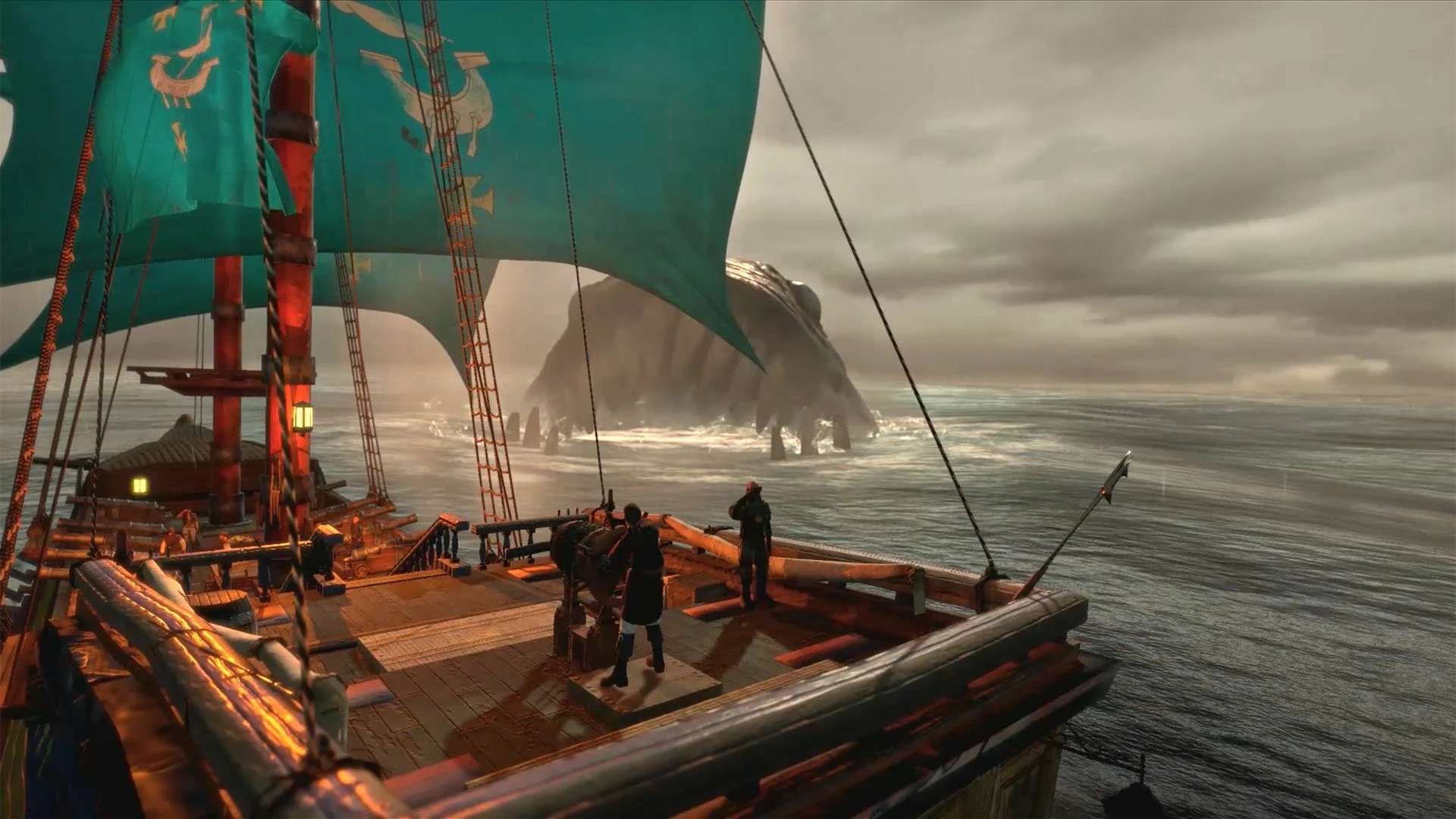
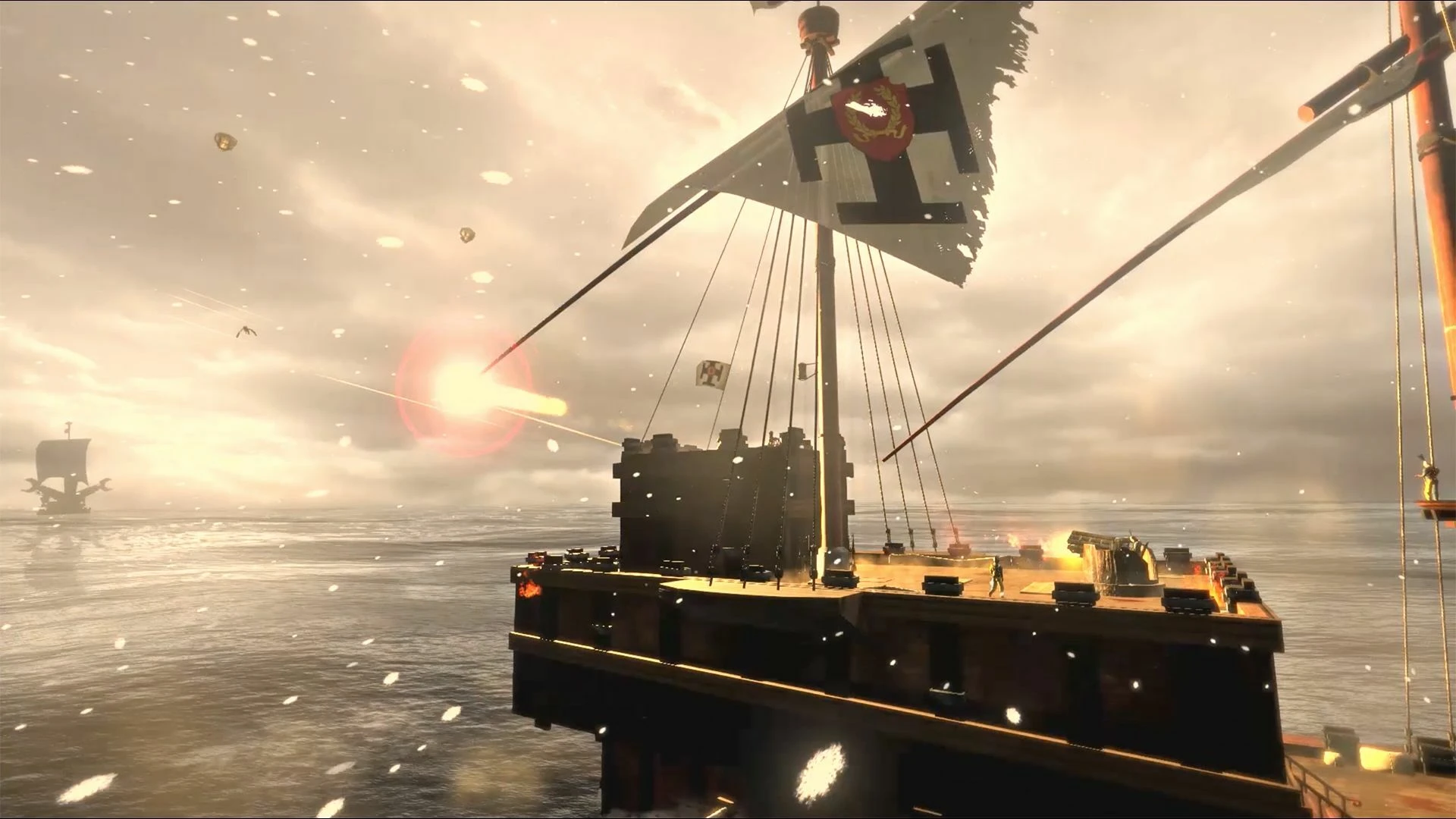
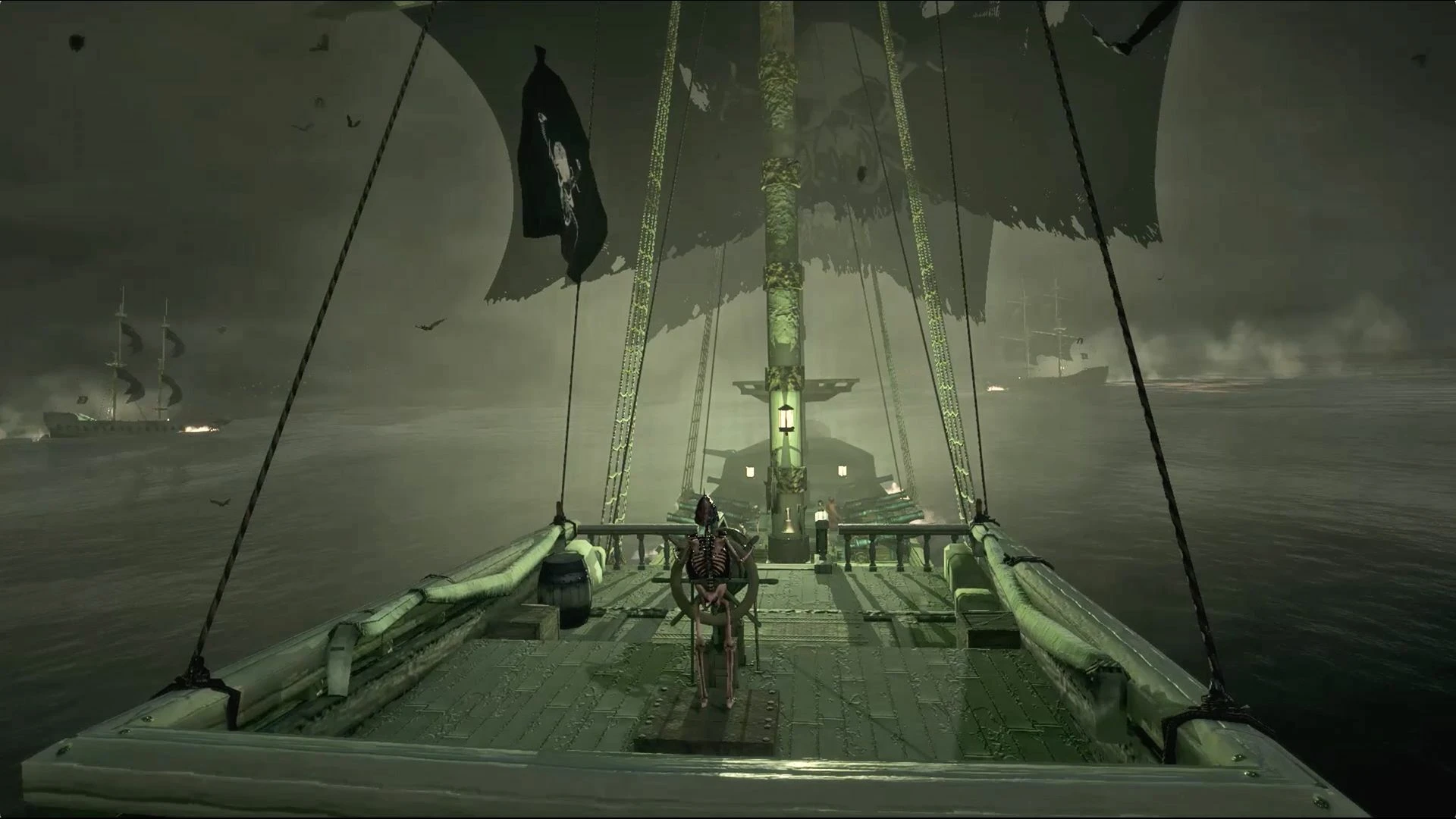
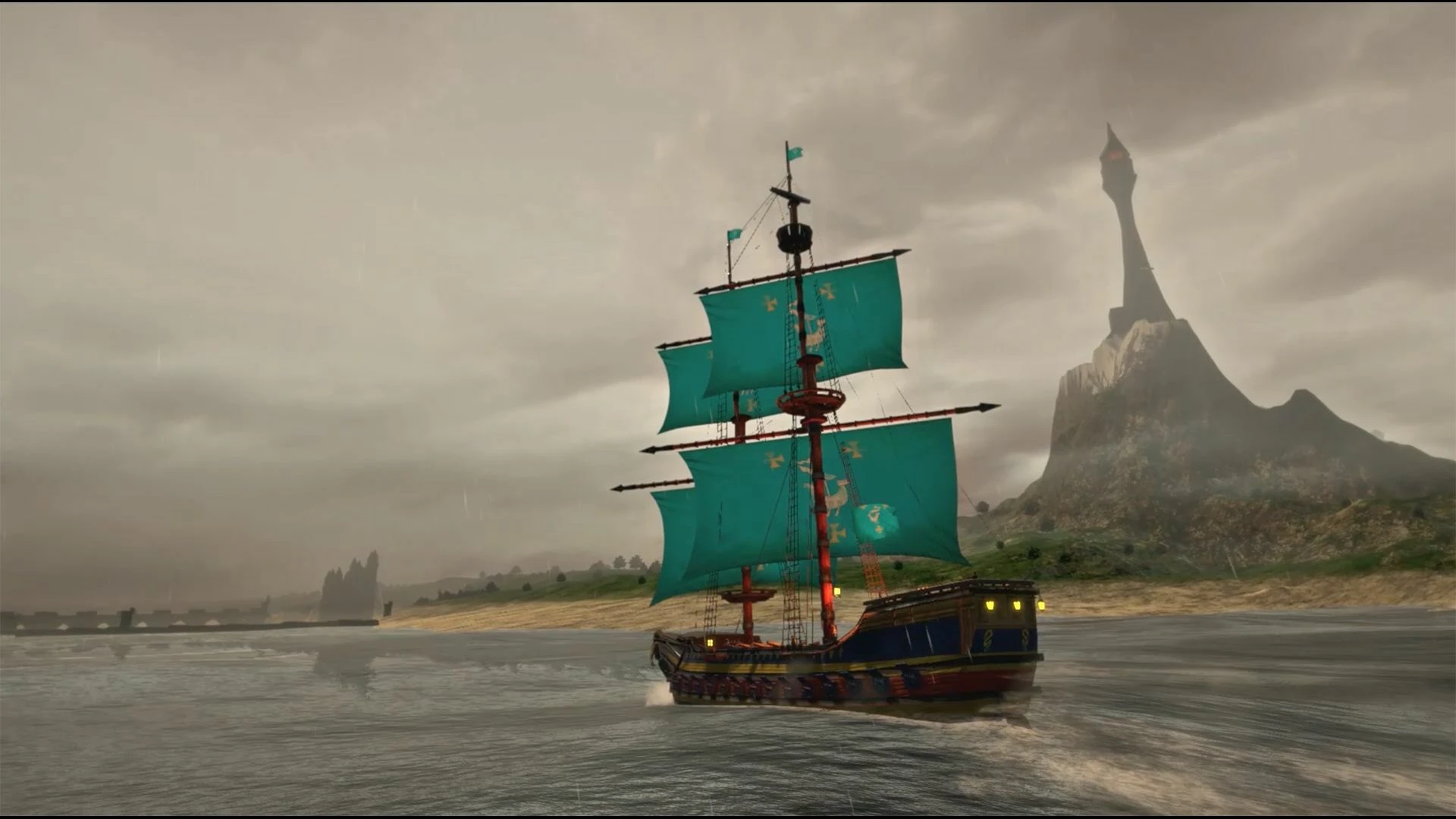
Man O’ War: Corsair – Warhammer Naval Battles brings the grimdark Warhammer universe to the high seas, blending tactical naval combat with RPG elements to create an experience both strategic and immersive. Developed by Evil Twin Artworks, this game allows players to captain a ship as a Corsair, navigating the treacherous waters of the Warhammer world while managing crew, resources, and combat engagements. For fans of naval strategy and the Warhammer lore, it offers a unique opportunity to explore a less-charted aspect of the franchise.
At its core, Man O’ War: Corsair is a tactical combat game set on the open sea. Players assume command of a ship, customizing it with weapons, armor, and upgrades before embarking on missions that range from piracy to defending merchant vessels. Combat is turn-based, requiring careful positioning, timing, and resource management. Wind direction, ship speed, and weapon ranges all play critical roles, demanding strategic thinking from players. Every engagement feels tense and consequential; a poorly executed maneuver can leave your vessel damaged or crew members lost, emphasizing the importance of planning and foresight.
The game’s RPG elements set it apart from traditional naval combat simulators. Players recruit and manage a crew, each member possessing unique skills and traits that influence ship performance and combat effectiveness. Crew management adds a layer of depth, as morale, injuries, and experience levels directly affect outcomes in battle. Players also make decisions that impact their reputation, alliances, and story progression, blending tactical action with narrative choices in a way that keeps every playthrough unique.
Visually, Man O’ War: Corsair captures the dark, gothic aesthetic of the Warhammer universe. Ships are detailed and menacing, the seas are rendered with dynamic waves and storms, and the skies reflect the foreboding tone of the setting. This attention to detail enhances immersion, making players feel the weight and danger of commanding a vessel in a hostile world. The soundtrack complements the visuals perfectly, with tense, orchestral compositions that heighten the drama of each naval encounter.
The narrative in Man O’ War: Corsair is engaging, blending canonical Warhammer lore with original stories centered on Corsair adventures. Players navigate a world filled with conflict, treachery, and opportunity, where choices matter and alliances can shift quickly. This combination of tactical combat, RPG mechanics, and narrative depth ensures that the game is more than just a series of battles—it’s a living, reactive world where strategy and story intertwine.
In conclusion, Man O’ War: Corsair – Warhammer Naval Battles is a standout title for fans of strategy, naval combat, and the Warhammer universe. Its deep tactical systems, RPG elements, and immersive presentation make it a compelling experience for both new players and longtime fans of the franchise. By combining high-seas adventure with grimdark storytelling, it offers a unique take on the Warhammer world—one where every decision, from crew management to cannon fire, shapes your legacy on the treacherous waves of the Old World.
System: OS X 10.9.0 or laterProcessor: Intel Core i5 2.6GhzMemory: 4 GB RAMGraphics: Intel IrisDisk space: 30 GB available space
Unzip the archive and follow the standard installation procedure.
Installation is completed by selecting a location for the game.
It is recommended to select the Applications folder.
Frequently Asked Questions
Mount the image and run Open Gatekeeper friendly.
Press Enter to bypass Gatekeeper in the Terminal window.
Drag the application to the Applications folder.
The application is ready for use.
ATTENTION! SIP must be disabled. Learn more >
Restart your Mac and hold down Command + R to enter Recovery Mode.
Open Terminal from the Utilities menu.
Enter the command: csrutil disable
Restart your Mac.
This is a common Gatekeeper issue. Follow these steps:
1. Open Terminal
2. Enter: sudo xattr -rd com.apple.quarantine /Applications/AppName.app
3. Replace "AppName" with the actual application name
4. Press Enter and enter your password
Yes, all our downloads are thoroughly checked for viruses and malware.
We use multiple antivirus engines to scan every file.
Our team tests each application before publishing.
We never bundle adware or unwanted software.
Yes, we regularly update our applications to the latest versions.
You can check our website for updates or subscribe to our newsletter.
We strive to provide the most recent versions within 24-48 hours of release.
If a download link is not working, please:
1. Try a different browser
2. Clear your browser cache and cookies
3. Try the alternative download links provided
4. Contact our support team if the issue persists