


Nordhold
Download Nordhold
Run the downloaded image and drag the application to the Applications folder shortcut.
Once copying is complete, the application can be launched via Launchpad.
Previous Versions
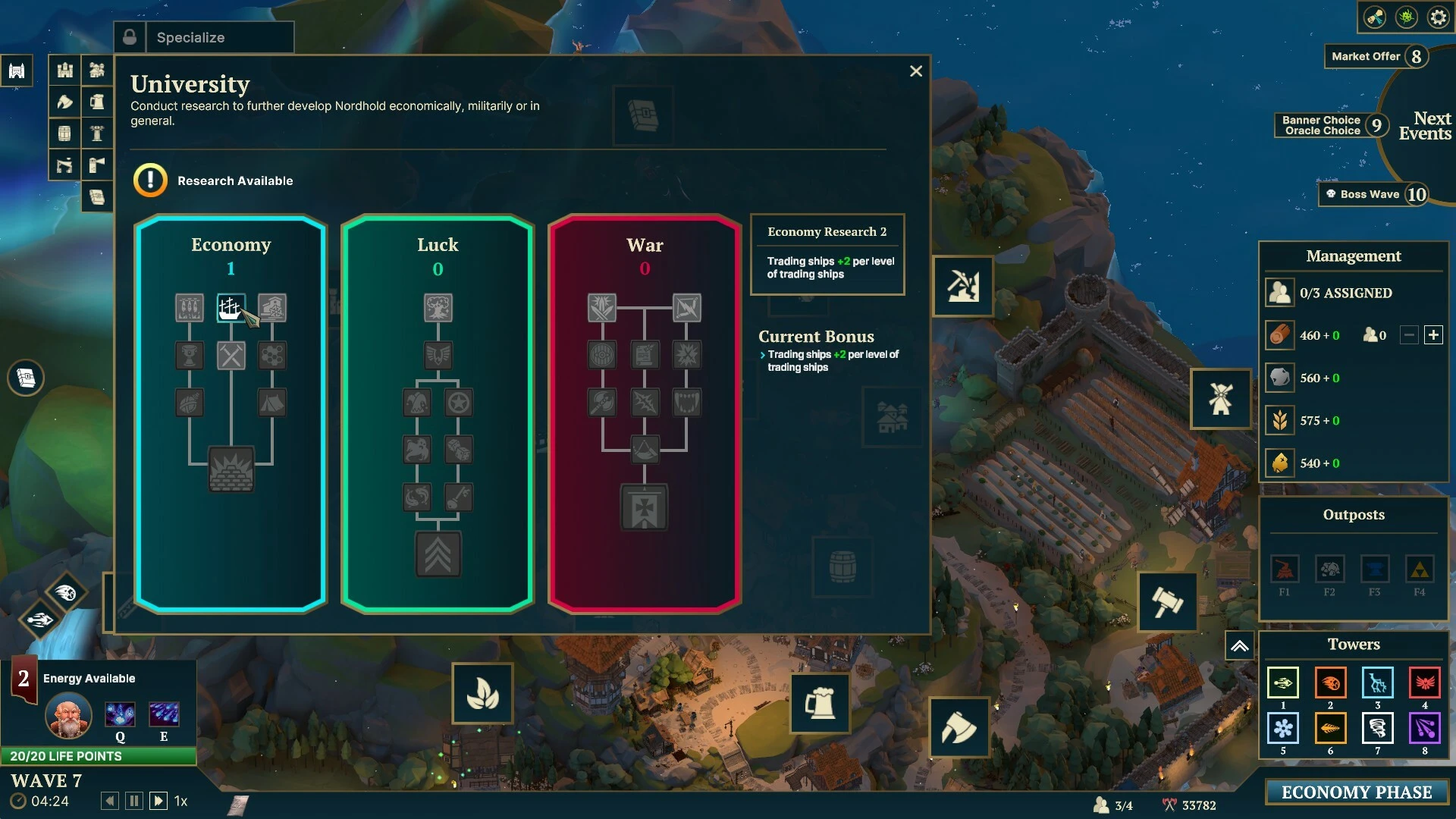
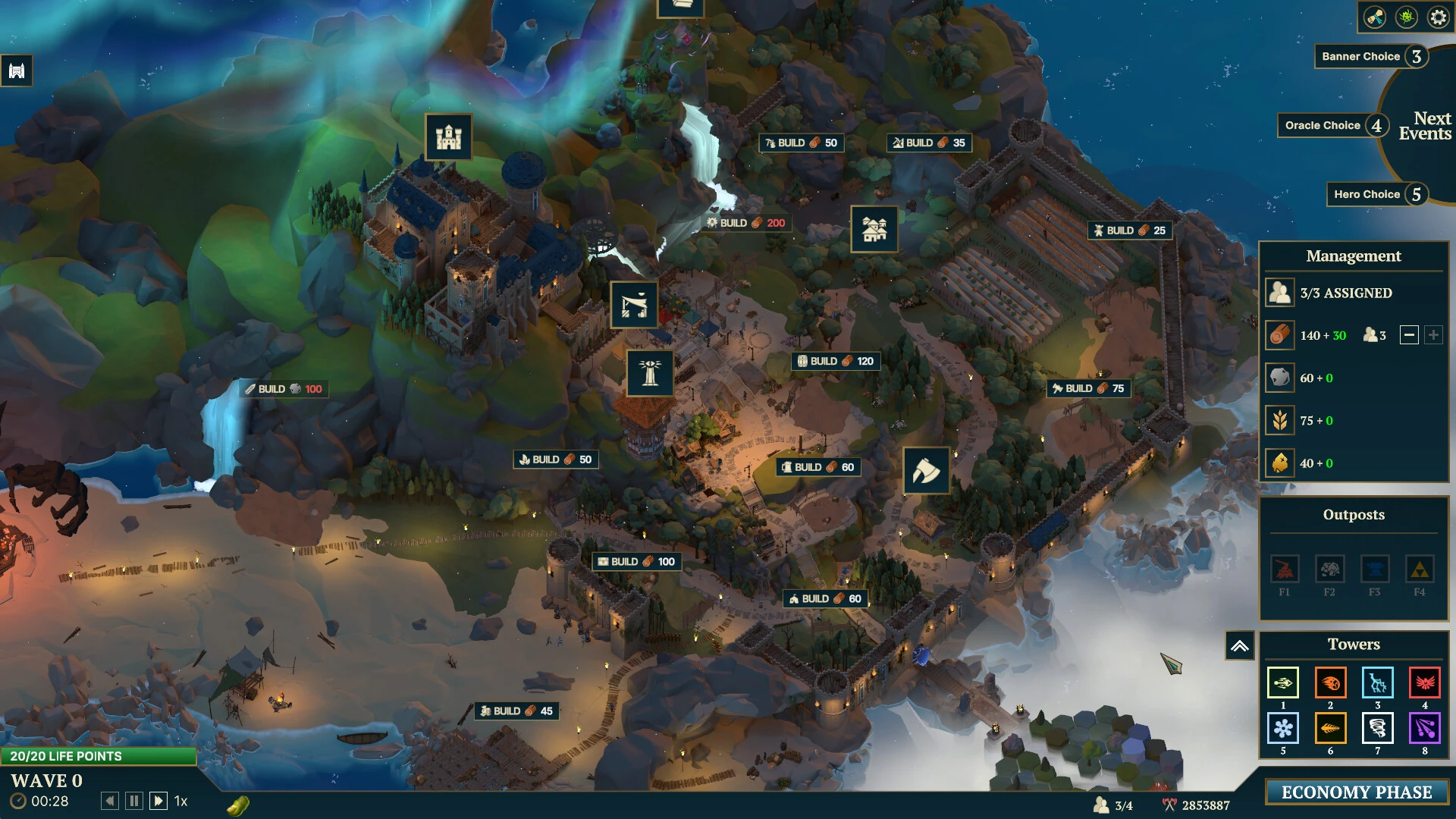
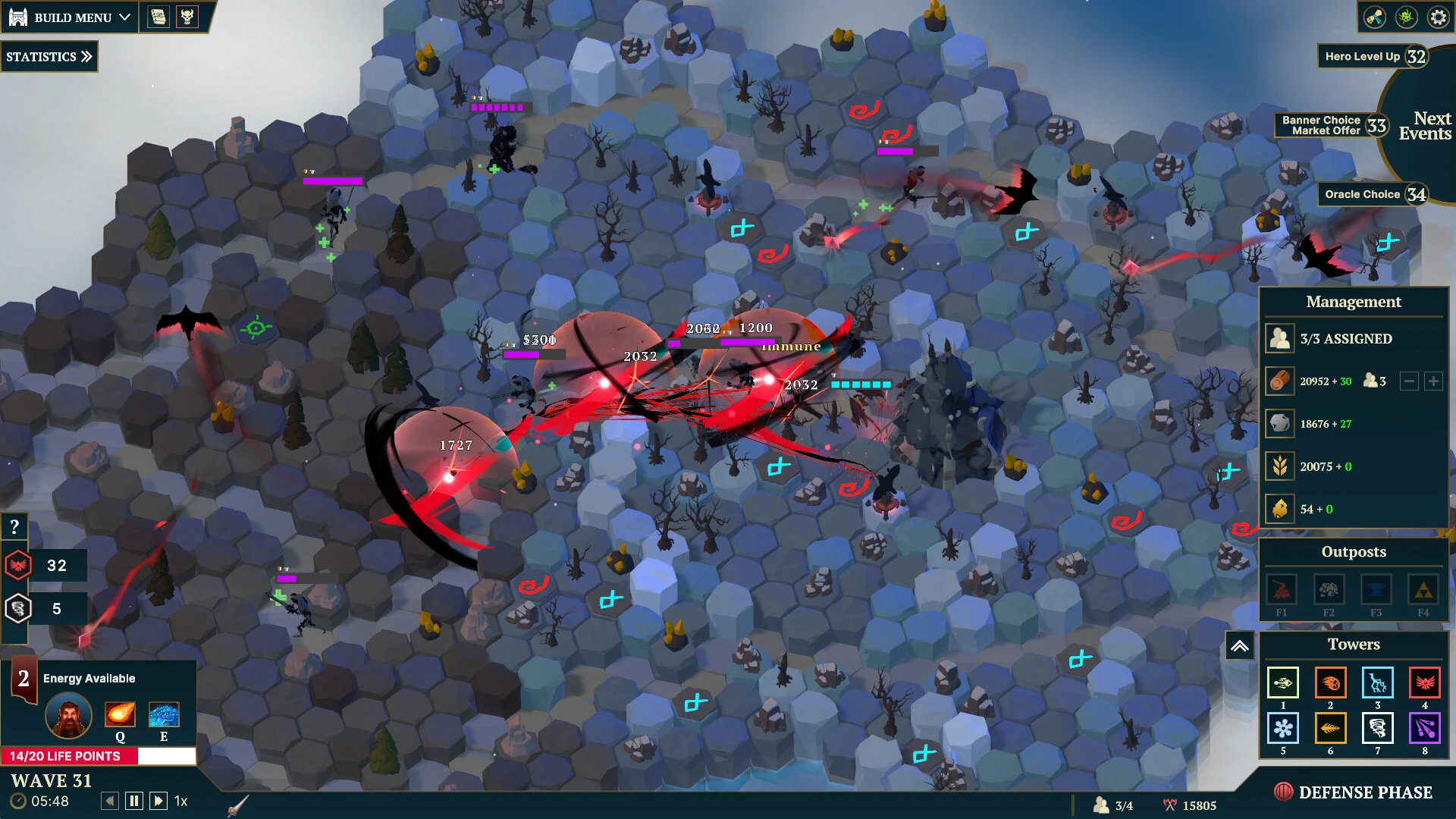
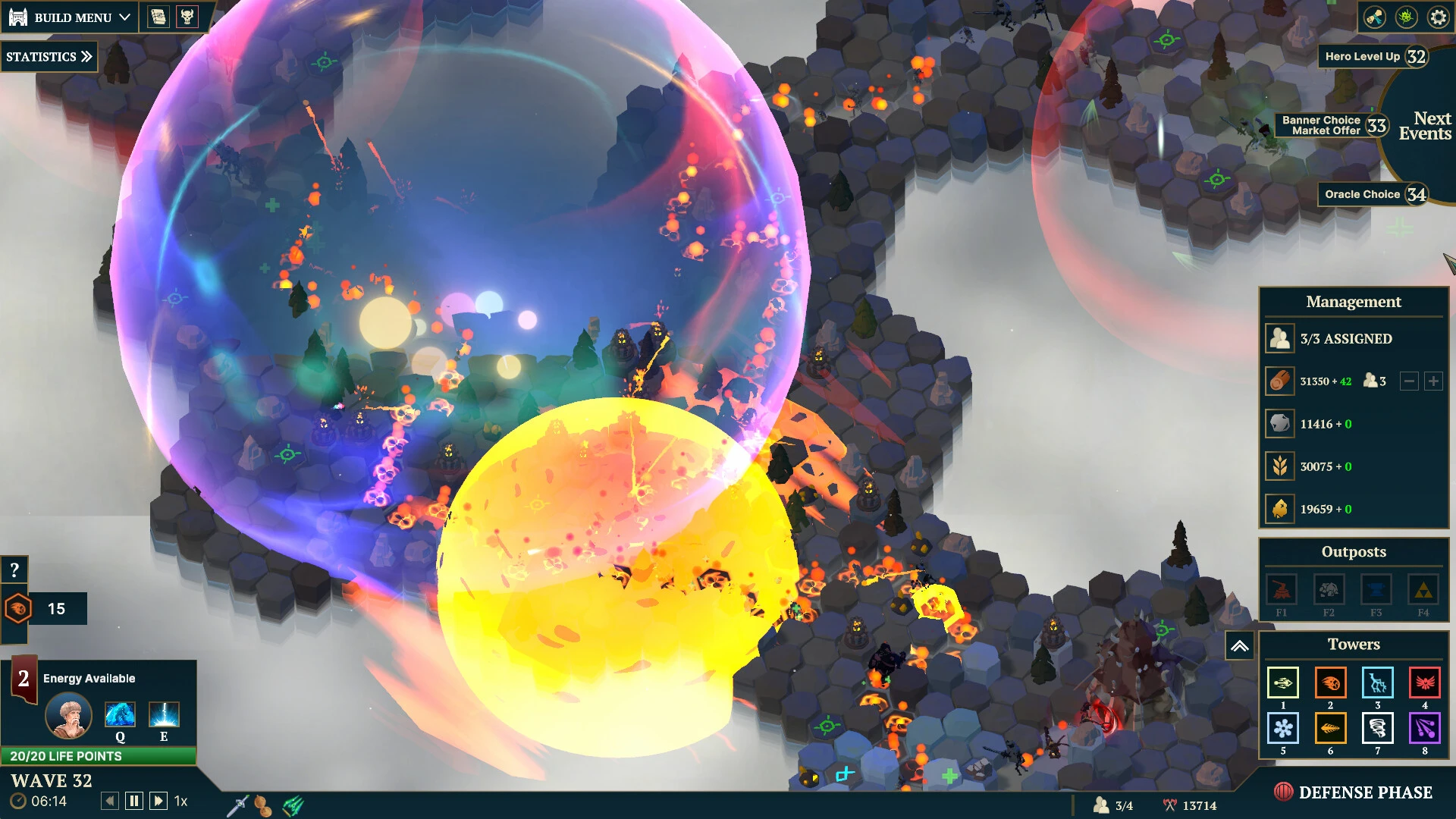
Nordhold is an engaging strategy and survival game that plunges players into a rugged Viking-inspired world where every decision counts. Developed with a focus on exploration, resource management, and strategic combat, the game challenges players to build a thriving settlement amidst harsh climates and unpredictable threats. Unlike conventional survival games, Nordhold combines tactical planning with immersive storytelling, offering a unique experience for fans of both strategy and role-playing genres.
The game begins with players establishing a small settlement in a remote, untamed region. From there, the goal is to expand the village while ensuring the survival and well-being of its inhabitants. Resources such as wood, stone, and food must be carefully gathered and allocated. Players must plan ahead, deciding when to send villagers on risky expeditions, when to construct defenses, and how to balance the growth of the settlement with immediate survival needs. The combination of long-term strategy and real-time challenges creates a constantly engaging experience.
One of the most compelling aspects of Nordhold is its attention to environmental detail. The game’s world is harsh and dynamic, featuring cold winters, dense forests, and treacherous mountains. Each biome presents unique challenges, forcing players to adapt their strategies to the terrain. For instance, planning a winter supply of food and firewood is crucial, while forested areas offer resources but may hide predators or rival clans. This environmental realism makes the world feel alive and constantly tests players’ strategic thinking.
Combat and defense are integral to the Nordhold experience. Villages must protect themselves against raiders, wild beasts, and natural disasters. Players can train villagers into warriors, set traps, and build fortifications to strengthen their settlement. Battles require careful planning and resource management, as reckless action can lead to devastating losses. The game rewards players who take a thoughtful, strategic approach, blending tactical decision-making with the survival aspects of resource management.
Another standout feature of Nordhold is its focus on community and character development. Villagers have individual skills, traits, and personalities, and managing their needs is critical. Keeping morale high, addressing injuries, and assigning roles effectively are all part of maintaining a thriving settlement. The game encourages experimentation with different strategies and approaches, making each playthrough distinct. Players quickly become attached to their villagers, adding emotional depth to their survival challenges.
In conclusion, Nordhold is a rich, engaging blend of survival, strategy, and storytelling. Its combination of resource management, environmental challenges, and tactical combat creates a game that is both challenging and rewarding. The Viking-inspired setting, dynamic world, and focus on character-driven gameplay provide a fresh take on survival strategy games. For players who enjoy thoughtful planning, immersive worlds, and strategic decision-making, Nordhold offers a captivating adventure where every choice matters, and the survival of your settlement rests in your hands.
OS: 10.7.0 or laterProcessor: Apple M1/IntelRAM: 4 GBDisk space: 4 GB
Run the downloaded image and drag the application to the Applications folder shortcut.
Once copying is complete, the application can be launched via Launchpad.
Frequently Asked Questions
Mount the image and run Open Gatekeeper friendly.
Press Enter to bypass Gatekeeper in the Terminal window.
Drag the application to the Applications folder.
The application is ready for use.
ATTENTION! SIP must be disabled. Learn more >
Restart your Mac and hold down Command + R to enter Recovery Mode.
Open Terminal from the Utilities menu.
Enter the command: csrutil disable
Restart your Mac.
This is a common Gatekeeper issue. Follow these steps:
1. Open Terminal
2. Enter: sudo xattr -rd com.apple.quarantine /Applications/AppName.app
3. Replace "AppName" with the actual application name
4. Press Enter and enter your password
Yes, all our downloads are thoroughly checked for viruses and malware.
We use multiple antivirus engines to scan every file.
Our team tests each application before publishing.
We never bundle adware or unwanted software.
Yes, we regularly update our applications to the latest versions.
You can check our website for updates or subscribe to our newsletter.
We strive to provide the most recent versions within 24-48 hours of release.
If a download link is not working, please:
1. Try a different browser
2. Clear your browser cache and cookies
3. Try the alternative download links provided
4. Contact our support team if the issue persists