


Skeletal Avenger
Download Skeletal Avenger
Unzip the archive and follow the standard installation procedure.
The installation is completed by choosing a location to place the game.
It is recommended to specify the Applications folder.
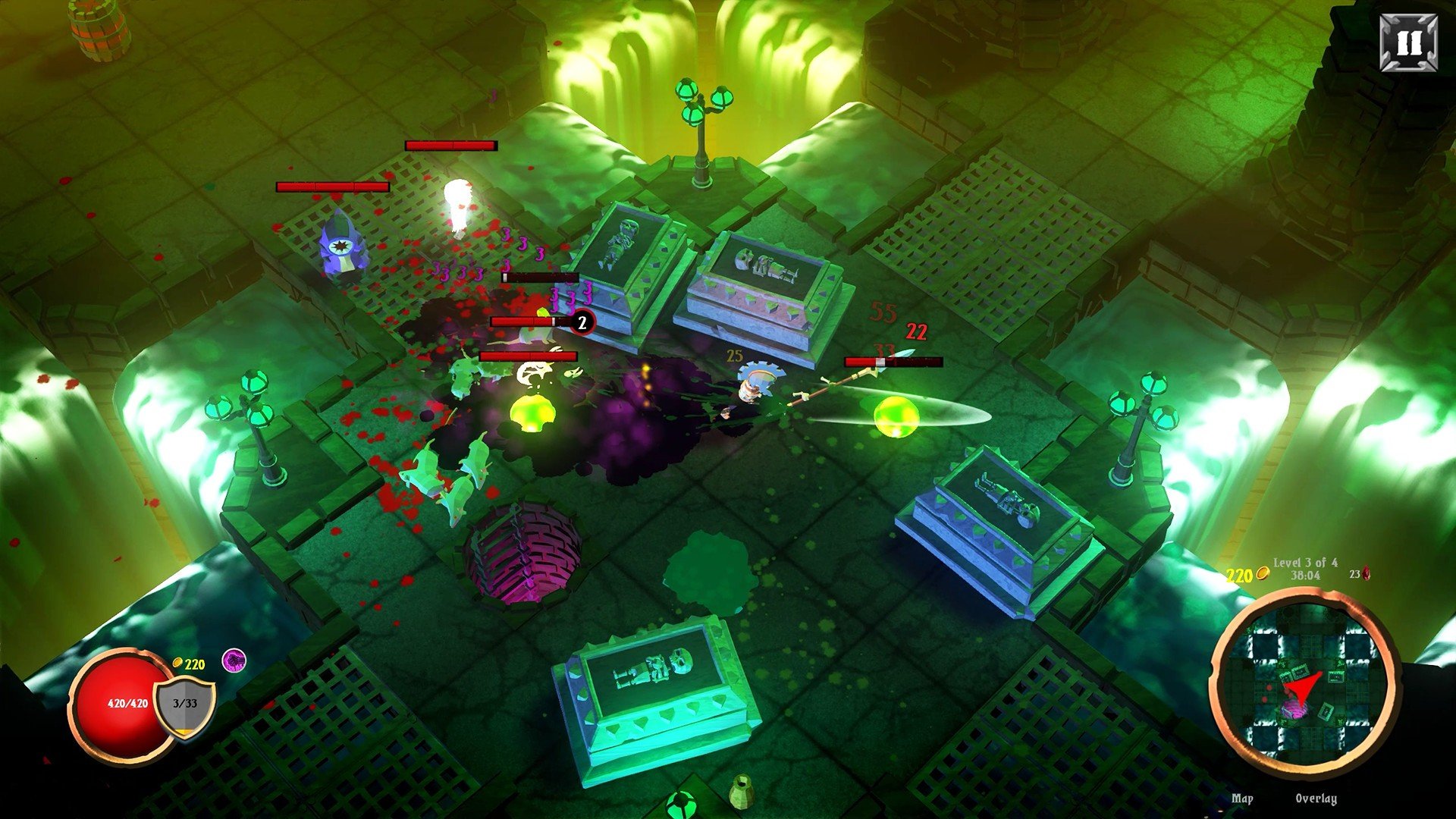
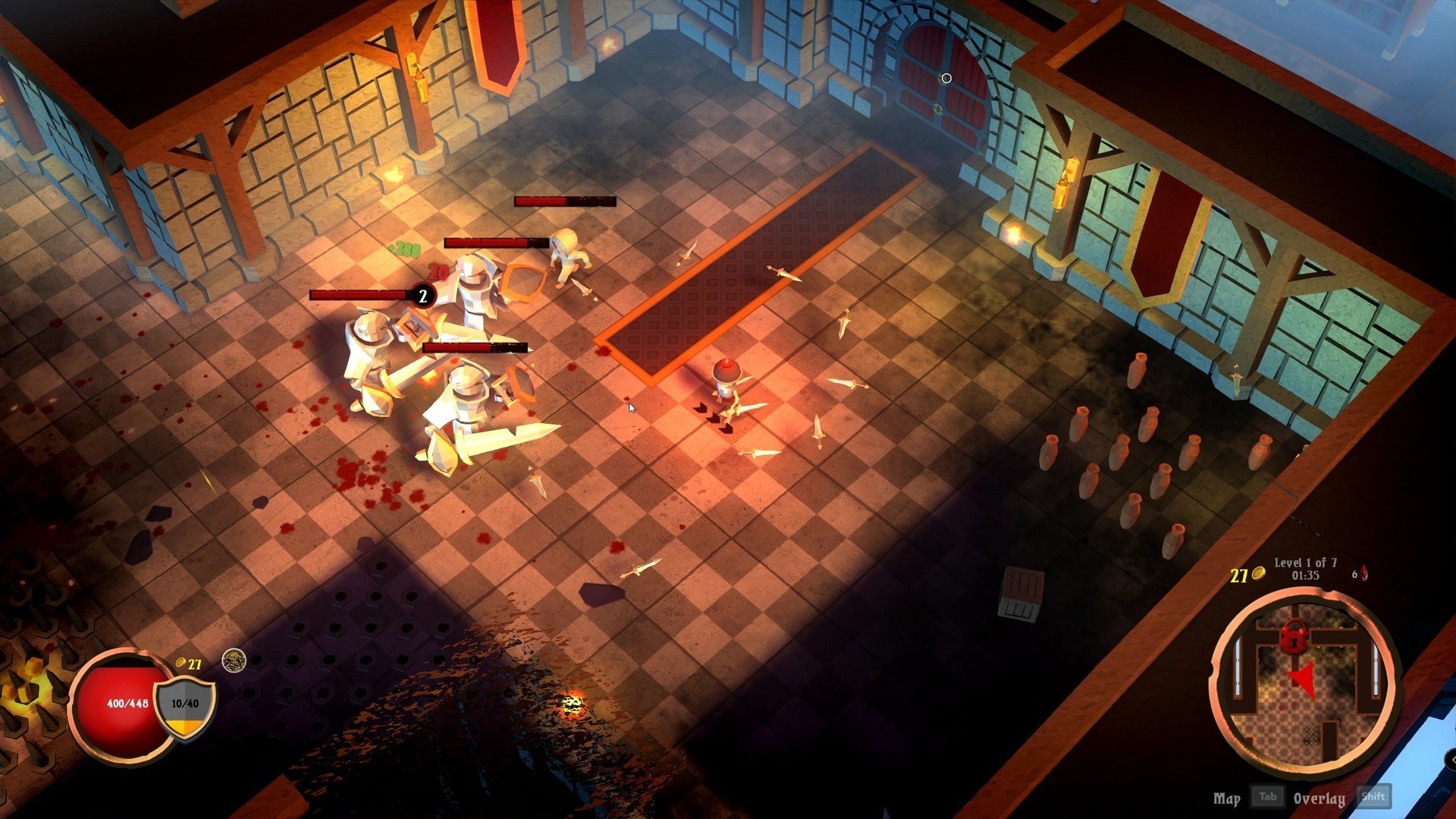
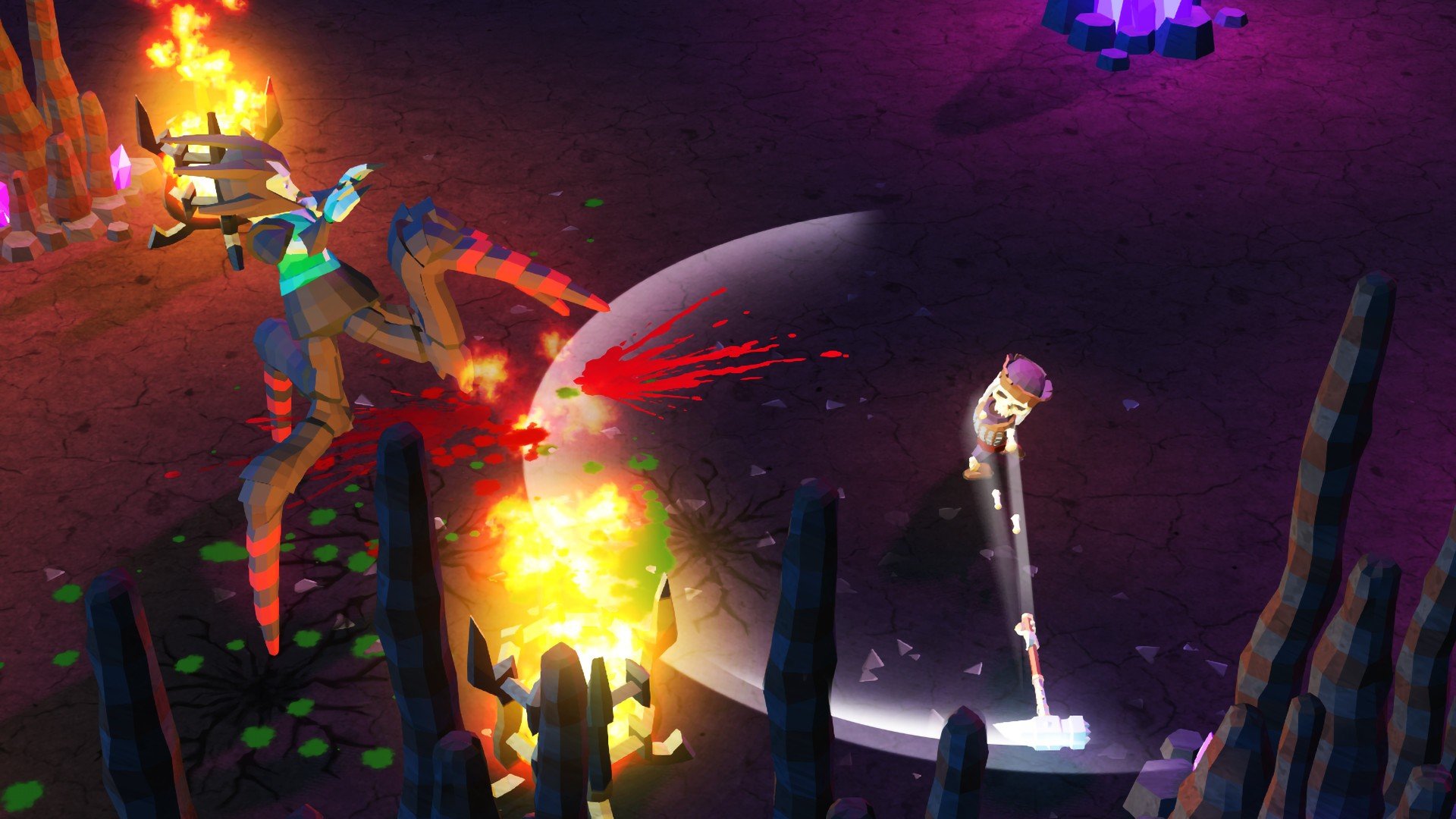
In the world of indie gaming, few titles manage to combine humor, challenging gameplay, and creative mechanics as effectively as Skeletal Avenger. This action-packed platformer immerses players in a darkly comedic universe where death is only the beginning, and every defeat is just another chance to strike back. With its fast-paced gameplay, quirky characters, and inventive level design, Skeletal Avenger offers an experience that is both entertaining and satisfying for fans of retro-inspired action games.
Gameplay and Mechanics
Skeletal Avenger places players in the role of a skeleton hero determined to exact revenge on the living who have wronged him. The game’s core gameplay revolves around precise platforming, combat, and exploration. Players must navigate a variety of challenging environments, ranging from haunted castles to eerie forests, all filled with traps, enemies, and hidden secrets.
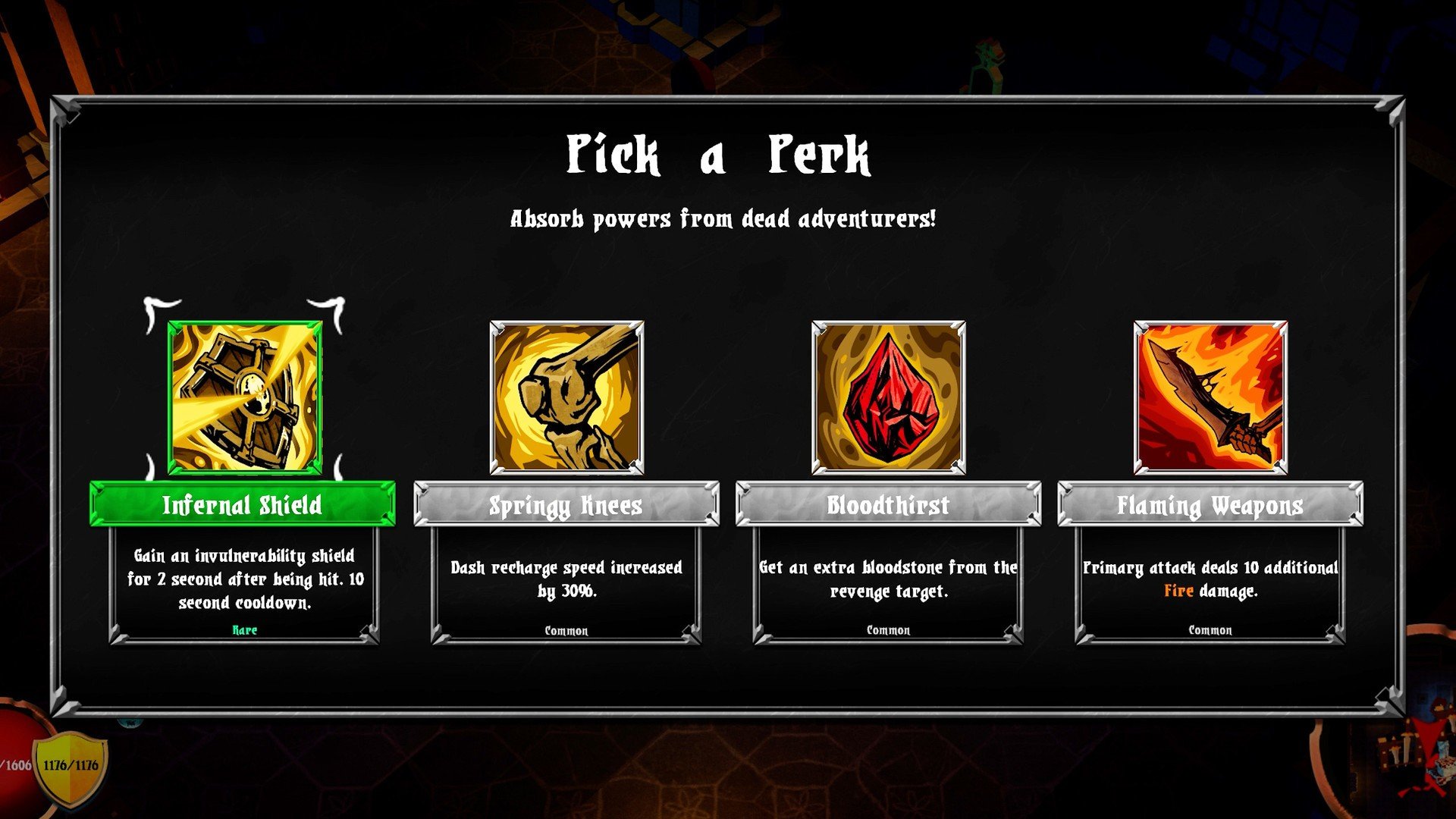
Combat is fluid and engaging, with players wielding a variety of weapons and magical abilities. Timing and skill are crucial, as each enemy presents unique attack patterns and challenges. The game rewards creativity in combat, encouraging players to chain attacks, dodge, and use the environment to their advantage. Additionally, players can unlock new abilities as they progress, further enhancing the sense of growth and empowerment.
Level Design and Challenge
One of Skeletal Avenger’s standout features is its inventive level design. Each stage is meticulously crafted to provide a balance of challenge and fun, combining platforming precision with combat strategy. Hidden paths, collectibles, and secret rooms encourage exploration and reward attentive players. The difficulty ramps up gradually, keeping players engaged without becoming frustrating, and every successful run provides a sense of accomplishment.
The game also incorporates a humorous twist on death. When the skeletal protagonist falls in battle, he literally sheds his bones, offering a playful reminder that death is never permanent in this world. This mechanic adds a layer of strategic depth, as players must consider how to approach enemies and obstacles while keeping their “body parts” intact for maximum effectiveness.
Visuals and Audio
Skeletal Avenger’s art style is a charming blend of dark humor and cartoonish aesthetics. Environments are richly detailed, with vibrant colors and eerie effects that set the tone for each level. Character animations are fluid and expressive, bringing the skeletal hero and his foes to life in a humorous yet spooky way. Complementing the visuals is a catchy and atmospheric soundtrack, featuring playful tunes and eerie motifs that enhance the game’s immersive experience.
Conclusion
Skeletal Avenger is a delightful blend of action, strategy, and humor, offering players a platforming experience that is both challenging and entertaining. Its inventive mechanics, clever level design, and unique approach to death set it apart from other indie platformers, providing hours of engaging gameplay. Whether you are a fan of retro-inspired games, enjoy precise platforming, or simply love a good dose of dark humor, Skeletal Avenger delivers an adventure that is both memorable and thoroughly enjoyable. It proves that even in the afterlife, revenge can be fun, creative, and incredibly satisfying.
OS: OS X 10.10+Processor: 2.0 GhzRAM: 2048 MBVideo card: SM 3.0+Disk space: 500 MB
Unzip the archive and follow the standard installation procedure.
The installation is completed by choosing a location to place the game.
It is recommended to specify the Applications folder.
Frequently Asked Questions
Mount the image and run Open Gatekeeper friendly.
Press Enter to bypass Gatekeeper in the Terminal window.
Drag the application to the Applications folder.
The application is ready for use.
ATTENTION! SIP must be disabled. Learn more >
Restart your Mac and hold down Command + R to enter Recovery Mode.
Open Terminal from the Utilities menu.
Enter the command: csrutil disable
Restart your Mac.
This is a common Gatekeeper issue. Follow these steps:
1. Open Terminal
2. Enter: sudo xattr -rd com.apple.quarantine /Applications/AppName.app
3. Replace "AppName" with the actual application name
4. Press Enter and enter your password
Yes, all our downloads are thoroughly checked for viruses and malware.
We use multiple antivirus engines to scan every file.
Our team tests each application before publishing.
We never bundle adware or unwanted software.
Yes, we regularly update our applications to the latest versions.
You can check our website for updates or subscribe to our newsletter.
We strive to provide the most recent versions within 24-48 hours of release.
If a download link is not working, please:
1. Try a different browser
2. Clear your browser cache and cookies
3. Try the alternative download links provided
4. Contact our support team if the issue persists