


The 7th Guest
Download The 7th Guest
Follow the standard installation procedure.
Installation concludes with selecting a location for the game.
It is recommended to select the Applications folder.
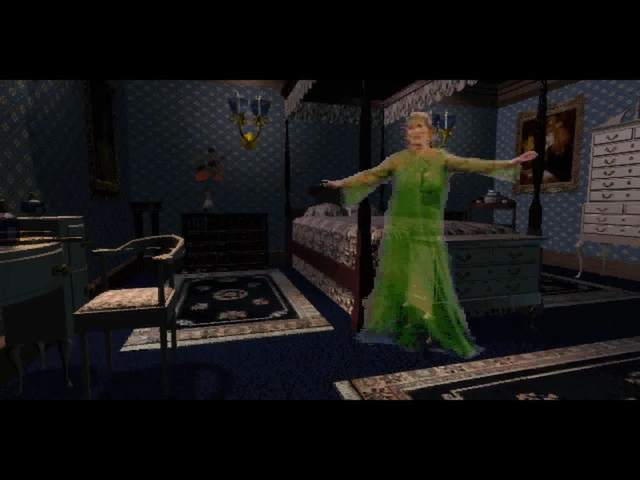
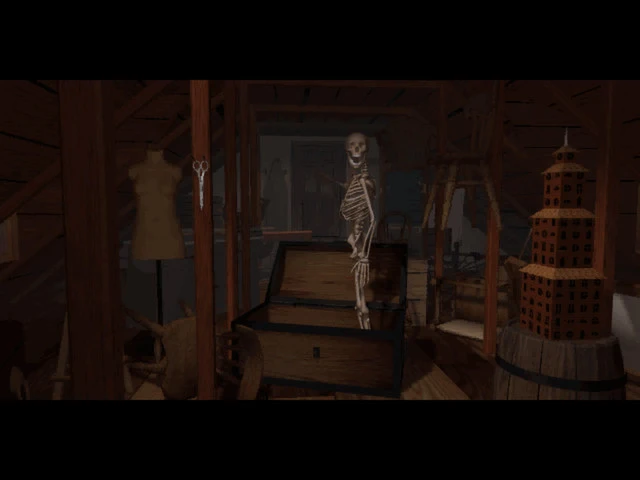
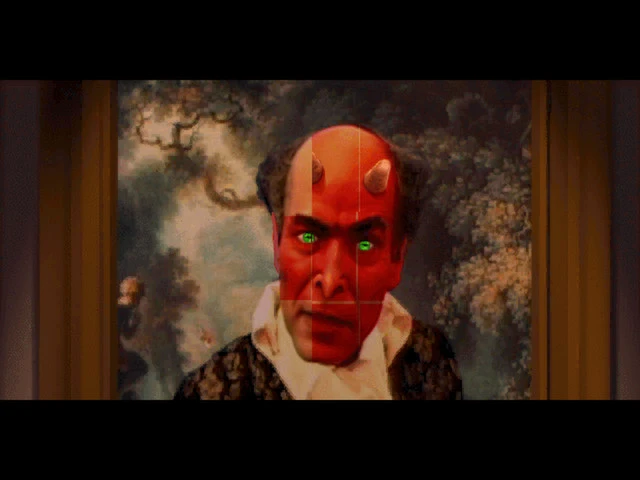
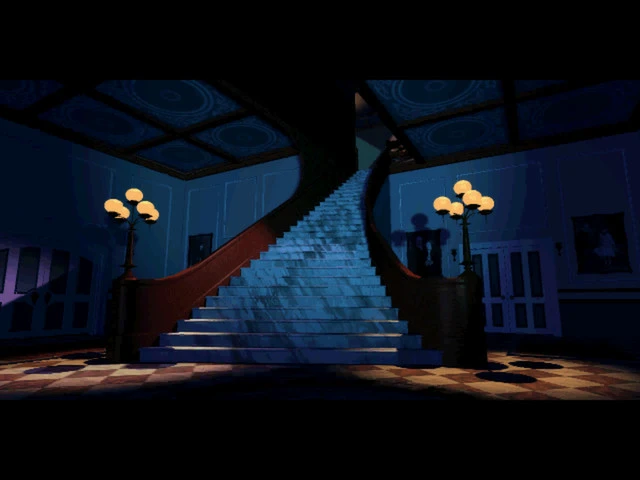
Released in 1993, The 7th Guest is widely regarded as one of the most influential titles in the history of computer gaming. Developed by Trilobyte and produced by Rob Landeros and Graeme Devine, the game is often remembered not just for its gameplay, but for pioneering the use of full-motion video (FMV) and advanced audio storytelling in the early era of CD-ROM-based games. Even decades later, it continues to captivate both nostalgic players and modern enthusiasts exploring the roots of horror gaming.
Set in a mysterious, abandoned mansion, the narrative centers around the enigmatic Henry Stauf, a toymaker with a dark past. Players enter the sprawling Stauf mansion as various characters, each drawn by their own personal motives or circumstances, only to find themselves trapped in a labyrinth of sinister puzzles and eerie surprises. The house itself acts as both a setting and a character, with creaking floors, flickering lights, and hidden rooms contributing to an atmosphere of tension that was groundbreaking for its time.
At its core, The 7th Guest is a puzzle game. Players encounter a wide array of challenges, ranging from sliding-tile puzzles to logic-based riddles. Success unlocks new areas of the mansion and reveals fragments of the story, gradually piecing together the tragic and malevolent history of Stauf and his creations. What set this game apart was its seamless integration of puzzles with narrative and environmental storytelling—a design philosophy that would influence countless games in the decades that followed.
One of the most remarkable aspects of The 7th Guest was its use of FMV sequences, which featured live actors portraying the haunted mansion’s characters. In 1993, the concept of embedding video into a game was revolutionary, as most titles were limited to pixelated graphics and text-based storytelling. The combination of live-action footage with pre-rendered 3D graphics created a cinematic experience that blurred the line between film and interactive entertainment, making players feel directly involved in the unfolding drama.
Beyond its technical achievements, The 7th Guest excelled in creating a genuinely unsettling atmosphere. The game’s sound design was especially effective: ambient noises, sudden musical cues, and distorted voices heightened tension and suspense, keeping players on edge throughout their exploration. The psychological horror was subtle but effective, relying on anticipation and the fear of the unknown rather than overt gore, which helped the game appeal to a broader audience.
The legacy of The 7th Guest extends far beyond its initial release. It inspired a generation of adventure and horror games, including titles that emphasized environmental storytelling and puzzle-based exploration. Its success also demonstrated the potential of CD-ROM technology as a medium for richer, more immersive gaming experiences, helping to usher in a new era for the video game industry.
Even today, The 7th Guest stands as a testament to innovation and creativity in game design. Its combination of chilling narrative, challenging puzzles, and cinematic presentation ensures it remains a memorable landmark in gaming history, proving that a game can entertain, scare, and mesmerize all at once.
OS: Mac OS X 10.8Processor: 1.8 GHz ProcessorRAM: 1 GB RAMVideo Card: 1 GB RAMDisk Space: 2 GB
Follow the standard installation procedure.
Installation concludes with selecting a location for the game.
It is recommended to select the Applications folder.
Frequently Asked Questions
Mount the image and run Open Gatekeeper friendly.
Press Enter to bypass Gatekeeper in the Terminal window.
Drag the application to the Applications folder.
The application is ready for use.
ATTENTION! SIP must be disabled. Learn more >
Restart your Mac and hold down Command + R to enter Recovery Mode.
Open Terminal from the Utilities menu.
Enter the command: csrutil disable
Restart your Mac.
This is a common Gatekeeper issue. Follow these steps:
1. Open Terminal
2. Enter: sudo xattr -rd com.apple.quarantine /Applications/AppName.app
3. Replace "AppName" with the actual application name
4. Press Enter and enter your password
Yes, all our downloads are thoroughly checked for viruses and malware.
We use multiple antivirus engines to scan every file.
Our team tests each application before publishing.
We never bundle adware or unwanted software.
Yes, we regularly update our applications to the latest versions.
You can check our website for updates or subscribe to our newsletter.
We strive to provide the most recent versions within 24-48 hours of release.
If a download link is not working, please:
1. Try a different browser
2. Clear your browser cache and cookies
3. Try the alternative download links provided
4. Contact our support team if the issue persists