


Titan Souls
Download Titan Souls
Run the downloaded image and drag the application to the Applications folder shortcut.
Once the copy is complete, you can launch the application from Launchpad.
Previous Versions
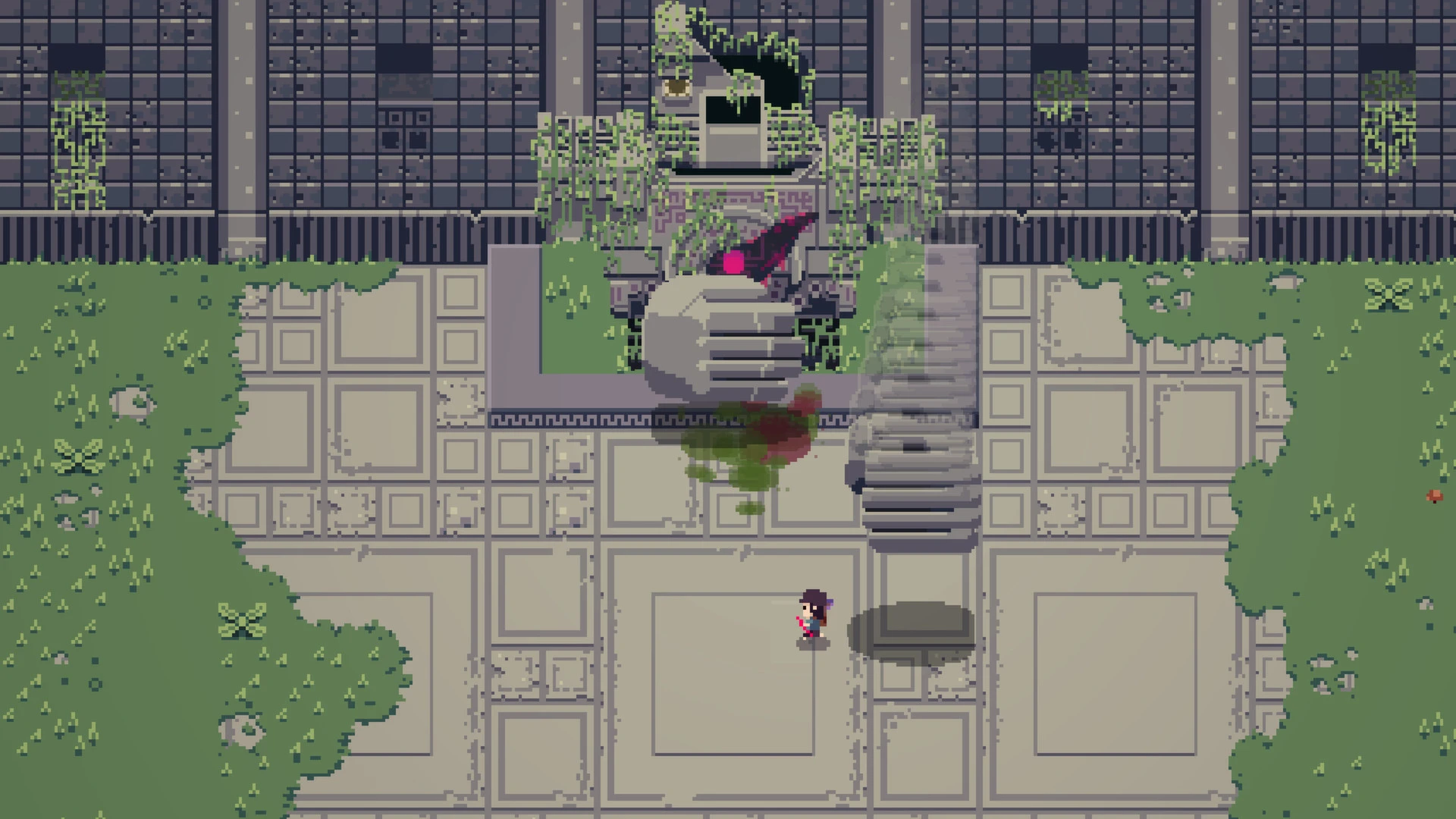

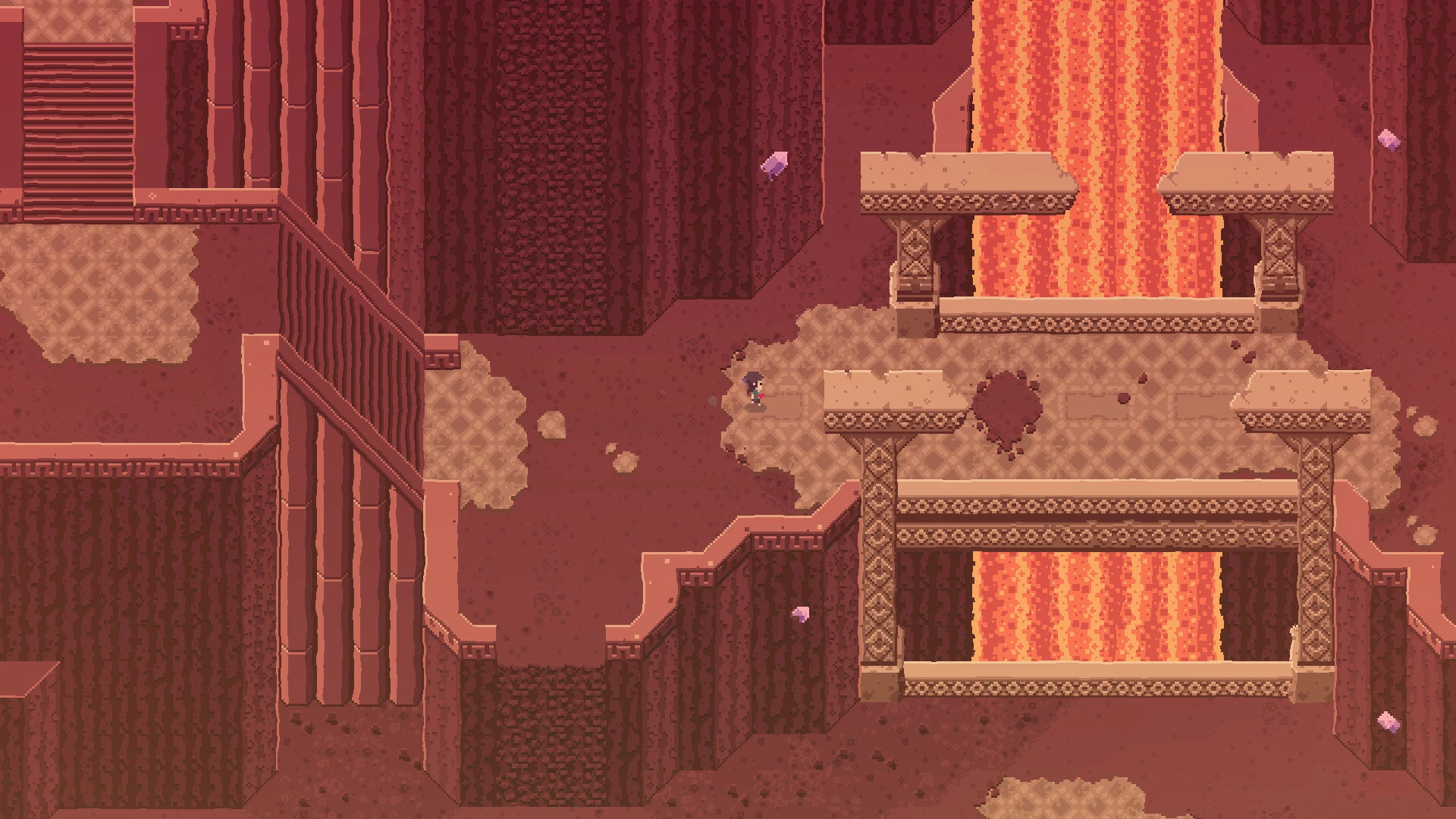
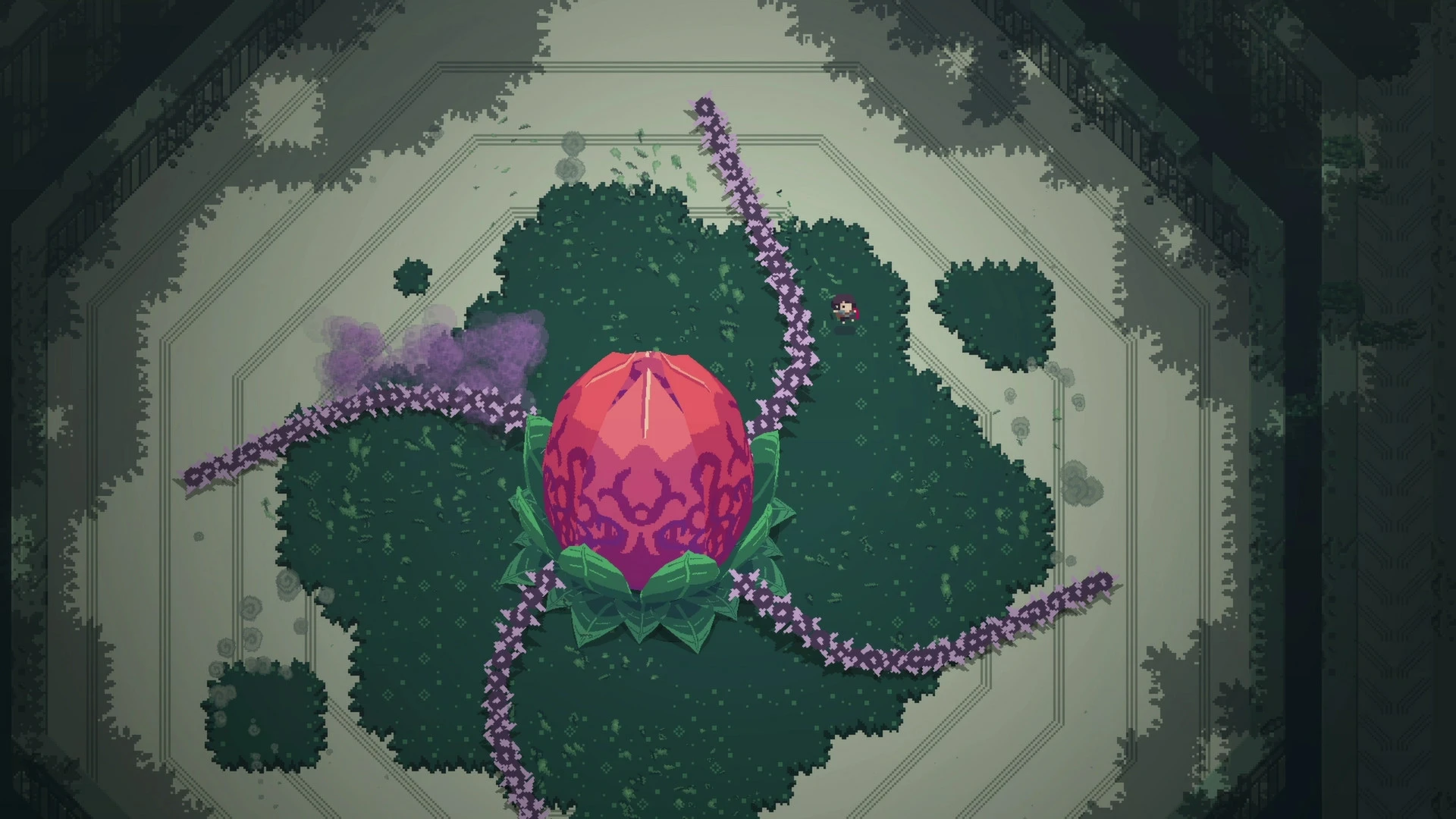
In the landscape of indie games, few titles capture the perfect balance of minimalism, difficulty, and exploration like Titan Souls. Developed by Acid Nerve, this action-adventure game challenges players to face colossal titans in a mysterious, beautifully crafted world. With its single-arrow combat mechanic, punishing difficulty, and atmospheric storytelling, Titan Souls has earned acclaim for providing a deeply rewarding experience that tests skill, patience, and strategy.
At its core, Titan Souls is about precision and mastery. Players wield only a single arrow, which must be used with exact timing and accuracy to defeat the game’s towering bosses. Every battle is a puzzle in itself, as players study the movements, attack patterns, and weaknesses of each titan. Unlike conventional combat systems that rely on a combination of weapons, upgrades, and abilities, Titan Souls strips gameplay down to its essence. This minimalist approach creates a heightened sense of tension and accomplishment, as even a small victory feels hard-earned and satisfying.
Exploration is another key aspect of the game. The world of Titan Souls is interconnected, with lush forests, crumbling ruins, and eerie temples waiting to be discovered. Players must navigate these environments carefully, avoiding traps and uncovering hidden areas that often provide crucial hints for defeating the titans. The sense of discovery is amplified by the sparse environmental storytelling, where every visual detail contributes to the lore and atmosphere of the world. This approach encourages players to pay attention to subtle cues, making exploration both engaging and rewarding.
The game’s art style is striking in its simplicity. Using a pixel-art aesthetic combined with detailed animations, Titan Souls creates an evocative world that feels alive despite its minimalistic presentation. The titans themselves are grand and imposing, with designs that range from terrifying to awe-inspiring. Each encounter feels unique, as players must adapt to the specific behavior and attacks of each colossal foe. Complemented by an ambient soundtrack that heightens tension and immerses players in the game’s mysterious world, the audiovisual design of Titan Souls perfectly reinforces its challenging gameplay.
Difficulty in Titan Souls is deliberate and uncompromising. Death is frequent, and players are encouraged to learn from each mistake. However, the game avoids frustration by offering quick respawns and a sense of progression through observation and learning. The satisfaction derived from finally defeating a particularly challenging titan is immense, creating a memorable loop of tension, trial, and triumph.
In conclusion, Titan Souls is a masterclass in minimalist game design and challenging gameplay. Its combination of precise combat mechanics, atmospheric exploration, and striking visual and audio design makes it a standout title in the indie gaming world. For players seeking a game that tests both skill and patience while delivering a richly rewarding experience, Titan Souls offers an unforgettable journey filled with epic battles, thoughtful exploration, and the exhilaration of conquering the impossible.
OS: OS 10.9+Processor: 2.0 Ghz i5 or betterRAM: 4 GBRAM Video card: 1 GB Video RAMDisk space: 400 MB
Run the downloaded image and drag the application to the Applications folder shortcut.
Once the copy is complete, you can launch the application from Launchpad.
Frequently Asked Questions
Mount the image and run Open Gatekeeper friendly.
Press Enter to bypass Gatekeeper in the Terminal window.
Drag the application to the Applications folder.
The application is ready for use.
ATTENTION! SIP must be disabled. Learn more >
Restart your Mac and hold down Command + R to enter Recovery Mode.
Open Terminal from the Utilities menu.
Enter the command: csrutil disable
Restart your Mac.
This is a common Gatekeeper issue. Follow these steps:
1. Open Terminal
2. Enter: sudo xattr -rd com.apple.quarantine /Applications/AppName.app
3. Replace "AppName" with the actual application name
4. Press Enter and enter your password
Yes, all our downloads are thoroughly checked for viruses and malware.
We use multiple antivirus engines to scan every file.
Our team tests each application before publishing.
We never bundle adware or unwanted software.
Yes, we regularly update our applications to the latest versions.
You can check our website for updates or subscribe to our newsletter.
We strive to provide the most recent versions within 24-48 hours of release.
If a download link is not working, please:
1. Try a different browser
2. Clear your browser cache and cookies
3. Try the alternative download links provided
4. Contact our support team if the issue persists